 icon next to them have been artificially shrunk to better fit your screen; click the icon to restore them, in place, to their regular size.

Nikon D700 + Nikkor 24-70mm f/2.8 @ 38 mm — 1/160 sec, f/4.5, ISO 200 — map & image data — nearby photos


Sunset Swim
The best part of any travel for Anthony, it seems, is getting to swim in a pool, and after the busy second day of our trip to Ishigaki Island in the far south of Japan, Anthony finally got his visit to the pool. I played with him at first, but as the sunset approached, I grabbed the camera...
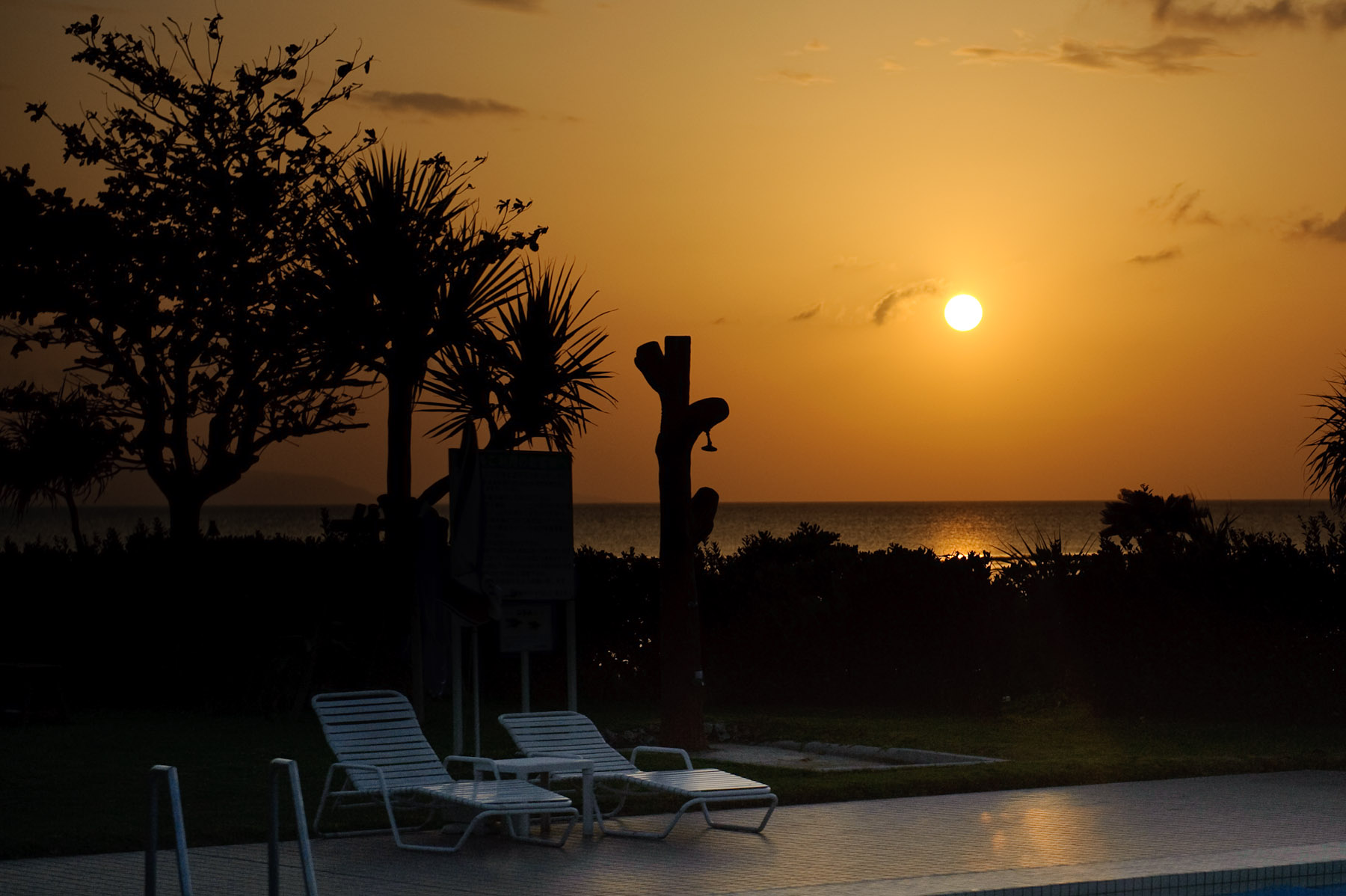
Nikon D700 + Nikkor 24-70mm f/2.8 @ 70 mm — 1/3200 sec, f/3.2, ISO 200 — map & image data — nearby photos


Underexposed
Metering somewhat for the bright sun left the rest of the frame underexposed, which allowed what little color there was in the sky to be exaggerated.
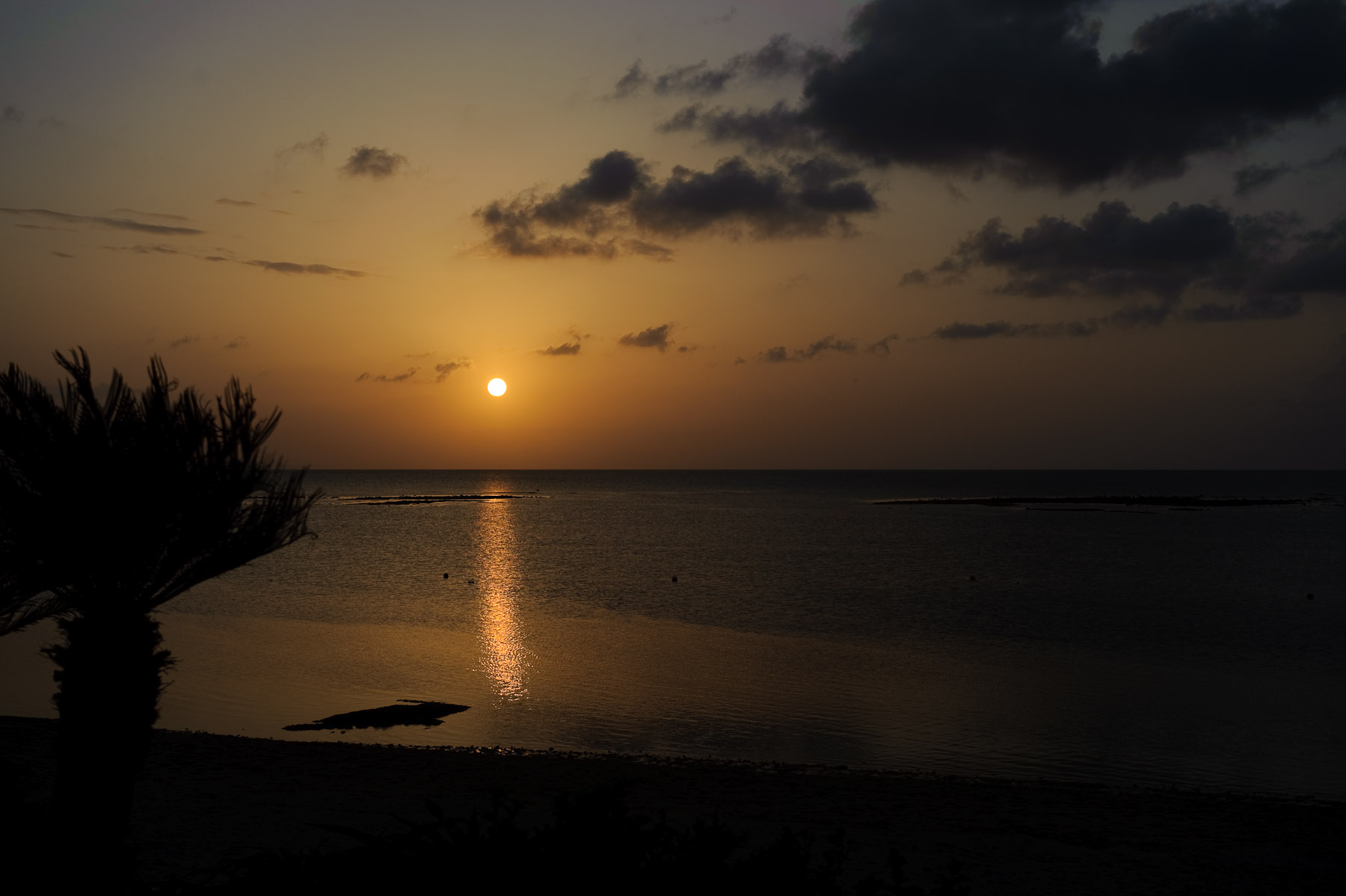
Nikon D700 + Nikkor 24-70mm f/2.8 @ 50 mm — 1/1000 sec, f/5, ISO 200 — map & image data — nearby photos


Fusagi Beach, Ishigaki, Japan
Meanwhile, with the setting sun, Anthony got cold and retreated to warmer climes...
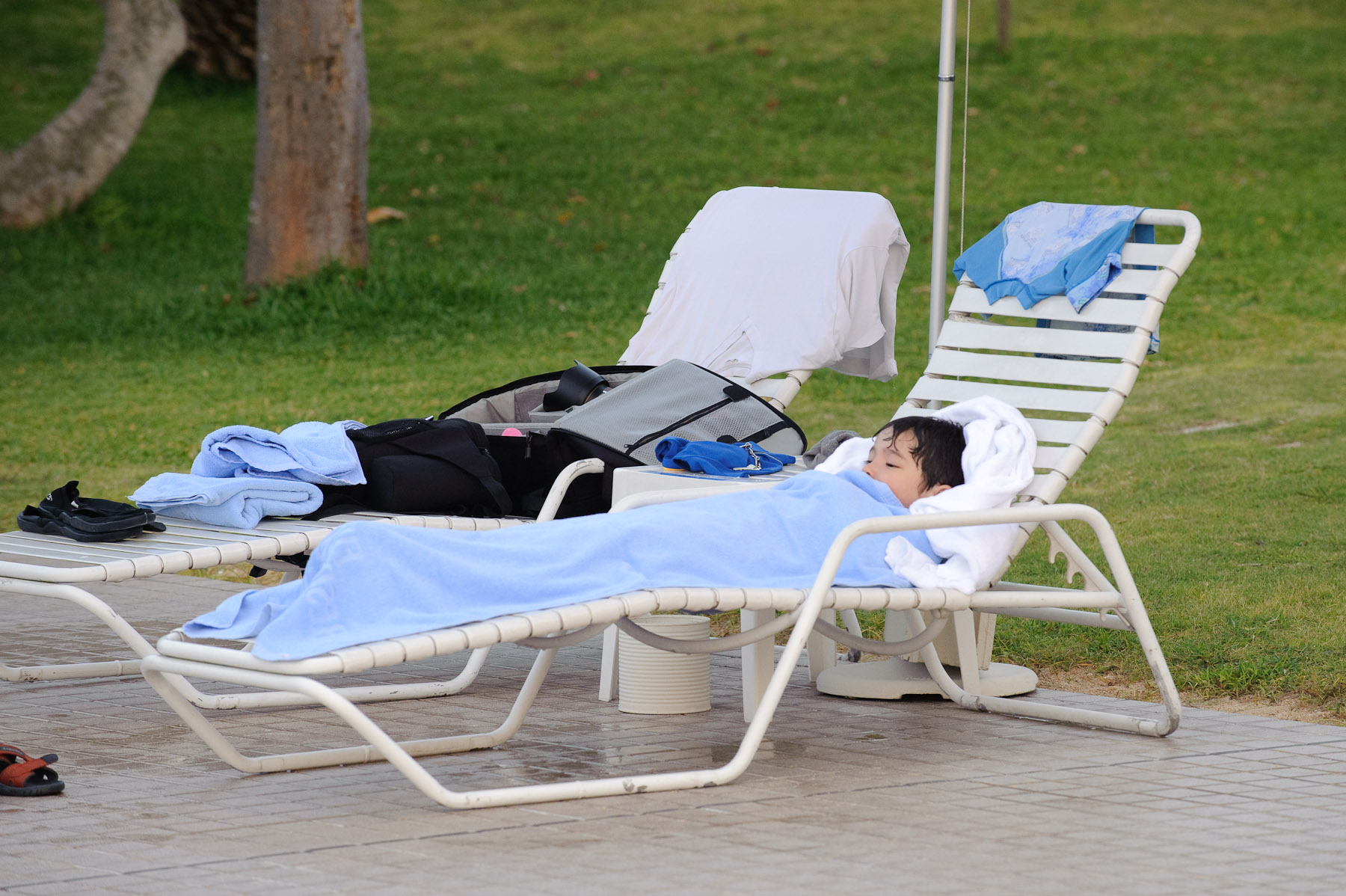
Nikon D700 + Nikkor 70-200mm f/2.8 @ 200 mm — 1/125 sec, f/5.6, ISO 1400 — map & image data — nearby photos


Snuggly
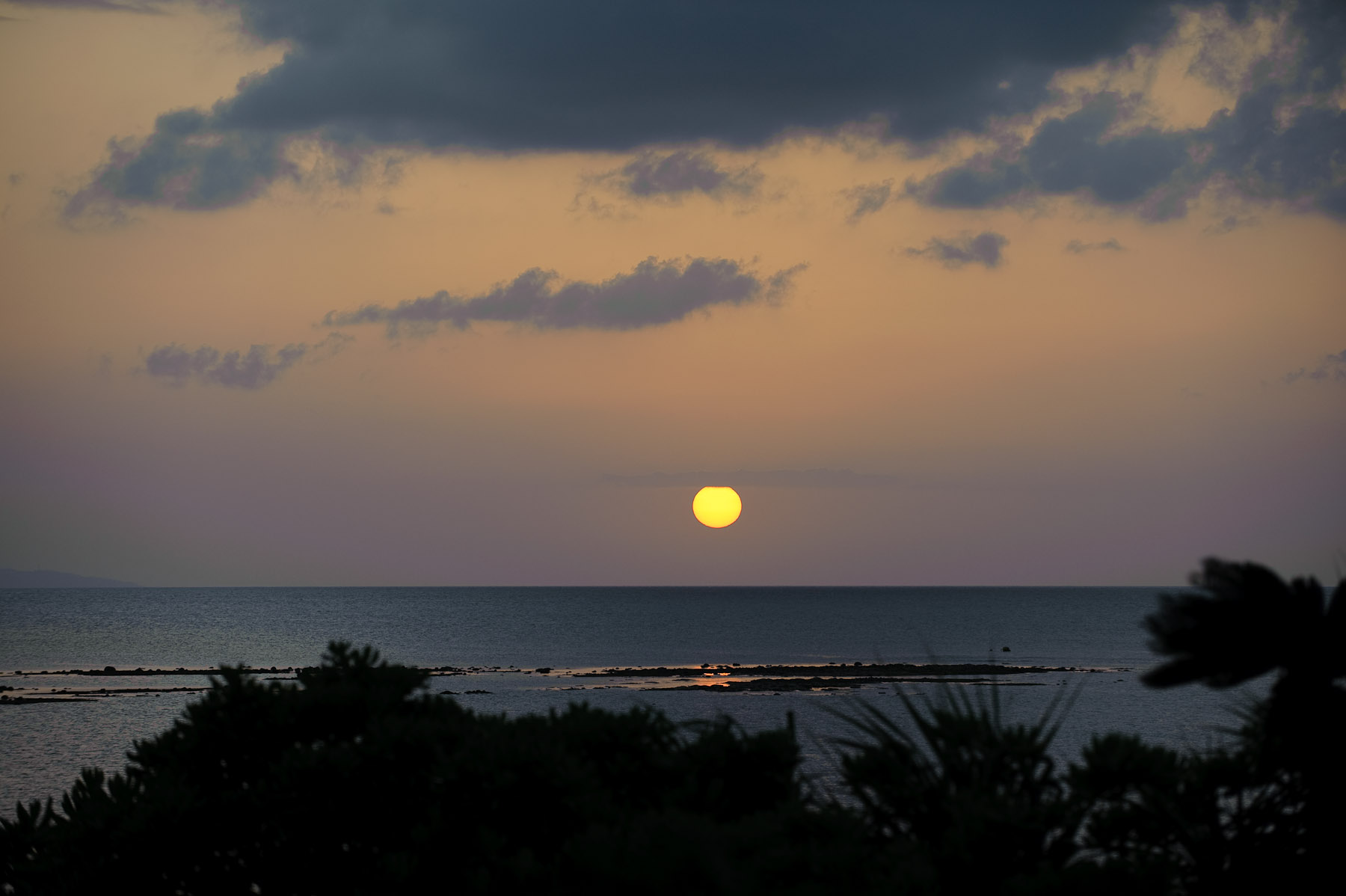
Nikon D700 + Nikkor 70-200mm f/2.8 @ 135 mm — 1/640 sec, f/4, ISO 200 — map & image data — nearby photos


Normally Exposed
The sun got dimmer as it dipped into the haze, so the exposure could be closer to normal, so the shots above and below are closer to how it actually looked.
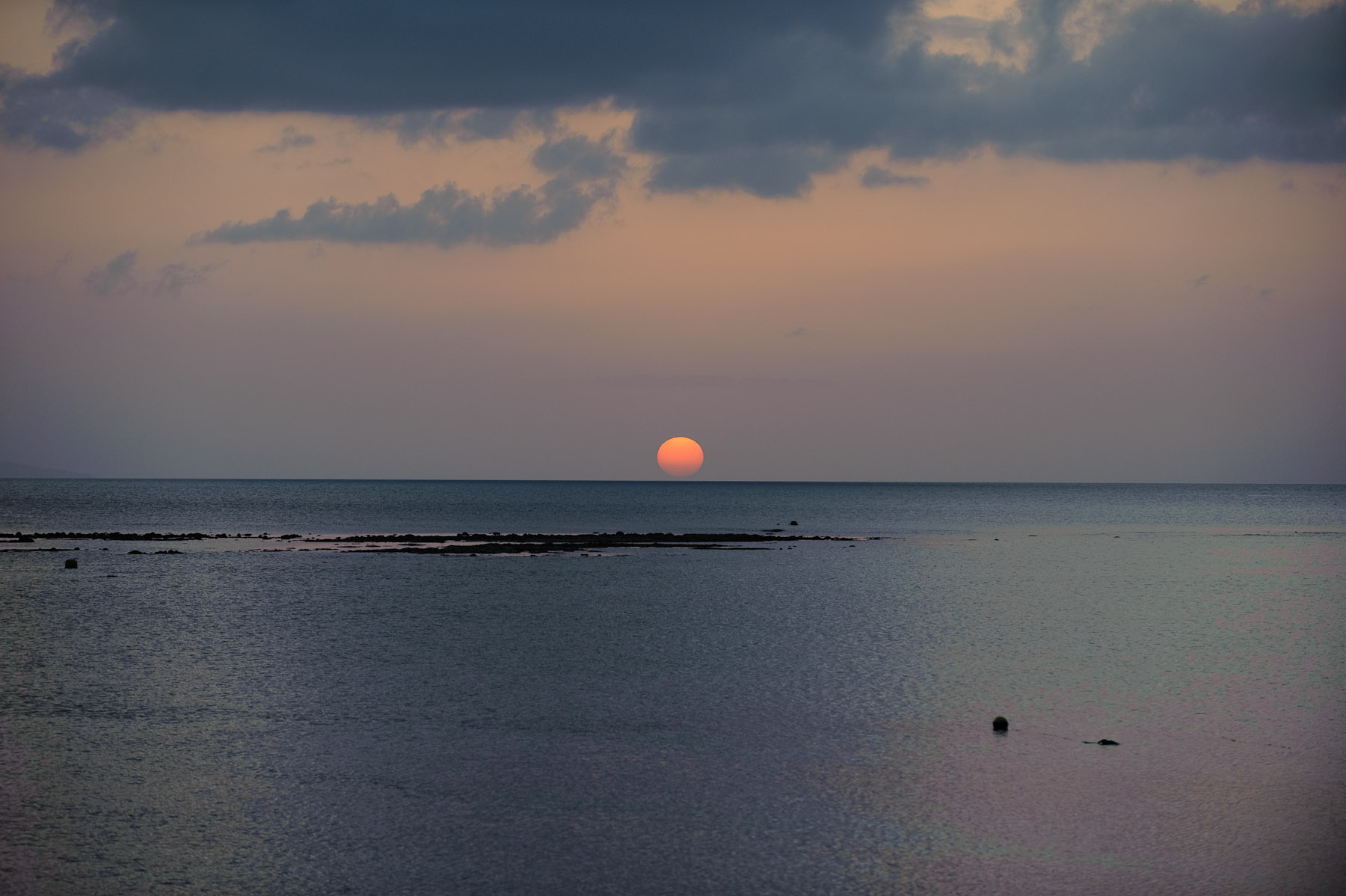
Nikon D700 + Nikkor 70-200mm f/2.8 @ 130 mm — 1/500 sec, f/4, ISO 560 — map & image data — nearby photos


It's moments after this shot that the boat seen in yesterday's post came motoring along.
As I said yesterday, it was boring compared to the previous day's sunset, but relaxing.
Half an hour later, I went back out to the pier from the previous night (which in the day looks like this), and tried a dusk shot...

Nikon D700 + Nikkor 24-70mm f/2.8 @ 24 mm — 1/20 sec, f/2.8, ISO 6400 — map & image data — nearby photos


Dusk at Fusagi Beach
Ishigaki Island, Okinawa, Japan
It is really fun for me to follow your photo blog, the way you mix pictures of Anthony with landscapes. I’ve got three boys and have a hard time doing what you do.
If you ever feel like writing up your workflow I would love to read it, since you mention that you shoot RAW. I am mostly happy with the way my shots come out in JPG, but I just can’t get the colors in RAW to look anything as good as the JPGs (or how my memory is) nor as good as the colors which all your images have. I’ve read everything I can on the flickr forums regarding Nikon Raw files and Lightroom (2.3) but I am a long way from getting it. I have owned a DSLR for some time but it is only over the last couple of months that I have really gotten hooked on it.
Where I am currently (Knysna, South Africa) there are amazing blue skies and sea colors, but I can’t get the RAWS to display that in LR, and I want to as I really like using LR.
Thanks
Guy (D300 + D3)
P.S. I should add that I am red /green color blind.
I’ve posted about my Workflow before. As for colors, two things to look into: the white-balance setting (a small change can make a huge difference in the result), and the profile you select in the Camera Calibration section of the Develop module. You may well prefer the Camera ones to the standard Adobe ones. —Jeffrey
Thanks, I had missed your workflow post. I searched for all sorts of things, but missed the obvious “worklfow”.
I thought that maybe you had made a specific preset for your RAW processing but it looks like you do that manually. Ok, I will keep playing. Obviously it is doable, I just haven’t figured out that combination of white balance, camera profile, fill light etc which will give me what I want.
Thanks again ..