Japanese roads often have different rules between bicycles and cars, such as a bicycle being allowed to go against traffic on many one-way roads, or a bicycle being prohibited from certain road sections. However, the related traffic signage can be confusing even for Japanese natives.
Making it even more confusing is that certain kinds of situations have different signage in different parts of the country.
This article goes into some of the details as I understand them (which is imperfect, for sure).
First of all, under Japanese law, a bicycle is a vehicle, just as a car is a vehicle, so traffic signs and traffic laws fully apply to bicycles. For example, it's illegal for any vehicle, including bicycles, to travel on a sidewalk... unless, of course, there's signage or local ordinance explicitly allowing some kinds of vehicles, as is often the case for bicycles on sidewalks. Bicycles are vehicles under the law.
(This means, among much else, that bicycles must come to a complete and full stop at stop signs, may not cross red lights, must yield to pedestrians in marked crosswalks, and must stop at railroad tracks not controlled by a traffic light. I know cyclists who have been stopped by police for some of these infractions.)
Let's look at some of the basic road signs to recognize as a cyclist.
Signs that explicitly prohibit bicycles
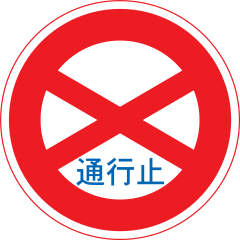 | Road Closed to all, even pedestrians. no bicycles |
 | No Vehicle Access to all vehicles. no bicycles |
 | No Entrance to all vehicles. no bicycles |
 | Motor Vehicles Only (sort of) bicycles definitely not allowed |
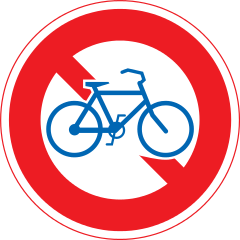 | No Bicycles that means you |
 | No Non-Motorized Vehicles including bicycles |
 | Pedestrians Only
no bicycles |
Any of the signs above, unless augmented by additional clarifying signage, mean that you officially can't use the road while riding a bicycle (though in practice things may be different, so don't base your understanding of the law on what you observe others do).
For example, consider the two blue signs above: in practice if you ride in a “Pedestrians Only” zone, it's may be that no one will care, but if you ride on a “Motor Vehicles Only” road, you can expect to be stopped very quickly by someone acting in an official capacity.
On the other hand, these restrict others but not bicycles:
 | Bicycles Only bicycles okay |
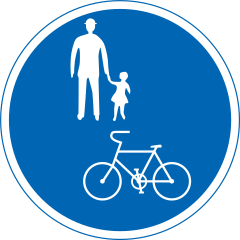 | Pedestrians and Bicycles Only bicycles okay Common for sidewalks |
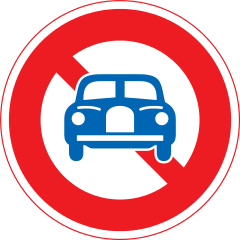 | No Motor Vehicles except two-wheel vehicles bicycles okay | 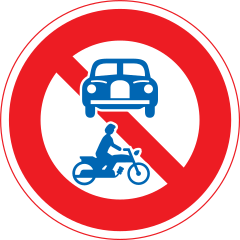 | No Motor Vehicles (sort of) bicycles okay |
 | No Non-Motorized Vehicles Except Bicycles bicycles okay |
Among the various uncommon signs that impact bicycles, I wanted to point this one out:
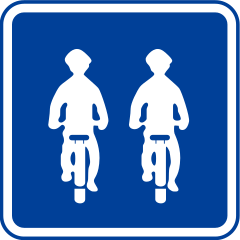 |
Riding side-by-side allowed |
Without the benefit of this sign, riding bicycles side by side is illegal. If you're in the middle of nowhere and you're not impacting cars, no one will care, but if you ride side-by-side on a busy street, holding up traffic behind you, you are wrong. Some cyclists I've met act as if they own the road and that the rules, whatever they are, don't apply to them. Don't be that jerk. If it doesn't bother anyone, sure, do whatever you like, but if you're going to break the law, at least don't be inconsiderate to others.
Anywway, all the signs above might seem confusing enough, but it gets worse. Much, much worse. Here's a common set of signs seen in my part of the country, where a one-way road empties into another:
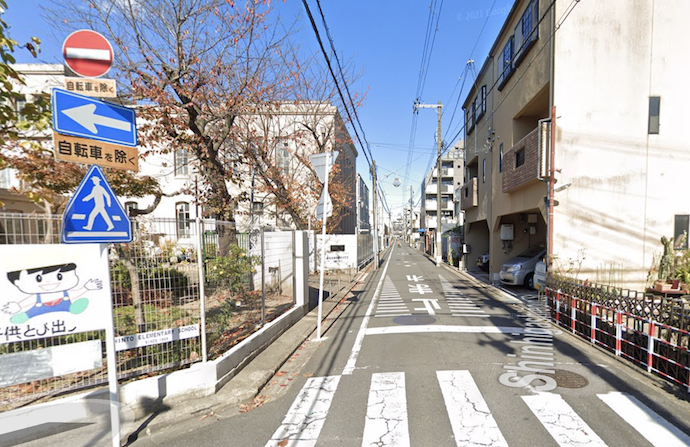
One Way · Do Not Enter
unless you're a bicycle, in which case feel free to enter
Let's look at the signs in detail:
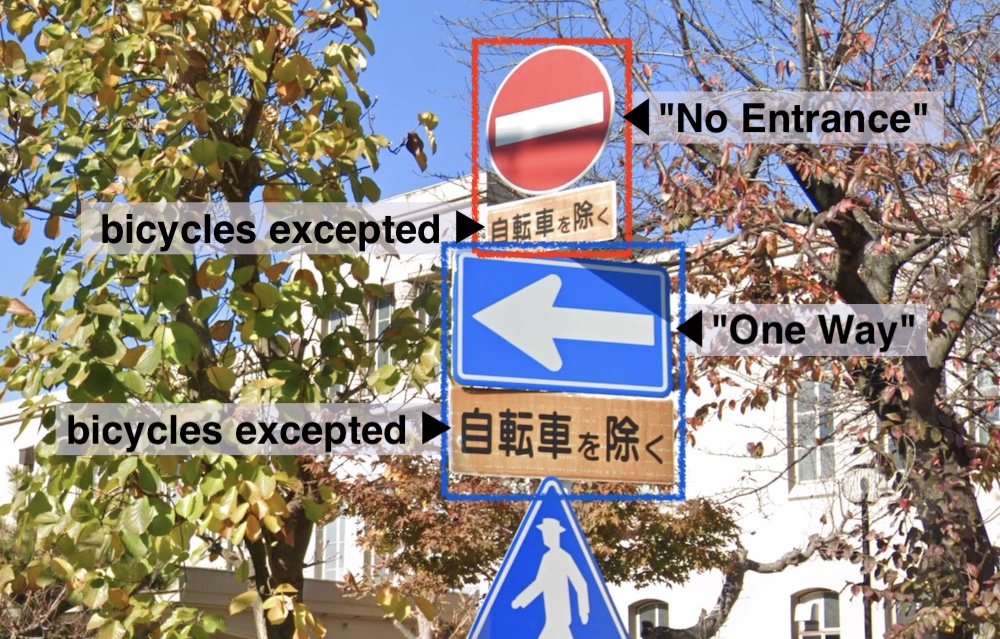
Generally speaking, traffic signs inform of a restriction of some sort — here we have “no entrance” and “one way” — but a restriction can be made more specific by additional little signs under it called 「補助標識」 (“subsignage”, hojo hyoushiki). In this case, both have the subsignage 「自転車を除く」 (“except bicycles”, jitennsha wo nozoku) under them, so these restrictions do not apply to bicycles. This road is not “one way” for bicycles, and they may travel either direction.
Some parts of Japan use different signage for essentially the same thing; we'll look at that later.
Here's a common sign that prohibits bicycles where most other vehicles may go:
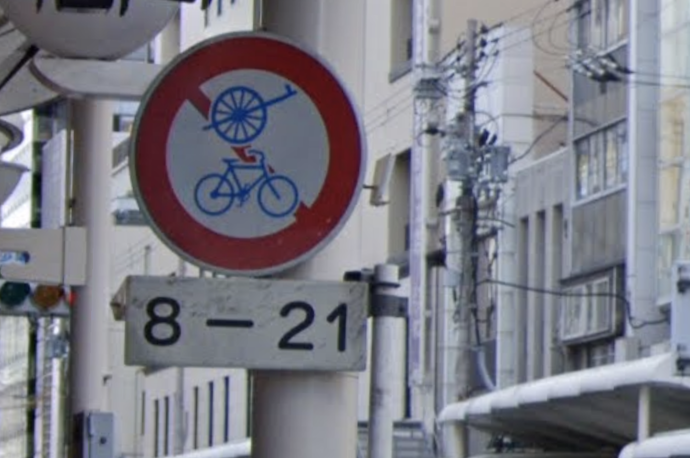
No Bicycles or Other Non-Motorized Vehicles
though disallowed only from 8am to 9pm
This might at first seem as if it prohibits “bicycles and hand carts”, but on road signage, the hand-cart symbol officially signifies “non-motorized vehicles except bicycles”, so the above sign really means “no bicycles and no non-motorized vehicles except bicycles”.
In other words, it means what in English we would express by “motorized vehicles only”. So why isn't it expressed that way? Welcome to Japanese traffic law, which often comes across as if Yoda wrote it while trying to parody himself. Oh, are pedestrians allowed? Unlikely, because there's a wide sidewalk here. Mystifying. In any case, bicycles not allowed.
Here's the same sign (without the time limitation), and with an additional “no pedestrians” sign:
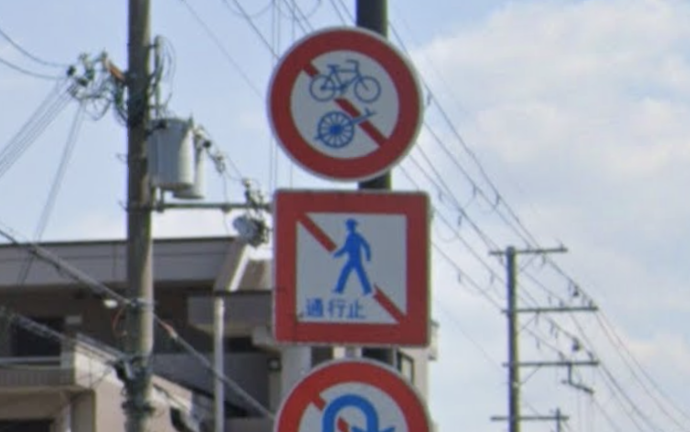
No Bicycles, Other Non-Motorized Vehicles, or Pedestrians
The same “no bicycles, no other non-motorized vehicles” sign makes an appearance here:
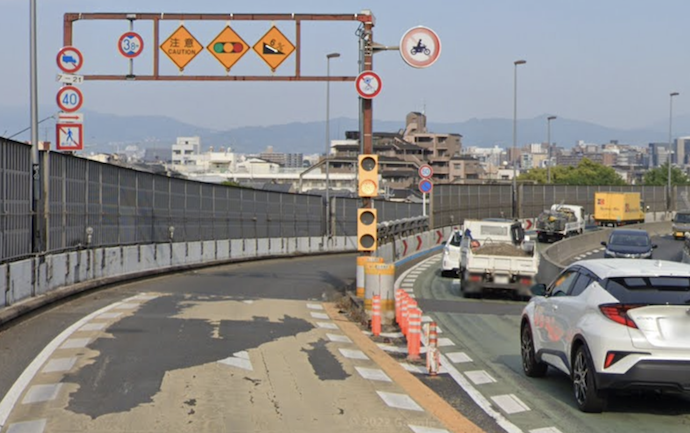
Lots of Signs
In the top center of the photo, one sign sort of sticking out to the right prohibits motorcycles from using the right lane, and though a bit blurry in this photo, our “no bicycles, no other non-motorized vehicles” sign is near it, also applying only to the right lane.
Oddly, pedestrians are restricted from the left lane but not the right, implying that pedestrians should use the right lane, which doesn't fit the vibe of this area which is that pedestrians shouldn't be here in the first place. I'm probably missing something important here.
An even bigger restriction — “motor vehicle only” — is used for highways and tollways:
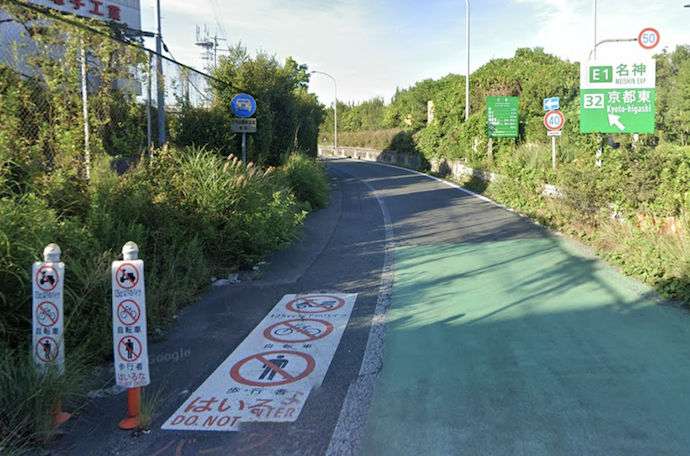
In the photo above, the multiple sets of circle-with-a-slash restrictions (one each for “no scooters”, “no bicycles”, and “no pedestrians”) placed on the left side of the road are just an extra kindness likely placed at this specific location because they had a lot of trouble here; the heavy lifting is actually done by the small circular blue sign a bit farther in the distance:
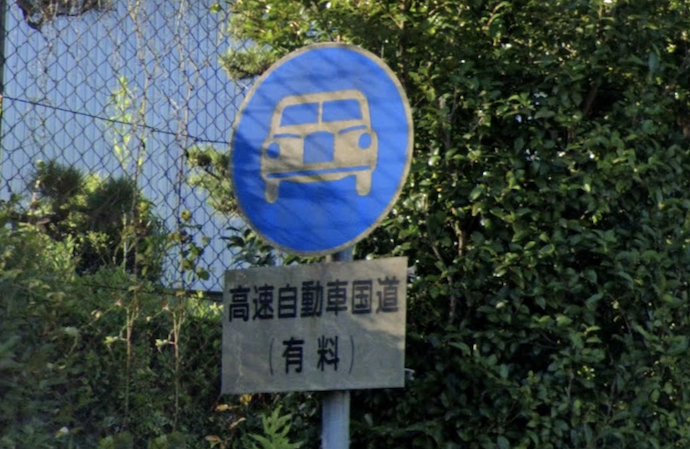
Motor Vehicles Only
(sort of)
(The small sign under the round blue one in this case is not one that makes the restriction more specific, but simply spells out that the road is a high-speed national motorway, and notes parenthetically that it's a toll road.)
I added “sort of” to the “Motor Vehicles Only” caption above because of quirks in how a Japanese legal term is translated to daily English. We'll see details later, but in this case I couldn't use this road with my 125cc scooter, even though in common English we'd consider it a motor vehicle.
Let's see another style of restriction:
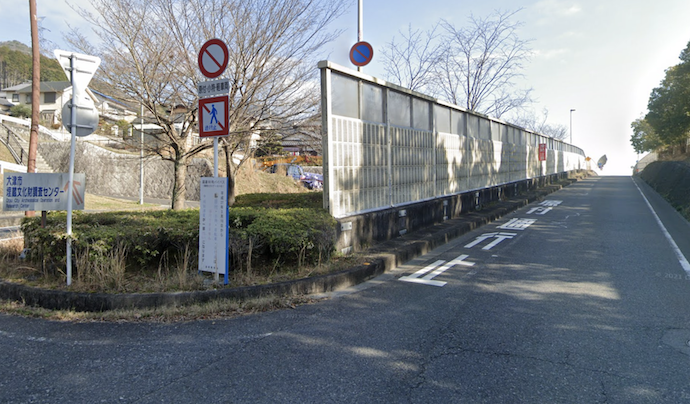
The red circle on white with a slash means “closed to vehicles”, but there's a little clarifying sign under:

The small sign says 「原付・小特・軽車両」, limiting the “closed to vehicles” restriction to just the three classes of vehicle listed, which roughly speaking encompasses “scooters, small farm equipment, and non-motorized vehicles”. Bicycles are non-motorized vehicles, so bicycles may not enter this road.
This may seem complicated, but it's actually much more complicated than it looks.
Broadly speaking, Japanese law divides all vehicles into one of three main classes:
| Legal Class | Examples |
|---|---|
| 軽車両
keisharyo “Non-Motorized Vehicle” (literally “light vehicle”) |
Most human/animal-powered vehicles
bicycles, unicycles, ricksha, horse-drawn carts, kick-scooters, parade floats, sleds, tricycles, push-carts, dollies, etc. (Excluded: wheelchairs, walking aids, and toy vehicles for children are not legally “vehicles” at all) |
| 原動機付自転車
gendoukituki jitensha “Motor-Attached Bicycle” Common shorthand: 原付 (gentsuki) | Mopeds and scooters and motorcycles with a “small enough” engine displacement
those with an engine displacement of 50cc or less (some parts of the law)
|
| 自動車
jidousha “Motor Vehicle” (sort of) | Non-rail motorized vehicles not accounted for above
cars, trucks, cranes, buses, farm equipment, motorcycles with “big enough” engines, construction equipment, etc. (Trains and other rail vehicles are covered by totally different laws.) |
Each class has a myriad of subclasses, some of which you may encounter on signs. Let's revisit the “scooters, small farm equipment, and non-motorized vehicles” sign from above:
「原付・小特・軽車両」
- 原付 (gentsuki) — short for 「原動機付自転車」, the broad “motor-attached bicycle” class seen above.
- 小特 (shotoku) — short for 「小型特殊自動車」, “small special motorized vehicle”, a sub-class of the broad “motor vehicle” class seen above,
encompassing things like farm equipment and construction equipment that fall within certain maximum limits of size, power, and speed.
- 軽車両 (keisharyo) — the broad non-motorized “light vehicle” class seen above, which includes bicycles.
Sometimes it seems as if it requires a PhD in both language and logic to figure out some signs. Consider this example from my blog a decade ago:
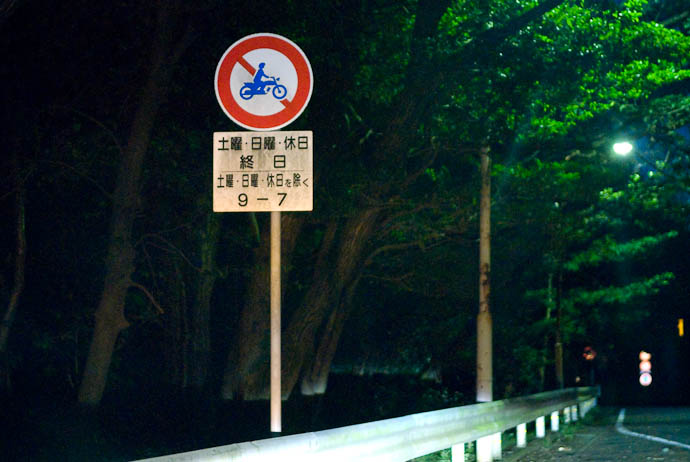
Can you figure it out exactly what the restriction is? See the article for the convoluted answer.
Here's another example:
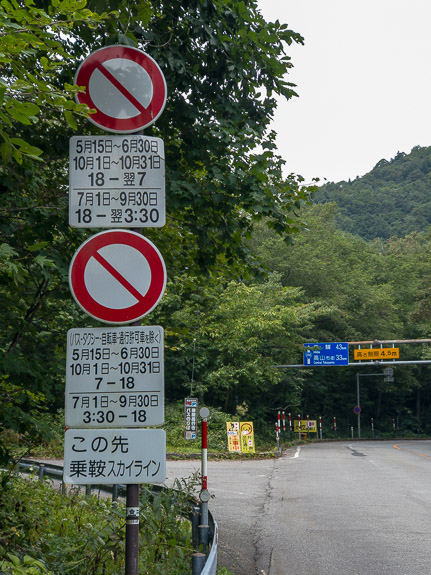
Again, see the blog post for an explanation.
The ones above are convoluted but with some effort those who read Japanese can figure them out. But sometimes it's just impossible to understand the meaning without knowing the specific rules of precedence and association that dictate what parts of the signs applies to what other parts:
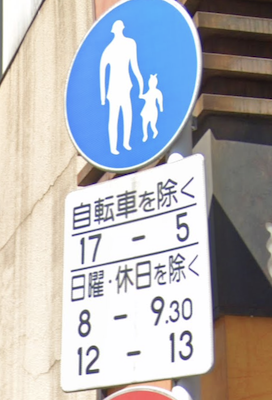 |
Pedestrians
except bicycles
5pm-5am except Sundays and holidays 8-9:30am Noon-1pm |
I brought this photo to a police station and had a fairly-senior-looking officer explain in detail what this meant. Later, I happened to come across a few traffic officers manning a speed trap and asked them, and got another detailed explanation... quite different from the first!
(All the officers I talked to said that the sign was horrible.)
|
Explanation 1
Pedestrians only, but bicycles allowed. This restriction against other vehicles applies only in the evening (5pm through to 5am), meaning that cars etc. can use the road during the day (5am through to 5pm). Also, the restriction doesn't apply during the two short periods on Sundays and holidays. |
Explanation 2
Pedestrians only, but bicycles allowed from 5pm through to 5am. Also, on weekdays, these restrictions also apply during two short additional periods. |
These are completely different (!!) and probably neither are correct. If those charged to enforce these kinds of signs have no idea what they really mean, how can average citizens?
Let's see whether we can figure it out.... (Hint: we can't)
The separator line above “except Sundays and holidays” seems to strongly indicate that the three lines below it (“except Sundays and holidays”, “8-9:30am”, and “Noon-1pm”) all go together, but the question is how do they combine and apply to the overall restriction? The double and triple negatives make my head spin. Is it that the restriction is in force only during the two time slots, but not at all on Sundays and holidays, or is it that on weekdays the restriction applies only during the two time slots? My current guess would be the latter, but ask me tomorrow and I might come to a different conclusion.
And then there's that separator between “except bicycles” and “5pm-5am”, making me feel that those lines don't go together and that each applies to the overall restriction independently. That's what we see in Explanation 1. But if so, why would they use “pedestrians only” with an “except bicycles” modifier when there's a perfectly good “pedestrians and bicycles only” sign? Maybe that's just the way they do things: I came across a standalone “pedestrians only” with an “except bicycles” modifier just today. It makes no sense to me.
All that being said, how does the “5pm-5am” line combine with the bottom half of the sign? Does the bottom half add to the “5pm-5am” on some days, or replace it on those days?
The relevant Japanese law (around 第2章 第3-8(6)ア in this PDF) says that separator lines may be used for clarification, but it doesn't seem to help in this case.
Sigh, I have no idea.
For reference, here's a case where no black-separator line is used, but it's clear:
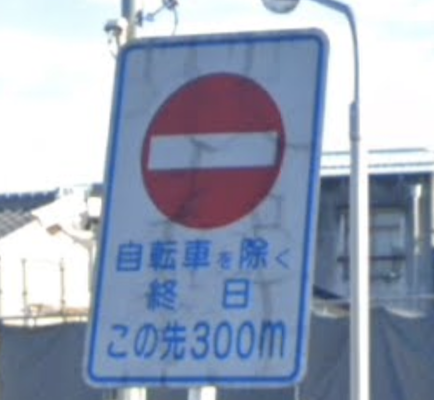 |
NO ENTRANCE
except bicycles
all day 300m ahead |
Here's another example not uncommon in my area:
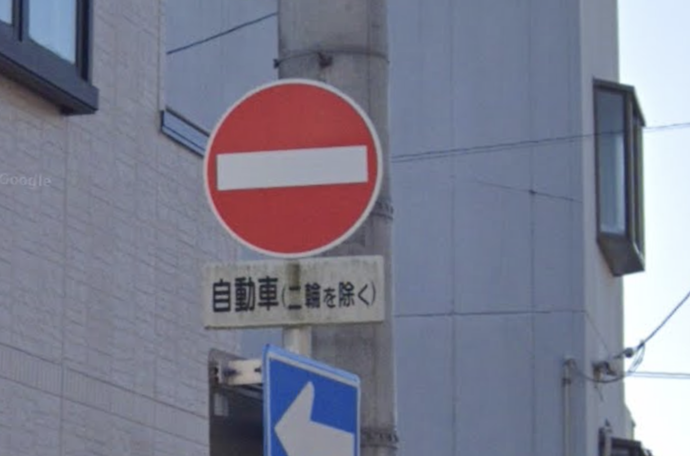
This is a standard “No Entrance” sign, with the little sign under limiting the restriction to 「自動車」(most motor-vehicles except some scooters), but then the parenthetical 「二輪を除く」removes all motorcycles from the restriction. So, all motorized two-wheeled vehicles and all non-powered vehicles (which includes bicycles) can go both ways.
Some Extra Notes
Vehicles that would seem to belong to one category can actually be placed in another, depending on a variety of special conditions. For example, a “pedal-assist” bicycle, which has a motor to assist the user while pedaling, but won't propel the vehicle otherwise, can legally be a “bicycle” if the motor is weak enough.
In the law (and on traffic signs),「自転車」(“bicycle”) has a specific legal meaning that includes specifications on size and on the number and type of people it's designed to accommodate. Generally, it's what one would consider a “normal” bicycle. But note that a tandem bicycle — a bicycle designed for two or more operators — is not legally a “bicycle”, so it falls into the general non-motorized “light vehicle” category. We'll see later an example of where this can be an important distinction.
However, each prefecture has its own laws about tandem bicycles, mentioned in short in this Wikipedia page. Tandem bicycles had been generally prohibited on roads until recently, but as of this writing most such restrictions have been removed.
Electric vehicles of all sorts, other than the pedal-assist bicycle just mentioned (and mobility-assist devices, etc. that are not legally a vehicle), generally fall into one of the motorized-vehicle categories, all of which requires a valid driver's license to operate, and proper vehicular licensing to use on public roads. This (currently) includes even weakly-powered vehicles like electric skateboards, hoverboards, and electric kick scooters, though as of this writing the law is slated to change to allow unlicensed use of these kinds of things. We'll see.
The moment you dismount your bicycle and push it while walking, you are now a pedestrian and the bike is just something you have with you. This is a special rule that does not apply to most other non-motorized vehicles, such as push carts and rickshaw and parade floats, which are initially designed to be pushed or pulled, and so are “vehicles” under all conditions.
Three-wheeled vehicles are placed into categories depending on a variety of factors, including size, whether they have an engine (and how powerful the engine is, and how it is interacted with), maximum powered speed, etc. Depending on these, they can be placed into any of the broad vehicle categories.
Trivia: ask the average Japanese person what 「軽車両」(keisharyo) refers to, and instead of the correct answer (“the broad class encompassing non-motorized vehicles, including bicycles”), you'll likely hear the definition for 「軽自動車」(keijidousha), which is a sub-class of automobile meeting certain size and engine restrictions that enjoys beneficial taxation and parking, and can be identified by the fact that their license plates use a black/yellow color scheme, instead of the normal white/green.
In some prefectures, bicycles are allowed in both directions on most one-way streets in this way:
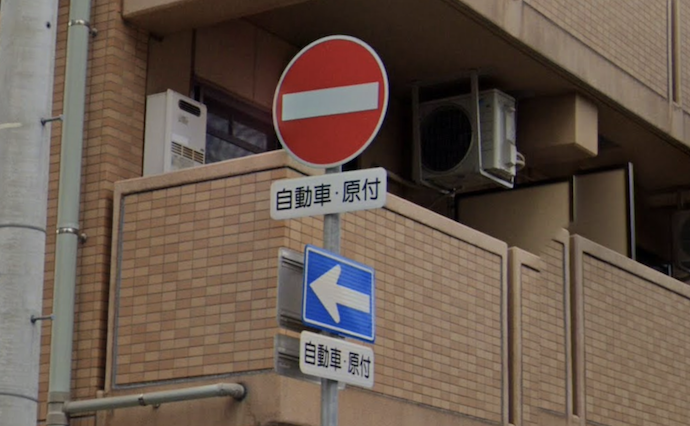
Here, the modifier signs say 「自動車・原付」, which as we saw above are the two motorized broad category of vehicles, meaning that the restrictions do not apply to the third, the non-motorized “light vehicle” category, which of course includes bicycles. So, bicycles can ride either direction.
As you'll recall, in my area the restrictions exempt only bicycles, but here all non-motorized vehicles are exempted. The difference between the two are all the other (non-bicycle) non-motorized vehicles, such as tandem bicycles, tricycles, unicycles, etc. In my area, they are limited by the one-way sign, but in the area of the photo above, they can travel both ways. What a weird local difference.
One last thing to note is the difference between these similar signs:
| Road Closed to all, even pedestrians |
| No Vehicle Access to all vehicles (including bicycles) |
 | No Stopping |  | No Parking |
If you made it this far, congratulations; you're ready to ride.
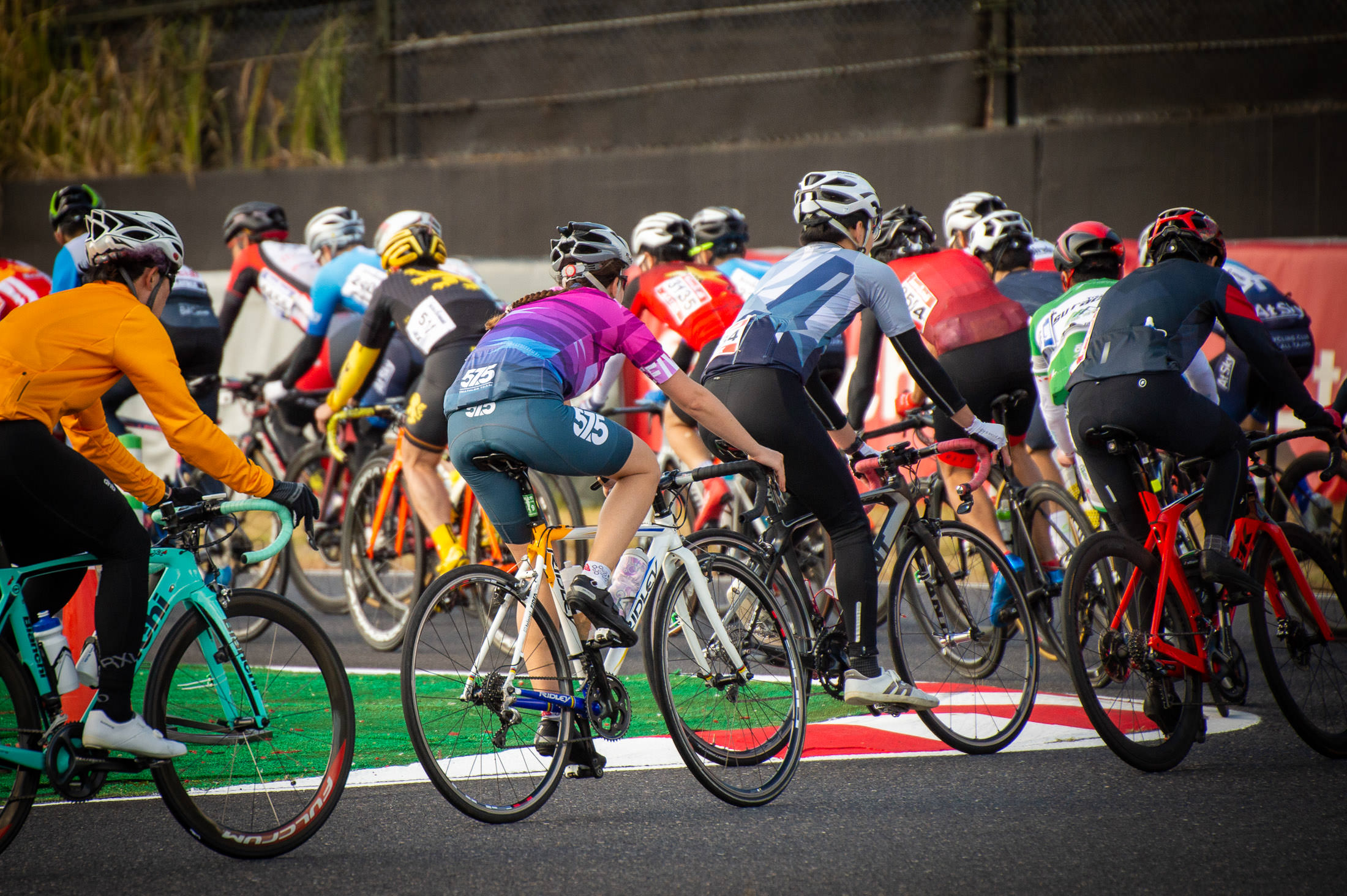
Nikon D4 + Sigma “Bigma” 50-500mm OS @ 340mm — 1/1600 sec, f/6.3, ISO 1400 — map & image data — nearby photos
The Chicane
Suzuka International Raceway
Suzuka, Japan
I attended a cycling event this weekend that was really fun, even though I didn't ride in it.
The Suzuka Circuit, best known for hosting F1 and motorcycle grands prix, also sometimes hosts bike racing. The entire event is officially called “The Suzuka 8-Hour Enduro”, though currently races are only three, four, and six hours.
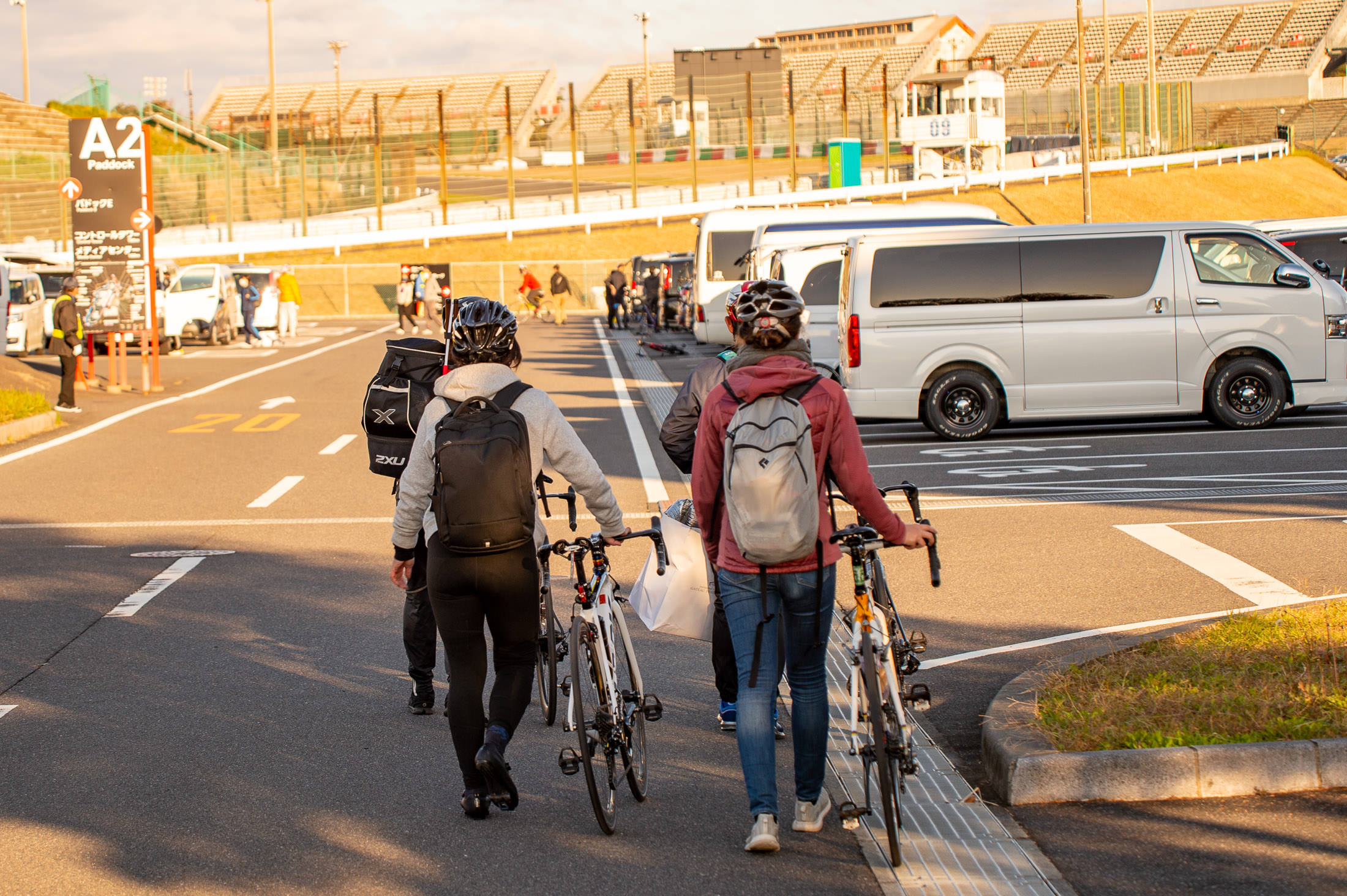
Nikon D4 + Voigtländer 125mm f/2.5 — 1/320 sec, f/2.5, ISO 100 — map & image data — nearby photos
Arriving at The Track
7:27am
It's really more of an “event” than a “race”, where you can challenge yourself to do as many laps as possible within the allotted time. Those trying for more laps than anyone else are racing, but it's perfectly okay to just plod along and have fun.
Each time range (three hours, four hours, and six hours) has two kinds of race: solo and team.
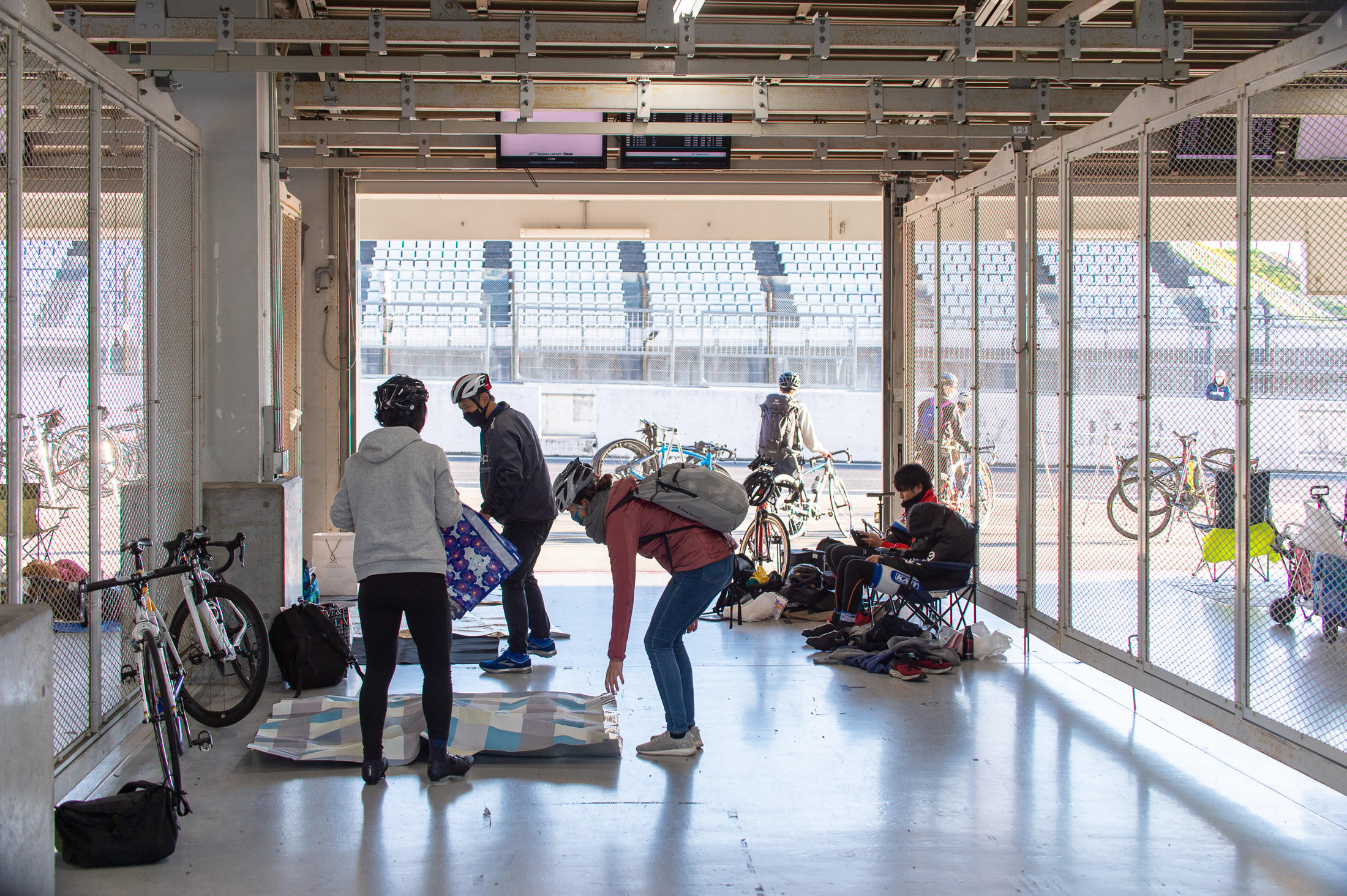
Nikon D4 + Sigma “Bigma” 50-500mm OS @ 50mm — 1/200 sec, f/4.5, ISO 250 — map & image data — nearby photos
Setting Up in Our Pit
these are the same pits used by F1 racecars
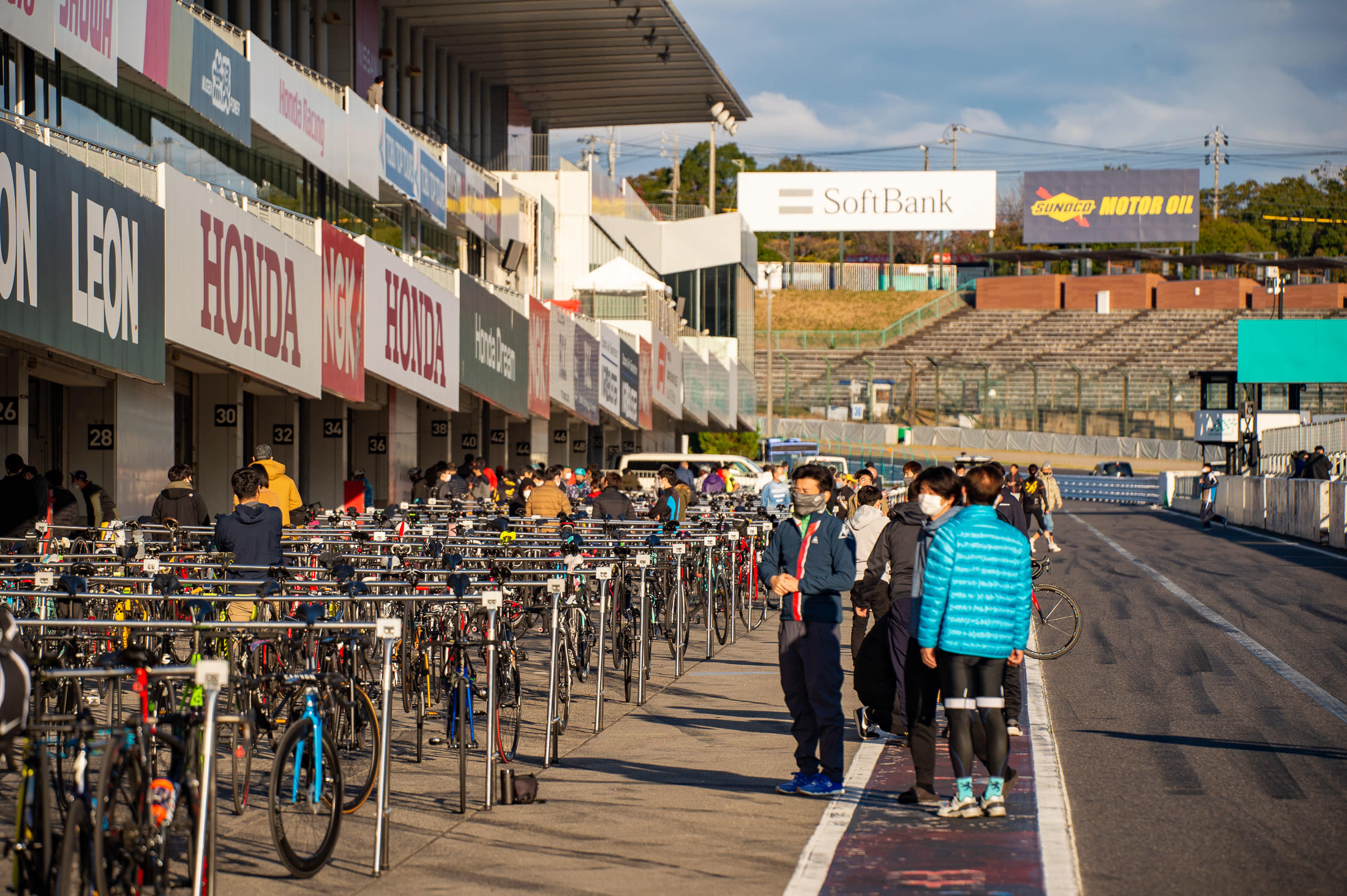
Nikon D4 + Sigma “Bigma” 50-500mm OS @ 210mm — 1/1000 sec, f/6, ISO 250 — map & image data — nearby photos
Pit Lane
340m of bikestands
2½ hours before the races start
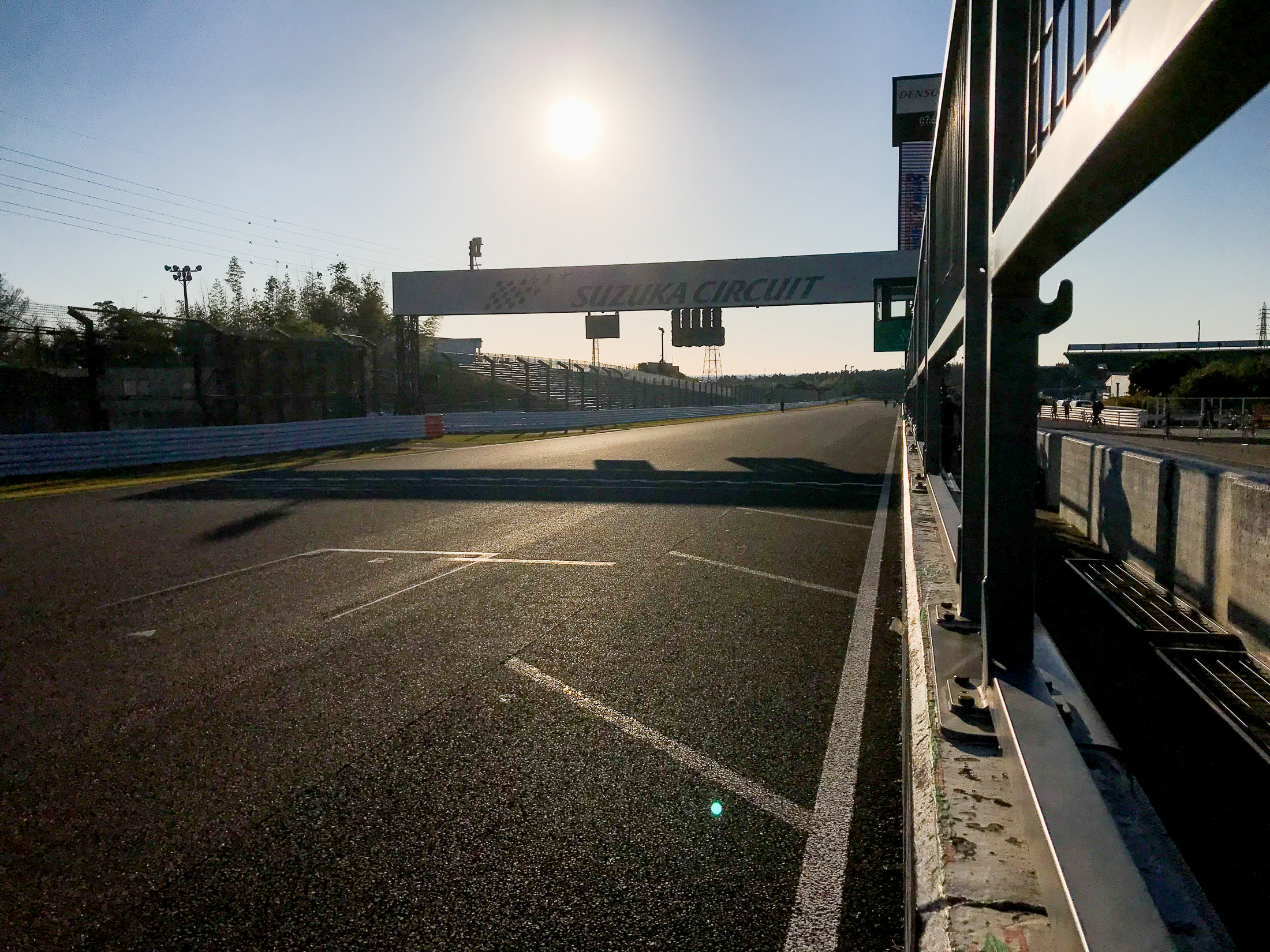
iPhone 7+ + iPhone 7 Plus back dual camera 3.99mm f/1.8 at an effective 28mm — 1/32000 sec, f/1.8, ISO 25 — map & image data — nearby photos
Finish Line, Just Outside Our Pit
(finish line for motorsports)

Nikon D4 + Sigma “Bigma” 50-500mm OS @ 210mm — 1/1000 sec, f/6, ISO 400 — map & image data — nearby photos
Nancy
the bundle of positivity that invited me
Kyoto riding buddy Nancy has been doing triathlon training hard for the last year, and her cycling (the part that I see) has improved by leaps and bounds. She had originally planned to ride the three-hour solo event, but after she signed up for that, members of her triathlon team asked that she join their four-member six-hour enduro team for Suzuka.
While chatting during a ride a couple of weeks ago, she was lamenting having to leave one race entry unused, so I suggested that she invite Kata to ride it.
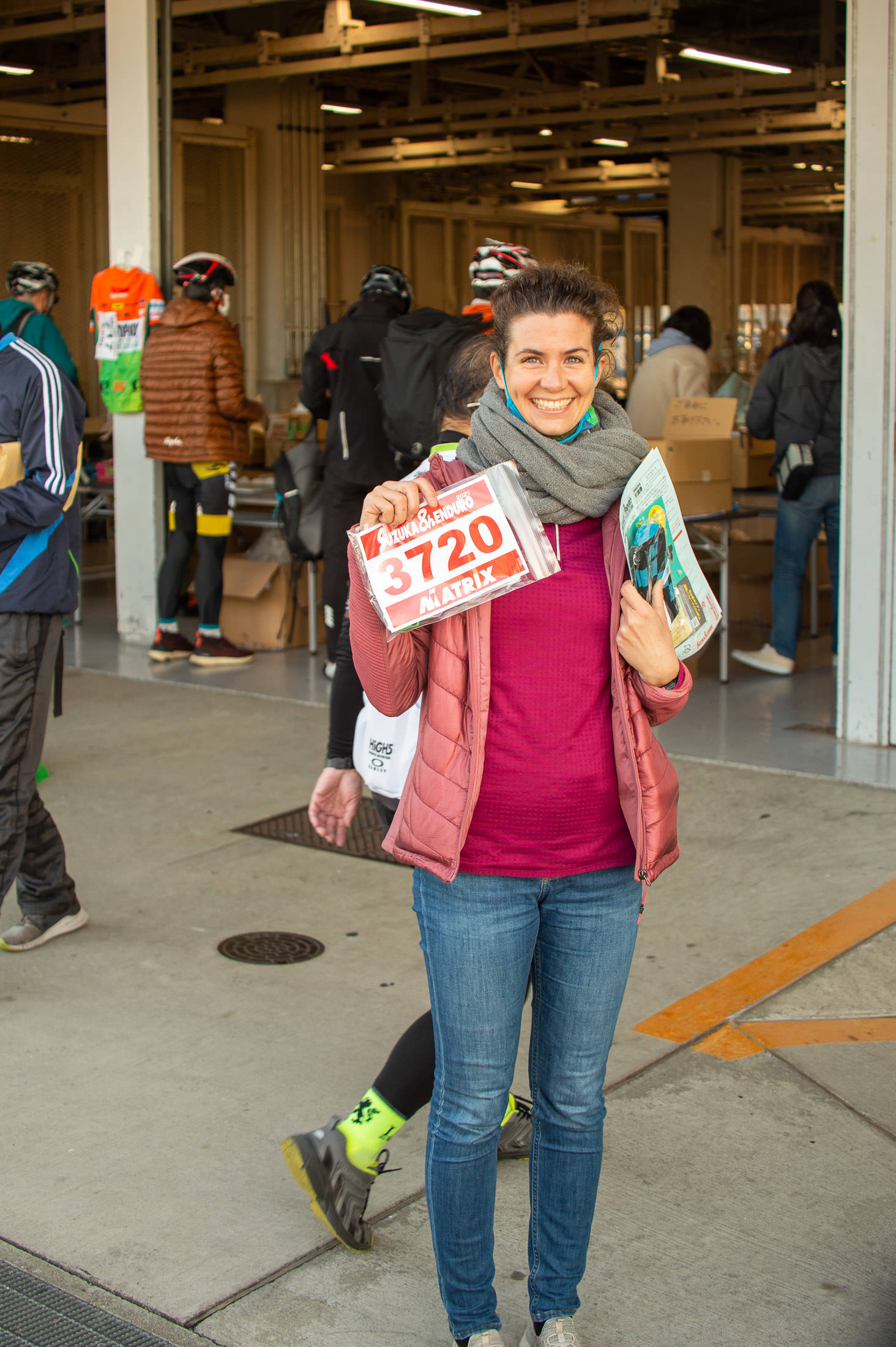
Nikon D4 + Sigma “Bigma” 50-500mm OS @ 58mm — 1/250 sec, f/4.8, ISO 360 — map & image data — nearby photos
Kata
finally confirmed that she can race
Kata was also on this same ride a couple of weeks ago, which is where both Nancy and I met her. Making small talk with me as we rode, she had mentioned that she used to do triathlons back home in Hungary, so when Nancy mentioned that she wasn't sure what to do with her Suzuka entries, I suggested that maybe Kata could ride one of them.
And that's what happened. Kata was allowed to use Nancy's registration for the three-hour solo, while Nancy then joined the six-hour team race.
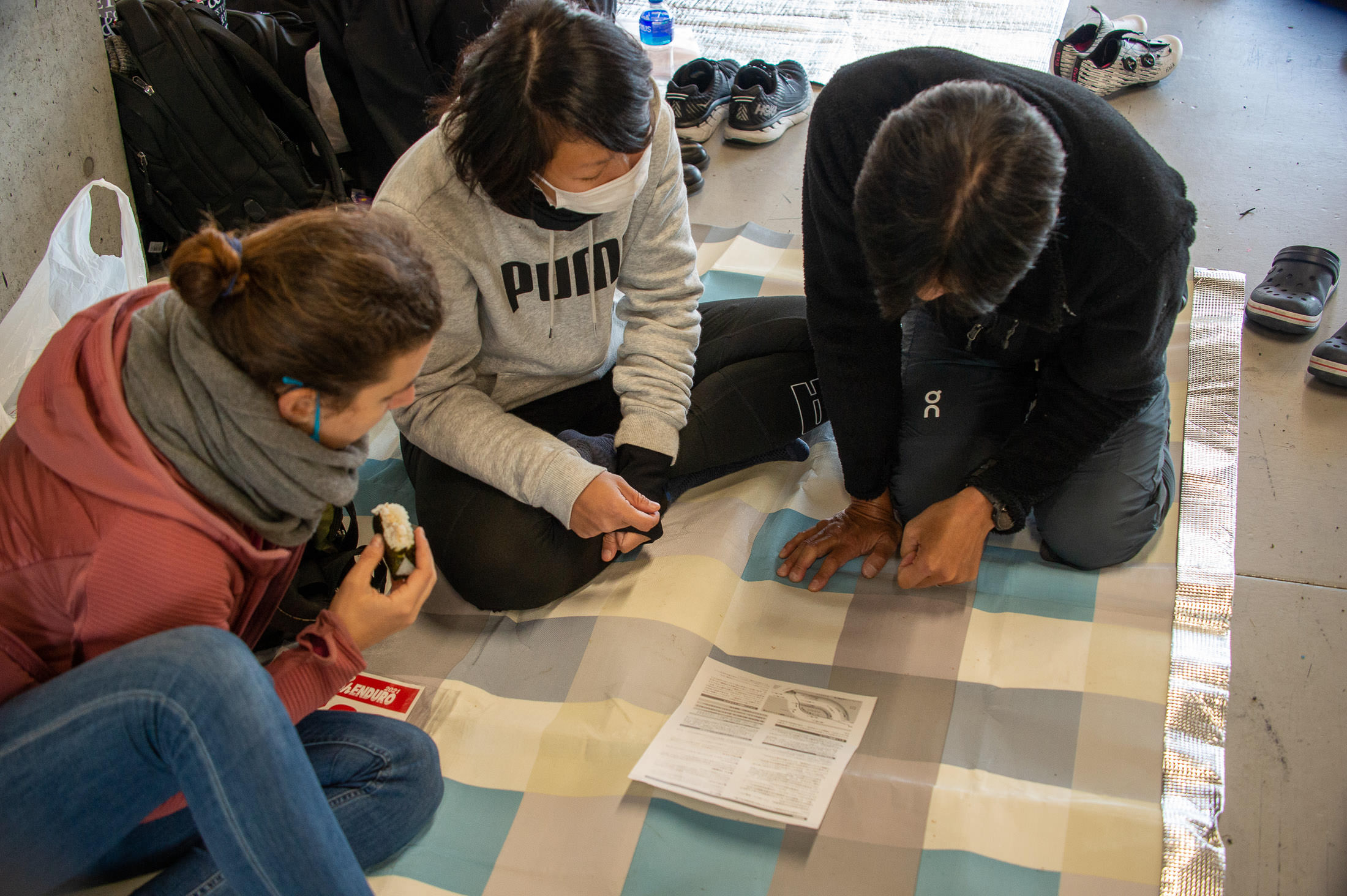
Nikon D4 + Sigma “Bigma” 50-500mm OS @ 58mm — 1/250 sec, f/4.8, ISO 2800 — map & image data — nearby photos
Reviewing Course Information
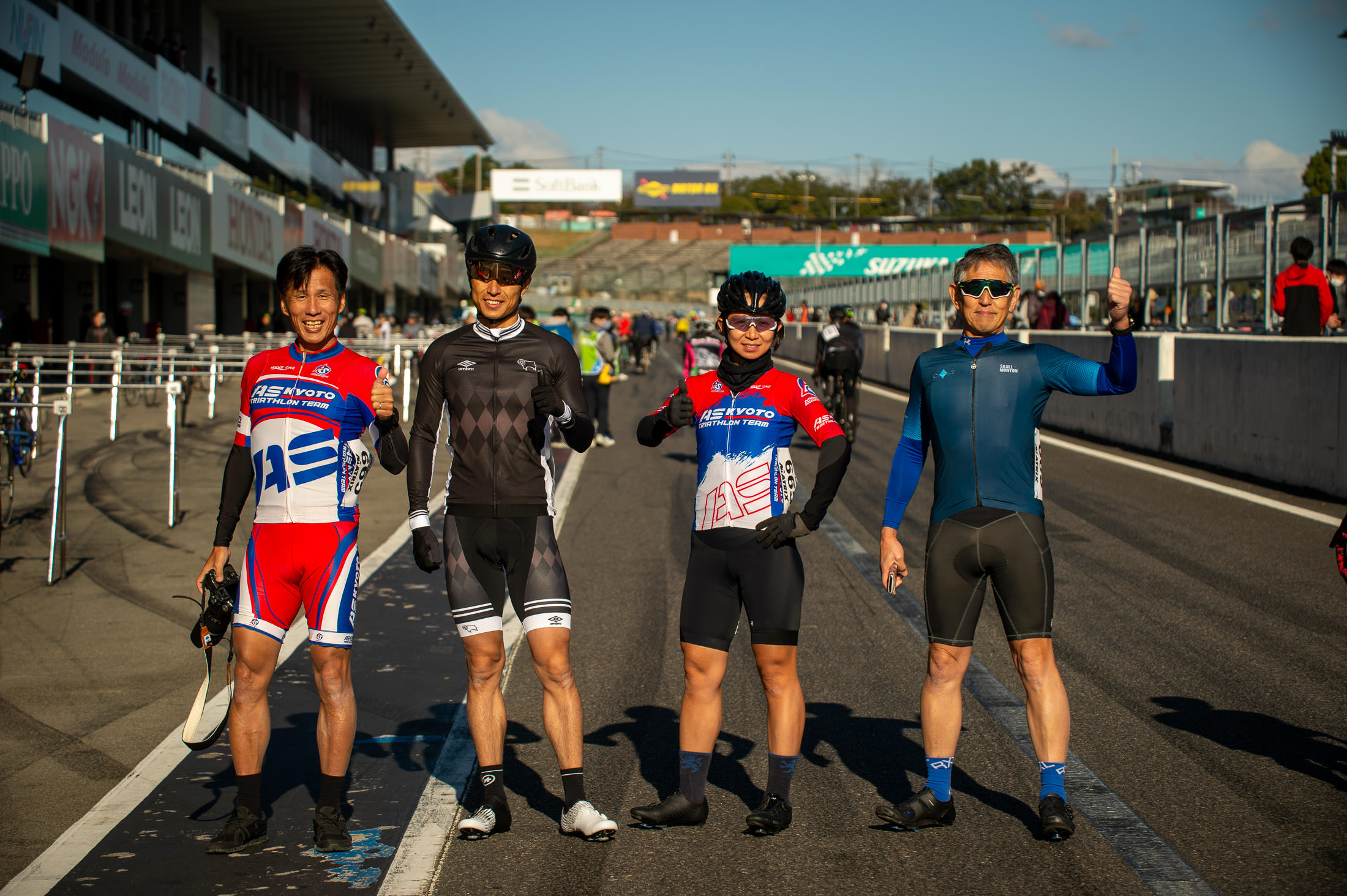
Nikon D4 + Sigma “Bigma” 50-500mm OS @ 95mm — 1/800 sec, f/5, ISO 100 — map & image data — nearby photos
AS Kyoto Triathlon Team
Suzuka entry
Before the race, I wandered around the pit area a bit...

Nikon D4 + Sigma “Bigma” 50-500mm OS @ 140mm — 1/640 sec, f/5.6, ISO 200 — map & image data — nearby photos
Color Coordination On Point!
(the guys in blue in the background ended up taking #2 in their race)
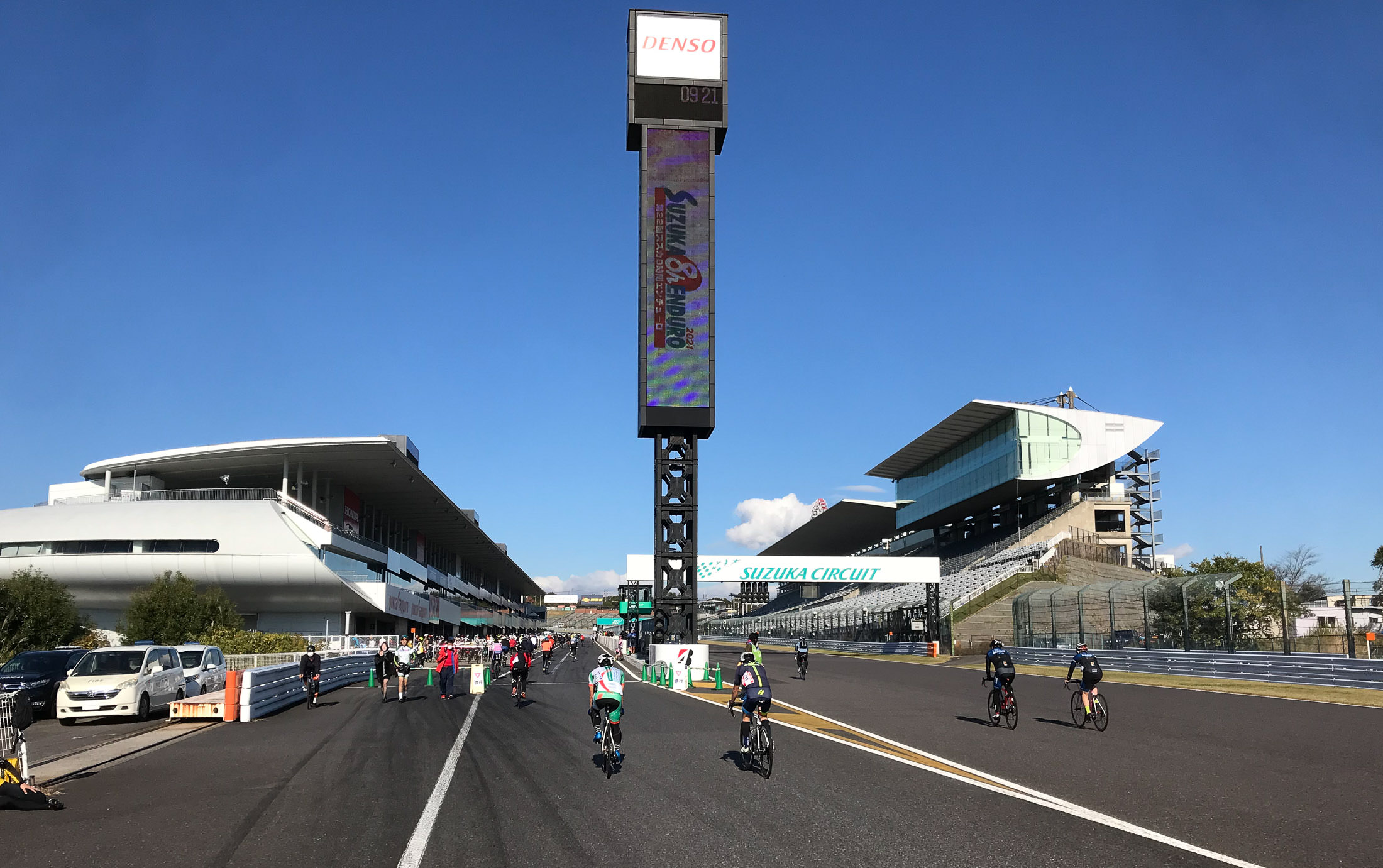
iPhone 7+ + iPhone 7 Plus back dual camera 3.99mm f/1.8 at an effective 28mm — 1/3200 sec, f/1.8, ISO 20 — map & image data — nearby photos
Entering the Home Stretch
The cycle event runs the course in the opposite direction to how the motorsports run it, so for F1 and the like, this is where they exit the grandstands.
I guess that they run it backwards in order to make the run up Pit Lane be slightly uphill instead of slightly downhill. When F1 and other motorsports are running, they don't let just anyone wander around the pits, so one can expect a certain competence among crew and racers. Here, anyone can wander around, making the pit lane a bit dangerous. Lowering the speed perhaps makes it safer. That's my guess.
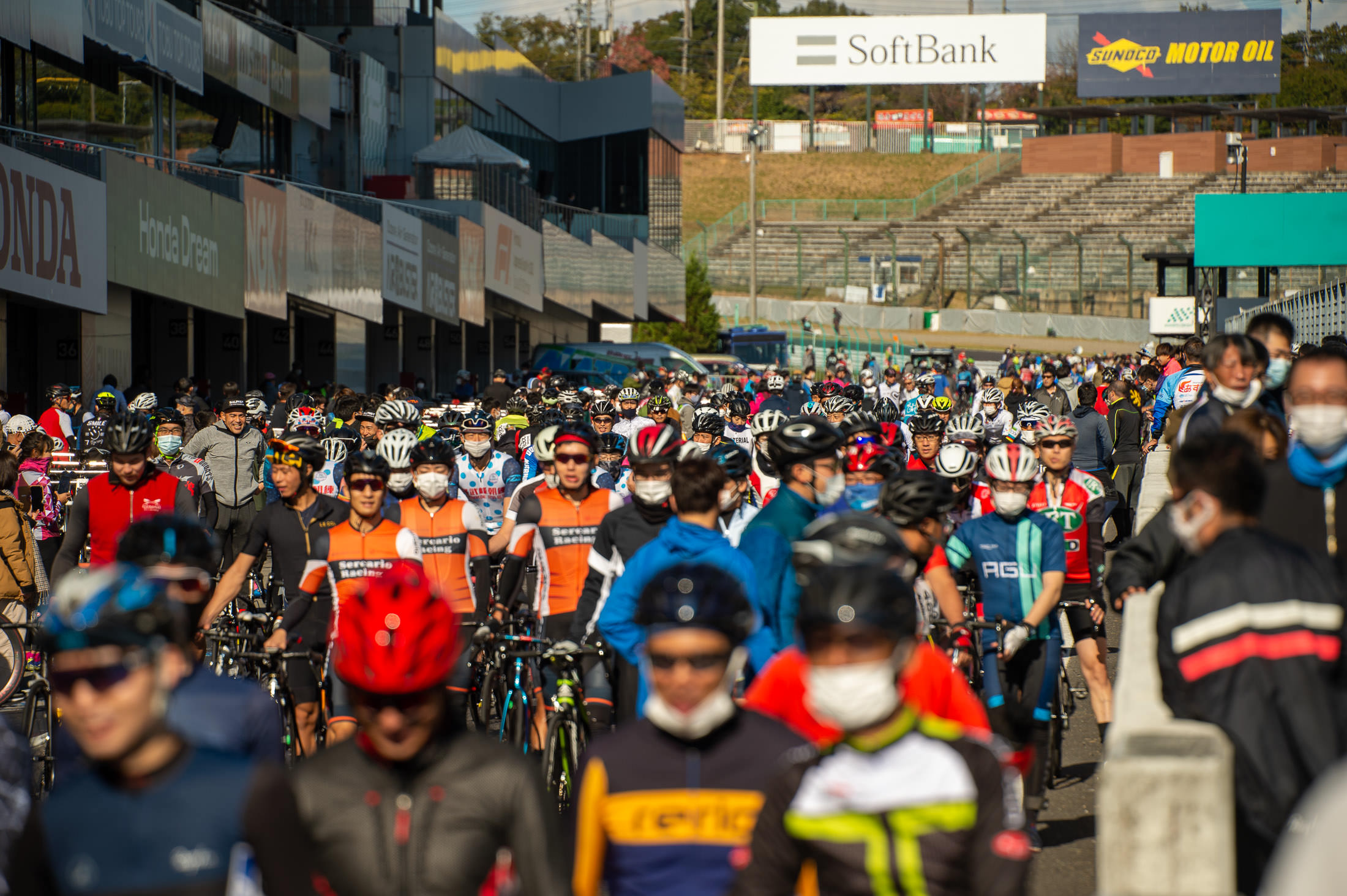
Nikon D4 + Sigma “Bigma” 50-500mm OS @ 240mm — 1/1000 sec, f/6, ISO 200 — map & image data — nearby photos
Filing Toward the Start
lots and lots of cyclists
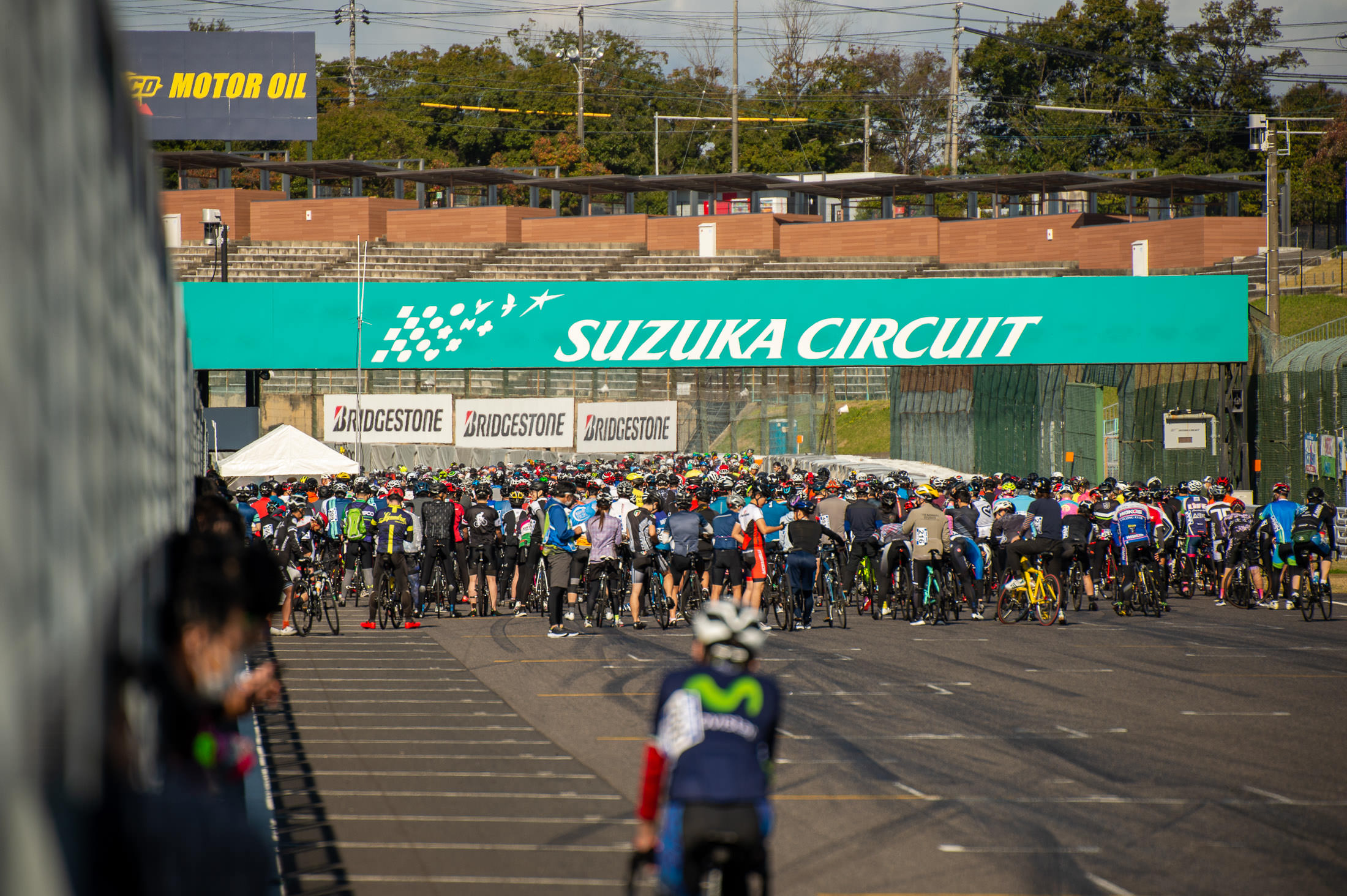
Nikon D4 + Sigma “Bigma” 50-500mm OS @ 340mm — 1/1600 sec, f/6.3, ISO 320 — map & image data — nearby photos
The “Four-Hour” Group
waits to start
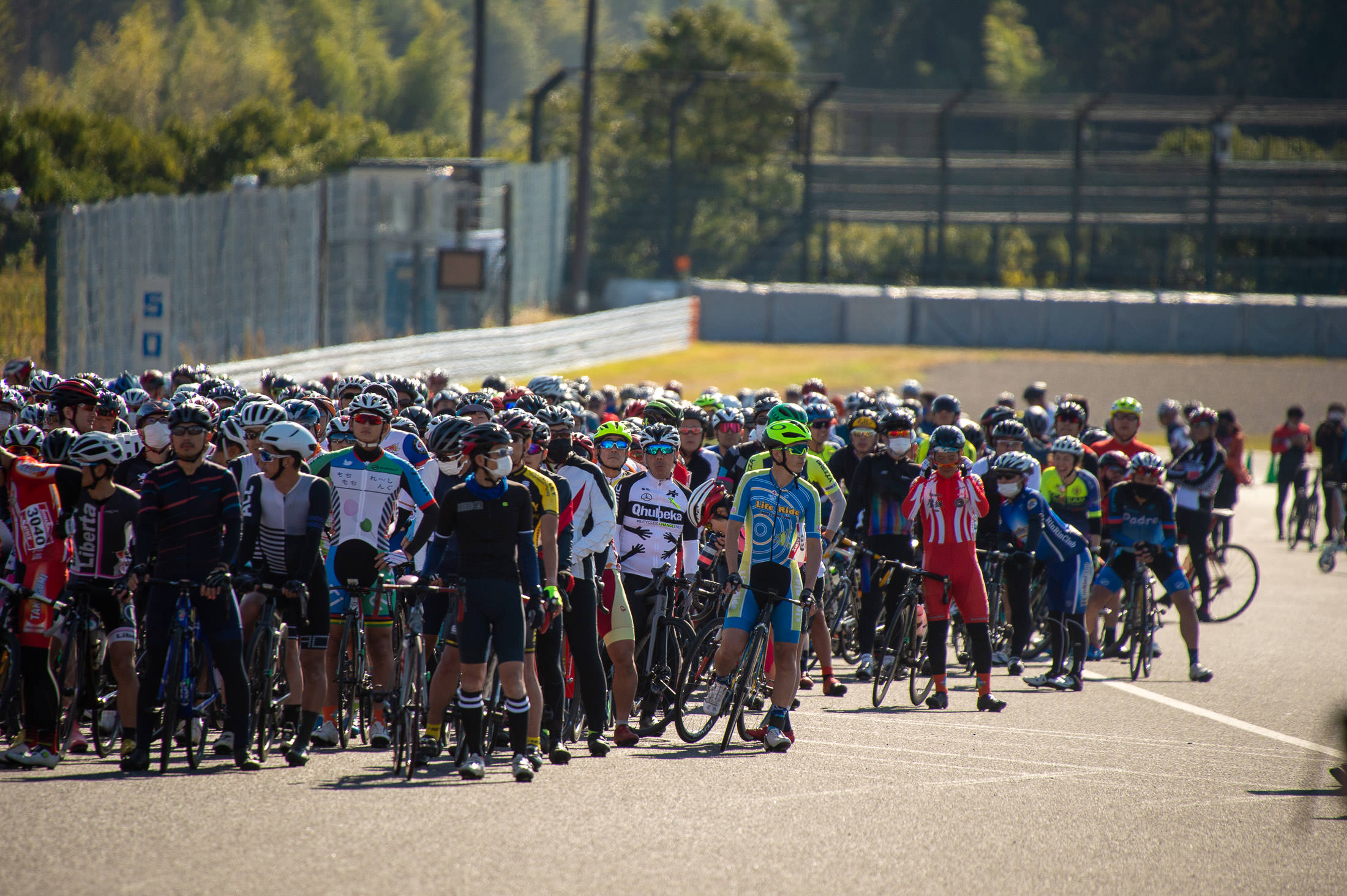
Nikon D4 + Sigma “Bigma” 50-500mm OS @ 500mm — 1/2000 sec, f/6.3, ISO 560 — map & image data — nearby photos
The “Three-Hour” Group
waits to start
Those riding the six-hour events start first at 10:00am. Then the four-hour events start two minutes later, and two minutes after that, at 10:04, the three-hour events start.
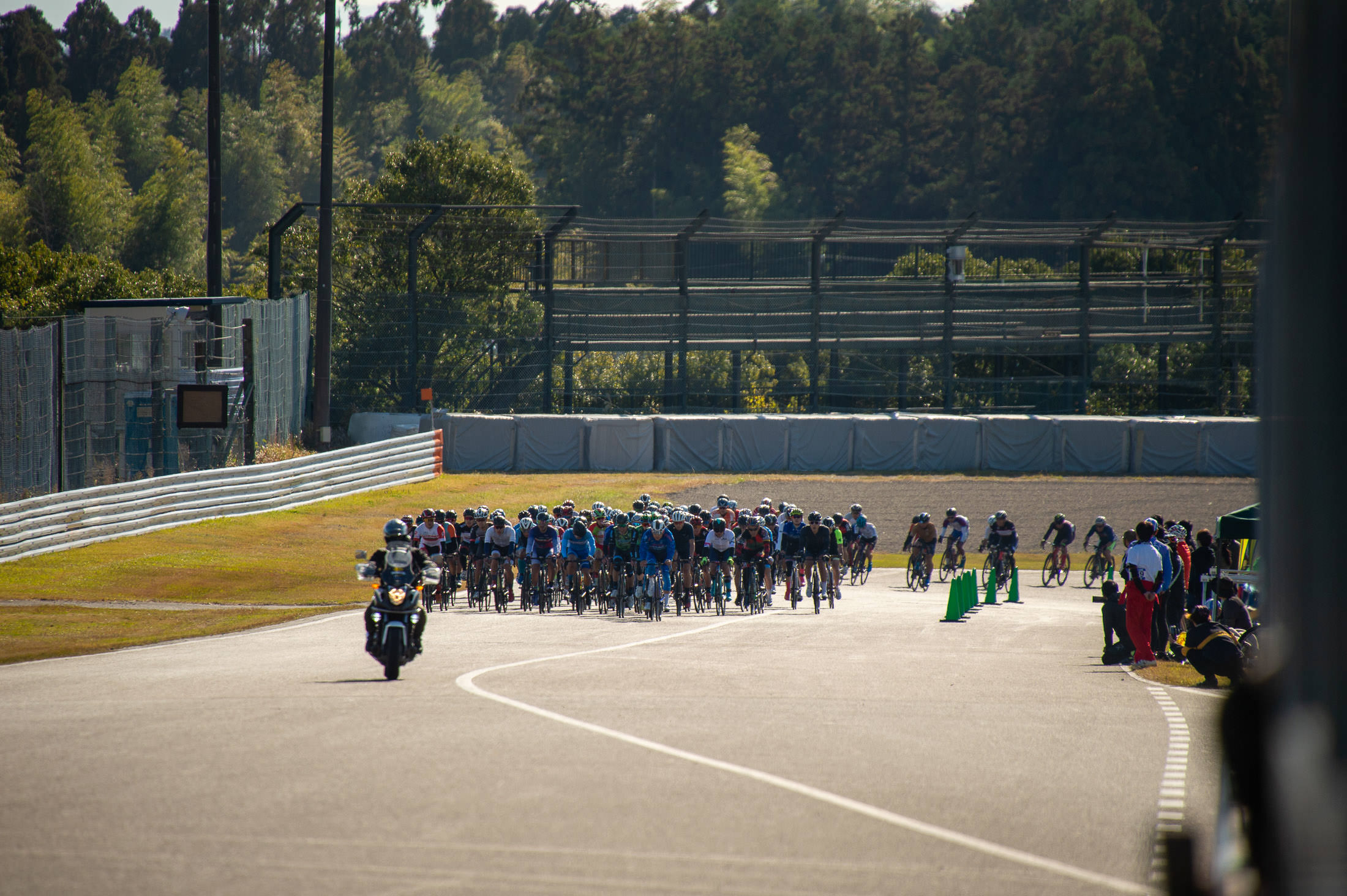
Nikon D4 + Sigma “Bigma” 50-500mm OS @ 500mm — 1/2000 sec, f/6.3, ISO 400 — map & image data — nearby photos
Head of the Six-Hour Group
approaches to the close of their first lap
The course is filled with riders of all skill levels and speeds. The rule is that faster riders ride on the right, while slowest riders are on the left. (This is, not coincidentally, the same rule on Japanese highways.) The lead group for each time range gets a motorcycle escort in front, reminding slower riders to stay to the left because fast riders are coming up quickly from behind.
It seemed to all go quite smoothly.
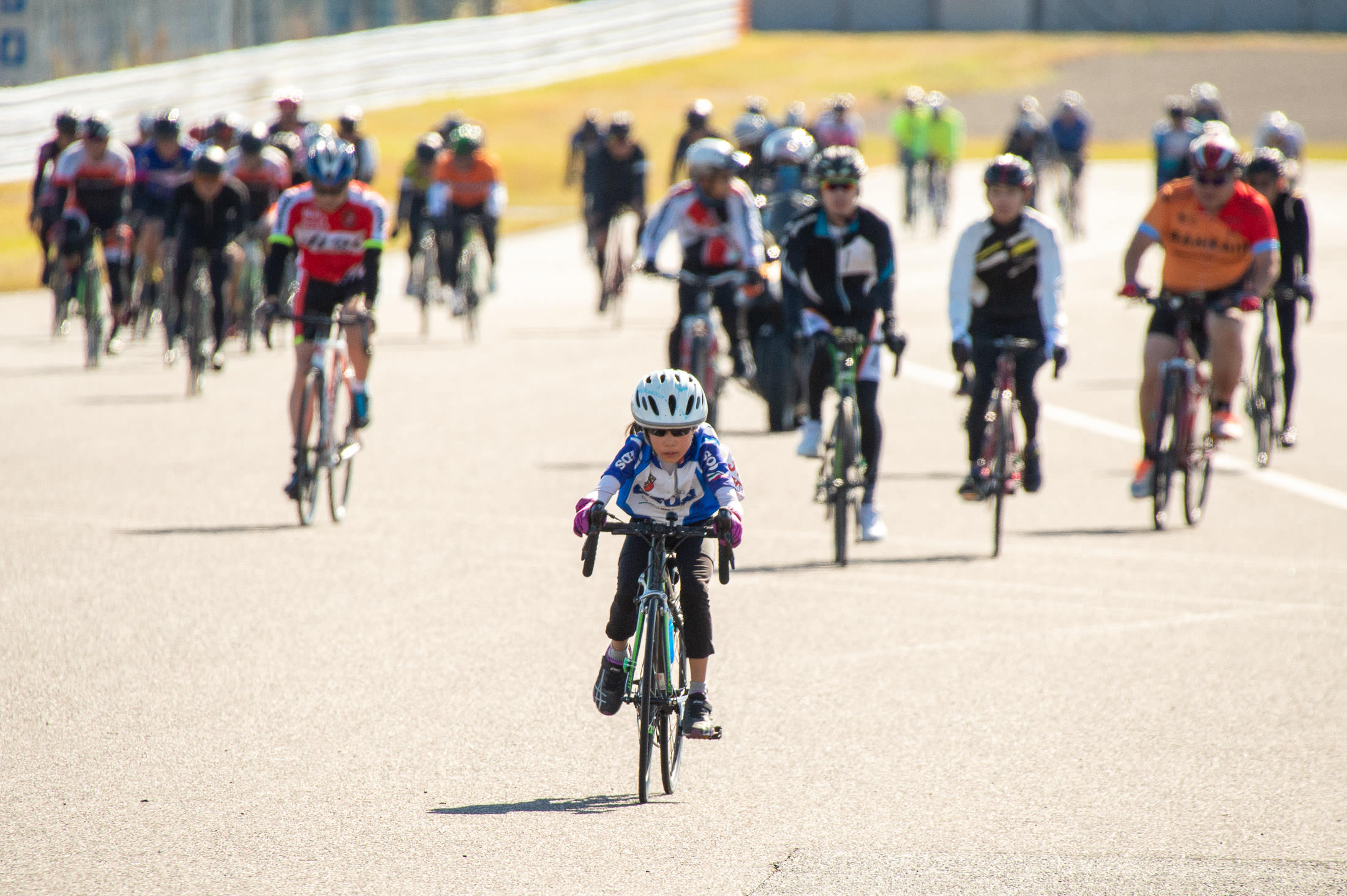
Nikon D4 + Sigma “Bigma” 50-500mm OS @ 500mm — 1/2000 sec, f/14, ISO 1000 — map & image data — nearby photos
Kids Can Join

Nikon D4 + Sigma “Bigma” 50-500mm OS @ 500mm — 1/2000 sec, f/14, ISO 1250 — map & image data — nearby photos
Couples Can Join
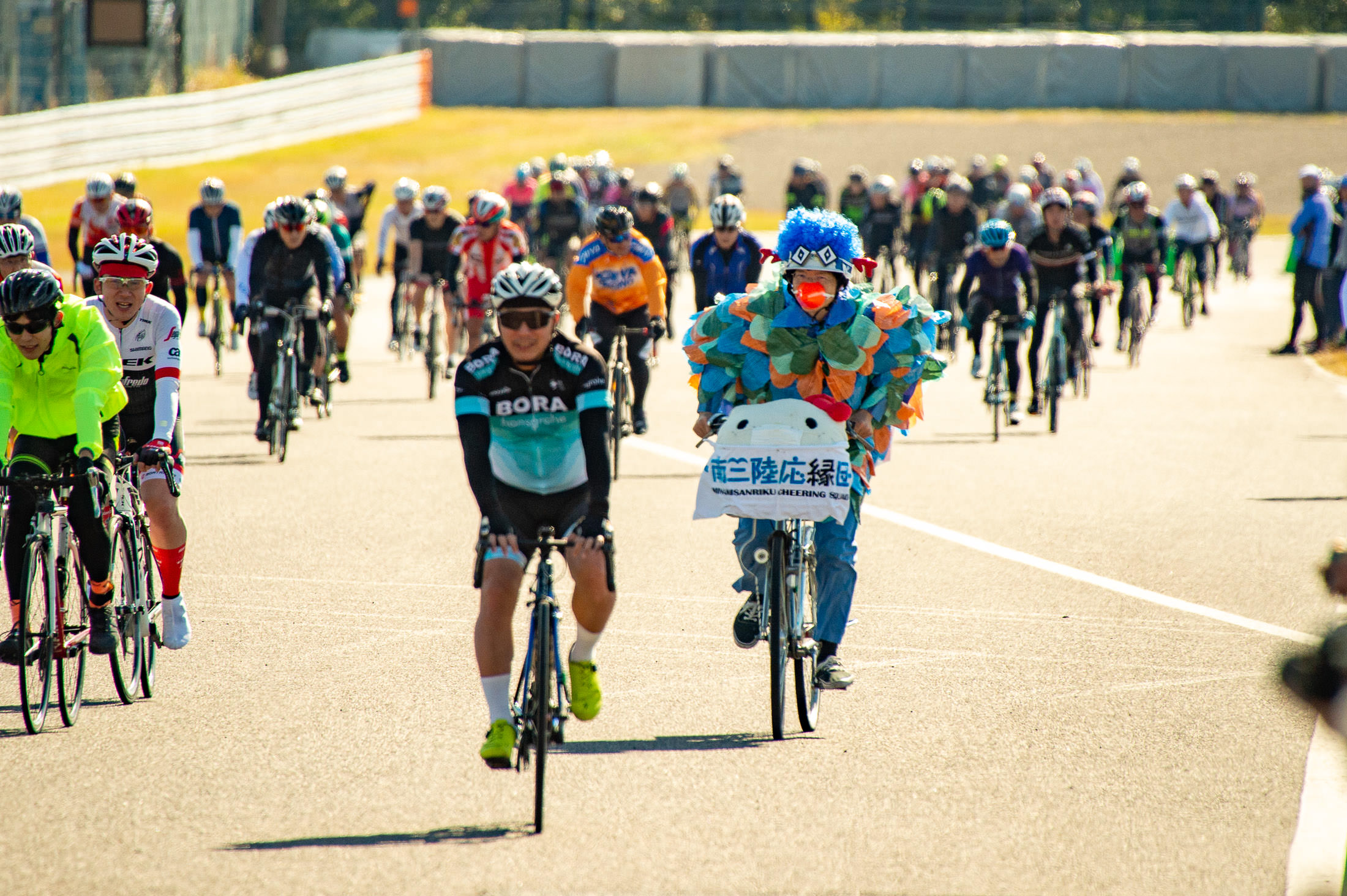
Nikon D4 + Sigma “Bigma” 50-500mm OS @ 500mm — 1/2000 sec, f/14, ISO 1100 — map & image data — nearby photos
Birds on Mamachari Can Join
(“mamachari” are the heavy, usually-rusty, mostly-indestructible city bikes ubiquitous in urban Japan.)
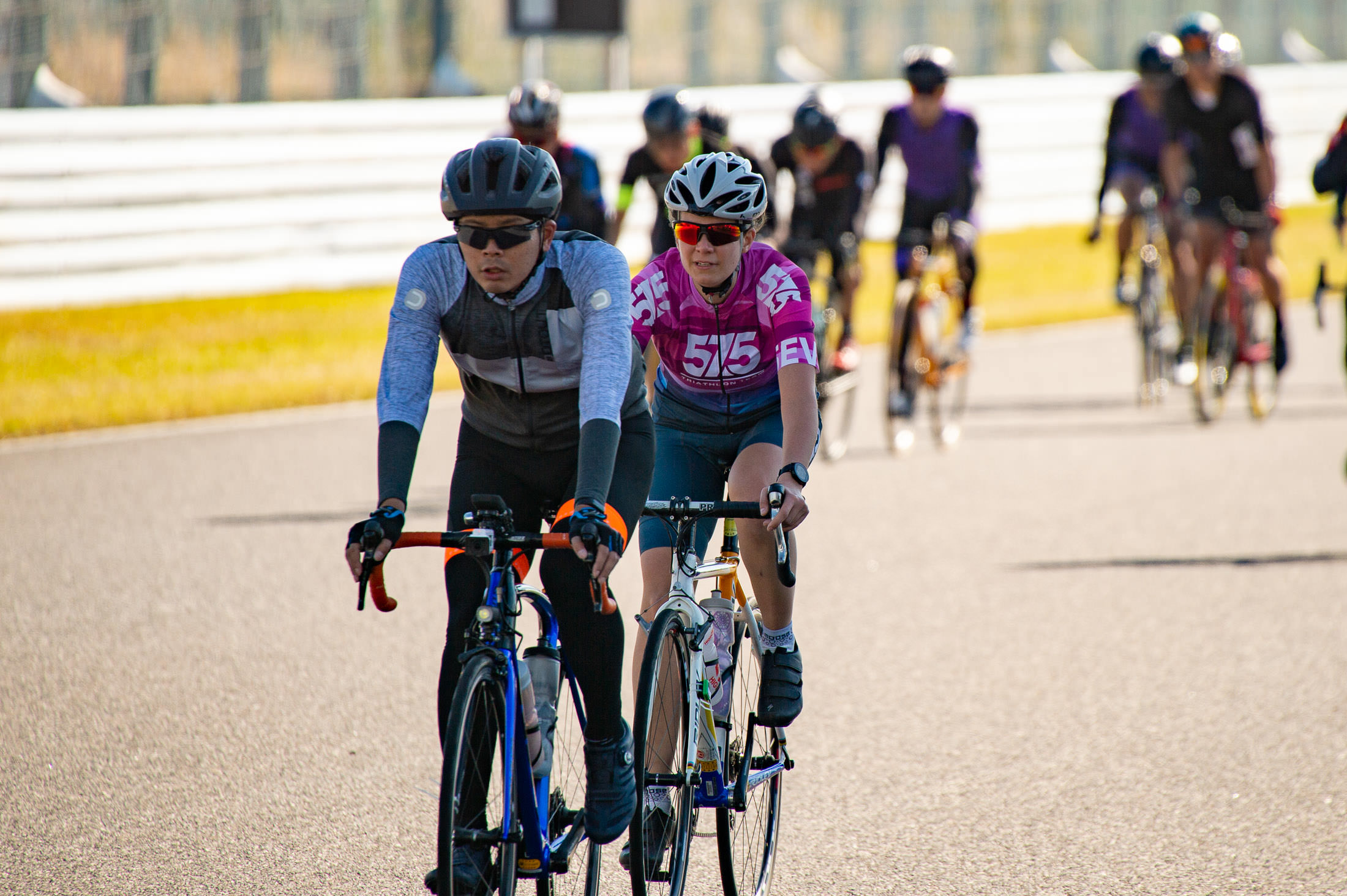
Nikon D4 + Voigtländer 125mm f/2.5 — 1/800 sec, f/2.5, ISO 100 — map & image data — nearby photos
I Finally Spot Kata
in time to take a photo, as she finishes her fourth lap
The photography did not start out well. I had brought the Sigma 50mm-500mm zoom for its versatility, but I hadn't really used the lens in many years, and had forgotten that its autofocus and image-stabilization features were broken. So I was stuck trying to manually focus on approaching cyclists with a razor-thin depth of field. The vast majority of shots were out of focus.
Nikon D4 + Sigma “Bigma” 50-500mm OS @ 290mm — 1/1250 sec, f/6.3, ISO 450 — map & image data — nearby photos
Typical Shot of the Day
Also, standing in the marshals' area between the pit and the racetrack, looking up the track trying to spot a specific rider approach among the crowd, it was very difficult to recognize them in time to take a photo. Over time I learned to set a stopwatch so that I could estimate when they would next approach, concentrating my concentration to that limited window of time helped, and over time, I got better at it.
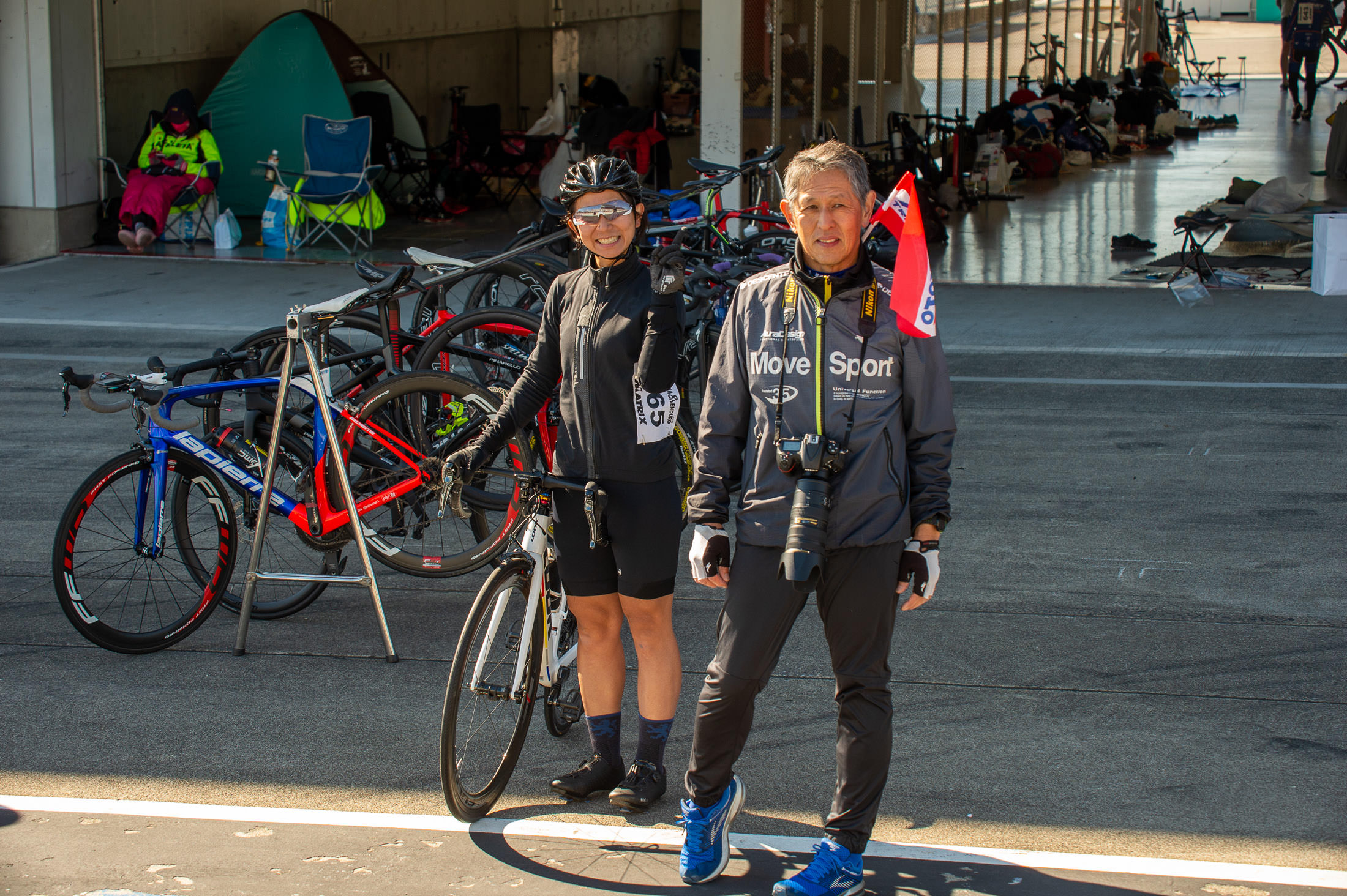
Nikon D4 + Sigma “Bigma” 50-500mm OS @ 95mm — 1/400 sec, f/8, ISO 500 — map & image data — nearby photos
Nancy on the Ready
to start her first turn
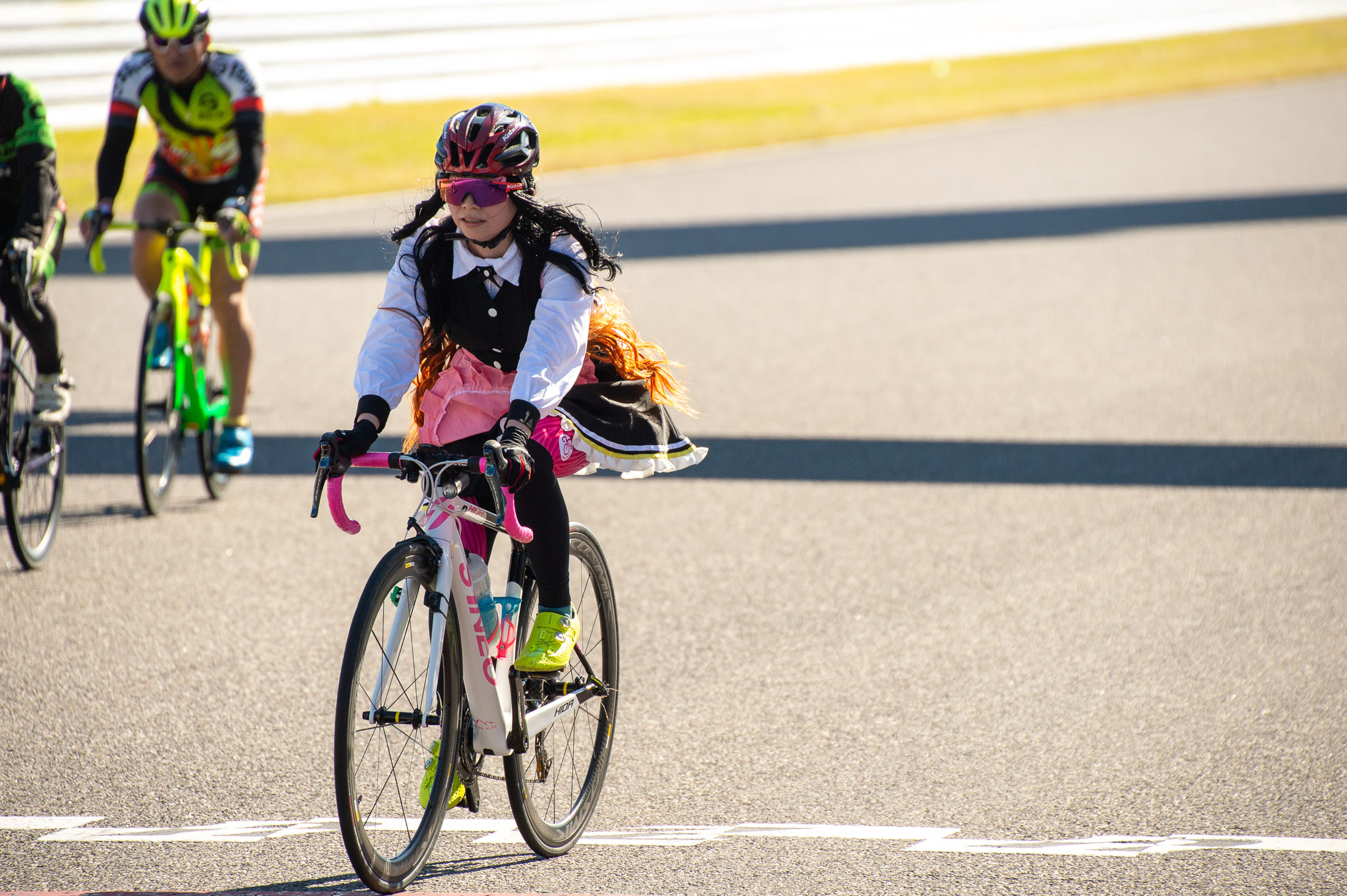
Nikon D4 + Sigma “Bigma” 50-500mm OS @ 380mm — 1/1600 sec, f/8, ISO 320 — map & image data — nearby photos
Event Staff
I think this lady, dressed up as an anime maid, was part of the event staff

Nikon D4 + Sigma “Bigma” 50-500mm OS @ 210mm — 1/1000 sec, f/8, ISO 140 — map & image data — nearby photos
Nancy's Teammate Rolls In

Nikon D4 + Sigma “Bigma” 50-500mm OS @ 65mm — 1/250 sec, f/8, ISO 500 — map & image data — nearby photos
Passing The Baton
which is really a sensor on a leg band
The rider coming in rolled to a stop, and one person takes it off his leg and passes it to another who puts it onto Nancy's leg.
After watching various teams do this, I see some areas for improvement. For example, Nancy should already be completely clipped in, with someone holding her saddle to keep her upright. The guy coming in should take off the ankle bracelet himself and pass it directly to the person that will put it onto Nancy's leg. Another person should stand well in front of Nancy and slightly to the side, to ensure that no other rider coming into pit lane will be too close to Nancy when she starts out. She can then start out and pedal a few times before needing to check traffic. This could all save five to 10 seconds each lap (which over the course of their 36 laps could have added another lap).
The rules for the mixed-gender teams are sort of bullshit. If even one lap is done by a woman, it qualifies as “mixed gender”, and apparently teams that really want to win will have a woman do exactly one lap, leaving the big powerful men to ride for the next 5h50m. Not so for Nancy's team, where they split the work pretty much evenly, mostly riding in three-lap shifts (though scheduling is a bit complicated by the fact that pit row shuts down for about half an hour twice during the race, so whoever's out at that time has to stay out until pit row is reopened).

Nikon D4 + Sigma “Bigma” 50-500mm OS @ 210mm — 1/1000 sec, f/8, ISO 250 — map & image data — nearby photos
Off On Her First Lap
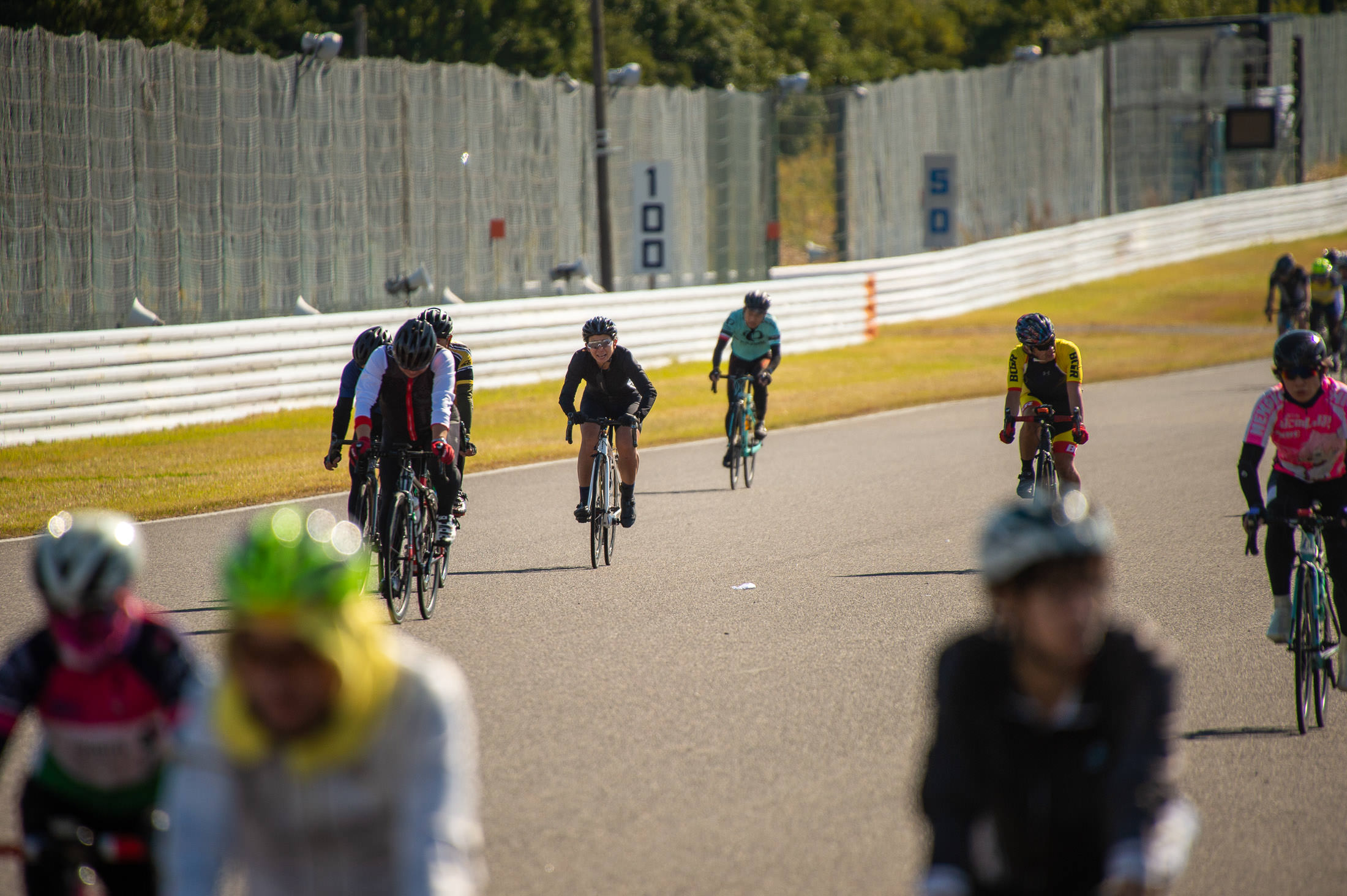
Nikon D4 + Sigma “Bigma” 50-500mm OS @ 500mm — 1/2000 sec, f/6.3, ISO 360 — map & image data — nearby photos
Nancy Finishing Her First Lap
Nancy didn't start her stint until an hour into the races, and by then the many riders were strung out over the 6km course, so it was much easier to spot her coming.
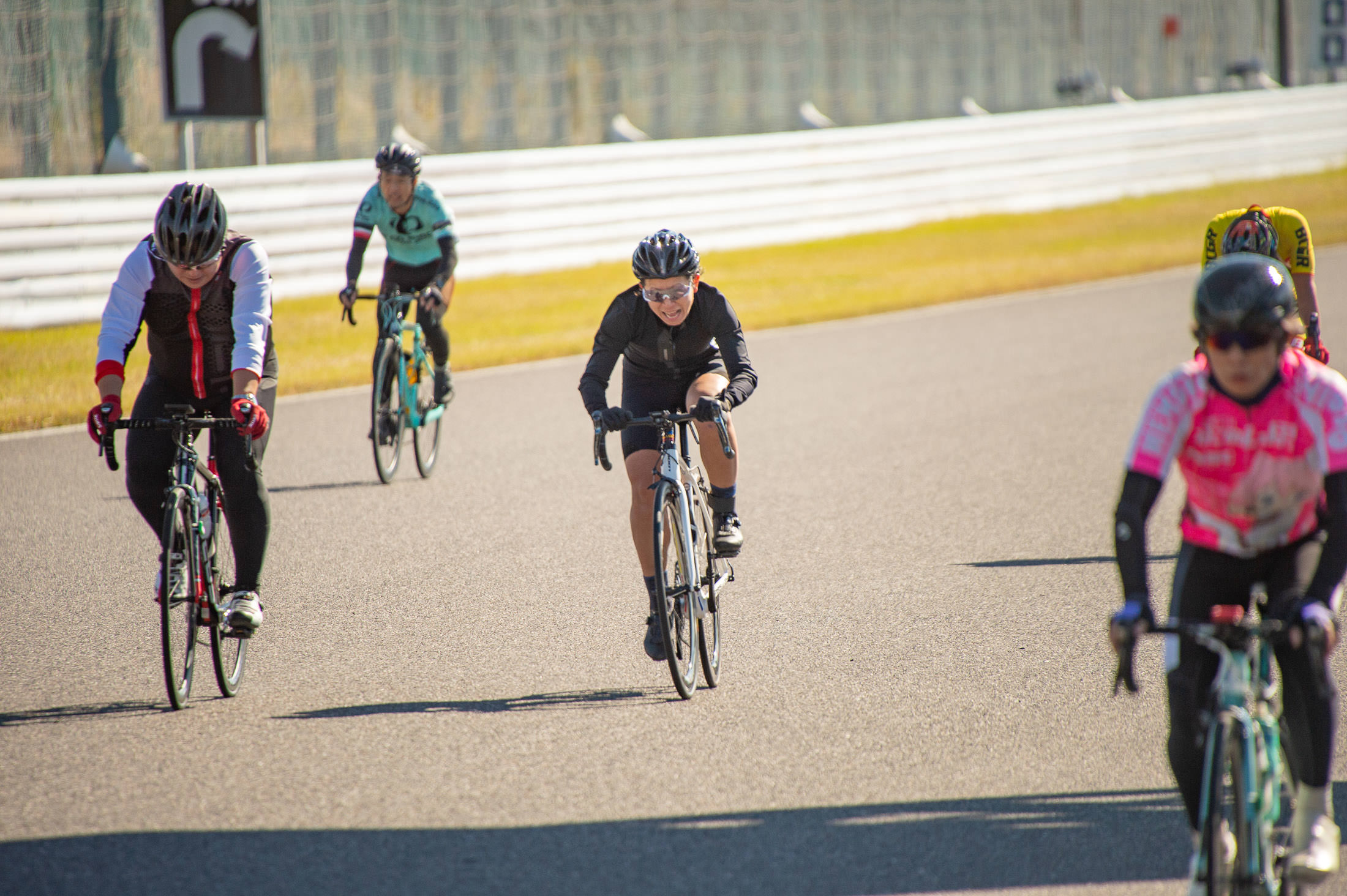
Nikon D4 + Sigma “Bigma” 50-500mm OS @ 500mm — 1/2000 sec, f/6.3, ISO 400 — map & image data — nearby photos
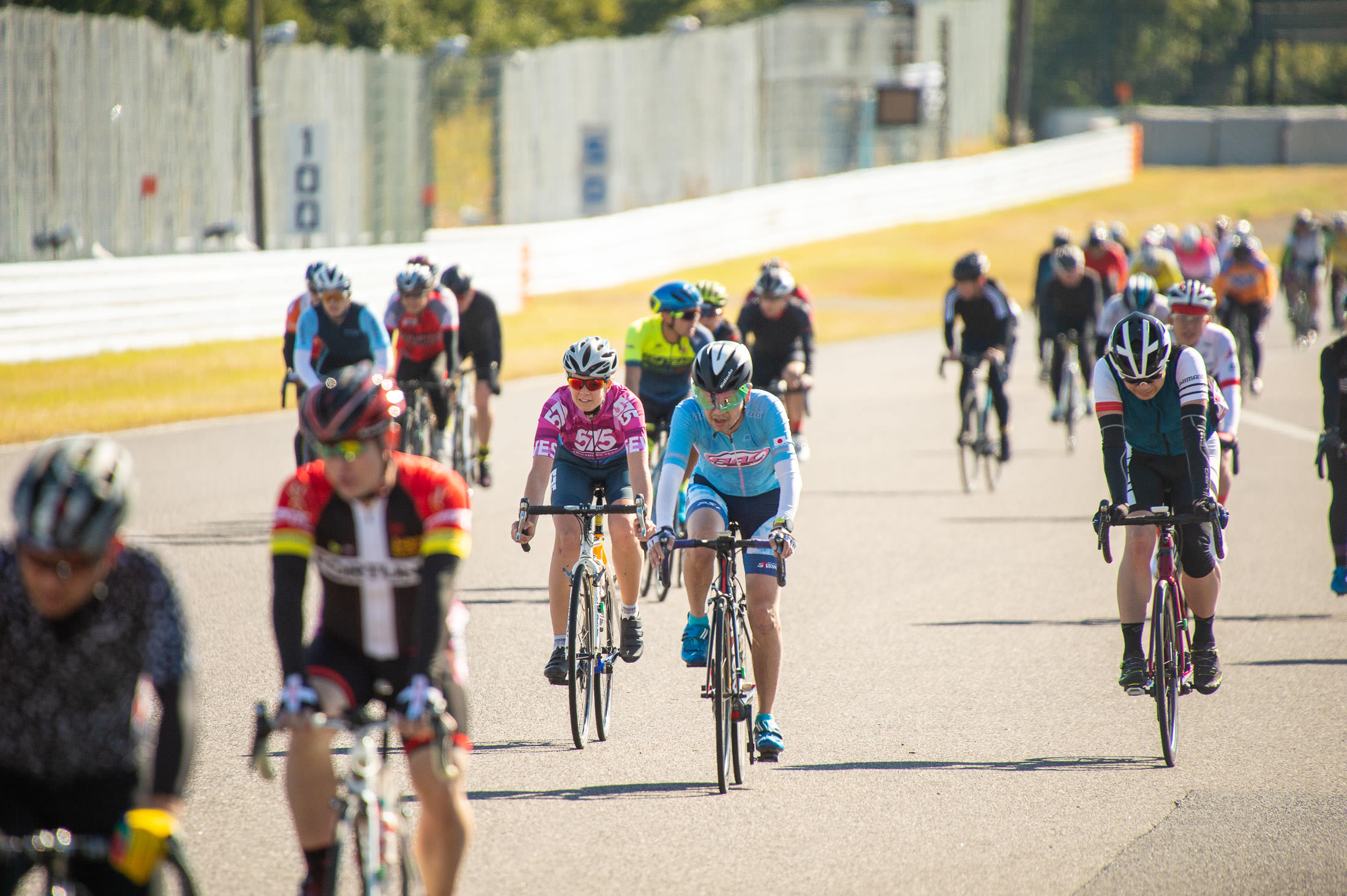
Nikon D4 + Sigma “Bigma” 50-500mm OS @ 500mm — 1/2000 sec, f/6.3, ISO 560 — map & image data — nearby photos
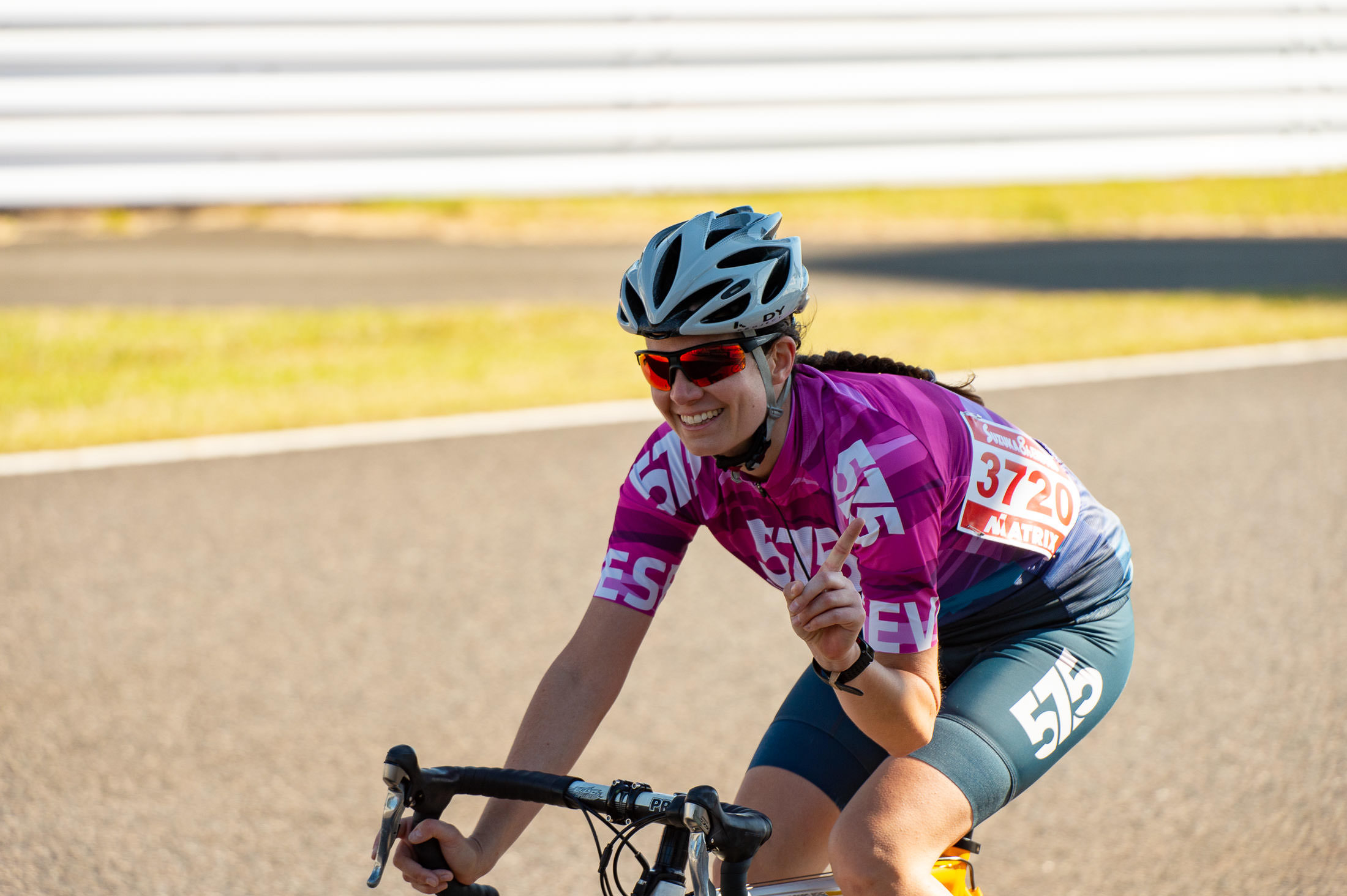
Nikon D4 + Sigma “Bigma” 50-500mm OS @ 210mm — 1/1000 sec, f/6.3, ISO 360 — map & image data — nearby photos
Looking Relaxed
11:19am
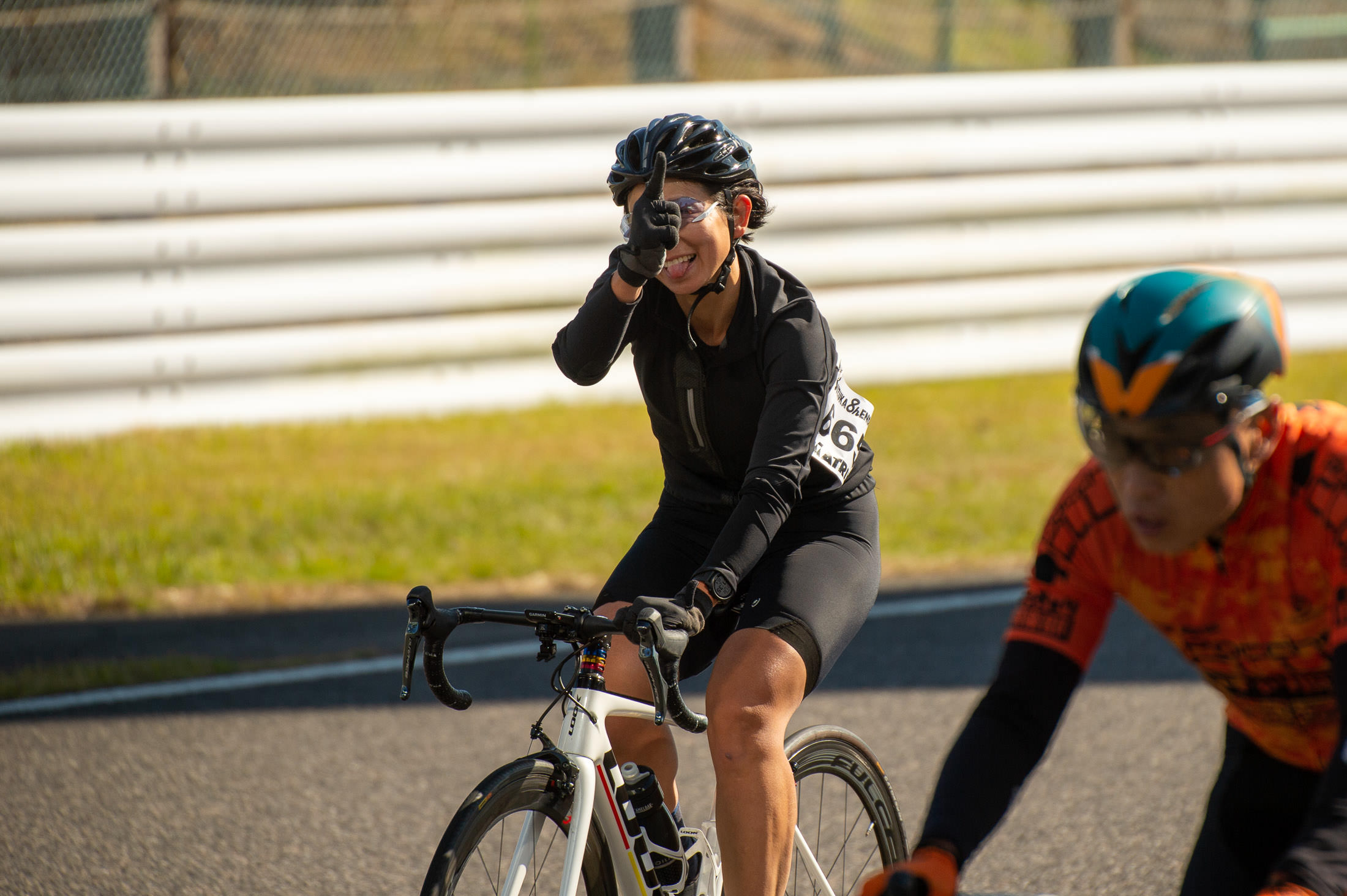
Nikon D4 + Sigma “Bigma” 50-500mm OS @ 340mm — 1/1600 sec, f/6.3, ISO 180 — map & image data — nearby photos
Being Silly
11:21am
I eventually realized that I could move to another part of the course.... in fact, I could wander around anywhere on the entire course. I wish I had known this earlier!
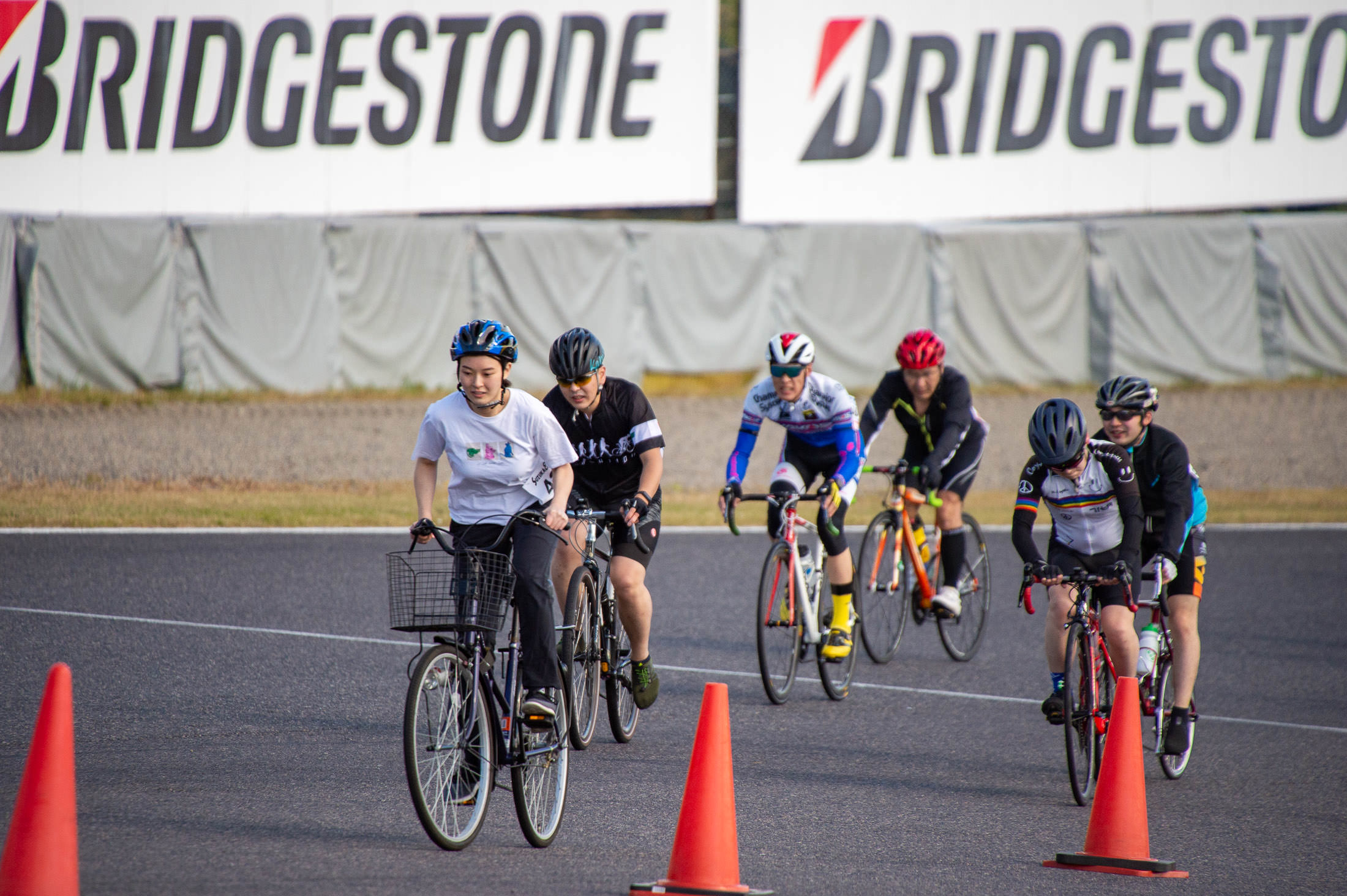
Nikon D4 + Sigma “Bigma” 50-500mm OS @ 500mm — 1/2000 sec, f/6.3, ISO 900 — map & image data — nearby photos
Another Mamachari
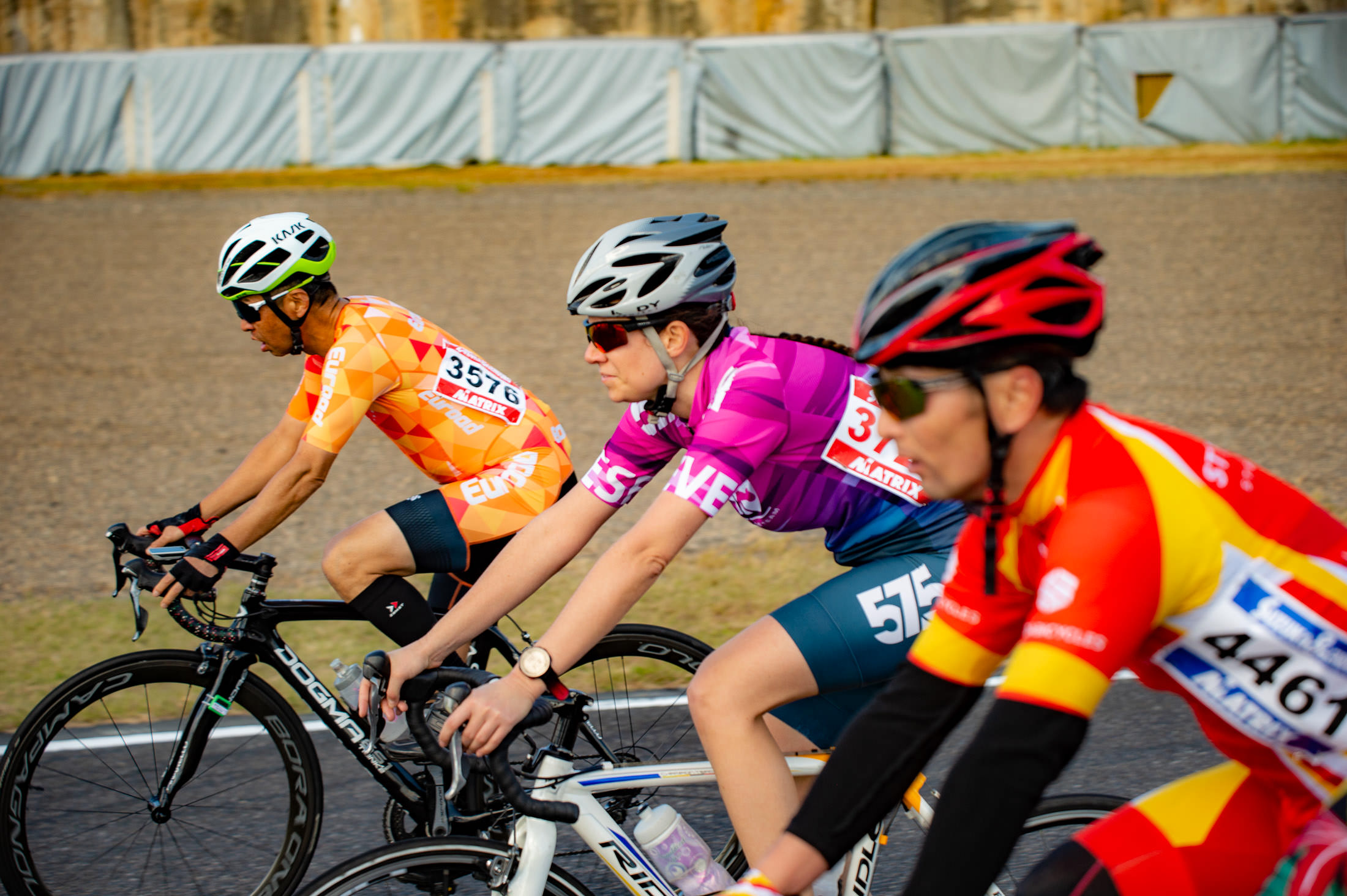
Nikon D4 + Sigma “Bigma” 50-500mm OS @ 116mm — 1/500 sec, f/5.6, ISO 250 — map & image data — nearby photos
A Different Perspective
Of Kata, 2½ hours into her race
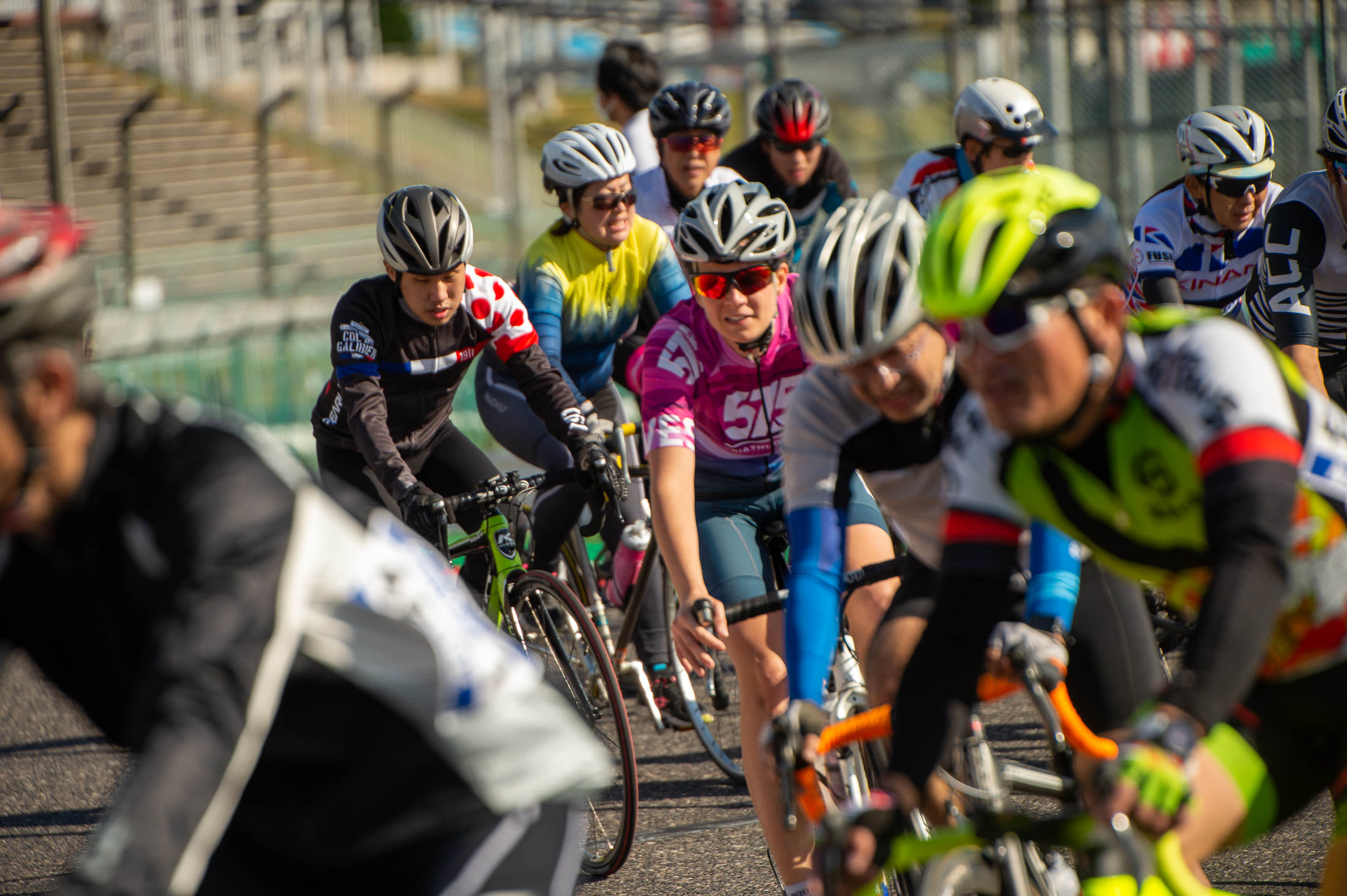
Nikon D4 + Sigma “Bigma” 50-500mm OS @ 290mm — 1/1250 sec, f/6.3, ISO 320 — map & image data — nearby photos
On The Next Lap
different yet again
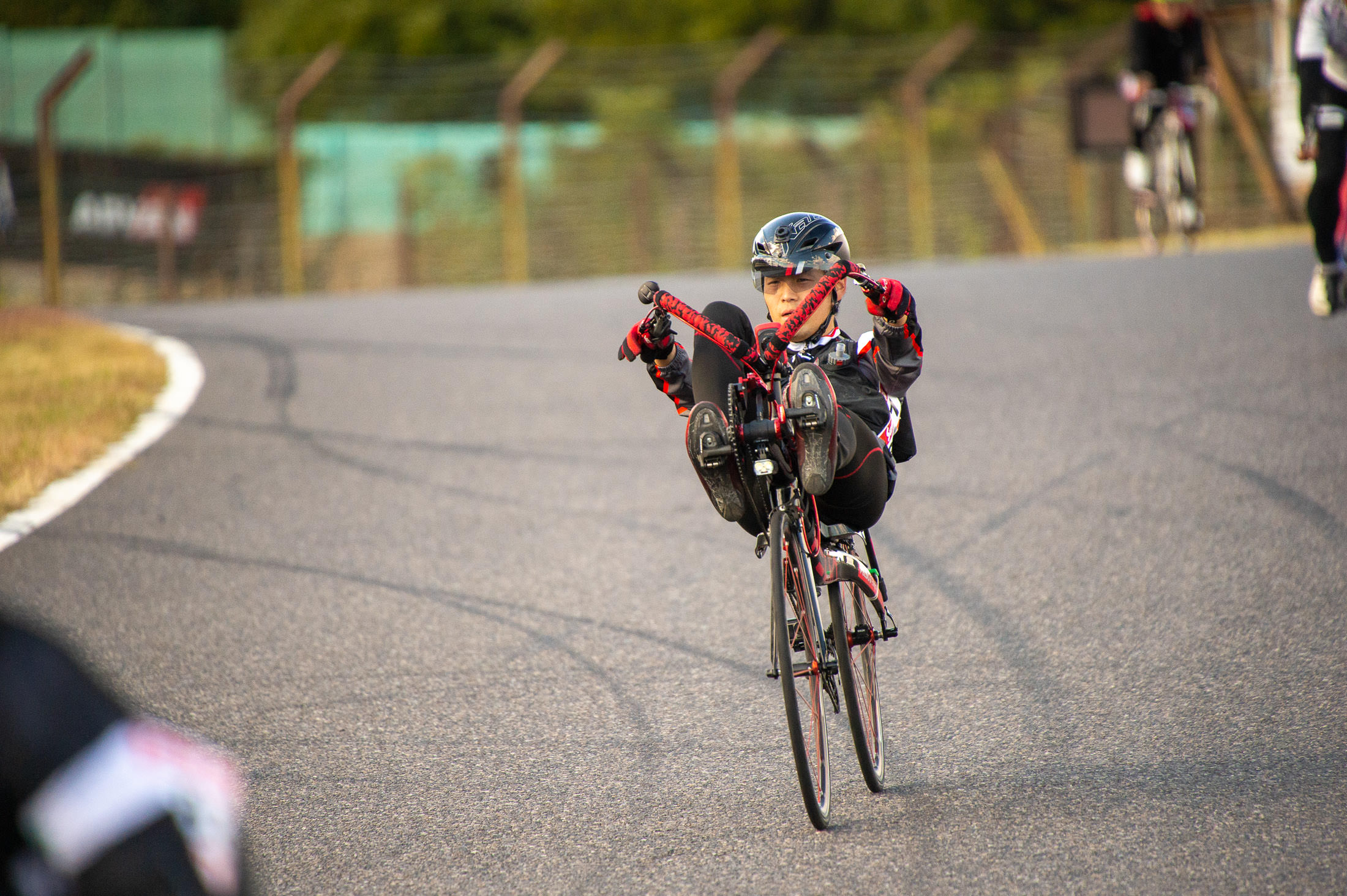
Nikon D4 + Sigma “Bigma” 50-500mm OS @ 500mm — 1/2000 sec, f/6.3, ISO 2500 — map & image data — nearby photos
This Guy Bothered Me
Every time I'd see him in the crowd at a distance, for a moment I thought that someone was crashing, and that's a horrible, horrible feeling.
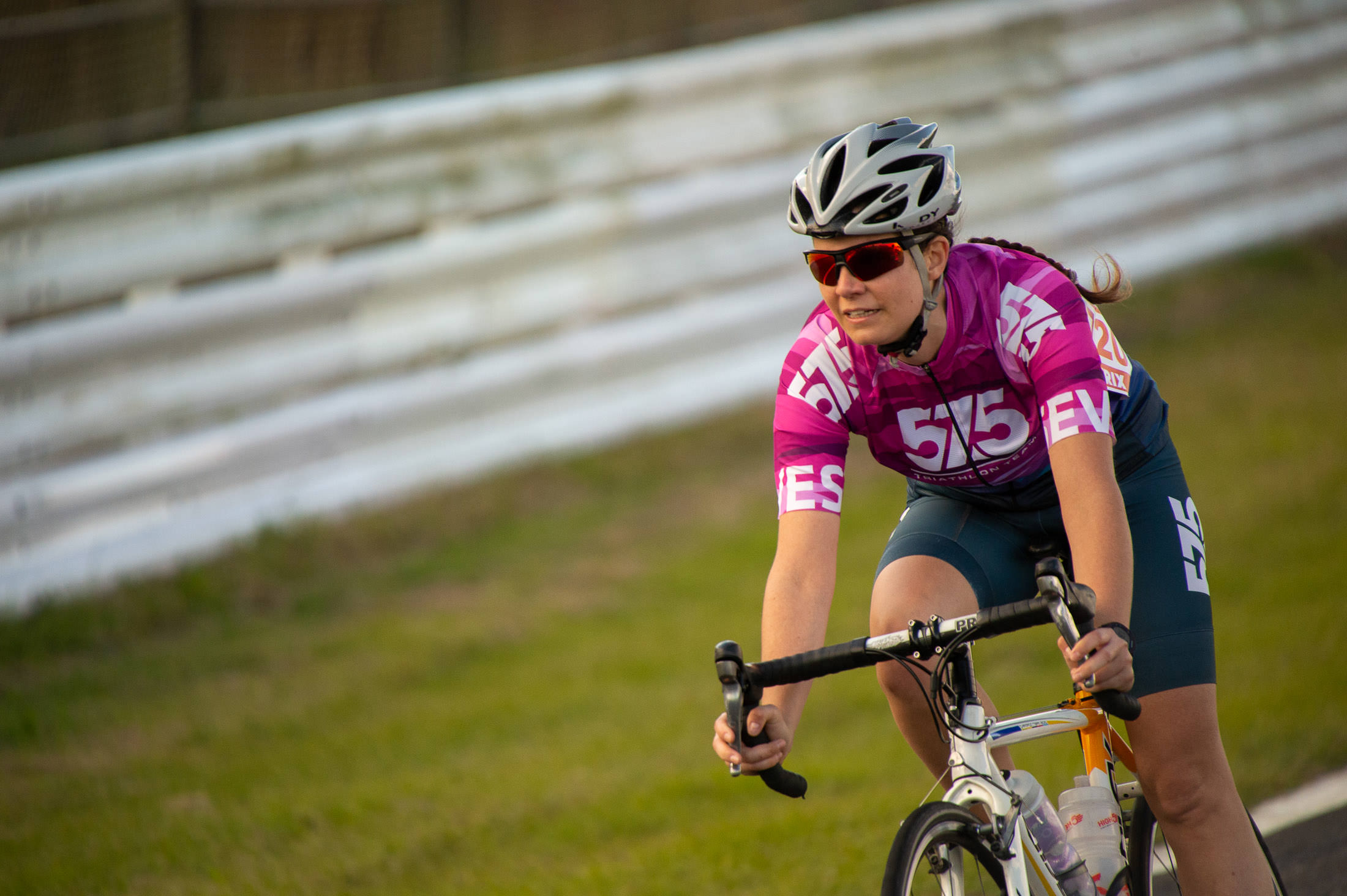
Nikon D4 + Sigma “Bigma” 50-500mm OS @ 500mm — 1/2000 sec, f/6.3, ISO 2200 — map & image data — nearby photos
Enjoying the Downhill
on her last lap
Kata won 9th place among all women in the three-hour race!
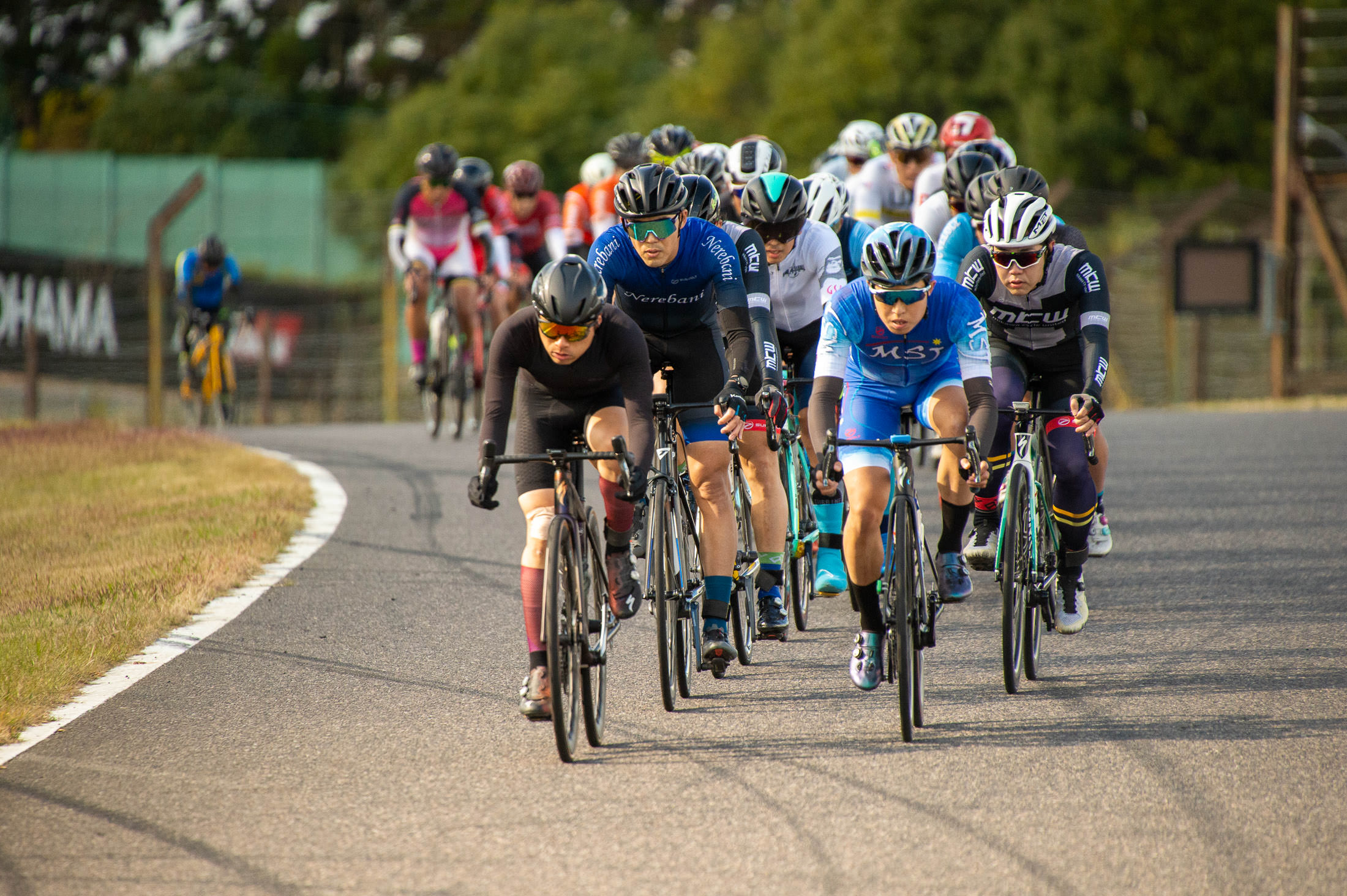
Nikon D4 + Sigma “Bigma” 50-500mm OS @ 500mm — 1/2000 sec, f/6.3, ISO 3600 — map & image data — nearby photos
The “Real” Racers
I didn't realize it at the time, but the guy center right in the photo above, in the light-blue kit, is Ryo Inoue, a name I've seen many times at the very top of Strava leaderboards. I had figured that he's some young collage kid with incredible power, so I was surprised to see in a photo of him on the podium (he got #3 in the premier six-hour solo race) that he's a fair bit older, with two kids. With incredible power. His average speed for the six hours was 40.4kph (25.1mph).
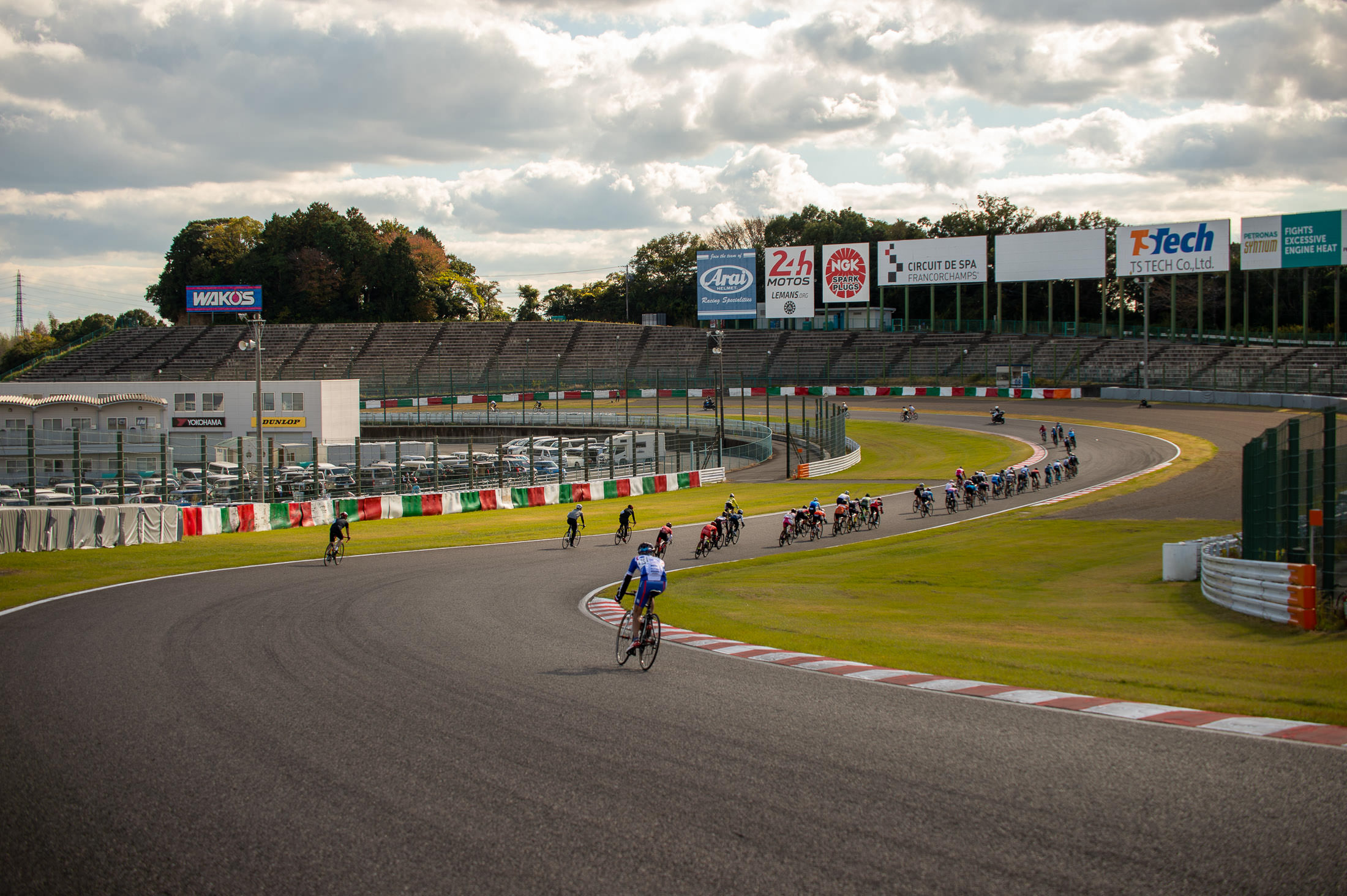
Nikon D4 + Sigma “Bigma” 50-500mm OS @ 58mm — 1/400 sec, f/5.6, ISO 100 — map & image data — nearby photos
A Long, Gentle Descent
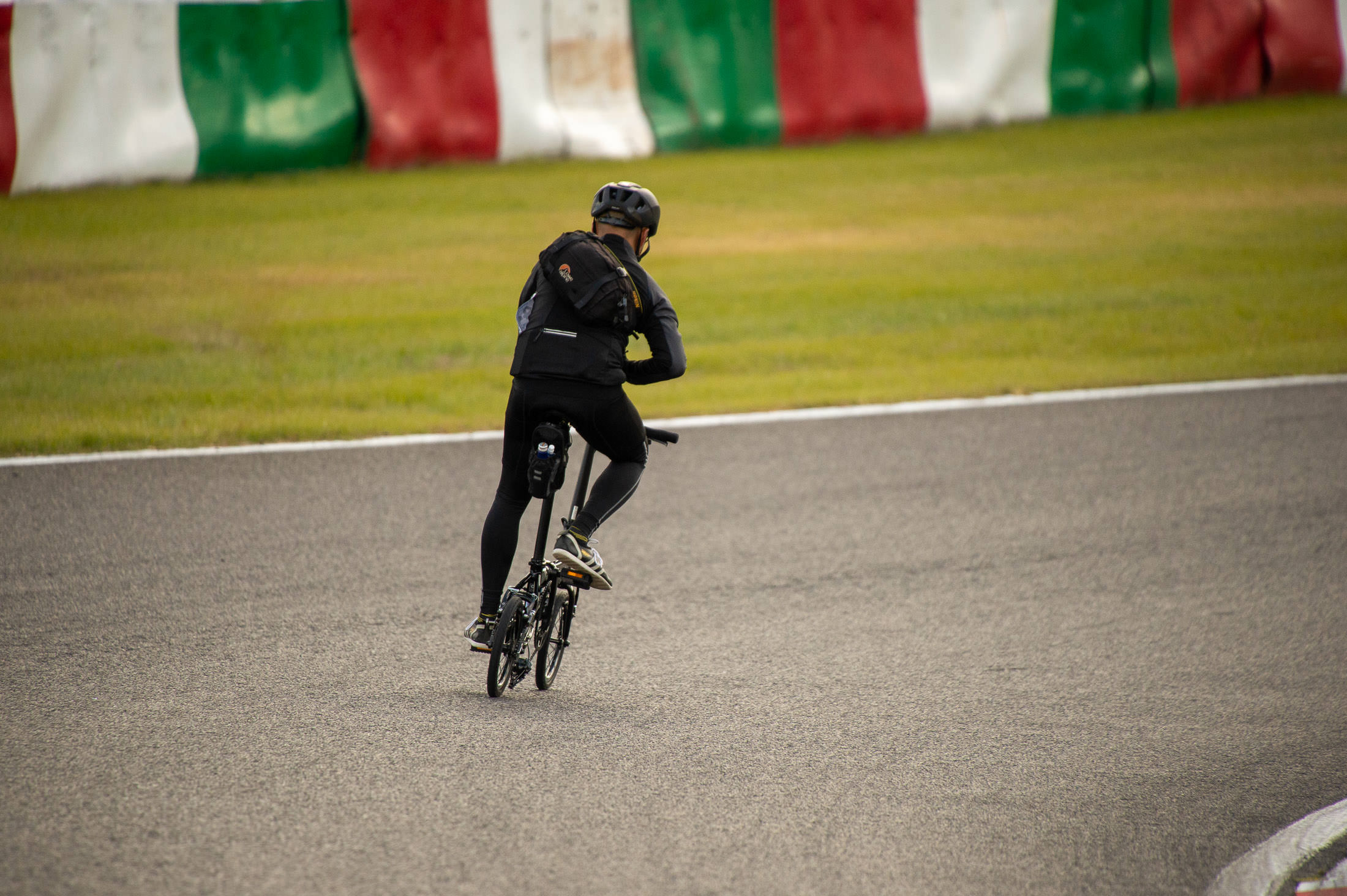
Nikon D4 + Sigma “Bigma” 50-500mm OS @ 500mm — 1/2000 sec, f/6.3, ISO 2000 — map & image data — nearby photos
Not as Bad as it Looks
even those tiny tires would be fine on the supremely-smooth tarmac of the racetrack
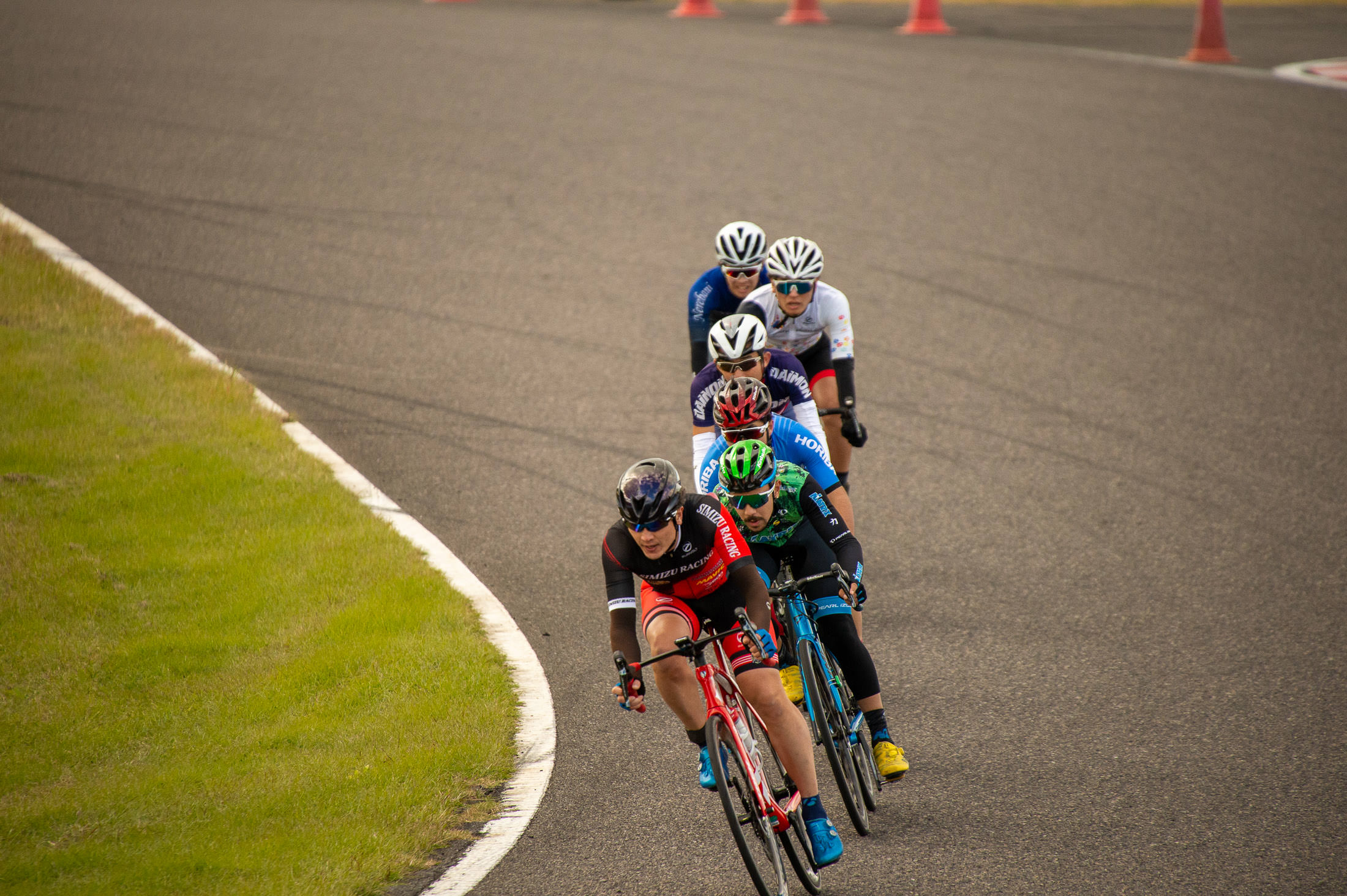
Nikon D4 + Sigma “Bigma” 50-500mm OS @ 500mm — 1/2000 sec, f/6.3, ISO 2200 — map & image data — nearby photos
Fast Descent
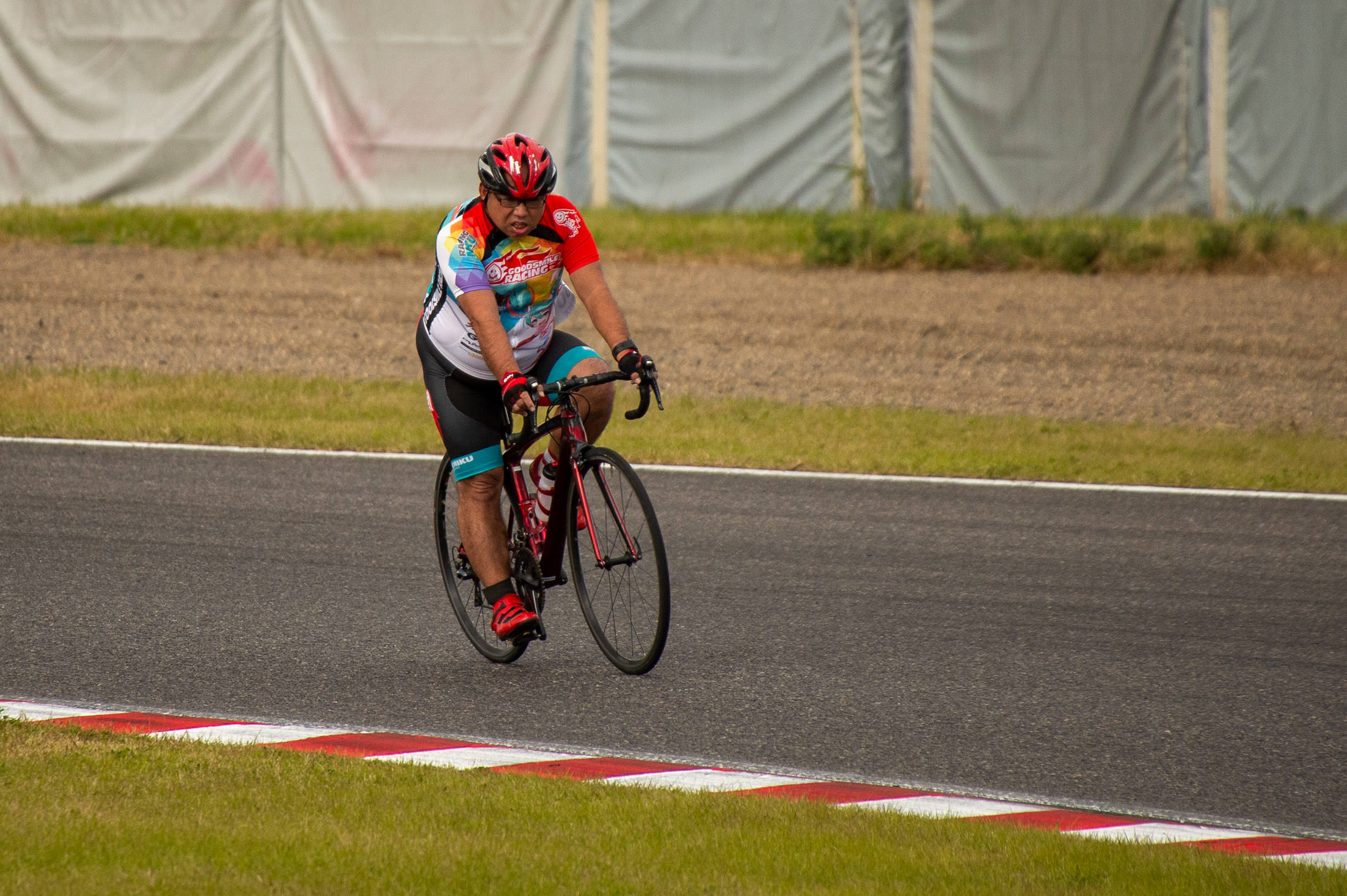
Nikon D4 + Sigma “Bigma” 50-500mm OS @ 500mm — 1/2000 sec, f/6.3, ISO 1100 — map & image data — nearby photos
Guts
This guy, out there cycling while I'm just strolling around with the camera, reminded me of The Competitor that I wrote about in cyclocross.
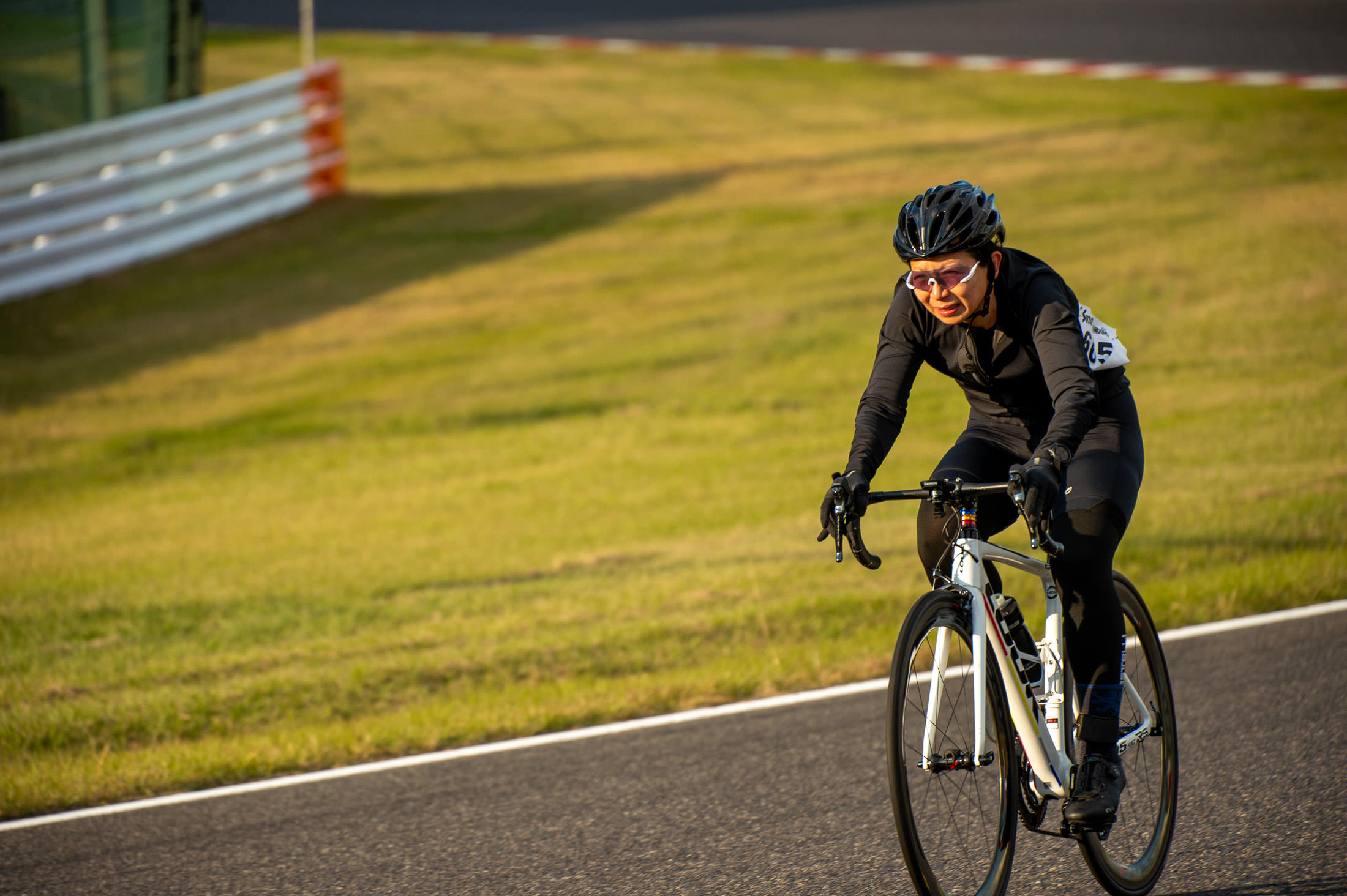
Nikon D4 + Sigma “Bigma” 50-500mm OS @ 240mm — 1/1000 sec, f/6, ISO 560 — map & image data — nearby photos
Nancy on the Descent
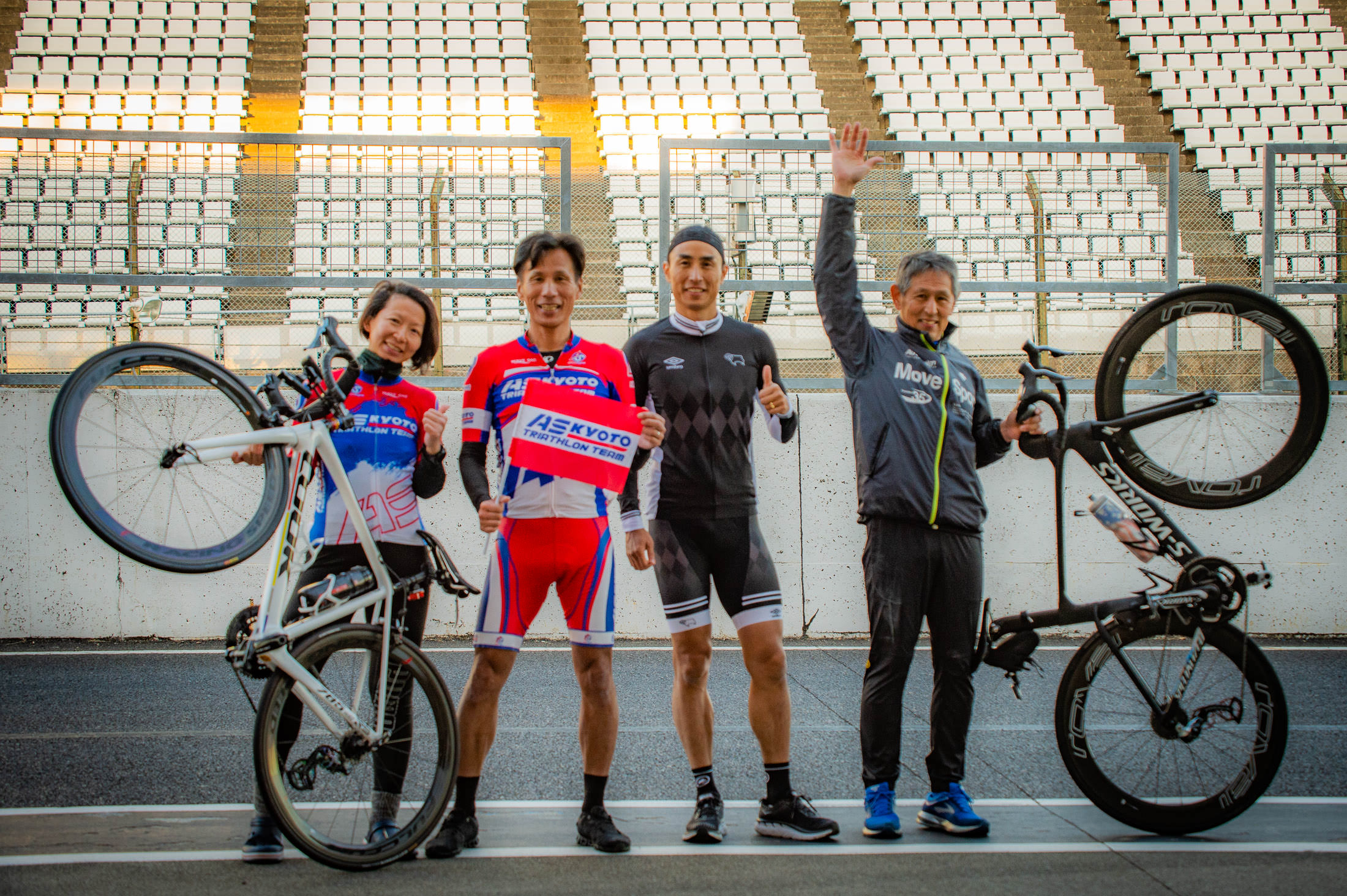
Nikon D4 + Sigma “Bigma” 50-500mm OS @ 78mm — 1/320 sec, f/5, ISO 1400 — map & image data — nearby photos
8th Place
mixed-gender six-hour team race
Kata came in 9th in her race, and Nancy's team came in 8th in theirs, great efforts!
All and all, it was a really fun day. I'll go next year, to ride.
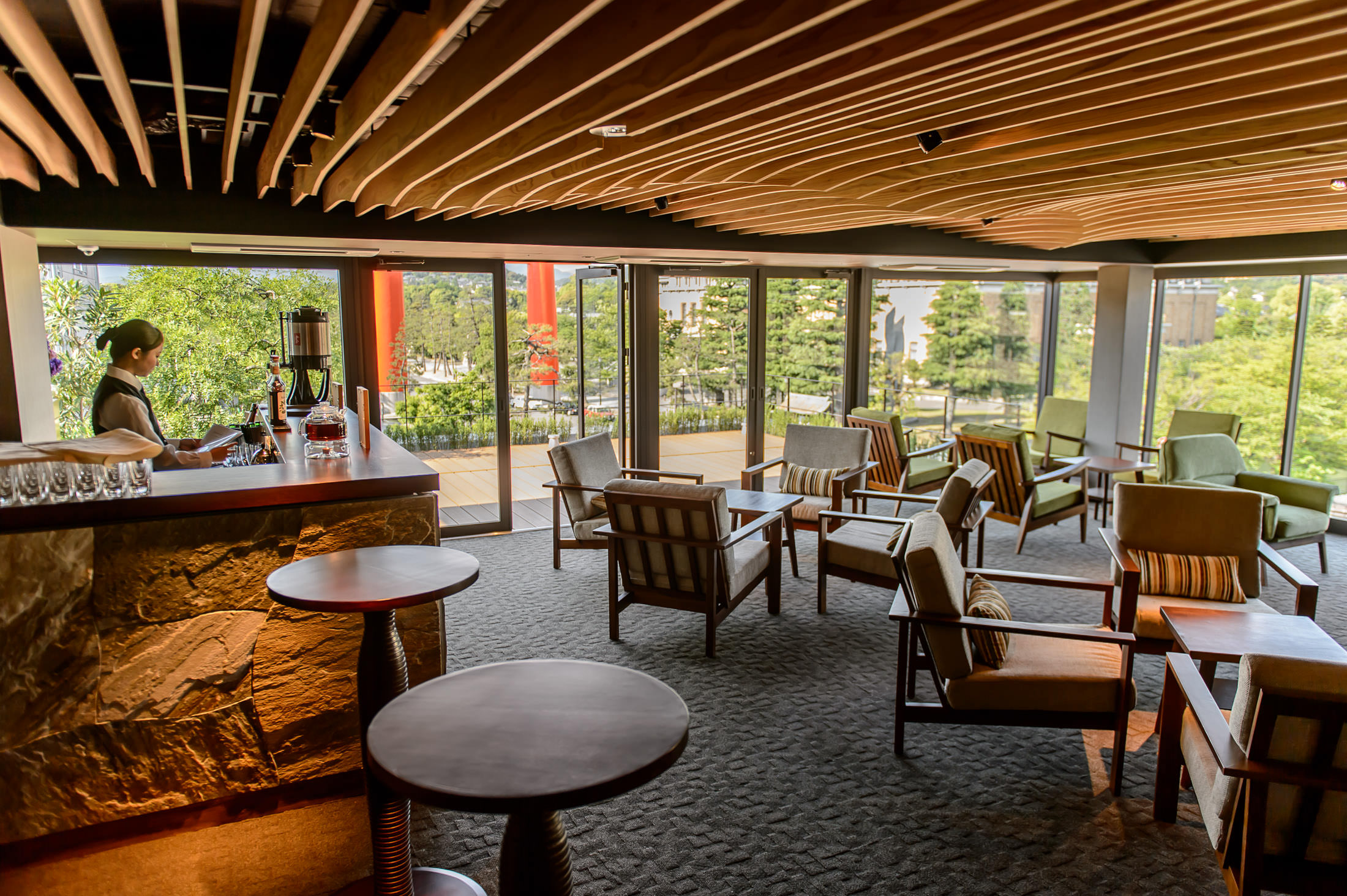
Nikon D4 + Nikkor 24-70mm f/2.8 @ 24mm — 1/200 sec, f/2.8, ISO 100 — map & image data — nearby photos
Beauty is Fleeting
(Former) Wedding Venue Rokusisui (旧六絲水), Kyoto Japan
This photo is from a blog post seven years ago, “Exposing for Single-Shot HDR (Sort Of)”, using photos from a special visit to a newly-built about-to-open wedding venue in Kyoto. (Photos from that visit also appeared on “Heian Shrine Gate From a New Perspective”.)
As lovely as the new venue was, it seems that they weren't able to make it as a wedding venue; they stopped doing business a few years ago (prior to COVID). The lovely building in the super-amazing location has been vacant since.
But the building won't be vacant for much longer, because the building won't be for much longer. It's being demolished! The five-story reinforced-concrete building is not even eight years old. Wow, what a waste.
Living right next to the building, a meeting was held to explain the demolition and its schedule, attended by two representatives of the company doing the demolition. Based on their attire, it was clear that one was an office worker, and the other was someone who was likely to be the on-site foreman. They explained the schedule with attention to the concerns that neighbors would have (noise, dust, etc.).
When they were done, they asked whether there were any questions. There was a long silence, so I decided to ask my off-topic question. I said that what I really wanted to know had nothing to do with their work (the demolition of the building), but if they had information, I'd appreciate to hear: why is this almost-new building being demolished, and what will replace it?
This opened a flood-gate of discussion from the few other residents that bothered to attend. 🙂
In the end, the answer was "It's owned by a holding company in Kobe (a nearby city), and they truly don't know what they'll do with the land".
It's very hard to believe that they'll spend a quarter-million dollars to demolish a six-million-dollar building (costs are my informed estimates) without knowing what they'll do with it, so it's likely that they'll make condominiums, which is, to current area residents, perhaps the most-objectionable thing that area zoning allows.
(My view is that it's their land and they can do whatever zoning allows. The building that I live in was built just 16 years ago on land that had been more or less a big garden, so I'm sure the building was a shock to the surrounding residents. But it wasn't their land, it was the land of the person that made the building.)
I recently heard about a very hard climb — over 3km/2mi at an average of almost 16% — not too far away. Many cyclists could not climb for 50m at 15%, much less do it for 3,000m. It's just ridiculously steep. This climb sounded to rival one the most difficult climbs in Japan, Kuragari West, which clocks in at 2.3km/1.7mi @ 17.3%.
Of course, I had to go check it out. It was quite the adventure.
The start of the climb was about 30km north of Kyoto, along the shore of Lake Biwa. To save energy for the hard climb, I took the easiest route I could think of to get there.
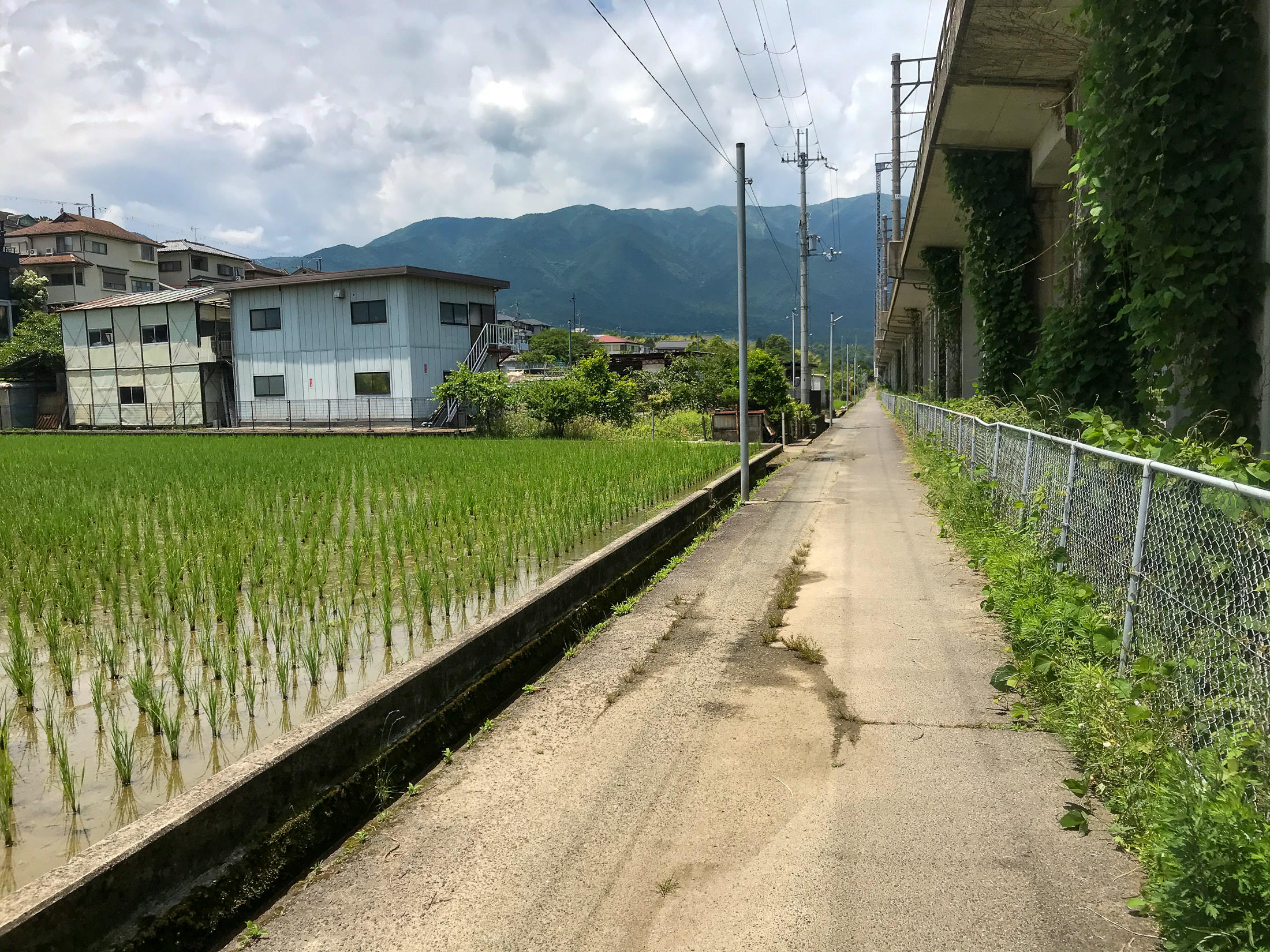
iPhone 7 Plus f/1.8 at an effective 28mm — 1/3200 sec, f/1.8, ISO 20 — map & image data — nearby photos
Pretty Views Along the Way
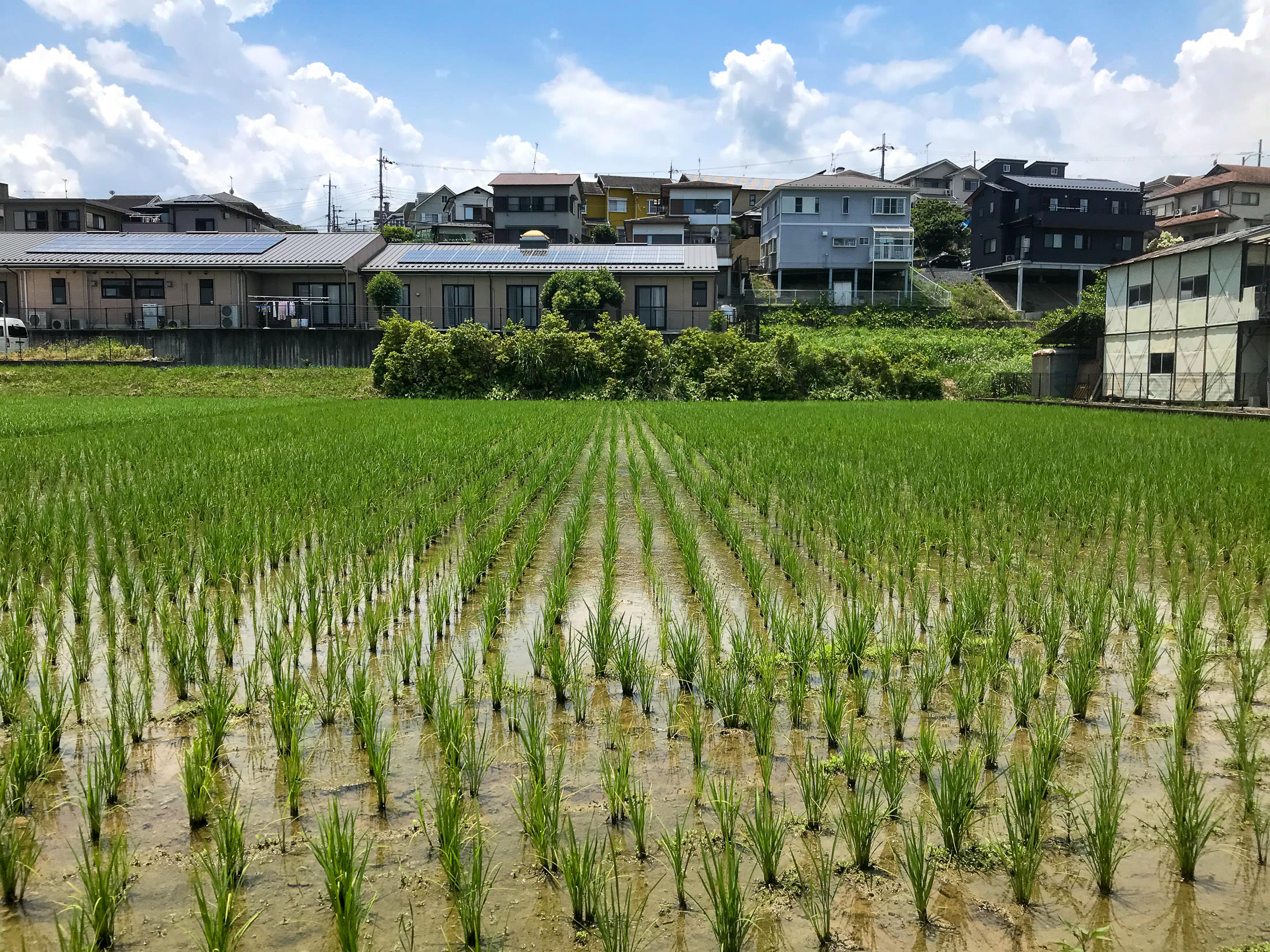
iPhone 7 Plus f/1.8 at an effective 28mm — 1/2300 sec, f/1.8, ISO 20 — map & image data — nearby photos
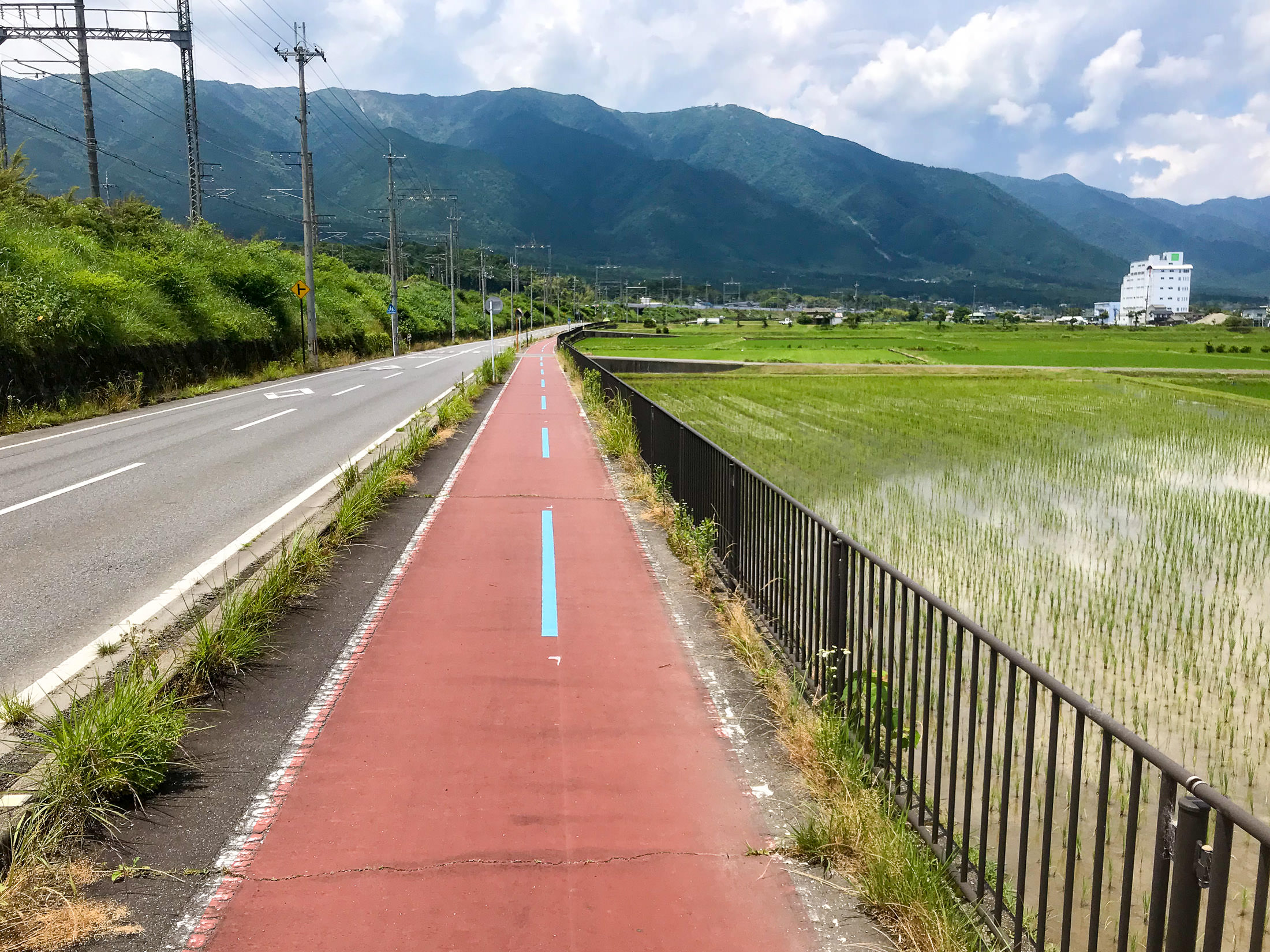
iPhone 7 Plus f/1.8 at an effective 28mm — 1/2900 sec, f/1.8, ISO 20 — map & image data — nearby photos
Bicycle Path
The path was much bumpier than the road. I would have preferred the road.
iPhone 7 Plus f/1.8 at an effective 28mm — 1/2000 sec, f/1.8, ISO 20 — map & image data — nearby photos
Getting Near the Start of the Climb
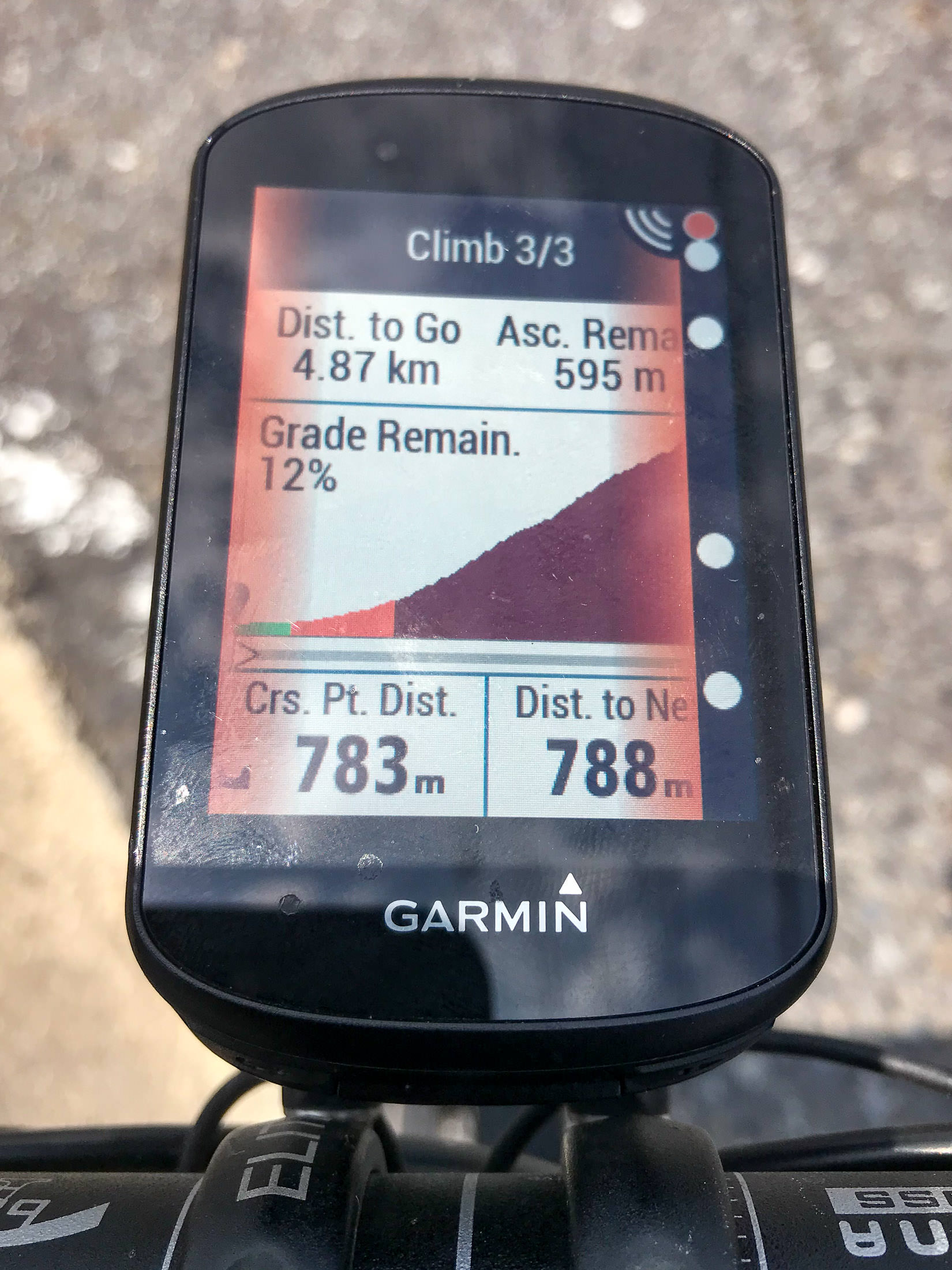
Modern Garmin cycling computers have a “Climber Pro” feature that notices where climbs are in a route, and highlights them like this. In this case, the mild lead up to (what I considered to be) the climb is included here, increasing the length to 4.9km and reducing the average grade to “only” 12%.
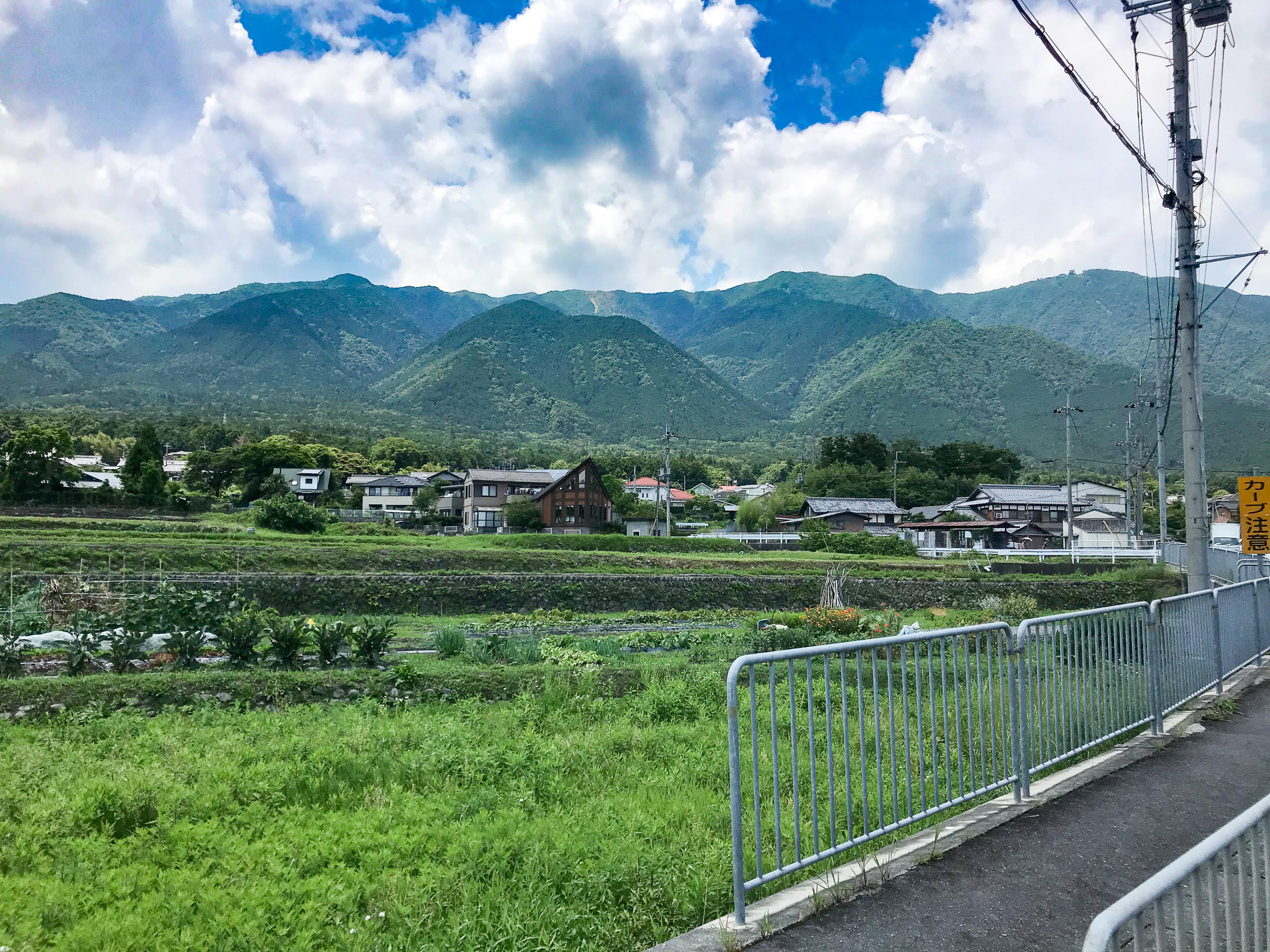
iPhone 7 Plus f/1.8 at an effective 28mm — 1/3400 sec, f/1.8, ISO 20 — map & image data — nearby photos
I'm Going Somewhere Up There
iPhone 7 Plus f/1.8 at an effective 28mm — 1/1900 sec, f/1.8, ISO 20 — map & image data — nearby photos
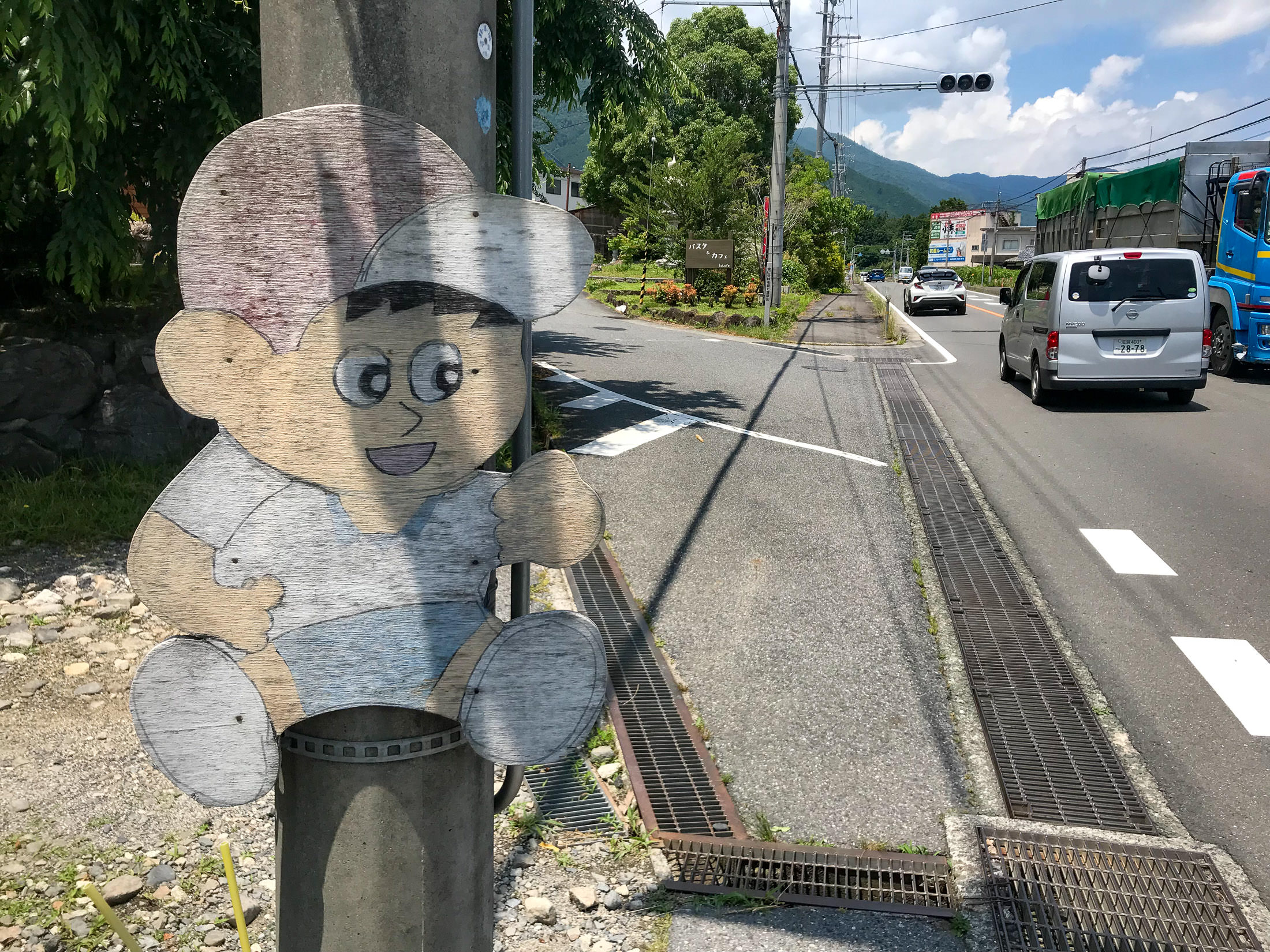
The Road Up Starts Here
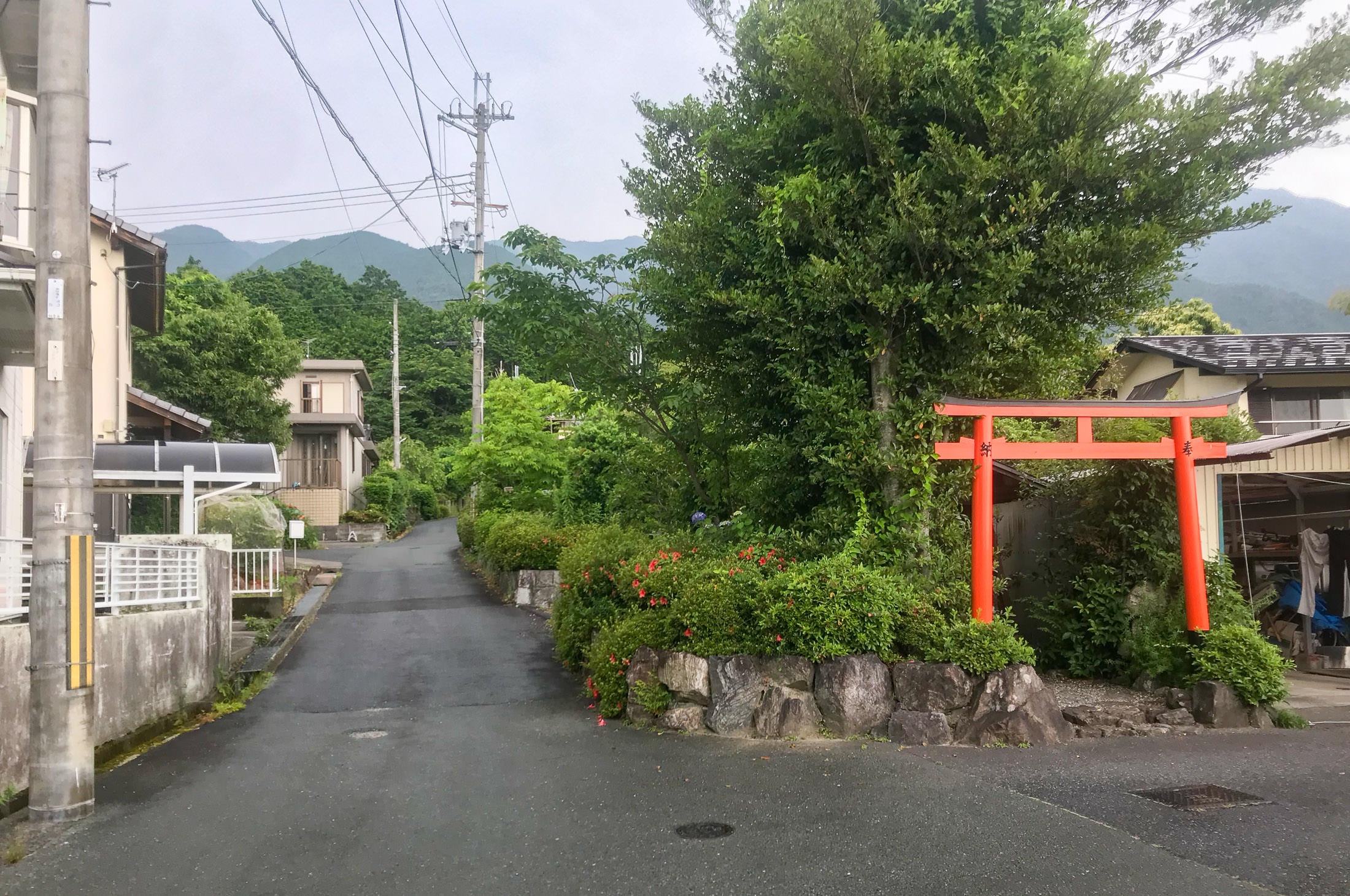
Even though the road starts here, and starts going up right away, I found out later that the considered start of the climb is 350m farther on, at this shrine gate:
iPhone 7 Plus f/1.8 at an effective 28mm — 1/140 sec, f/1.8, ISO 20 — map & image data — nearby photos
Start of the Climb
at an elevation of 126m
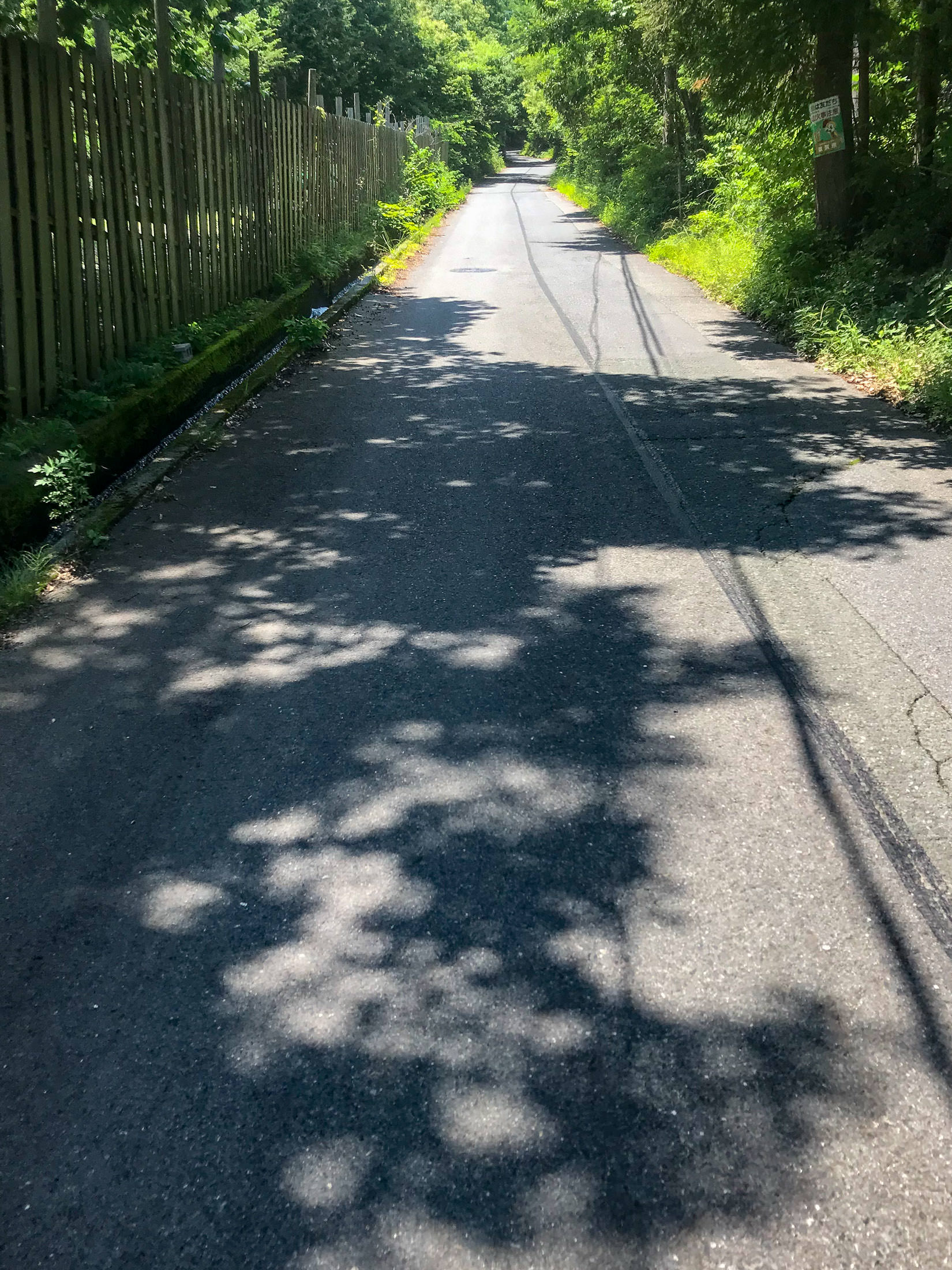
The reason it starts here, rather than 350m back at the turnoff, I was told, is that 1) this is where it starts to get steep, rising at more than 10%, and 2) it's where the village ends, meaning that starting here avoids speeding cyclists annoying the elderly in the village.
iPhone 7 Plus f/1.8 at an effective 28mm — 1/640 sec, f/1.8, ISO 20 — map & image data — nearby photos
Straight Up at 13%
Within minutes, you're going straight up at 13%, which is not that bad.... until you realize that this is just the mild warmup for the kilometers of much worse to come.
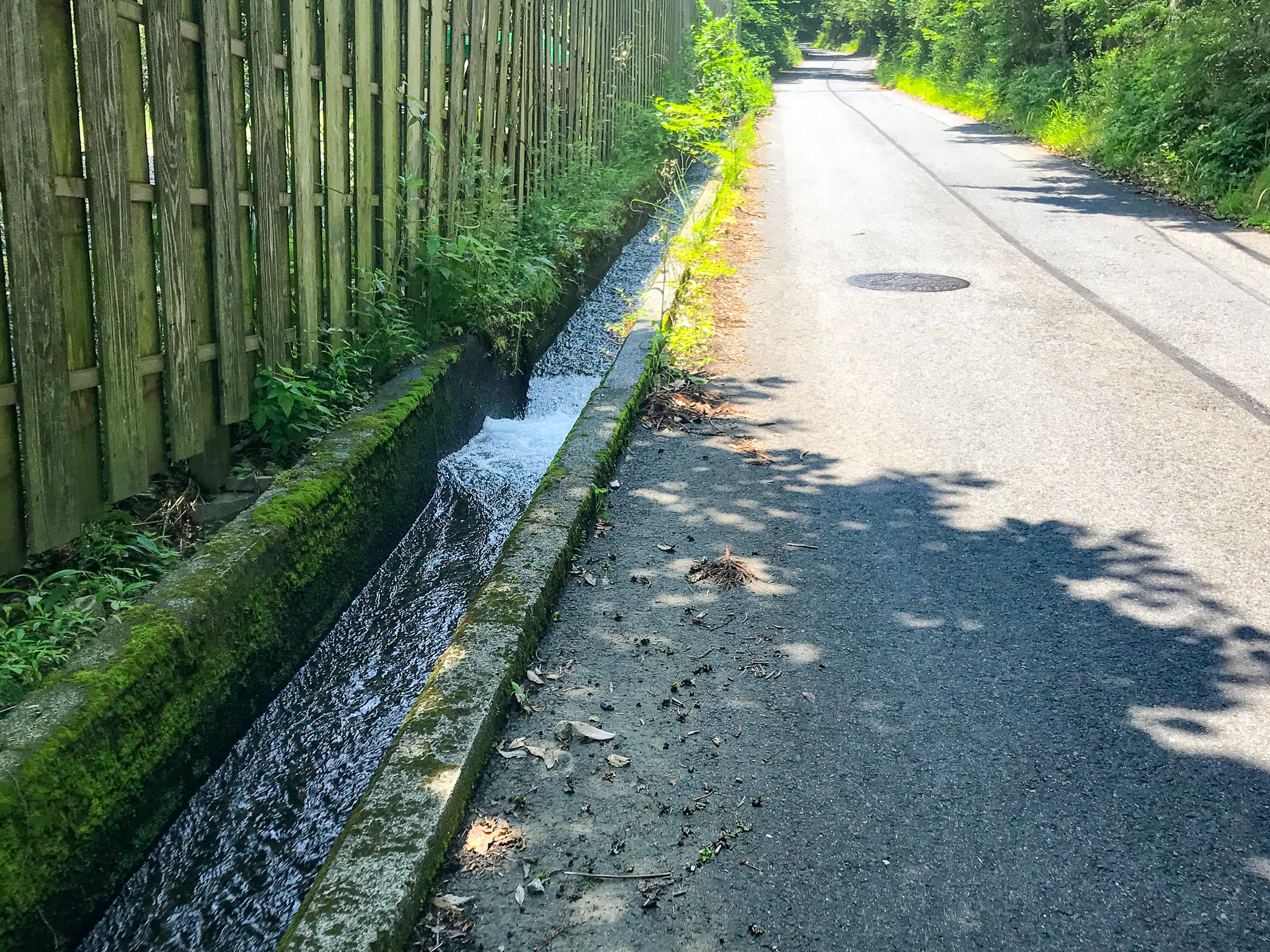
One nice thing I noticed is that for much of the start of the climb, clean water is positively rushing down the gutter next to the road. It looked very clean and inviting. I'm sure that this is drinkable, so that means that you don't really need to bring a lot of water with you, even during the hottest days of summer.
iPhone 7 Plus f/1.8 at an effective 28mm — 1/490 sec, f/1.8, ISO 20 — map & image data — nearby photos
Drinkable Water
rushing down at breakneck speed
The road surface is very good here. I had been told by one person that the road pavement was good until just before the end, and by another person that it was so bad that it was one of the most dangerous roads to cycle on in the area. So far, it looked really good.
The quality of the pavement is very important for steep climbs on a road bike, because there are two real dangers that can happen if the rear wheel loses traction. One is that as you're pushing down hard on the pedal trying to overcome gravity and lift you and the bike up the mountain, suddenly there is no resistance and you can find yourself flying over the handlebars, or (for men) have a particularly unpleasant impact injury.
The other is that if the wheel slips, you lose forward momentum, and unless you can very quickly unclip your shoes from the pedals, you will fall over. I have not done this.... recently.
Things that can cause the rear wheel to lose traction on a steep climb: wet pavement, rough pavement, moss on the road (on a steep road, moss is death), sand/rocks/pebbles on the road, potholes, branches, leaves. Or, more commonly, many combinations thereof.

iPhone 7 Plus f/1.8 at an effective 28mm — 1/60 sec, f/1.8, ISO 20 — map & image data — nearby photos
Looks Steep
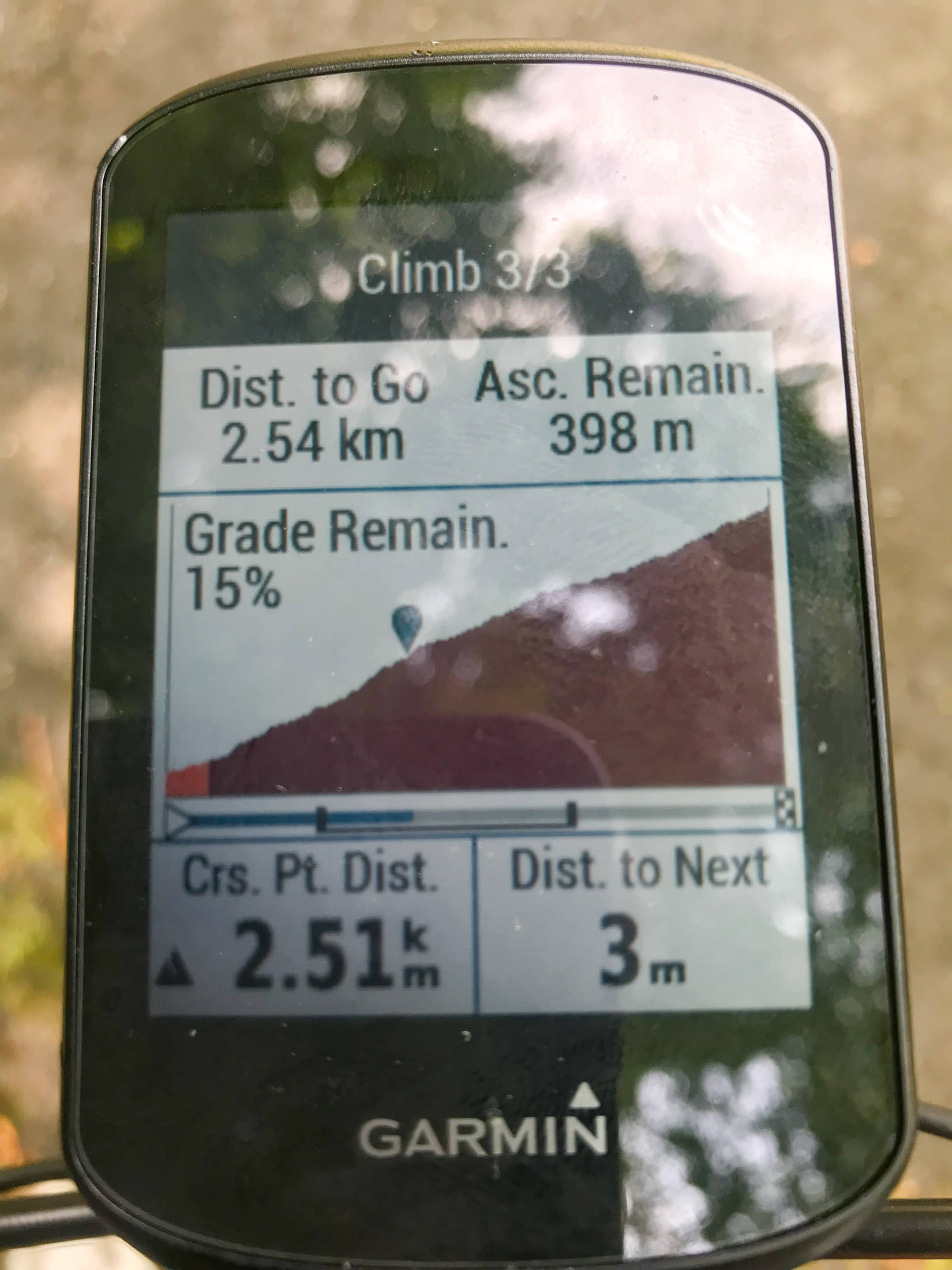
Garmin cycling computers have long had an “Elevation” screen that shows either the elevation it thinks you've done so far, or, if you're following a course that has elevation data, a forward-looking graph of the elevation and where you are now, as seen above.
One used to be able to adjust both the vertical and horizontal scale of the graph, but for inexplicable reasons, in the current state-of-the-art Edge 530 model that I have, they don't allow the vertical scale to be adjusted. That makes small hills essentially disappear (look flat), an horrible monster hills like the one I'm climbing now look merely “steep”. Sigh. The “Elevation” screen is not even mentioned in the manual. Sigh. Garmin units are really horrible, but they're still better than anything else out there. Sigh.
iPhone 7 Plus f/1.8 at an effective 28mm — 1/120 sec, f/1.8, ISO 40 — map & image data — nearby photos
The “Climber Pro” Screen
iPhone 7+ + iPhone 7 Plus front camera 2.87mm f/2.2 at an effective 32mm — 1/60 sec, f/2.2, ISO 25 — map & image data — nearby photos
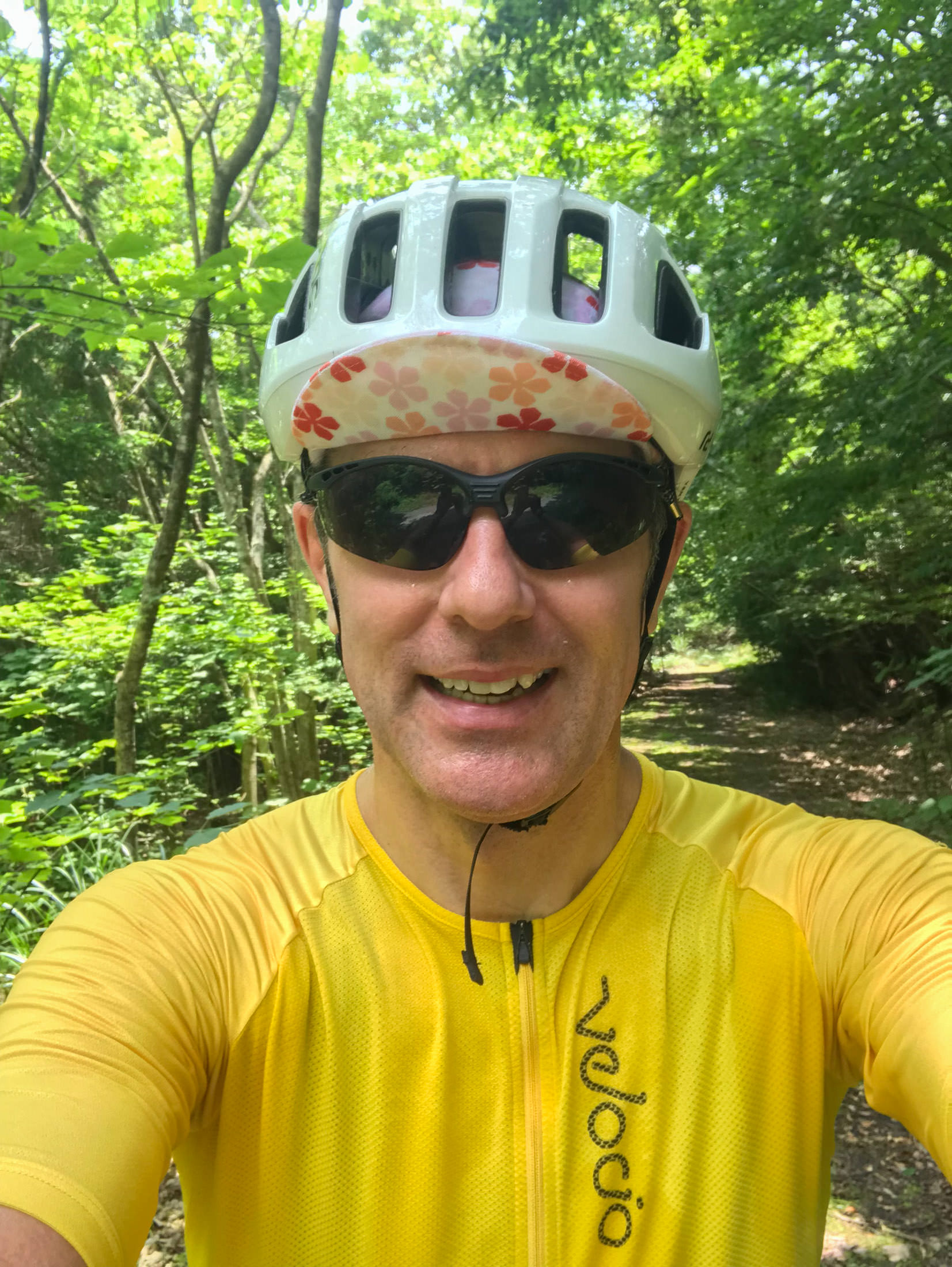
Totally Soaked in Sweat
All the photos from now on are a bit hazy, because my phone was in my jersey pocket, and my jersey was completely soaked. I didn't have anything to clean the lens with.
It was my intention to take this climb very slowly, and to stop on occasion so as to not overdo it this first try. Frankly, I don't know whether I could do this whole climb without stopping with the road-bike gearing that I had. It'd be much easier with mountain-bike gearing. In any case, I took the opportunity to take photos, or, more honestly, I took the occasion of taking photos to stop and rest.
iPhone 7 Plus f/1.8 at an effective 28mm — 1/25 sec, f/1.8, ISO 40 — map & image data — nearby photos
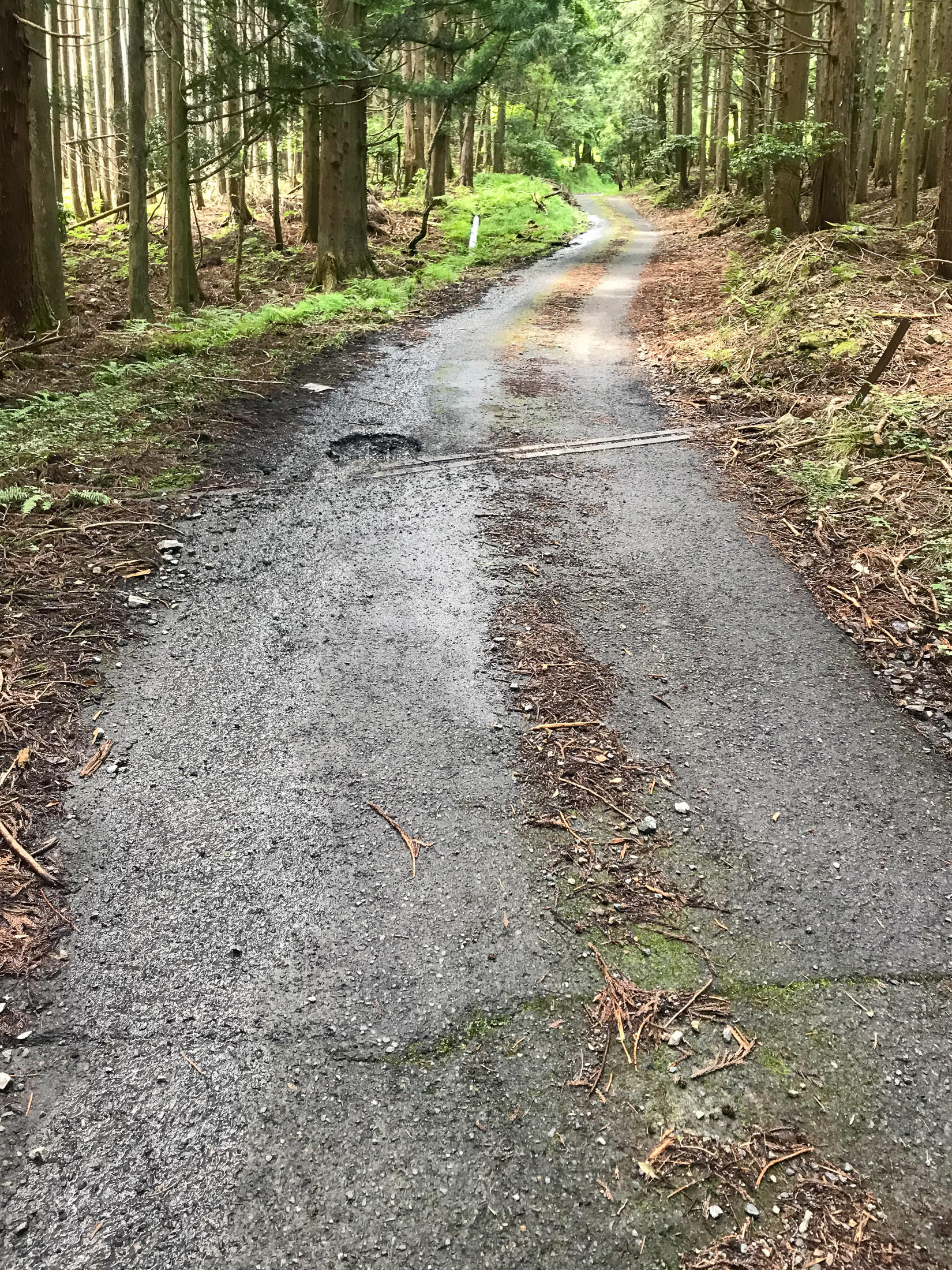
Still Not Too Bad
but with the crazy steepness, one had to pick a line carefully
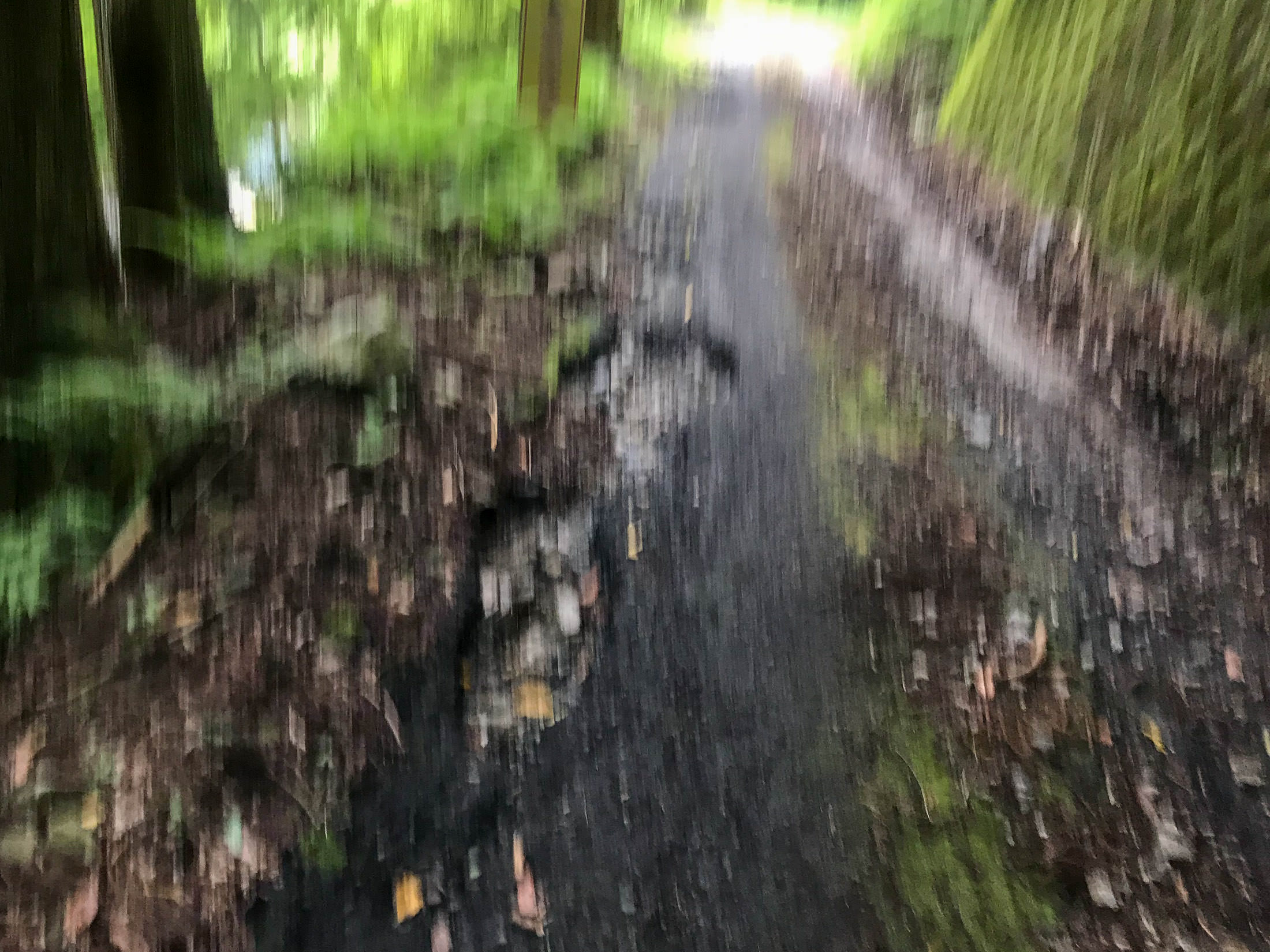
iPhone 7 Plus f/1.8 at an effective 28mm — 1/20 sec, f/1.8, ISO 40 — map & image data — nearby photos
More Challenging
only one thin strip of clean road
iPhone 7 Plus f/1.8 at an effective 28mm — 1/500 sec, f/1.8, ISO 20 — map & image data — nearby photos
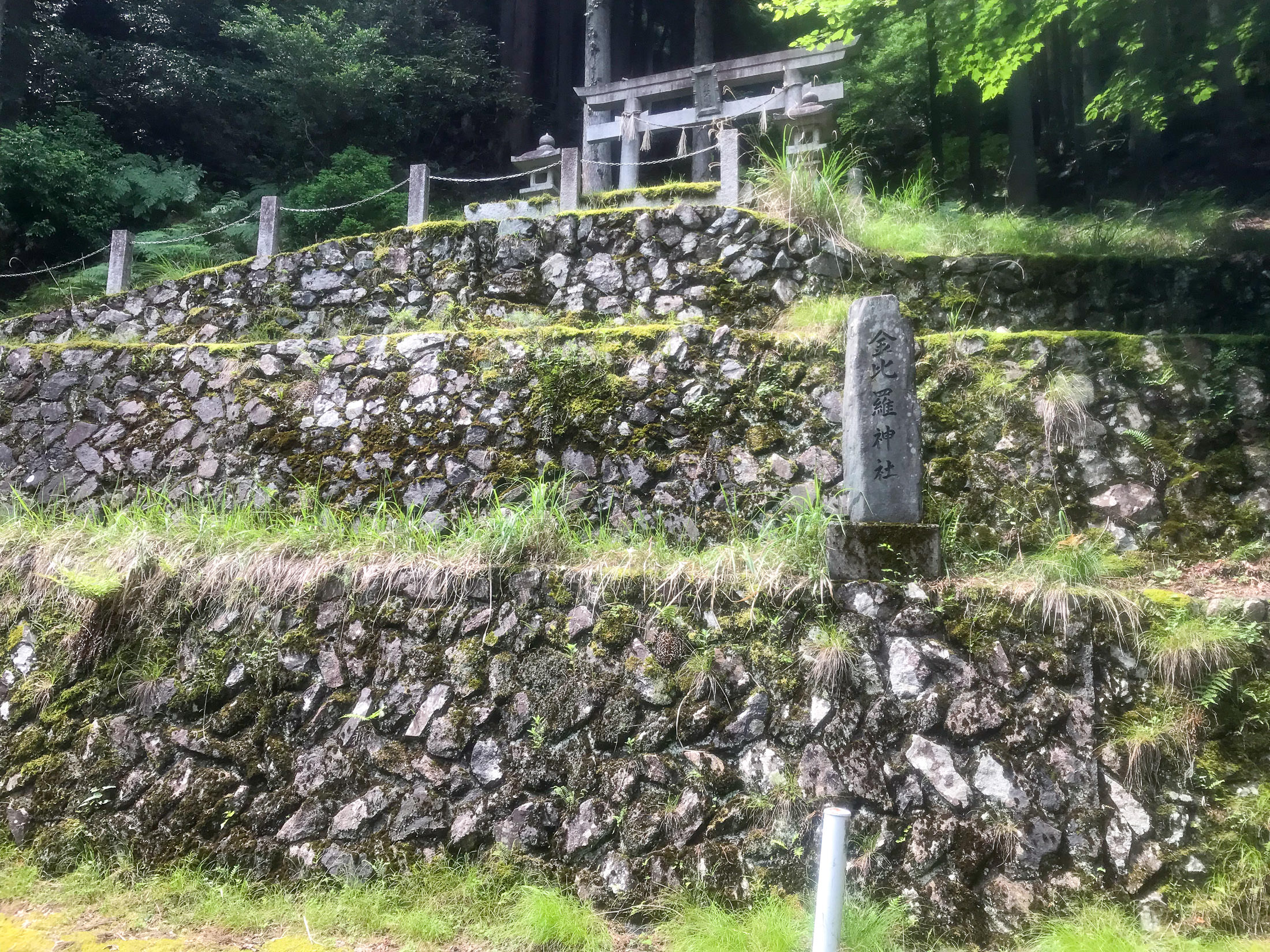
Entrance to the Konpira Shrine
金比羅神社
At one point I came around a corner to find what looks to be the entrance to the Konpira Shrine. Or, what we see is all that there is of the shrine? (I could see nothing up the mountain behind it.) I dunno.

iPhone 7 Plus f/1.8 at an effective 28mm — 1/530 sec, f/1.8, ISO 20 — map & image data — nearby photos
This is All I Could See
iPhone 7 Plus f/1.8 at an effective 28mm — 1/560 sec, f/1.8, ISO 20 — map & image data — nearby photos
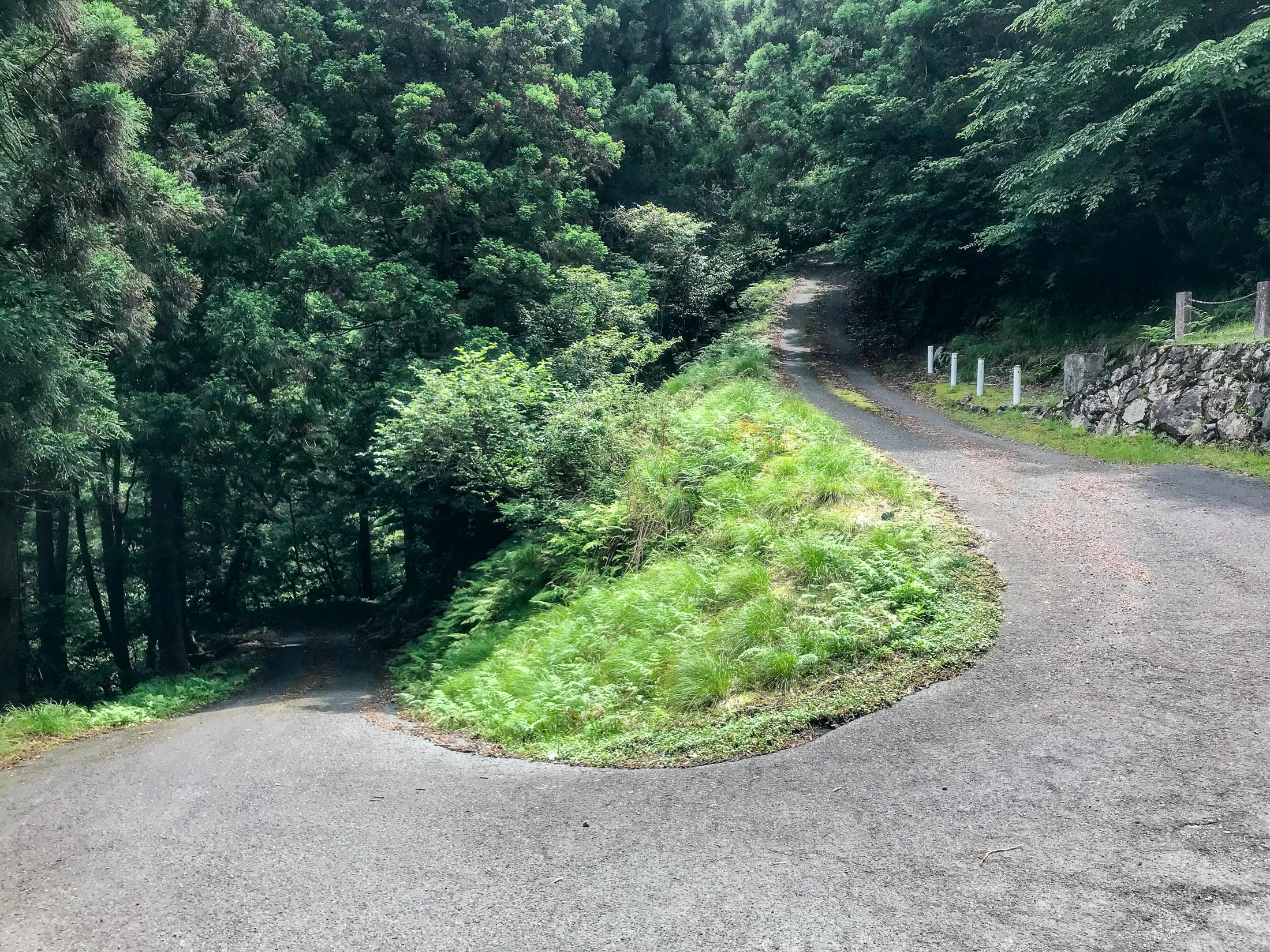
Ridiculously Steep
right at the shrine
As you can see in the photo above, the road surface is great, but as the road goes up after passing the shrine, it gets very steep (approaching 20%), and suddenly has a lot of moss:
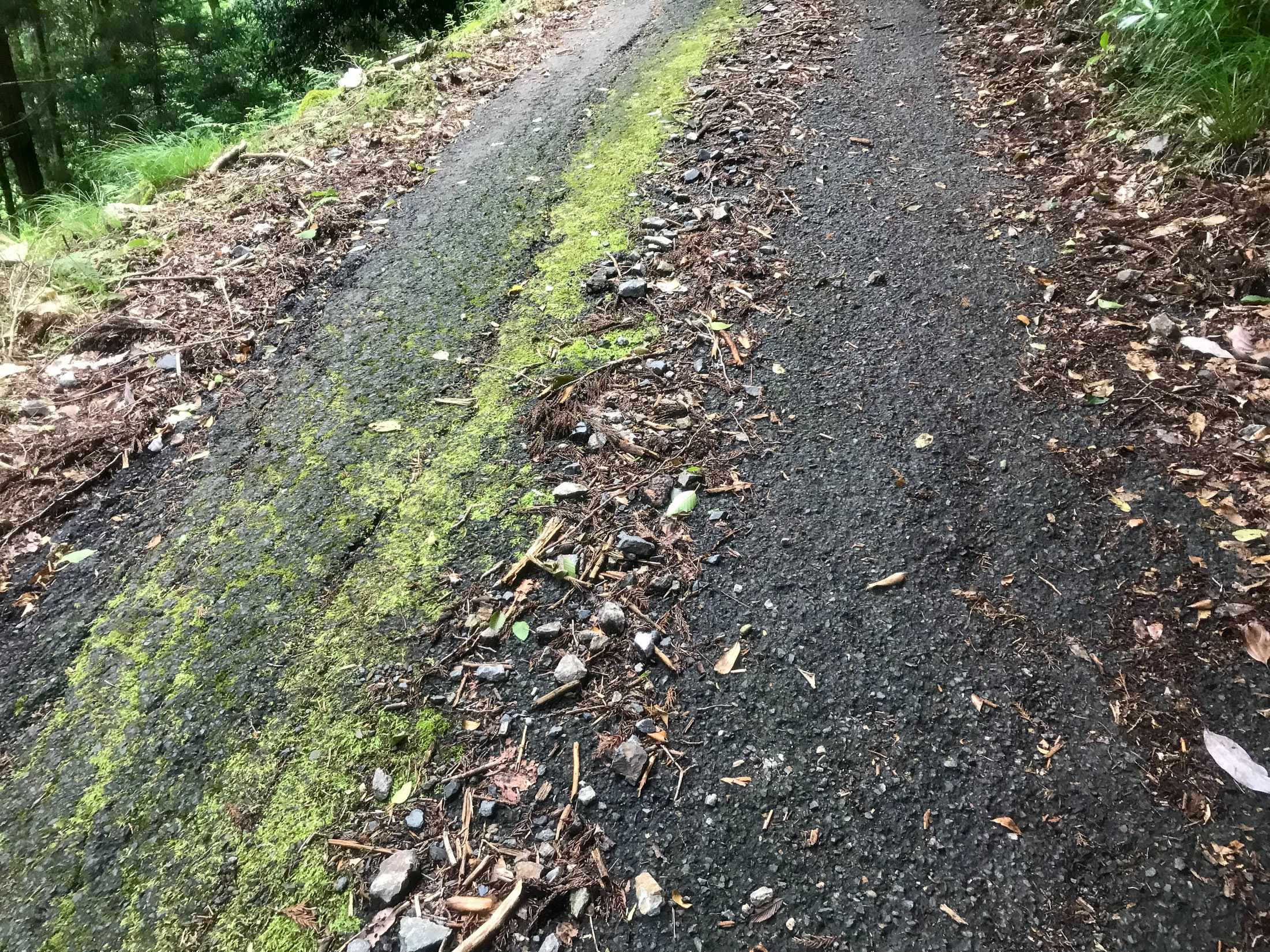
iPhone 7 Plus f/1.8 at an effective 28mm — 1/30 sec, f/1.8, ISO 32 — map & image data — nearby photos
Forced Stop
at 20%
This was the first time (but not the last time) that I had to stop suddenly because the road, and my situation on it, was not safe. As became more and more common, the center of the road was a thick strip of gunk, with strips of vaguely-clean area left by car tires. I was in the left-side strip on a painfully-steep section of road, when suddenly that left-side strip was covered in slippery moss. The gunk in the center was too much for me to try to cross over to the right side (remember, this is extremely steep), so I quickly stopped before a slipping wheel and gravity did it for me. I then moved over to the right side, and snapped this photo.
I wasn't able to start pedaling again. Believe me, I tried, but it was just too steep and slippery. I didn't want to walk (I have some pride), so I just inched forward by pushing down on one pedal repeatedly. This was perhaps the steepest section of road.
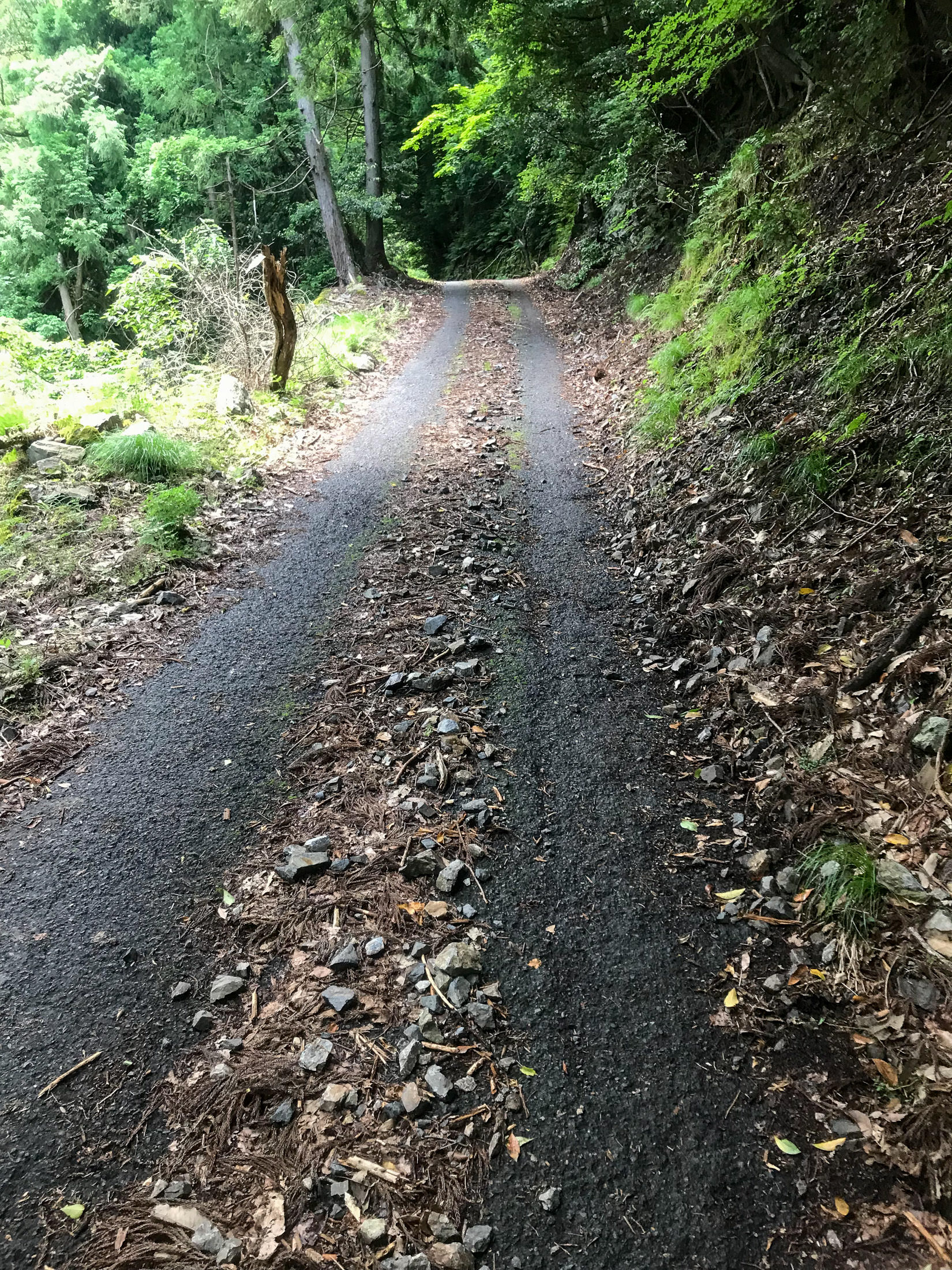
iPhone 7 Plus f/1.8 at an effective 28mm — 1/30 sec, f/1.8, ISO 25 — map & image data — nearby photos
Getting A Little Better
A couple of minutes later, I came across a spring by the side of the road:
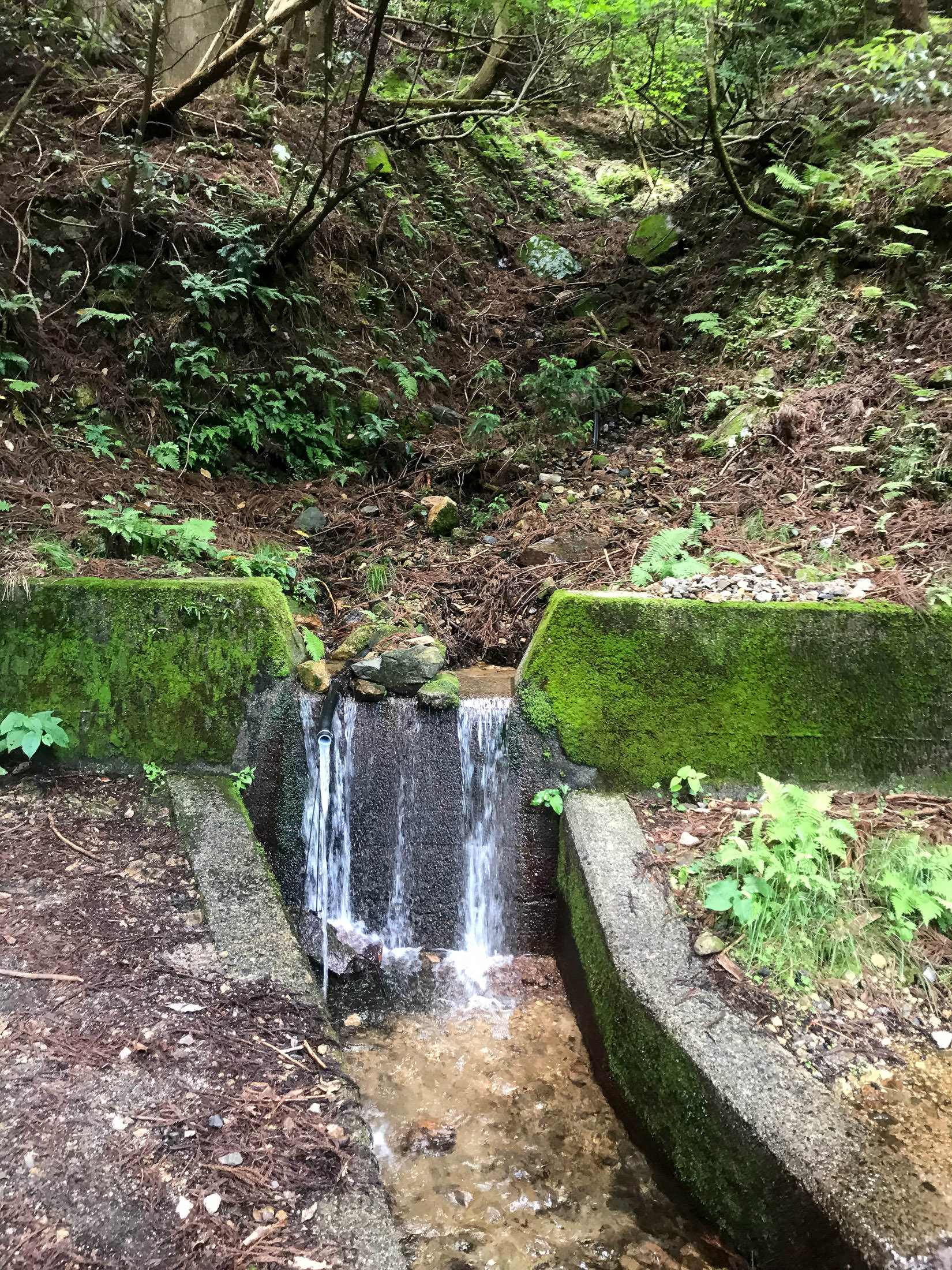
iPhone 7 Plus f/1.8 at an effective 28mm — 1/15 sec, f/1.8, ISO 40 — map & image data — nearby photos
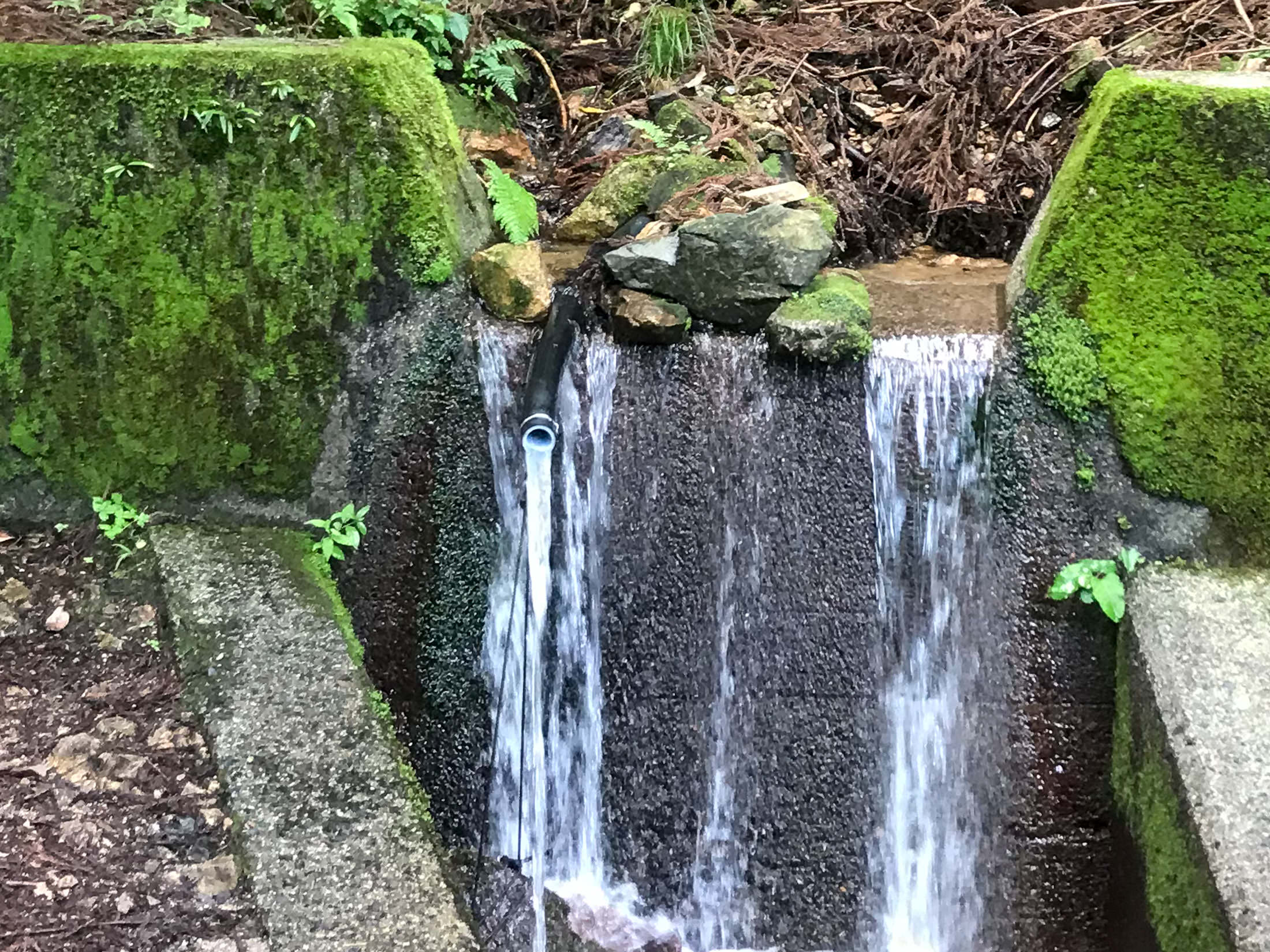
iPhone 7 Plus f/1.8 at an effective 28mm — 1/15 sec, f/1.8, ISO 40 — map & image data — nearby photos
That Pipe is It
Konpira Shrine Pure-Water Spring
金比羅神社名水
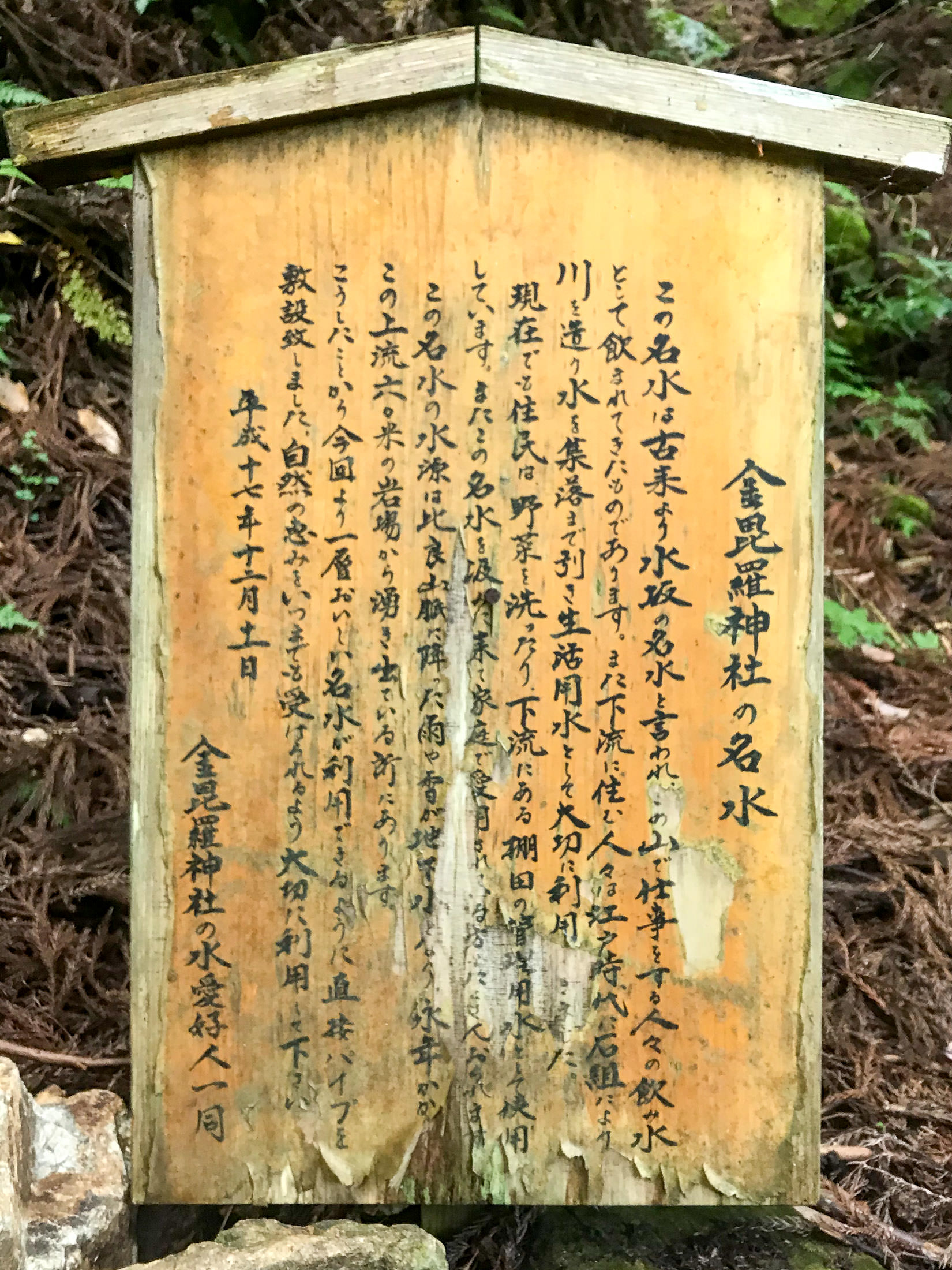
iPhone 7 Plus f/1.8 at an effective 28mm — 1/17 sec, f/1.8, ISO 40 — map & image data — nearby photos
Description
which I can't read
I was so tired by this point that I didn't actually read the sign that I took a photo of, so I didn't realize that this was the spring. I knew that there was a spring on this route, but Google Maps had it at the very top where the road ended (another 1.2km distant, 175m up). It turns out that Google Maps was wrong, and I've since fixed it.
According to what I've learned since, the pipe goes about 80m up to the source of the spring. The spring produces the same amount of water regardless of what's happening in the weather: the water that comes out of the spring is said to have been in the mountain for 100 years, and that if it never rained again, the spring would still flow for 100 years.
In any case, I was happy to get some more water, and I discarded the remaining convenience-store bottled water that I had in preference for this. It was very tasty.
And then I continued on.
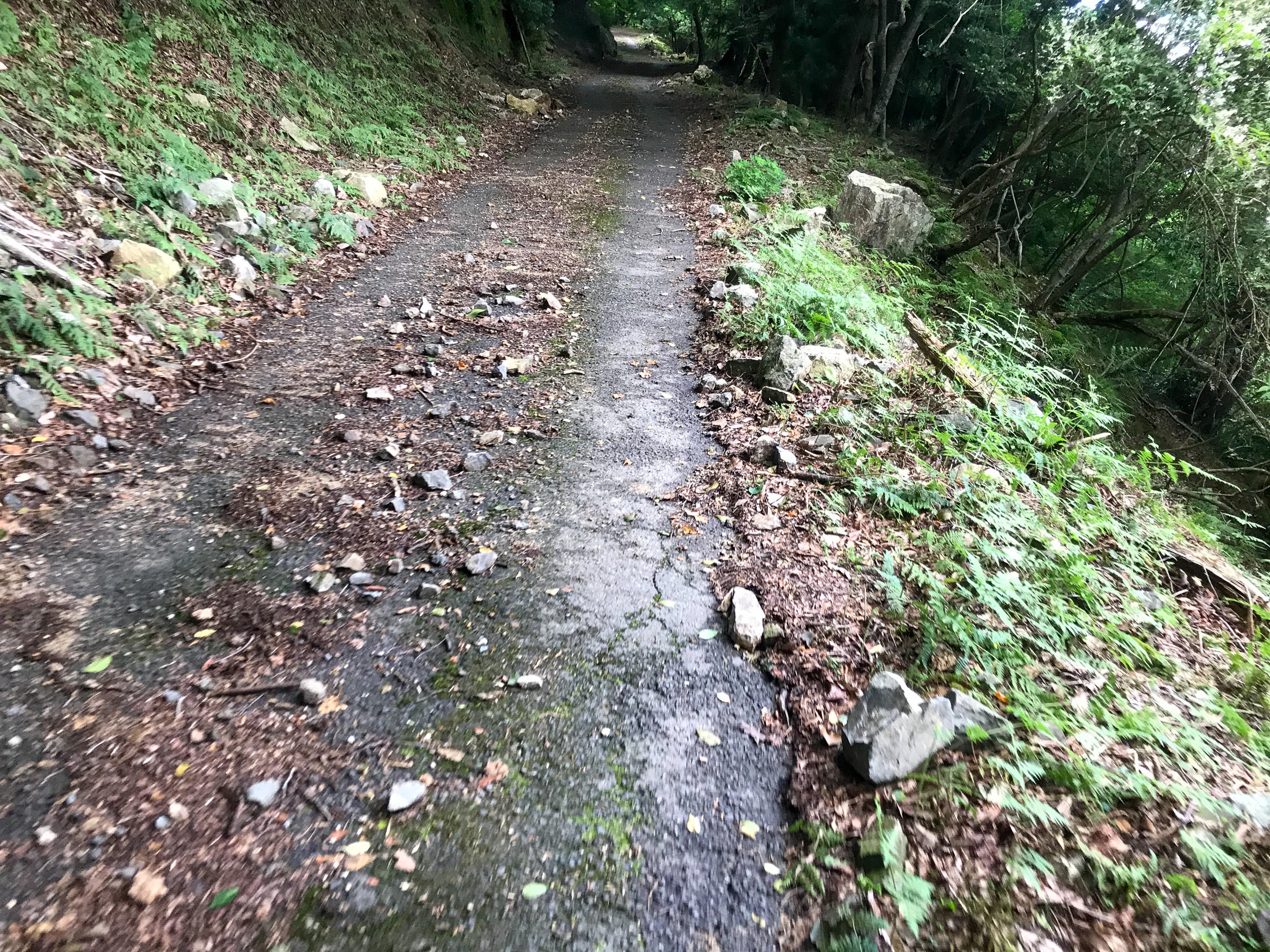
iPhone 7 Plus f/1.8 at an effective 28mm — 1/30 sec, f/1.8, ISO 25 — map & image data — nearby photos
Not Good
on one of the steepest sections
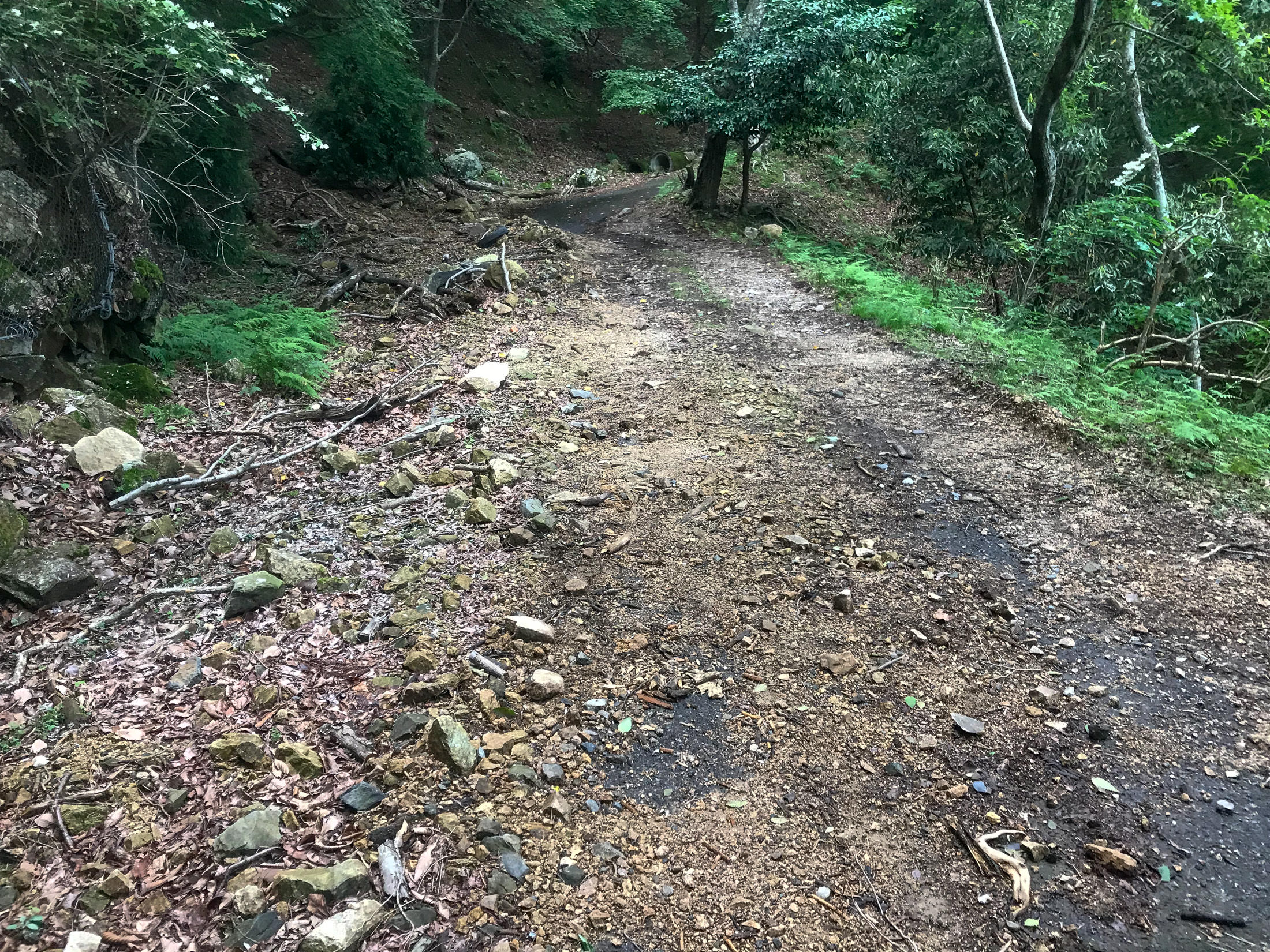
iPhone 7 Plus f/1.8 at an effective 28mm — 1/30 sec, f/1.8, ISO 25 — map & image data — nearby photos
I Walked This Little Section
I didn't want to get a puncture on the rocks

iPhone 7+ back camera at an effective 57mm — 1/1000 sec, f/2.8, ISO 20 — map & image data — nearby photos
Nice View
the one and only sweeping view on the whole climb
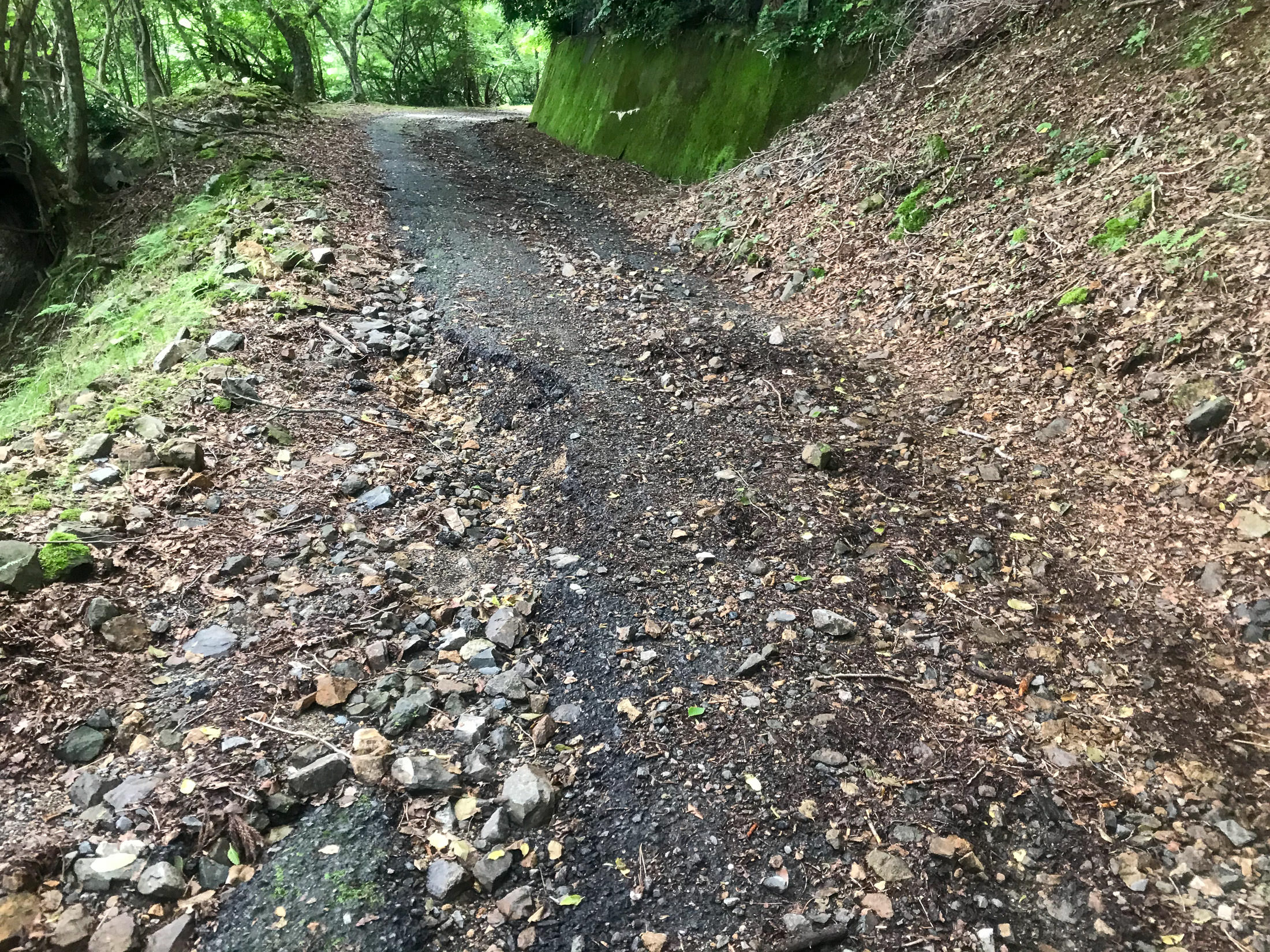
iPhone 7 Plus f/1.8 at an effective 28mm — 1/15 sec, f/1.8, ISO 40 — map & image data — nearby photos
Nope
I think I walked past this section, too
Past the spring, the road got increasingly bad in every respect. When the road is so bad that you have to dismount to walk past danger zones, it's not really fun. Again, it'd be fine on a mountain bike, I imagine, but I had to stop many times to work my way around dangerous sections.
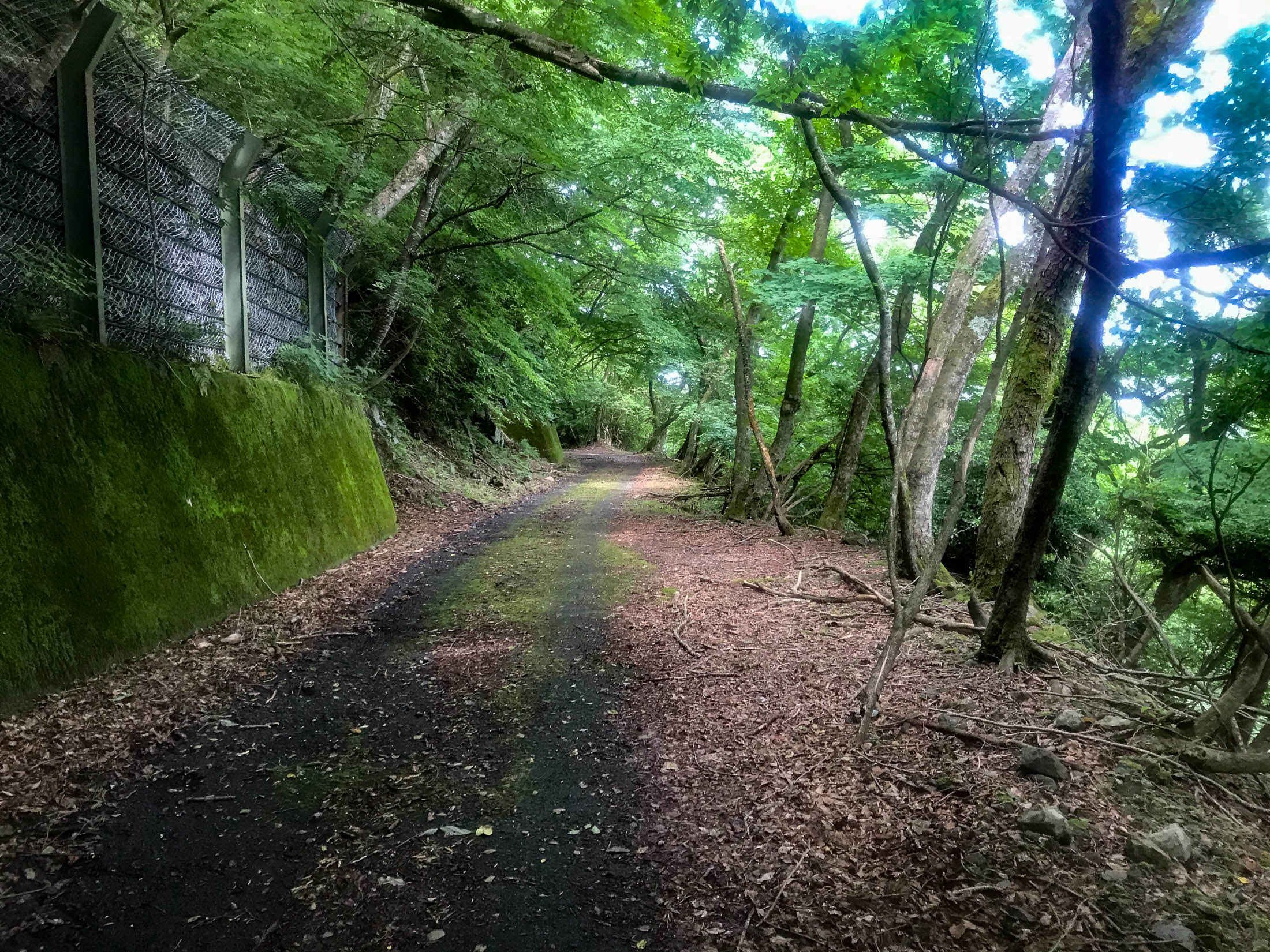
iPhone 7 Plus f/1.8 at an effective 28mm — 1/30 sec, f/1.8, ISO 32 — map & image data — nearby photos
A Suddenly-Nice Section
the moss is not so fun, but it can be mostly avoided
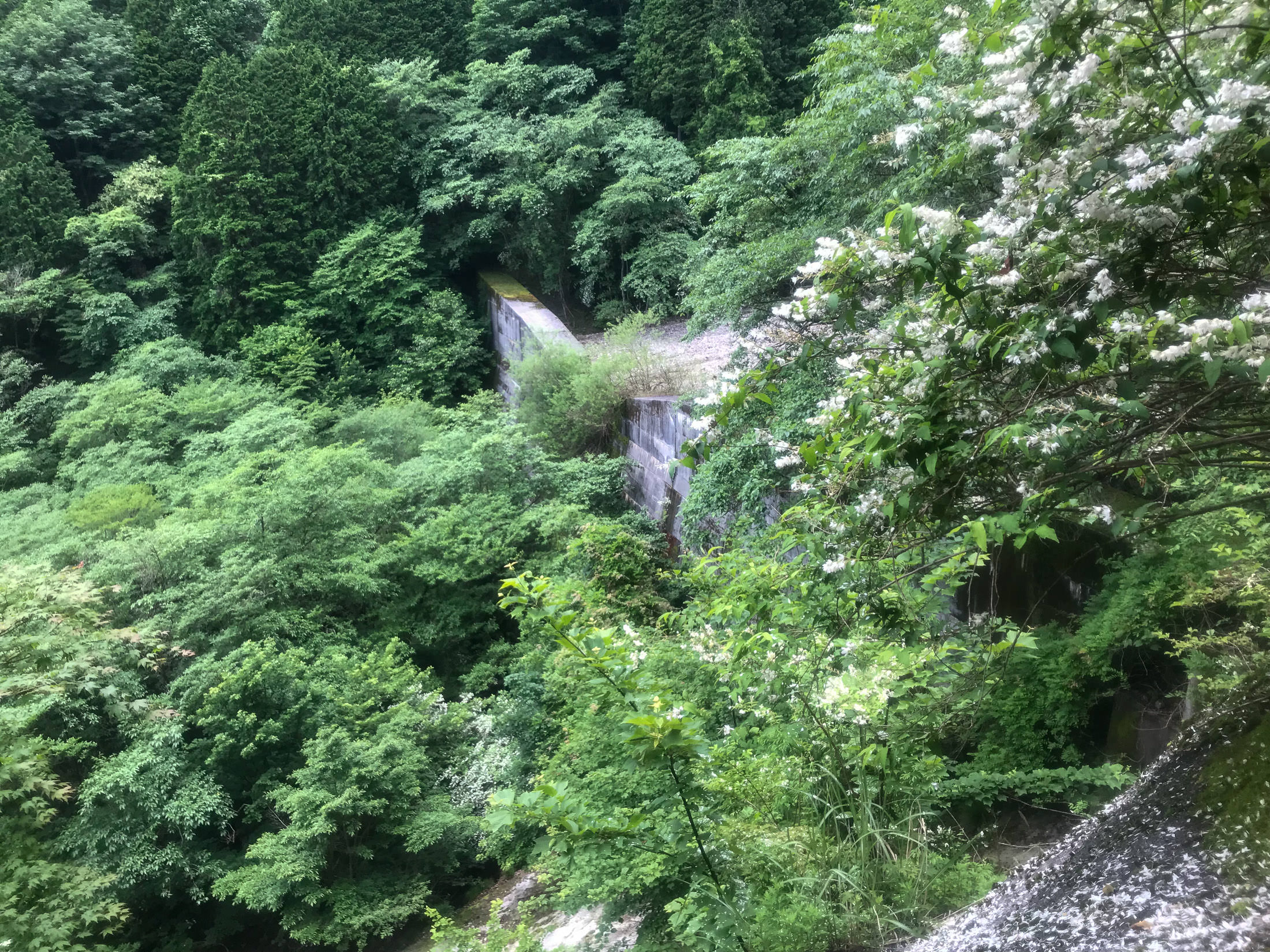
iPhone 7 Plus f/1.8 at an effective 28mm — 1/200 sec, f/1.8, ISO 20 — map & image data — nearby photos
Biggest Dam
of the many dams up and down the road-side river, this was the largest
Nearing the end, the road gave up all pretense of being paved.

iPhone 7 Plus f/1.8 at an effective 28mm — 1/30 sec, f/1.8, ISO 40 — map & image data — nearby photos
Concrete
it looks like a bunch of cars drove through freshly-poured concrete
The ruts here were very deep, and I walked over this whole section. And remember, it's still ridiculously steep.
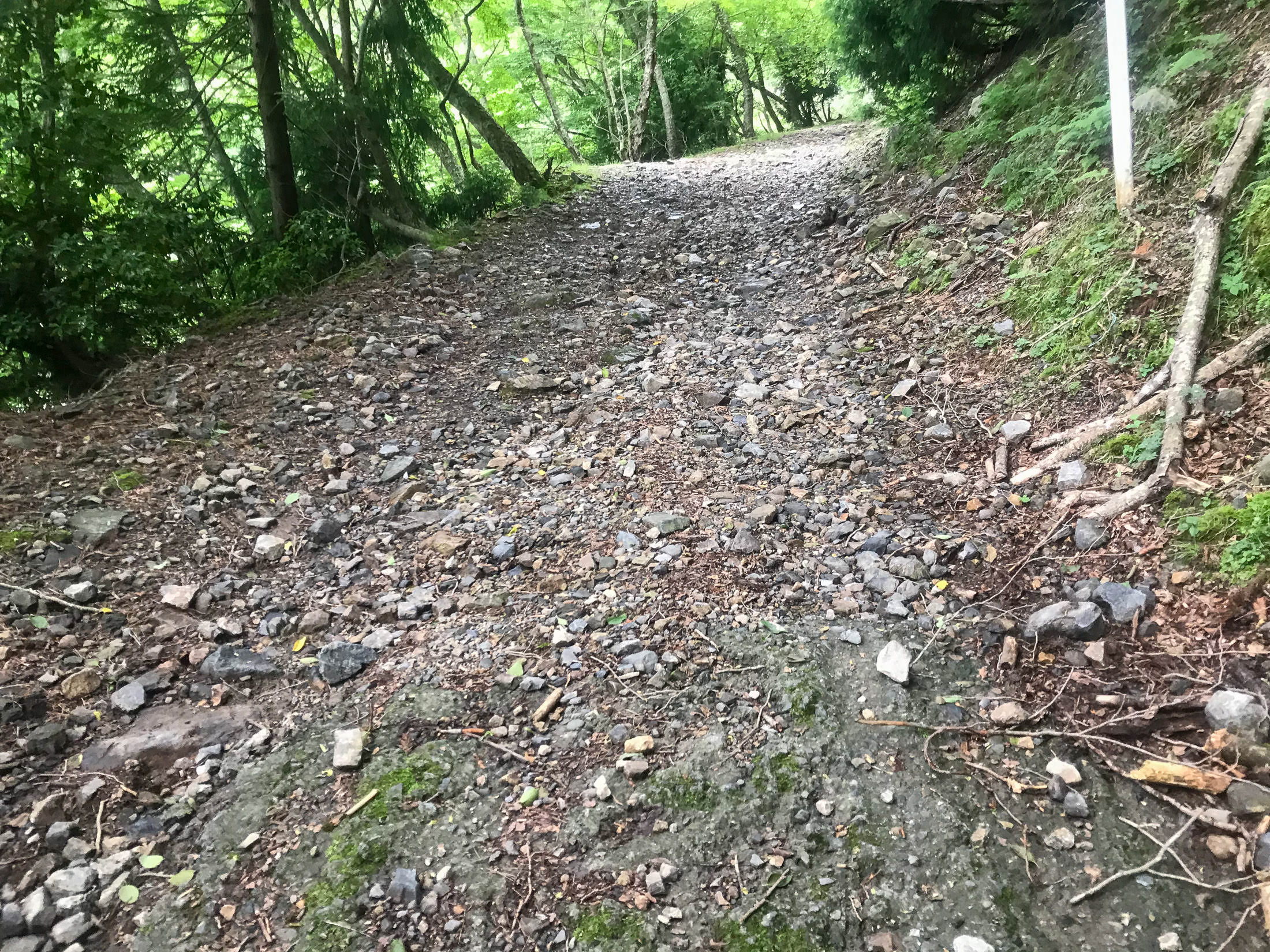
iPhone 7 Plus f/1.8 at an effective 28mm — 1/30 sec, f/1.8, ISO 40 — map & image data — nearby photos
This is the “Road”
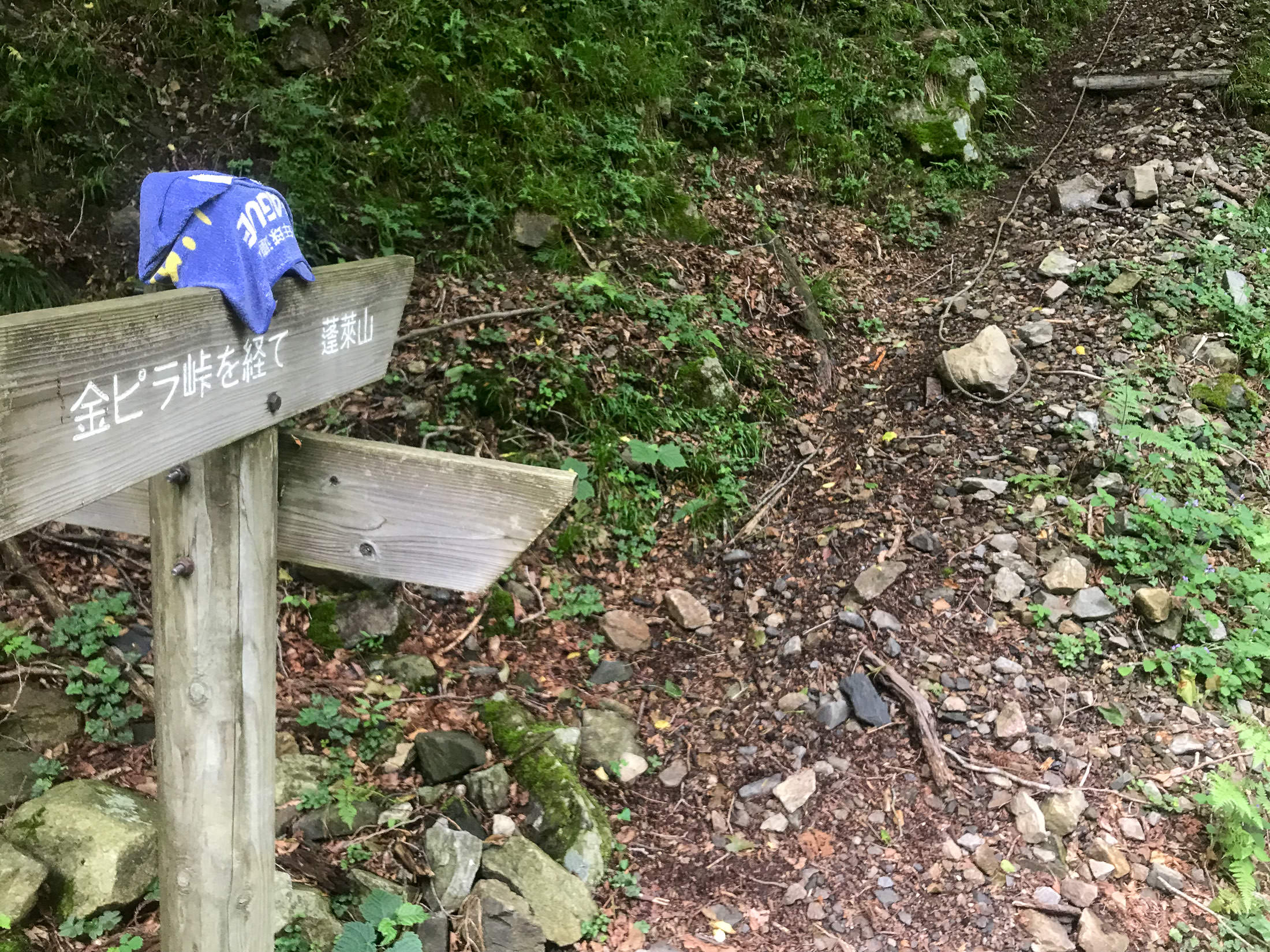
iPhone 7 Plus f/1.8 at an effective 28mm — 1/30 sec, f/1.8, ISO 32 — map & image data — nearby photos
Entrance to a Hiking Trail
the rope in the upper right is to help people pull themselves up
( I wish I could capture the sense of steepness in photos )
According to one Strava segment, it took me 54 minutes to get here from the bottom. The fastest recorded time is 27 minutes, by a guy in 2013 back when the road was presumably in a better state. Given the current state of the road, I don't know that I could have done it in 27 minutes on my scooter. A mountain bike or a dirt bike would be better.
I tend to enjoy challenging myself on extremely-steep climbs, but even if the road surface had been pristine, I don't think I could have done this one without stopping. The combination of me and the bike is well over 100kg (about 6kg being winter flab that I'm trying to lose), so I'm almost 2x the weight of real climbers. It's just too difficult for me now.
But the road was not pristine, and that takes all the fun out of it. In this case, the quality deteriorated more and more over time, so a clear, safe, apparent “let's consider this to be the end” location didn't present itself. This bothered me because I had been planning to make a surveyed segment for this climb.
Strava segments are normally made by users after they've ridden a ride, and that user's GPS data becomes The Master Data for the segment. Unfortunately, that data can be horrible, because consumer GPS units can be wildly inaccurate, especially in the mountains. Heck, I've seen a short segment on a totally flat road in the city presented as a 28% climb, because the user that made the segment had stopped into a cafe along the line, and the weather had changed while stopped, so when restarting their cycling unit, the barometric altimeter thought they had suddenly climbed a mountain, even though they hadn't even moved.
I talk about it in detail in “Strava Segment Tutorial: Removing Suckage and Promoting Quality”, but in short you often can't trust the map track, distance, and elevation data associated with a Strava segment, and that's a bummer. To counter this, I make computer-generated segments using highly accurate road and elevation data from the Japanese government.
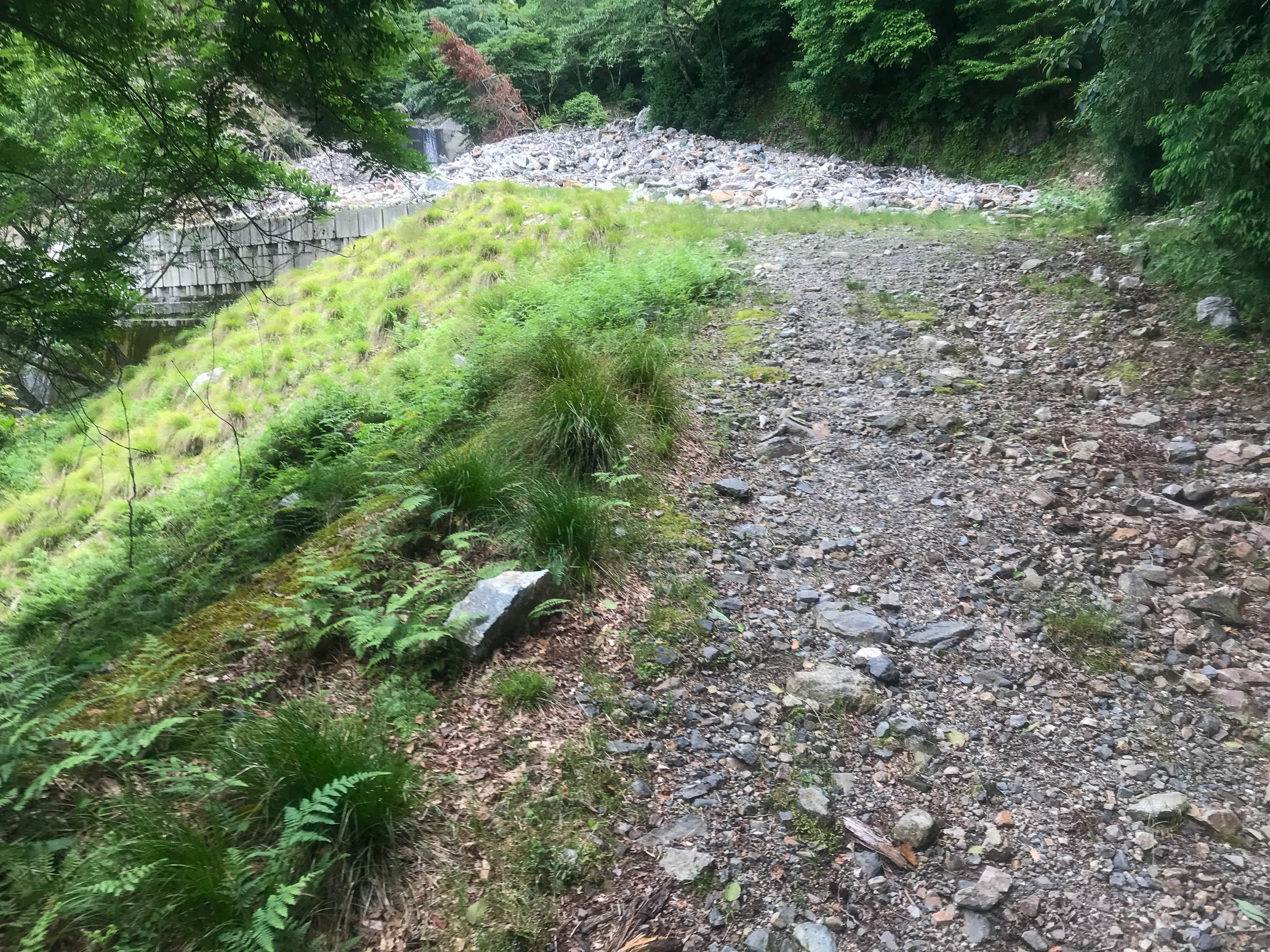
I've made more than 2,400 such “Surveyed” segments so far, and I wanted to make one for this climb, but I couldn't figure out a good place to have the climb stop. If I were considering only mountain bikes, I'd stop here at the entrance to the hiking trail, but I also want to consider road bikes. If only the road surface was good the whole way. As it was, I was bummed and disillusioned about this climb.
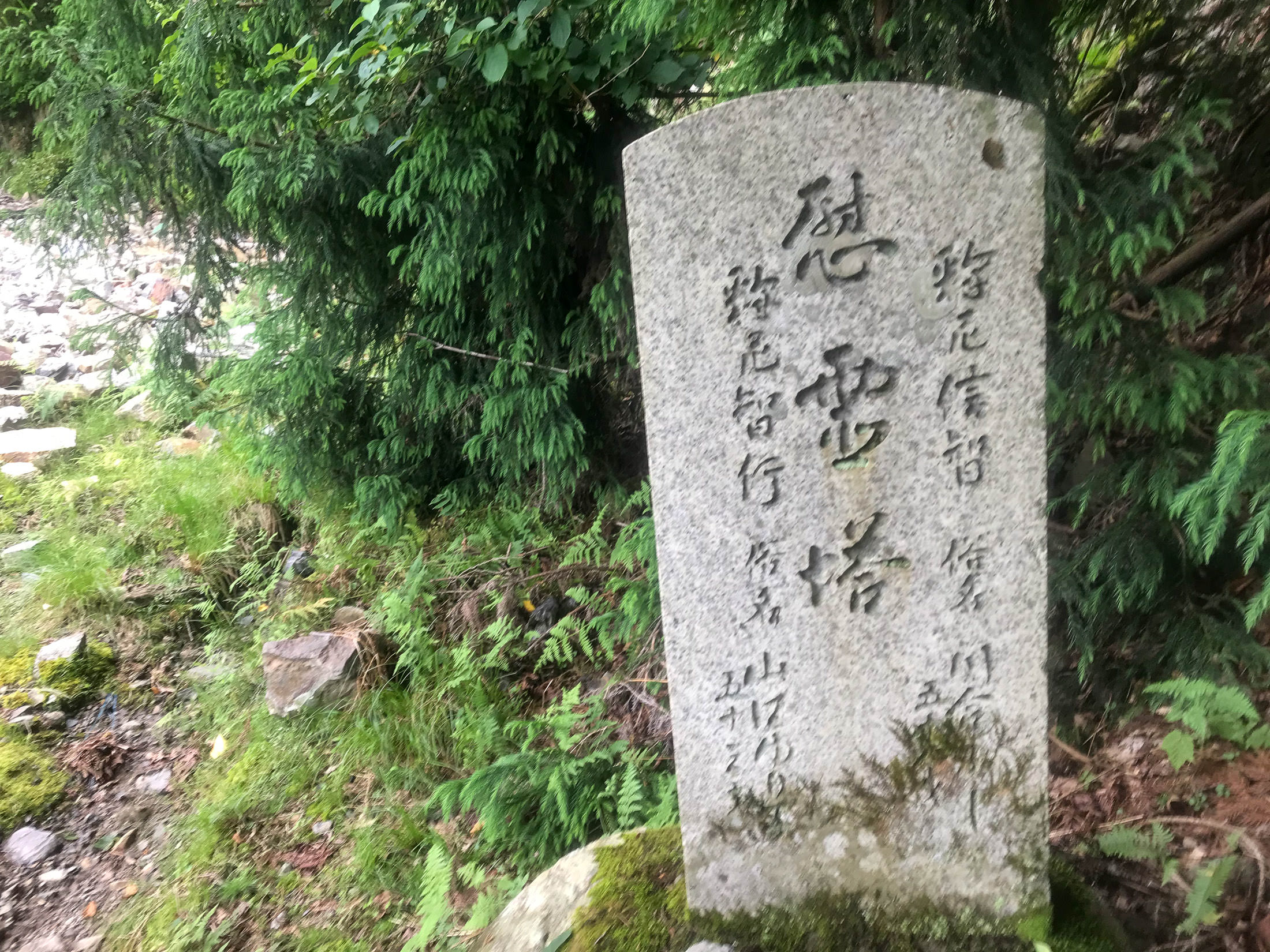
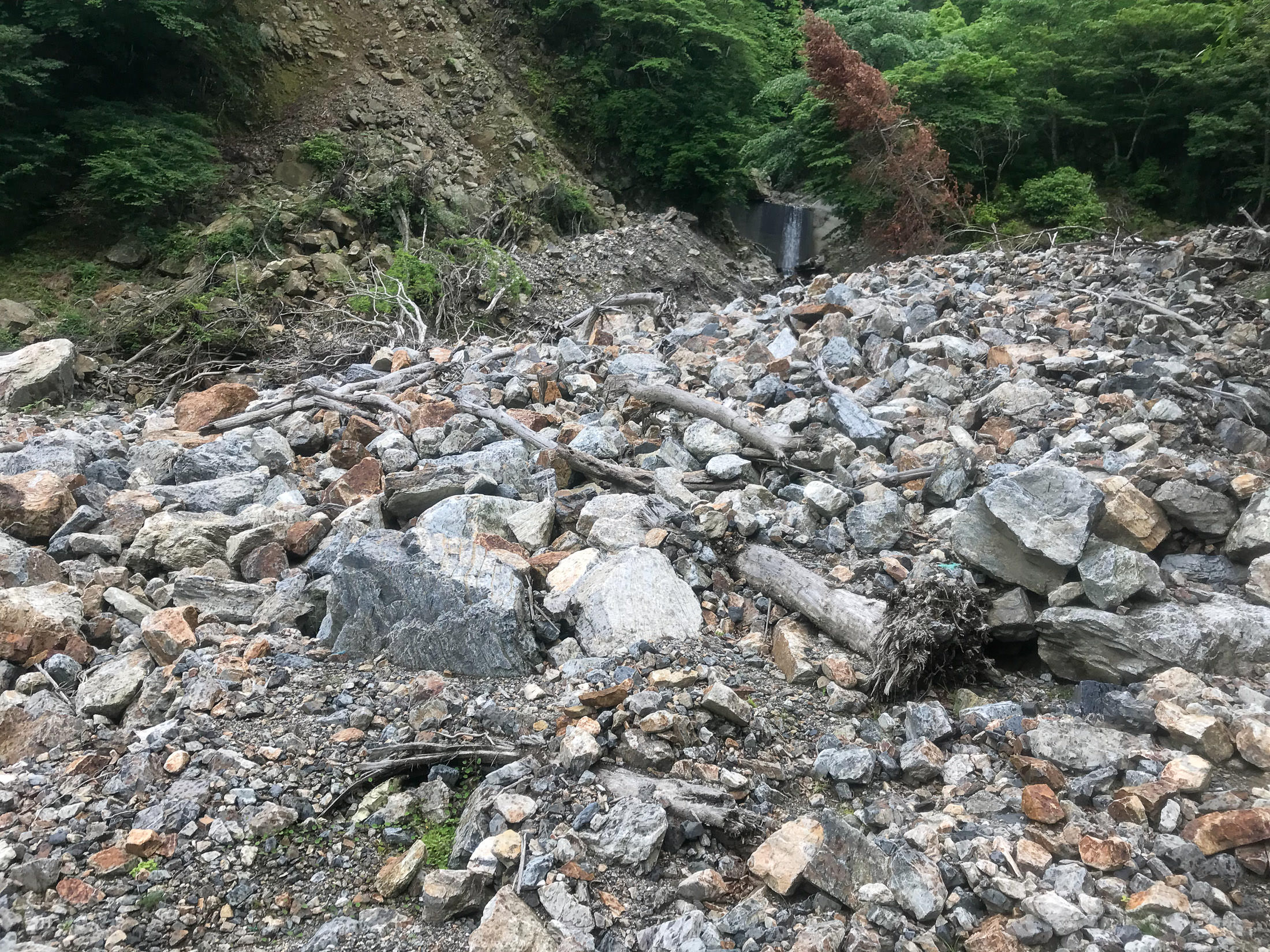
I left the bike and continued on foot for a bit to see the big rockfall that I knew to be just above...
iPhone 7 Plus f/1.8 at an effective 28mm — 1/180 sec, f/1.8, ISO 20 — map & image data — nearby photos
iPhone 7 Plus f/1.8 at an effective 28mm — 1/60 sec, f/1.8, ISO 25 — map & image data — nearby photos
iPhone 7 Plus f/1.8 at an effective 28mm — 1/600 sec, f/1.8, ISO 20 — map & image data — nearby photos
Huge Rockfall
This huge rockfall is where the road nominally ends (though it actually ended some time before). I looked around for the spring, as I said, not having realized that the one halfway up was it.
I turned and headed down.
When I got near the bottom, I explored some small side roads. On one, I saw this lovely bicycle just sitting in the forest, with no other sign of human presence around except for me and the road:

iPhone 7 Plus f/1.8 at an effective 28mm — 1/120 sec, f/1.8, ISO 32 — map & image data — nearby photos
Odd
Later, I found a little road that went up to a small mountain community of a few dozen houses, including one Really Weird haunted-looking.... structure:

iPhone 7+ back camera at an effective 57mm — 1/540 sec, f/2.8, ISO 20 — map & image data — nearby photos

iPhone 7+ back camera at an effective 57mm — 1/200 sec, f/2.8, ISO 20 — map & image data — nearby photos
At first glance I thought it was a big concrete building in the process of being demolished, but as I got closer, I realized that the rough nature of some of the structure was clearly on purpose, and that perhaps it was in the process of being built. But it looked abandoned. It reminded me of a grotesque and low-budget version of the Winchester Mystery House.
Later, I asked a local resident about it. Apparently, some guy had just been building there over the years, at his whim (much like the Winchester Mystery House), but he had died so it's just been sitting. I asked how long ago, and he couldn't say except that it was before his time. I got the impression that it had been setting vacant for many decades.
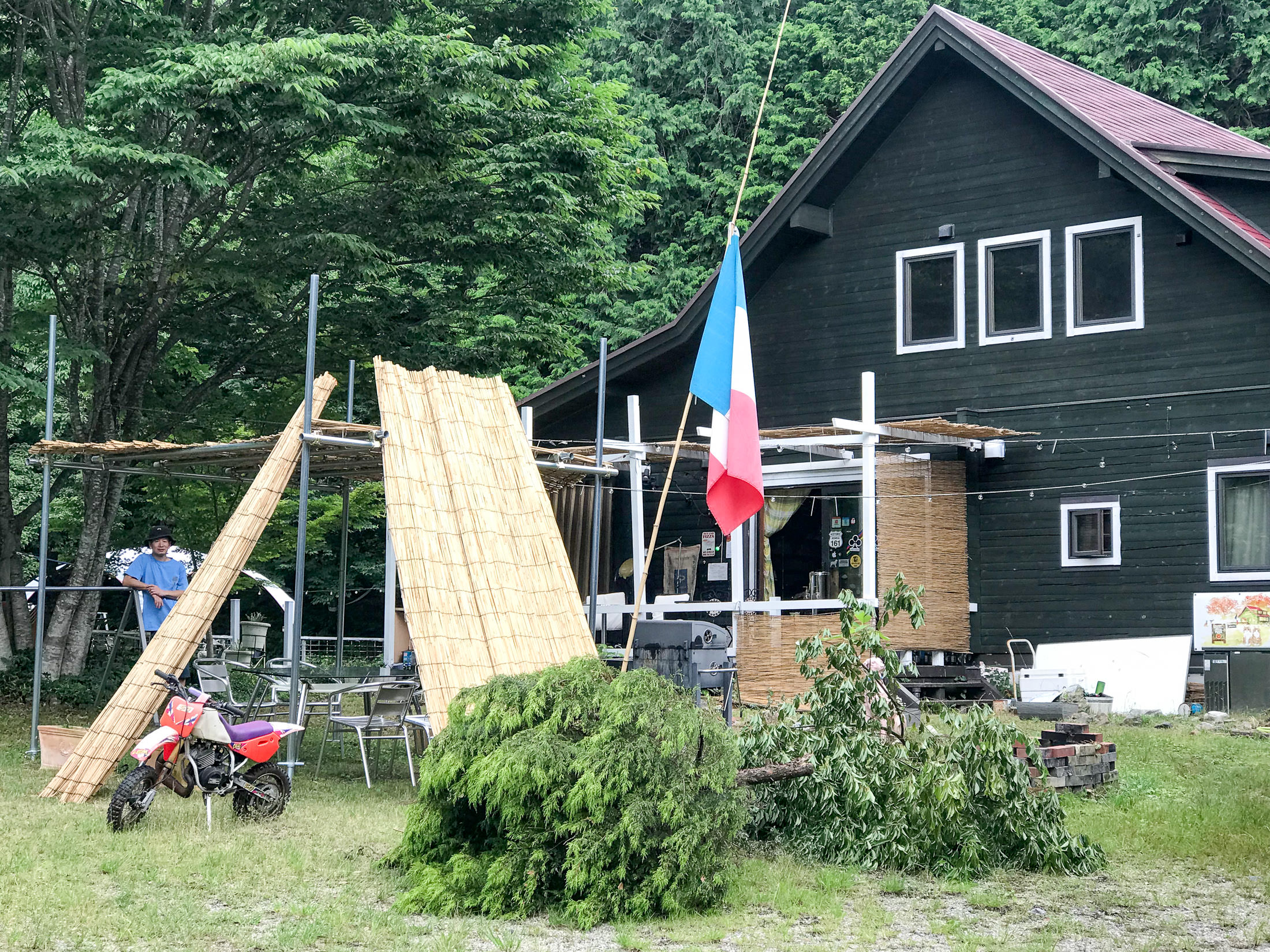
Then it was time for lunch. In preparing for the ride, I'd found a pizza place that looked promising, so I headed there.
iPhone 7+ back camera at an effective 57mm — 1/90 sec, f/2.8, ISO 32 — map & image data — nearby photos
FANTASISTA Pizza
Google-Map link
restaurant home page

iPhone 7 Plus f/1.8 at an effective 28mm — 1/120 sec, f/1.8, ISO 25 — map & image data — nearby photos
Entrance

iPhone 7 Plus f/1.8 at an effective 28mm — 1/210 sec, f/1.8, ISO 20 — map & image data — nearby photos
Cute
Judging from the restaurant's home page, I expected that the owner would be quite the character. He did not disappoint. Super interesting to chat with. He's an avid cyclist, motorcyclist, windsurfer, and go-kart racer.
He filled me in on a lot of info about the climb (which he guesses he's done more than a hundred times), the spring, Strava segments, the kind of people who ride there, etc. He says that most road cyclists stop at the spring, what's called a “half climb”. That made a lot of sense, since the road is mostly okay up to that point. The pre-existing Strava segment that goes all the way to the hiking-trail entrance has only 74 attempts registered, while the one to the spring has 476.
I ended up making a surveyed segment to the spring, “金比羅名水、鳥居から / Konpira Pure Spring, from Tori Gate [計測/Surveyed]”. Even though this is ostensibly the same exact route as the aformentioned “half” segment, it matches 490 efforts. The extra matches are because the source track is closer to reality.
Just to give an idea of the different quality of source tracks from which segments are made, here's an interactive demonstration for part of the climb up to the spring:
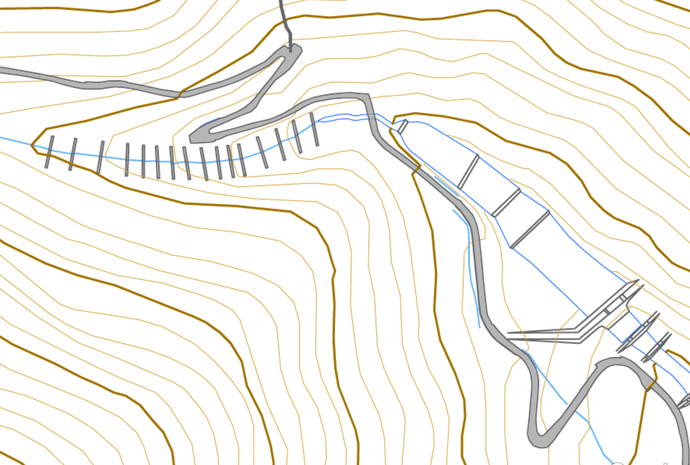
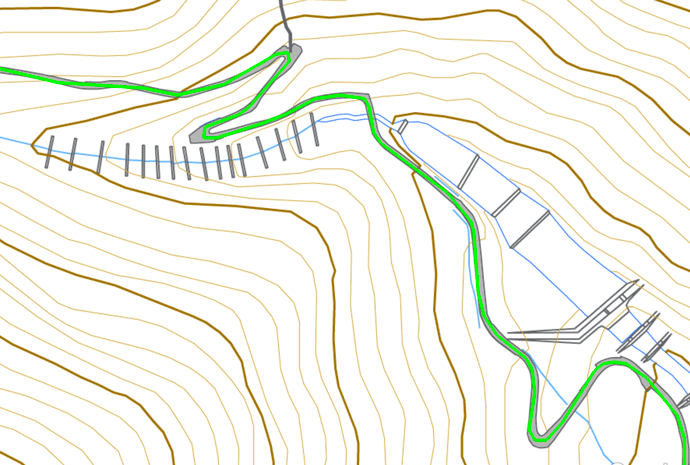
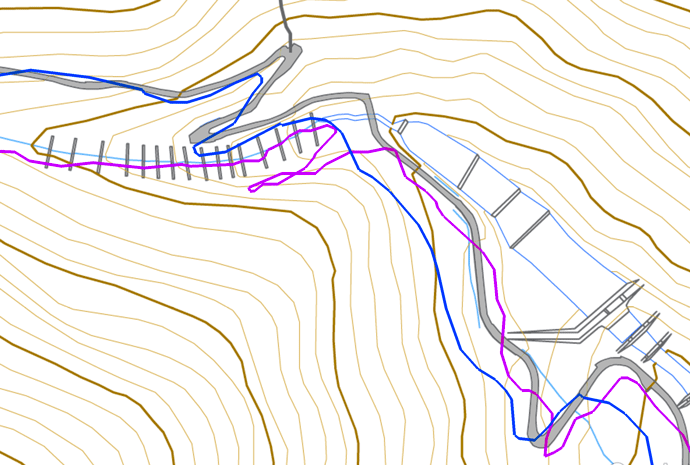
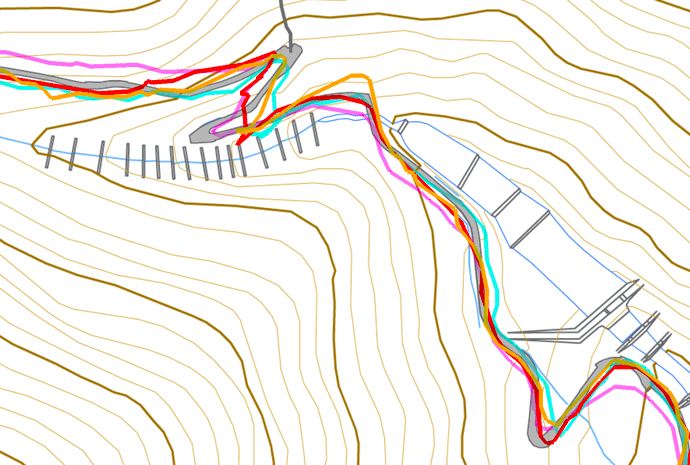
mouseover a button to see that image
iPhone 7 Plus f/1.8 at an effective 57mm — 1/12 sec, f/1.8, ISO 100 — map & image data — nearby photos
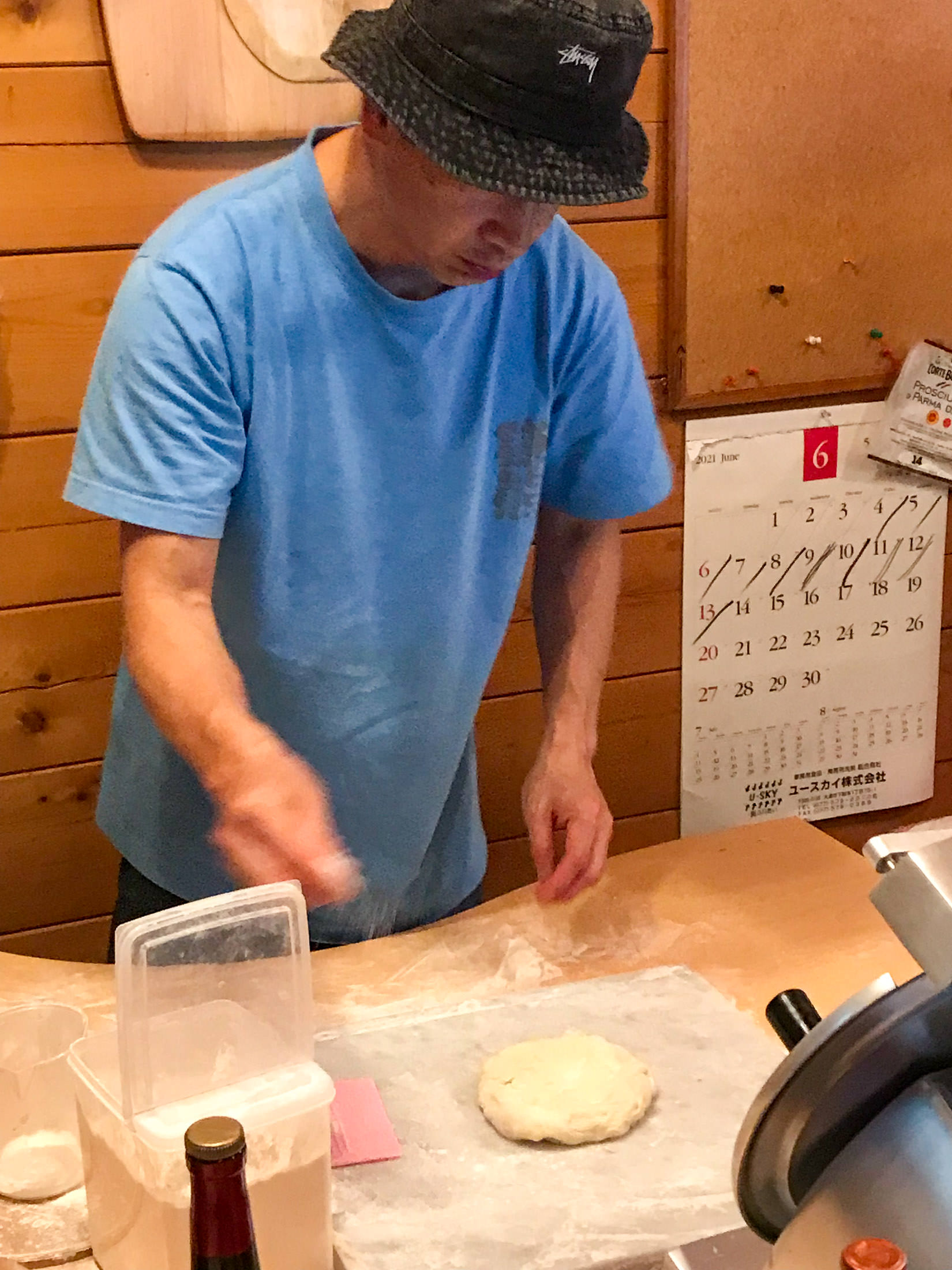
Junpei Starts on My Pizza
While the onwer, Junpei, made my pizza, I took a look around.
iPhone 7 Plus f/1.8 at an effective 28mm — 1/9 sec, f/1.8, ISO 100 — map & image data — nearby photos
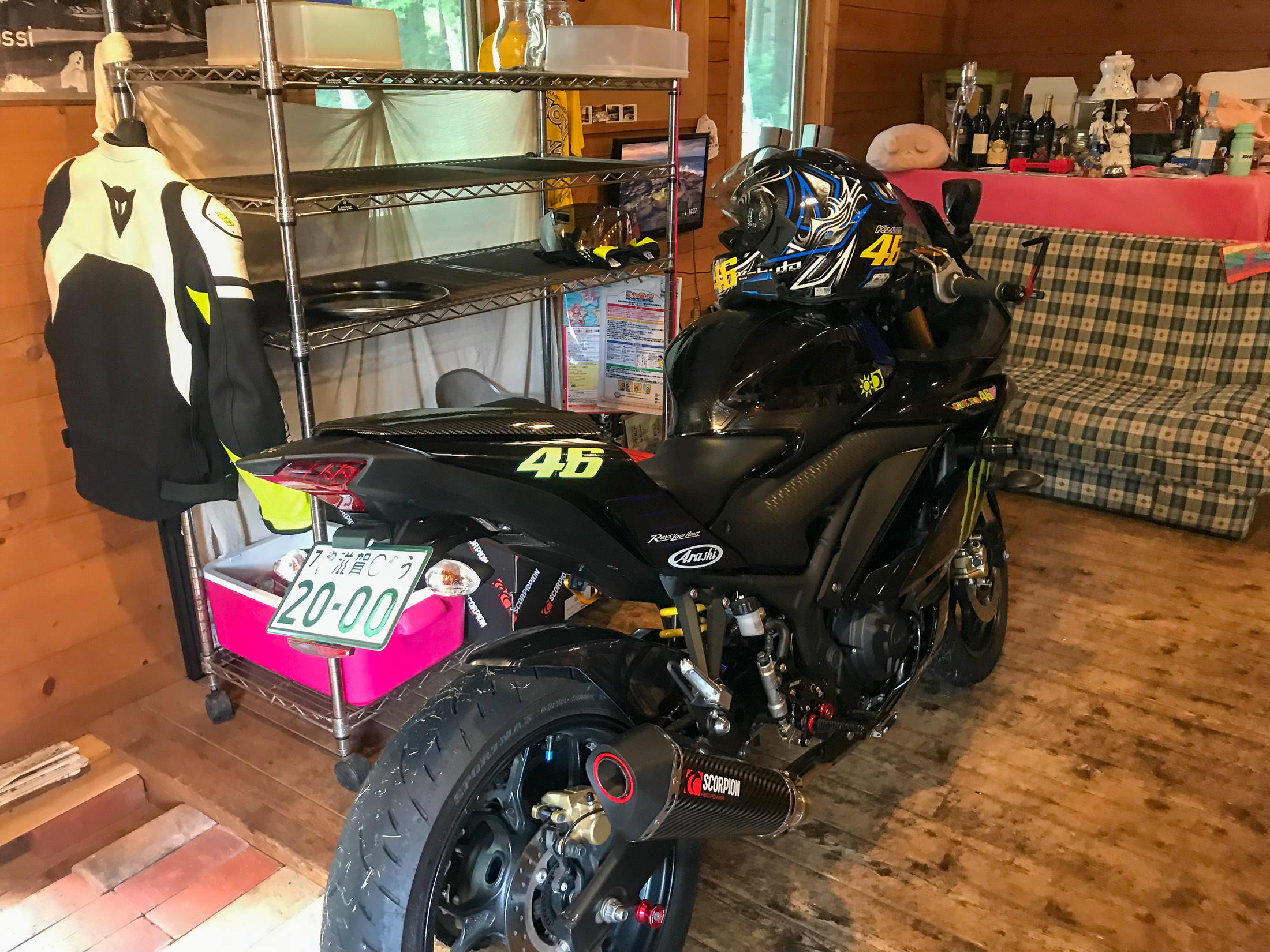
His Motorcycle
parked right in the restaurant
iPhone 7 Plus f/1.8 at an effective 28mm — 1/9 sec, f/1.8, ISO 100 — map & image data — nearby photos
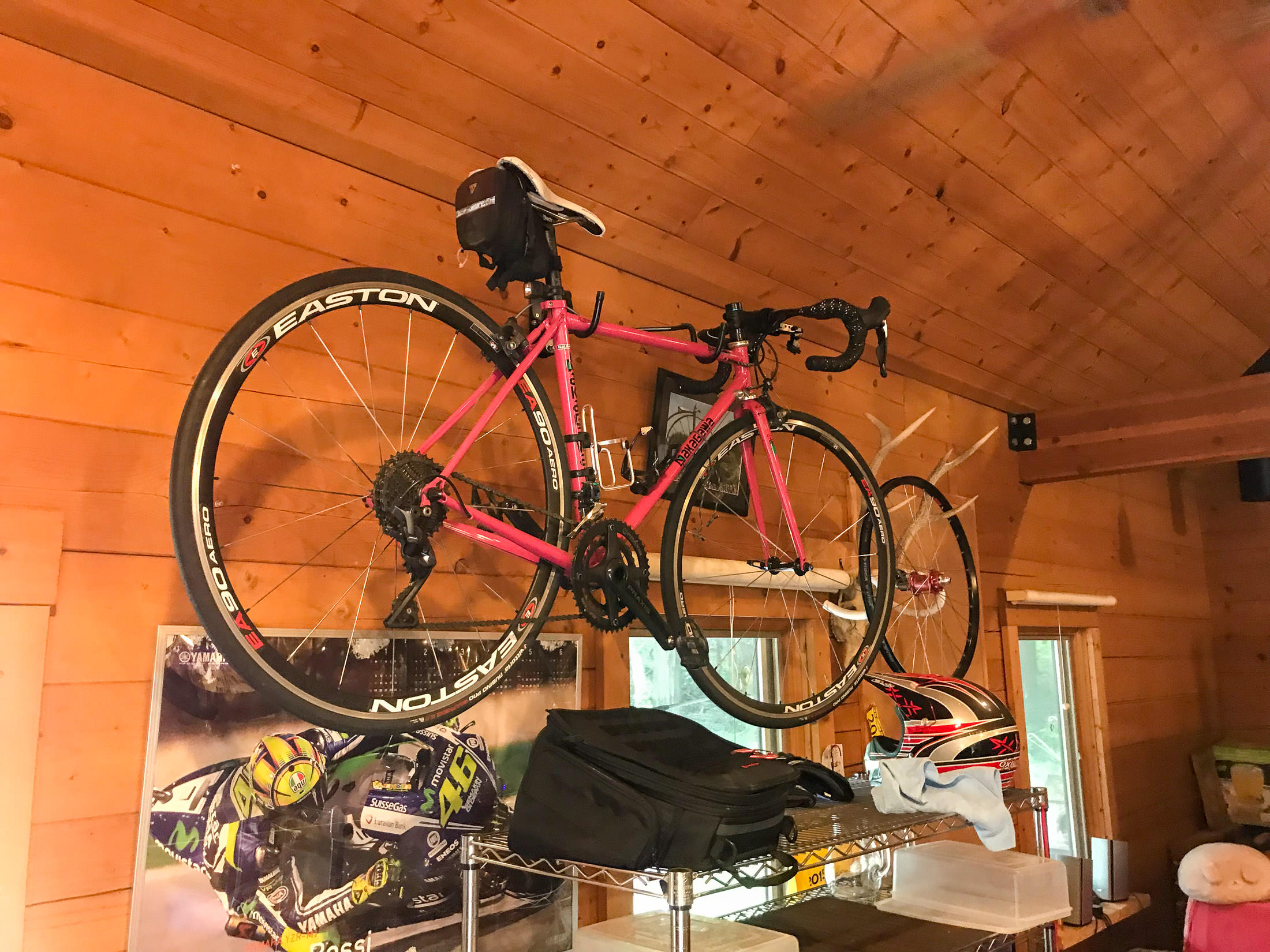
One of His Many Bicycles
iPhone 7 Plus f/1.8 at an effective 28mm — 1/15 sec, f/1.8, ISO 50 — map & image data — nearby photos
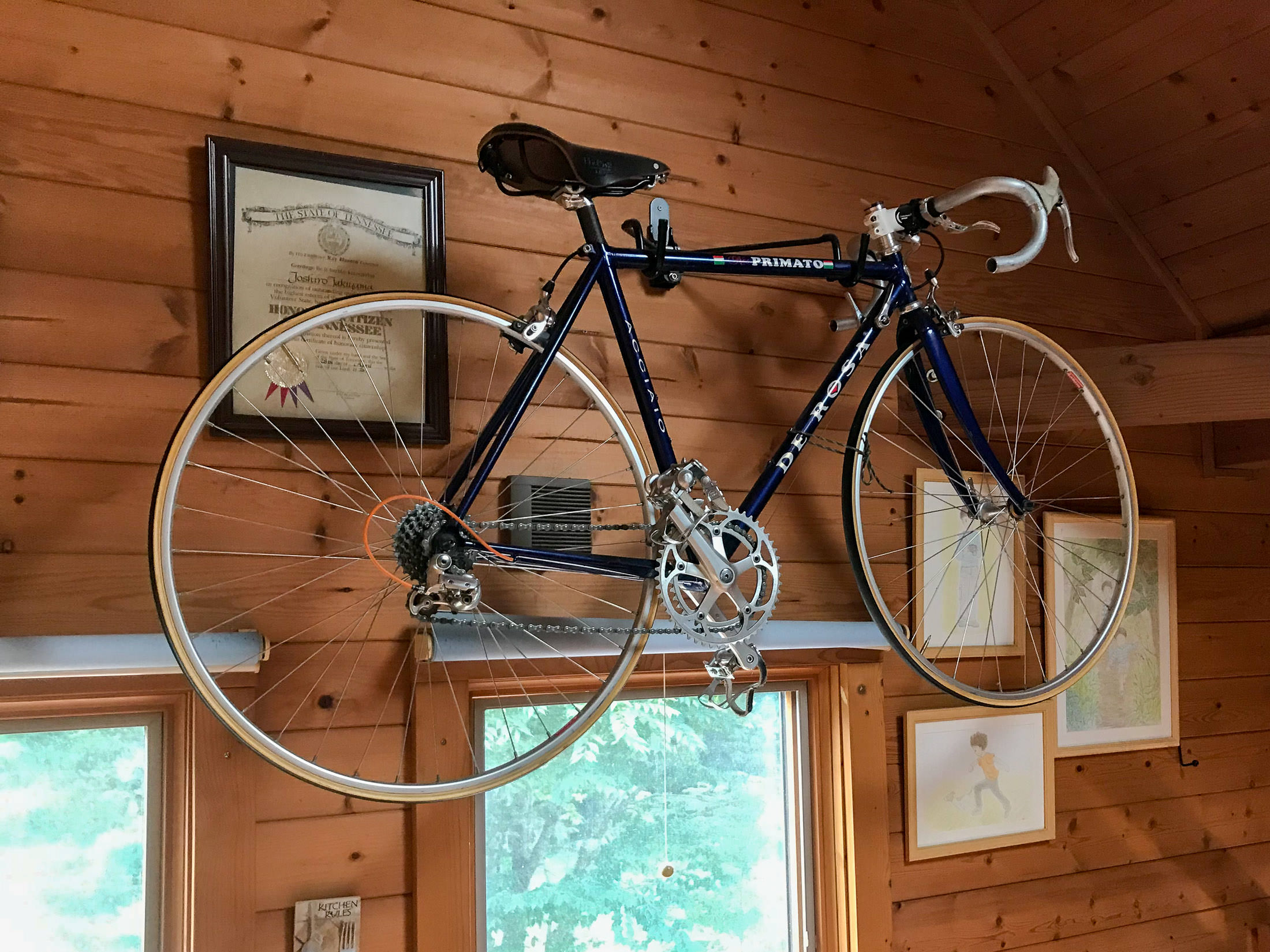
Another Bicycle Upstairs
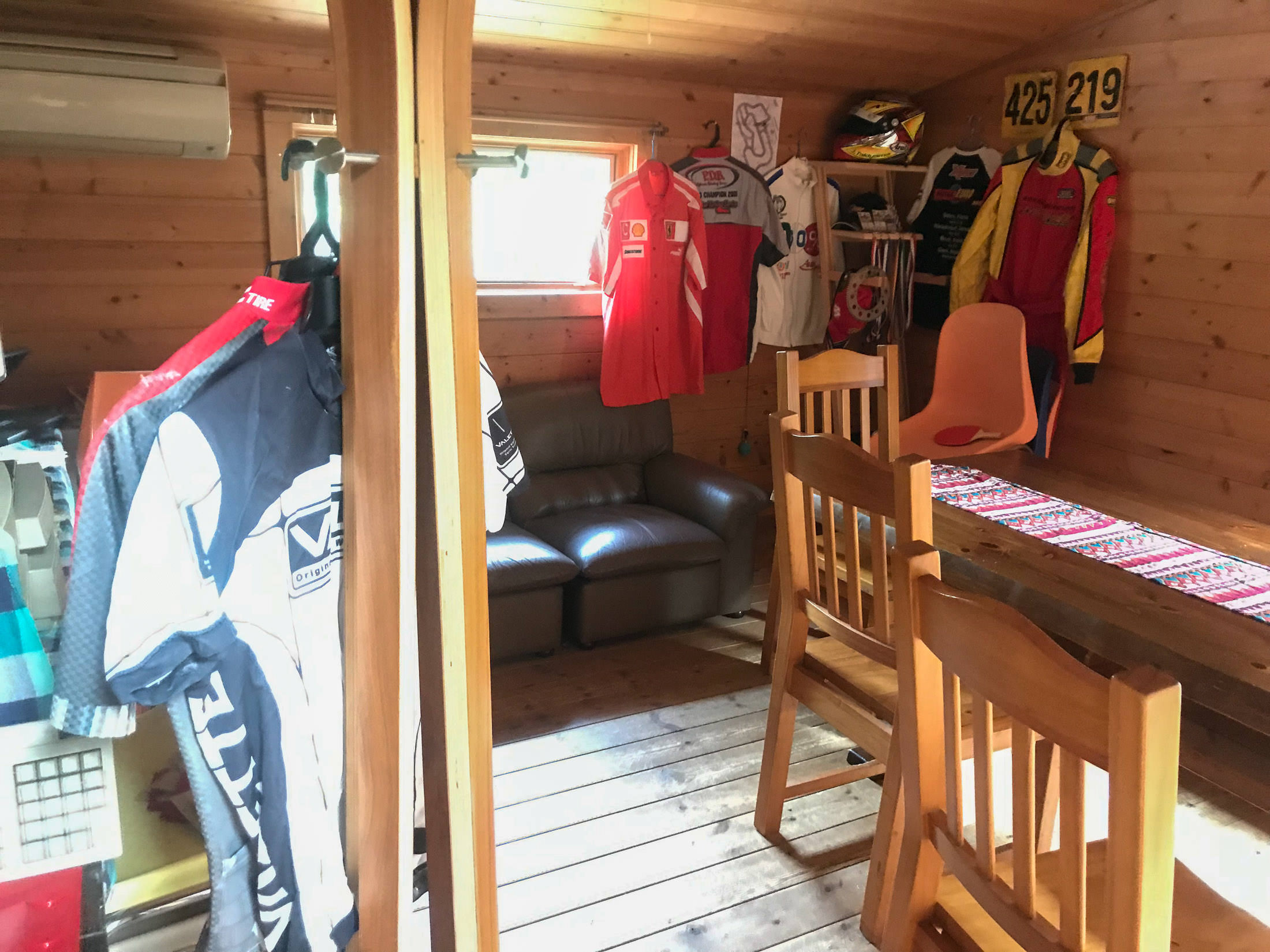
iPhone 7 Plus f/1.8 at an effective 28mm — 1/4 sec, f/1.8, ISO 160 — map & image data — nearby photos
Dozens of Jerseys All Over
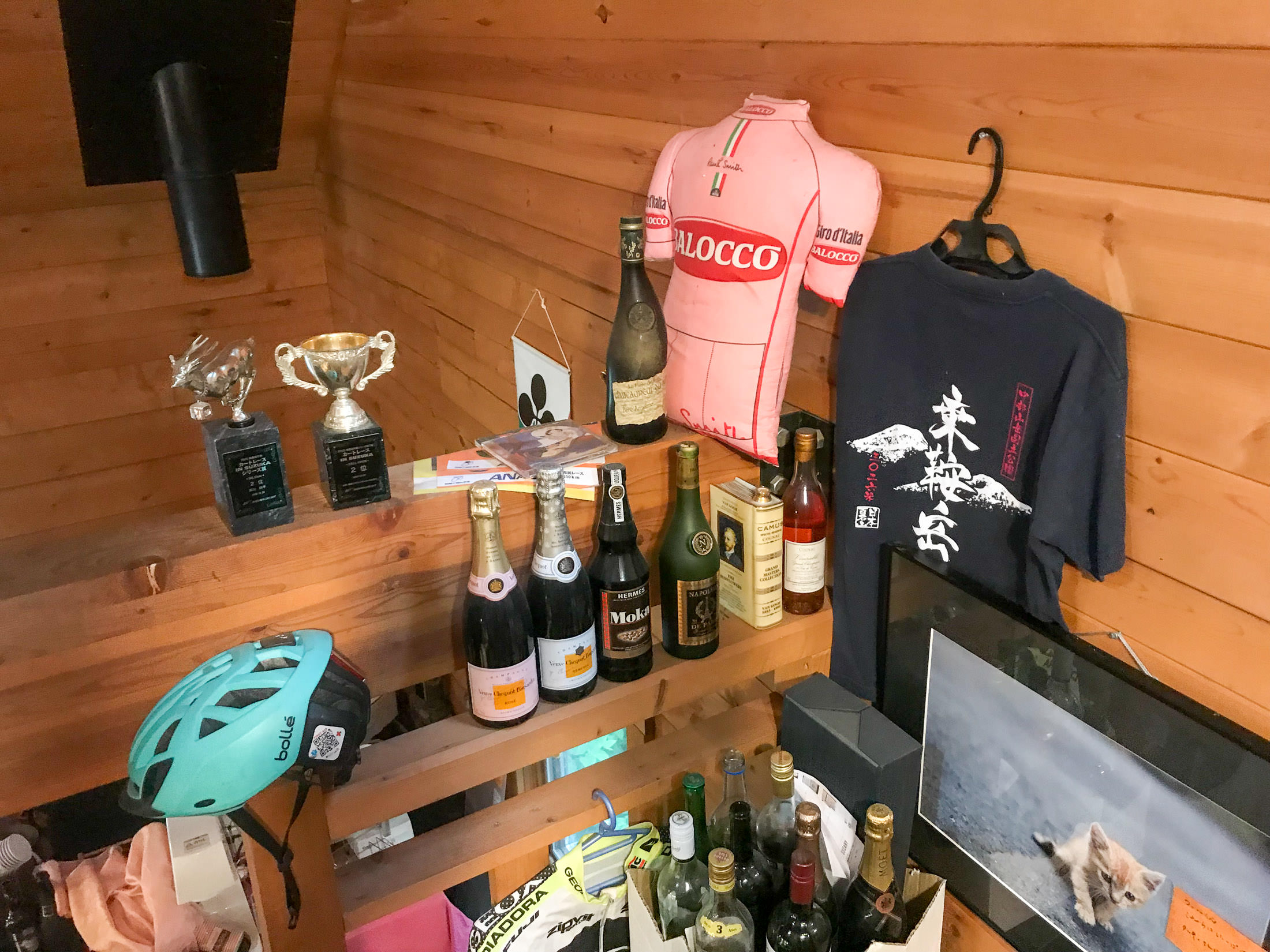
iPhone 7 Plus f/1.8 at an effective 28mm — 1/7 sec, f/1.8, ISO 80 — map & image data — nearby photos
Fun Vibe Everywhere
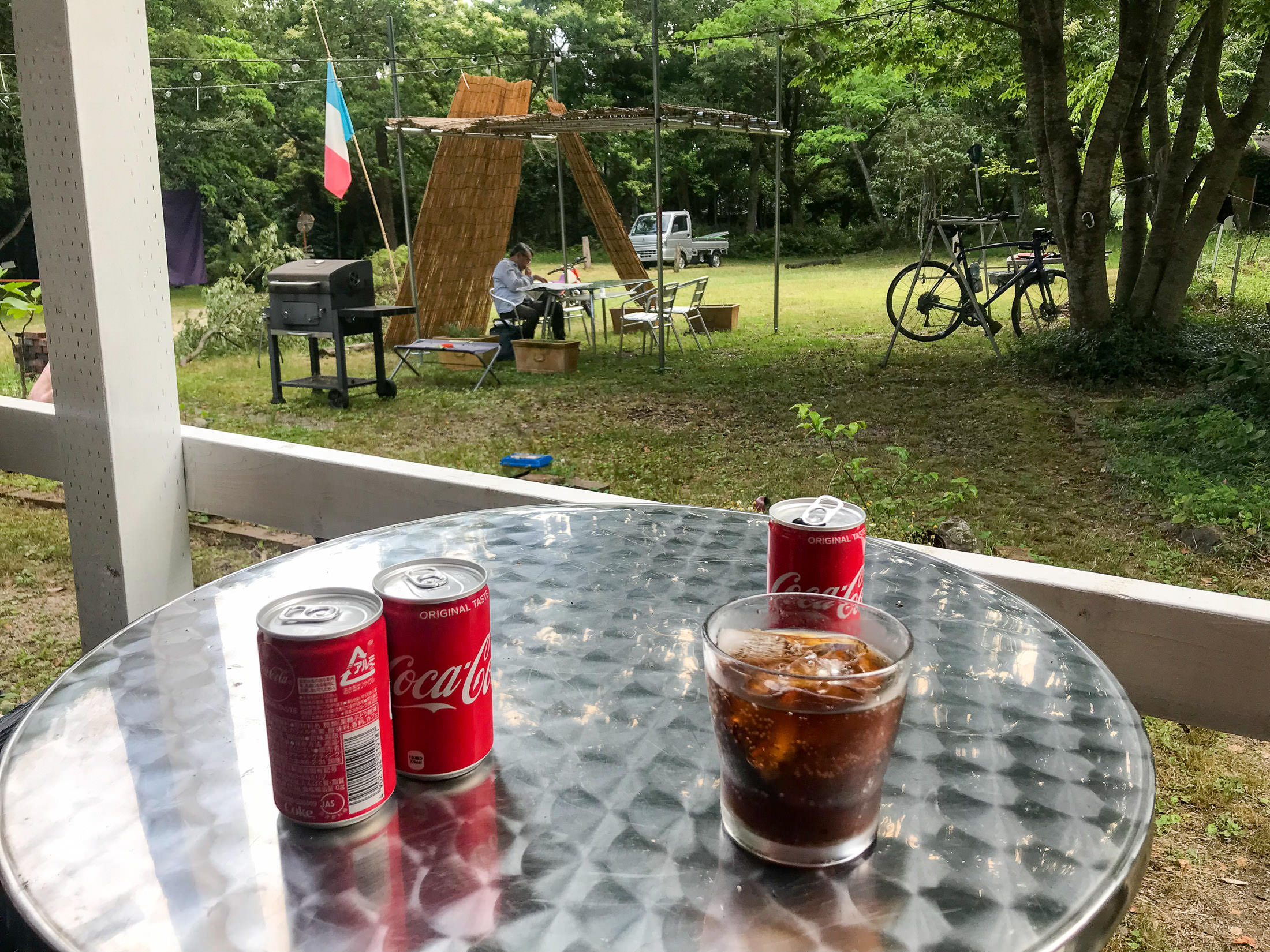
iPhone 7 Plus f/1.8 at an effective 28mm — 1/380 sec, f/1.8, ISO 20 — map & image data — nearby photos
Chillaxing
iPhone 7 Plus f/1.8 at an effective 28mm — 1/640 sec, f/1.8, ISO 20 — map & image data — nearby photos
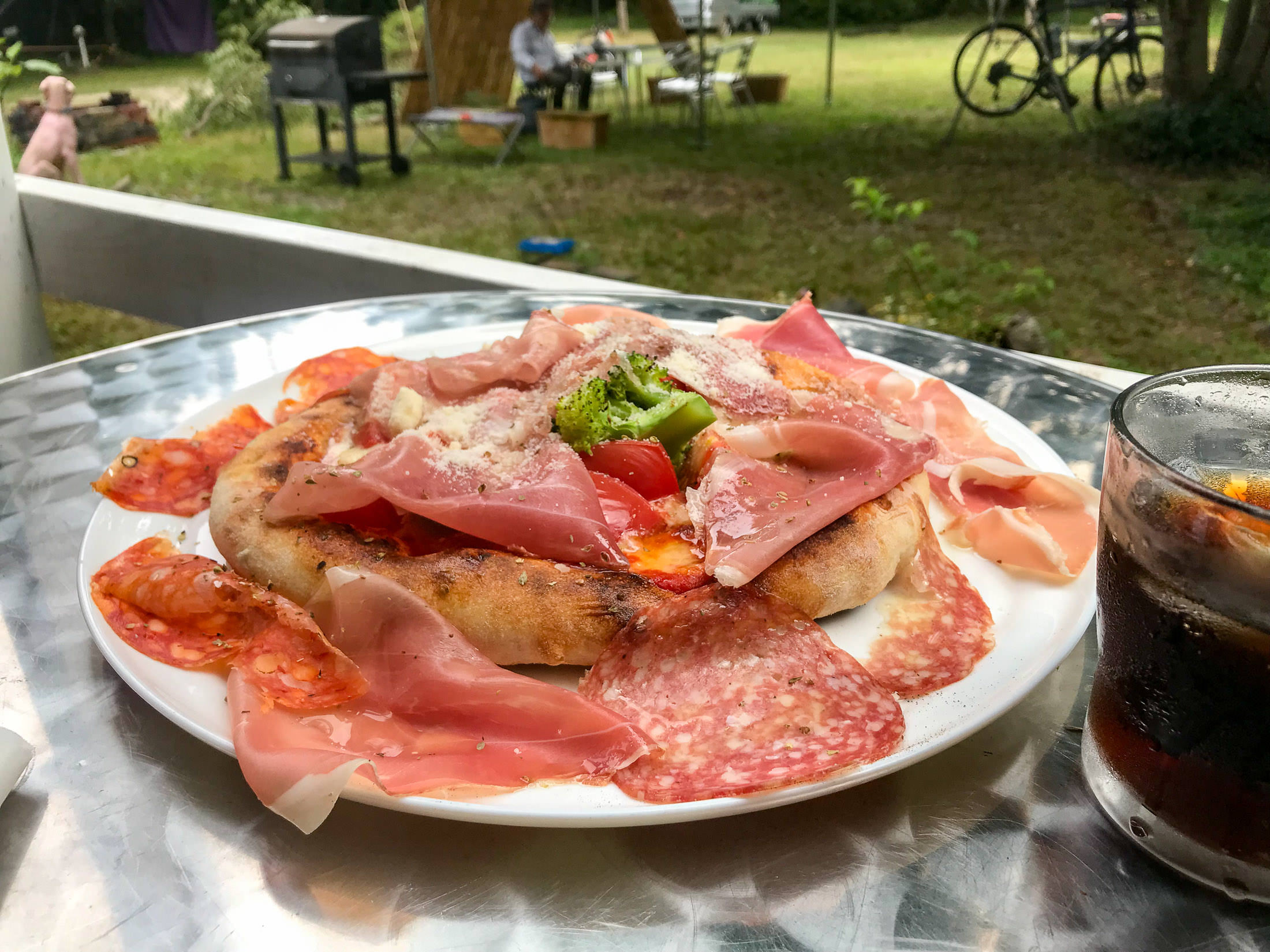
Pizza!
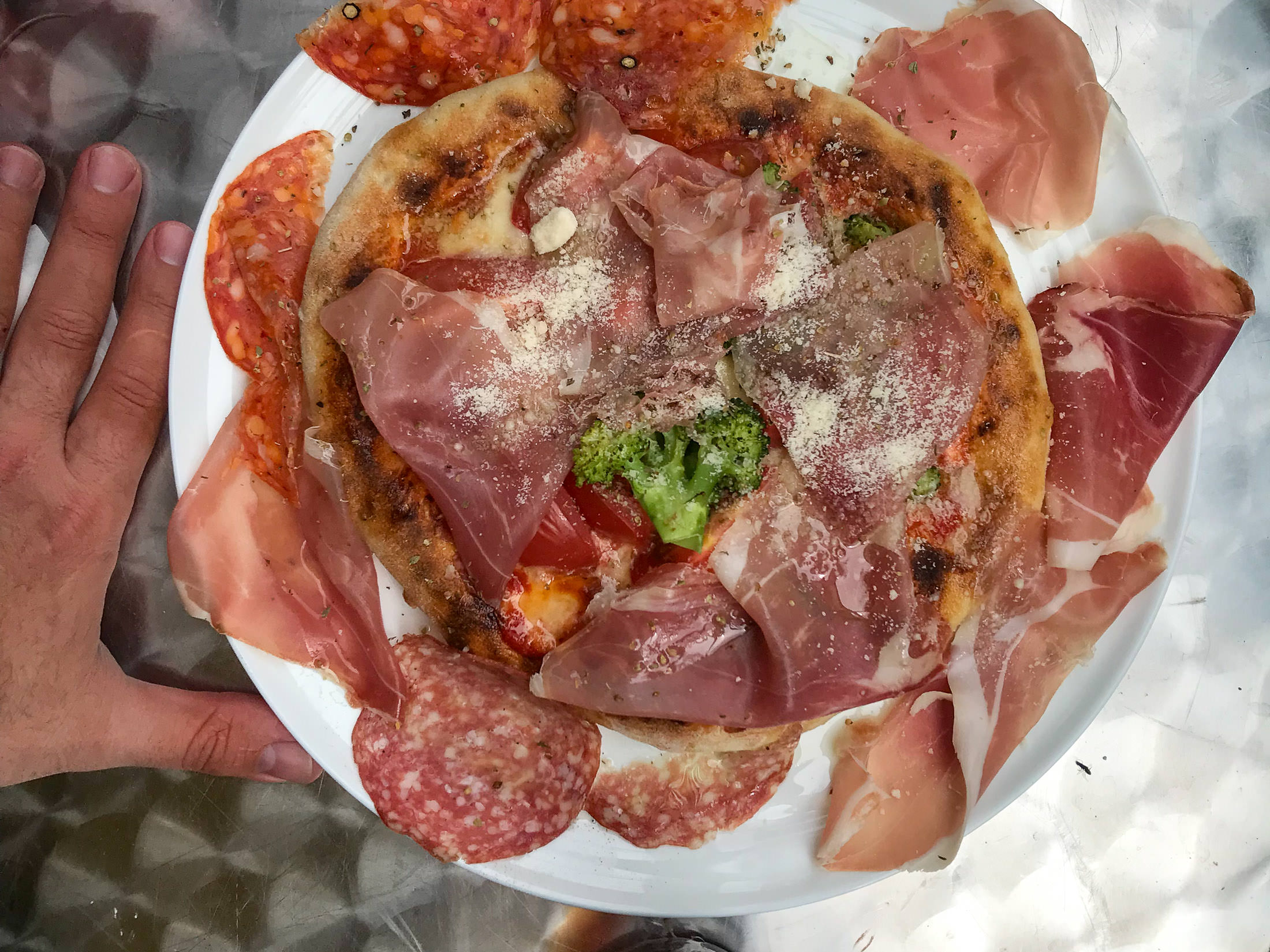
iPhone 7 Plus f/1.8 at an effective 28mm — 1/1300 sec, f/1.8, ISO 20 — map & image data — nearby photos
Much Bigger Than I Expected
with a lot of toppings
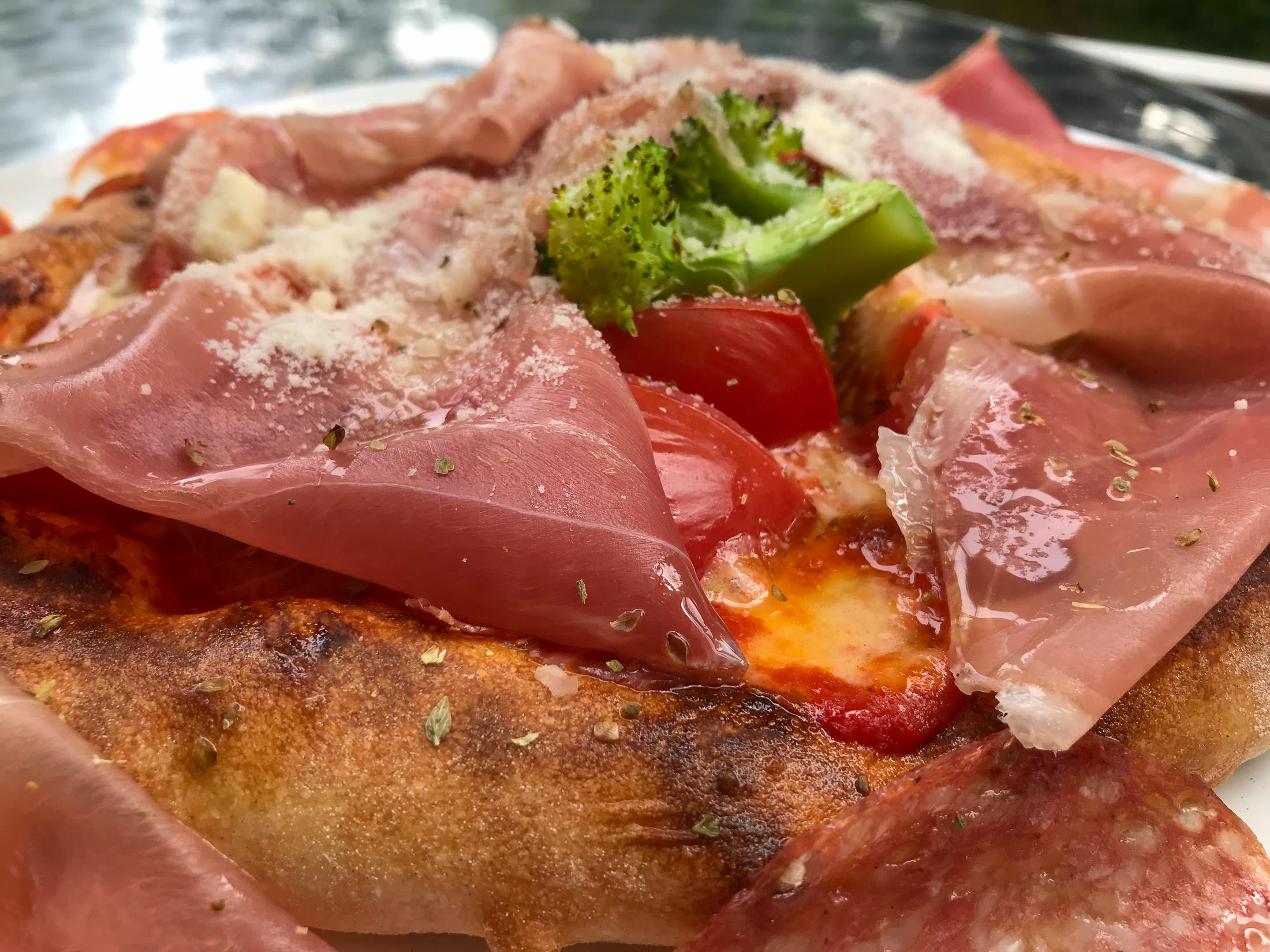
iPhone 7 Plus f/1.8 at an effective 28mm — 1/440 sec, f/1.8, ISO 20 — map & image data — nearby photos
I wasn't sure whether I could eat it all, but I took my time and dined as we chatted. It was delicious.
During our chat, I'd mentioned that I'd filled my water bottles with water from the shrine's spring, so he asked for a small amount, and used it to make me an espresso for me, on the house. Nice! Lots of cyclists visit after climbing to the spring, and its his policy that you get an espresso if you bring water from the spring.
As I eventually left, there was a lot of thunder rumbling in the distance, and a few scattered raindrops.
iPhone 7 Plus f/1.8 at an effective 28mm — 1/1100 sec, f/1.8, ISO 20 — map & image data — nearby photos
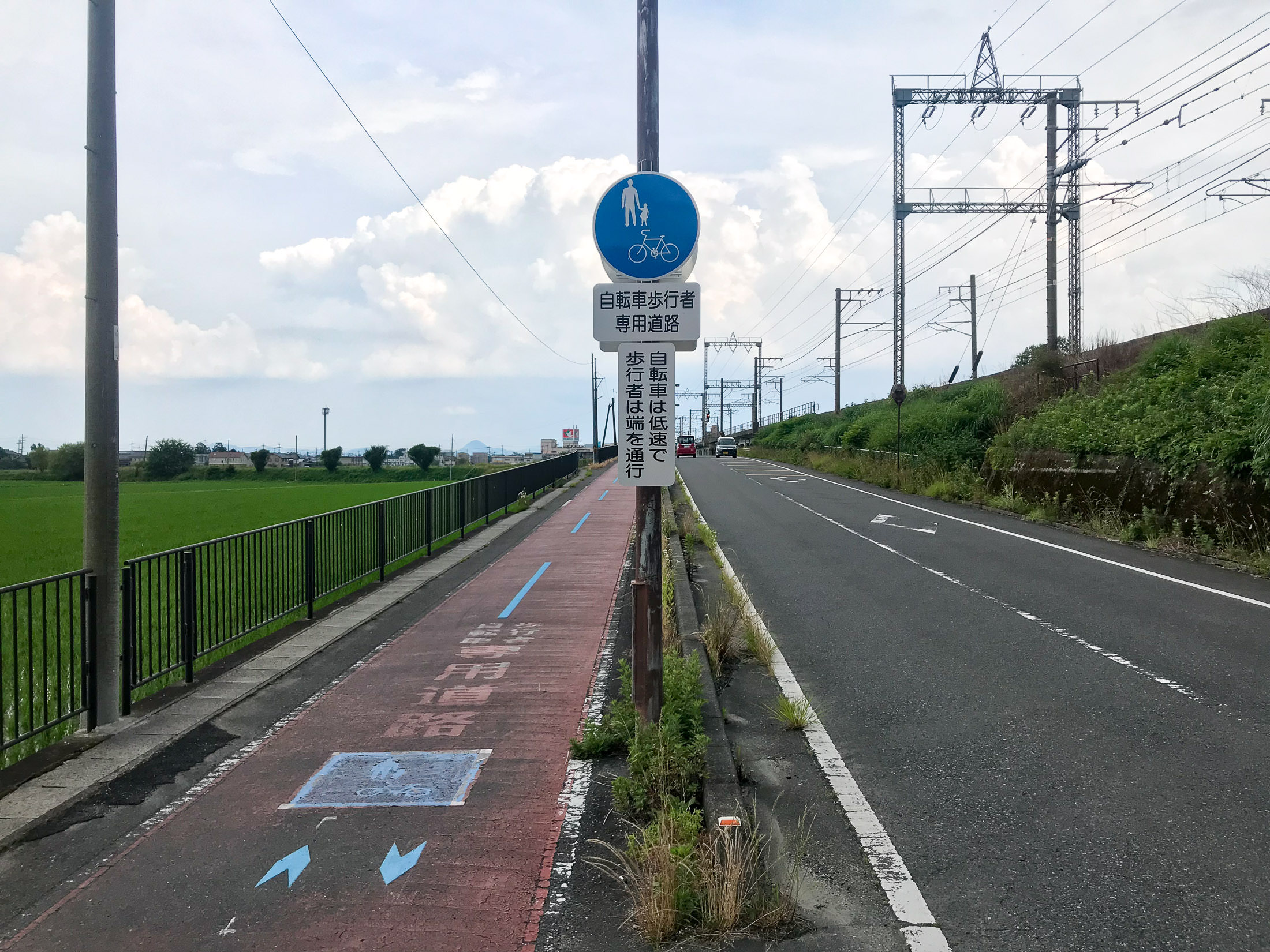
Doesn't Apply To Me
“Because of their slow speed, bicycles should be on the path”
(I was doing 35~40kph along this road)
15 minutes after leaving the pizza place, I realized that I had forgotten one of my water bottles, so I returned to get it. Then the rain really started, and it was lovely to ride in a warm rain. I only wish I could figure out a way to keep my sunglasses from fogging.
The rain continued until I got to within 15 minutes from home, and the weirdest thing happened. As I crossed this short bridge, the road and everything around it went from being completely soaked, to absolutely bone dry. It was the weirdest thing. There was no transition, other than the 15m long bridge. 100% wet to 100% dry. Weird.
It didn't stay dry long, because after about five minutes the lightning picked up, and the skies opened up in torrents. It was lovely.
Here's the ride on Strava:
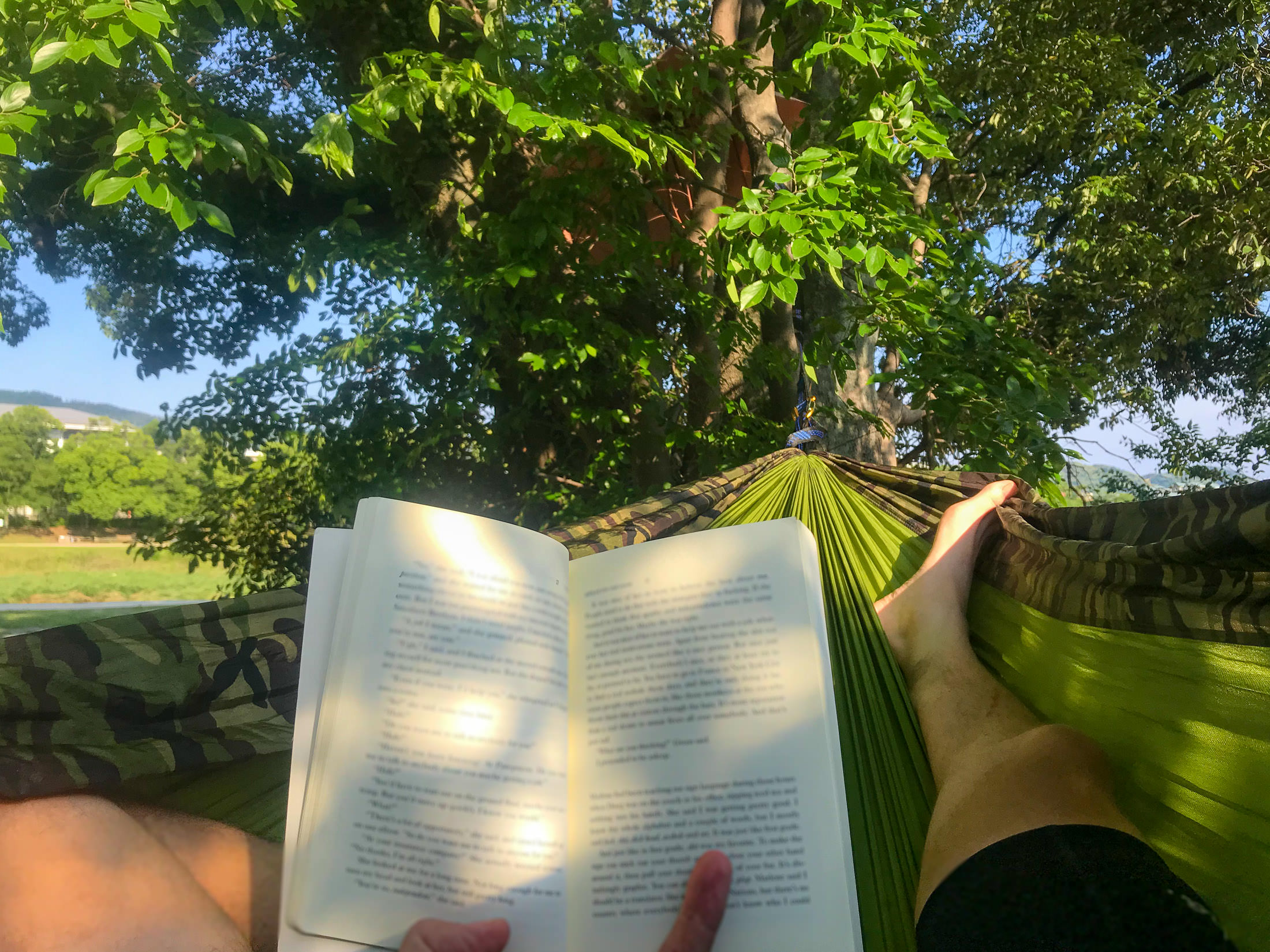
So, the idea for the day was simple: join Antti's farewell ride until they hit gravel, then go off on my own to find a spot to set up a hammock and relax with a book for a while.
It didn't work out that way.
iPhone 7 Plus at an effective 28mm — 1/710 sec, f/1.8, ISO 20 — map & image data — nearby photos
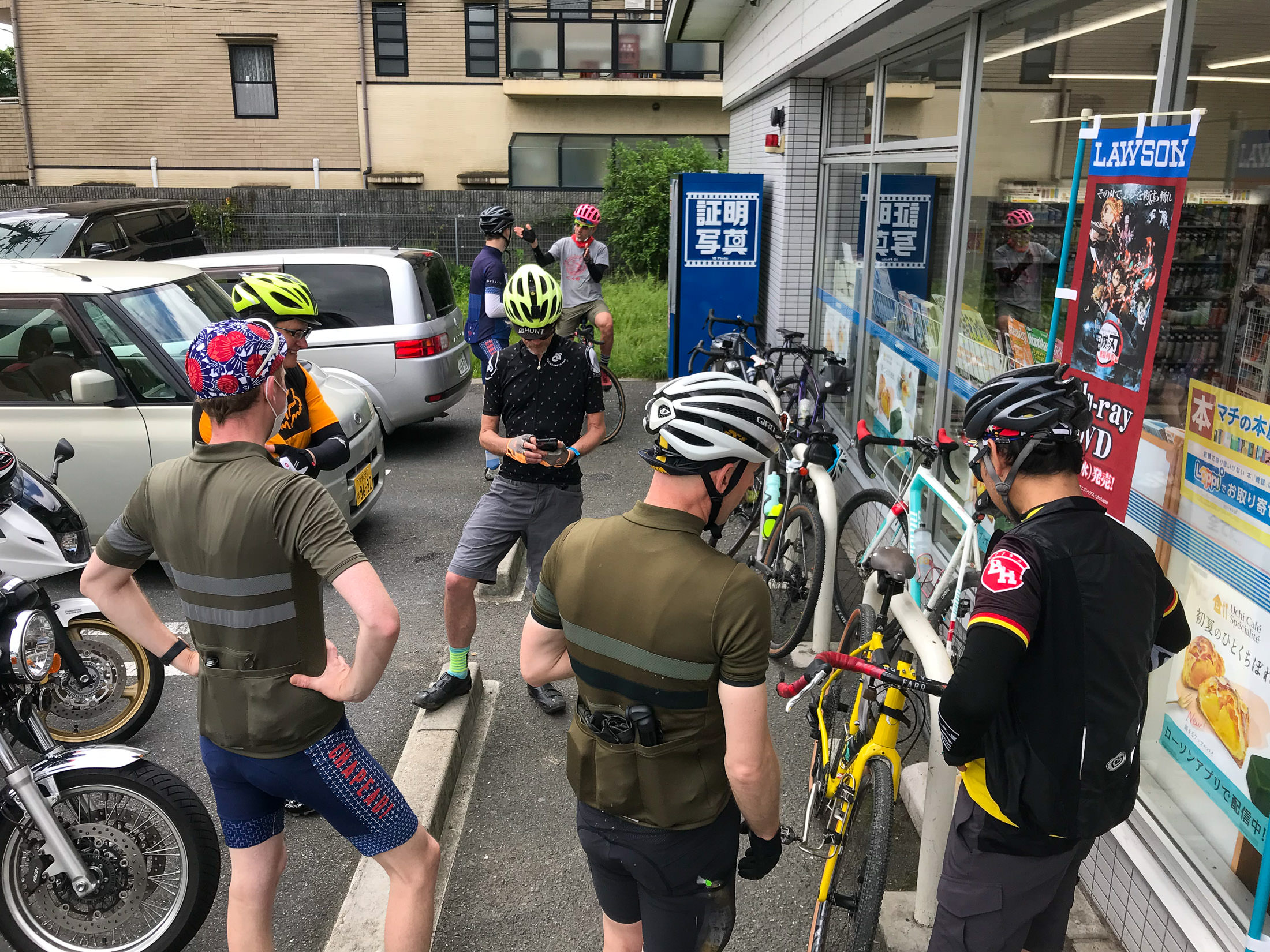
Gathering
Antti is returning to Finland after many years in Kyoto. He's left his mark on the Strava leaderboards, and on his friends' hearts. His farewell ride was to be a gravel affair; I have no interest in riding on gravel, but I thought I'd join for the road part, bringing along my hammock to set up somewhere in the countryside to relax after reaching the gravel.
iPhone 7 Plus at an effective 28mm — 1/500 sec, f/1.8, ISO 20 — map & image data — nearby photos
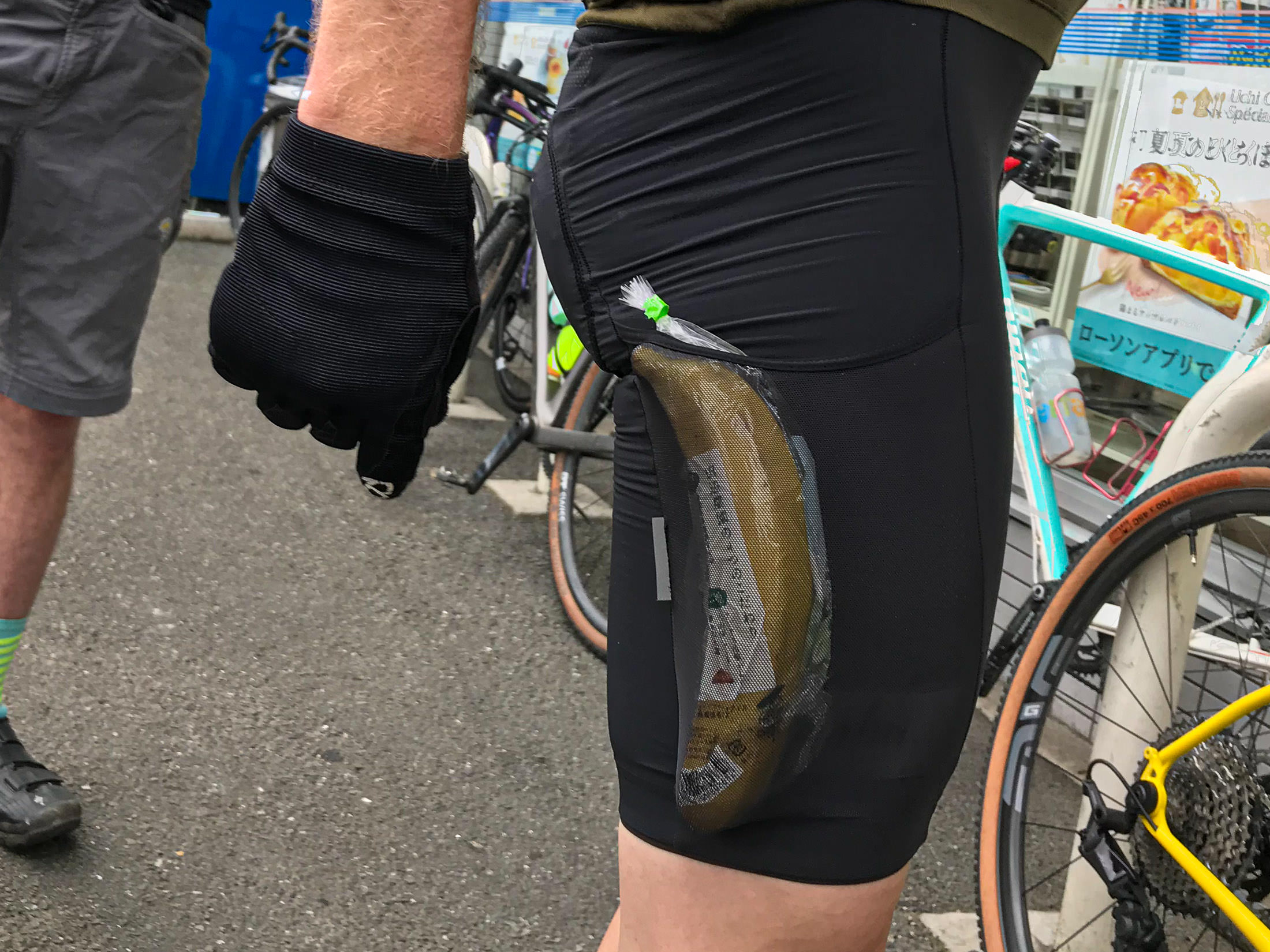
Christoph's Quick-Draw Banana
iPhone 7 Plus at an effective 28mm — 1/1400 sec, f/1.8, ISO 20 — map & image data — nearby photos
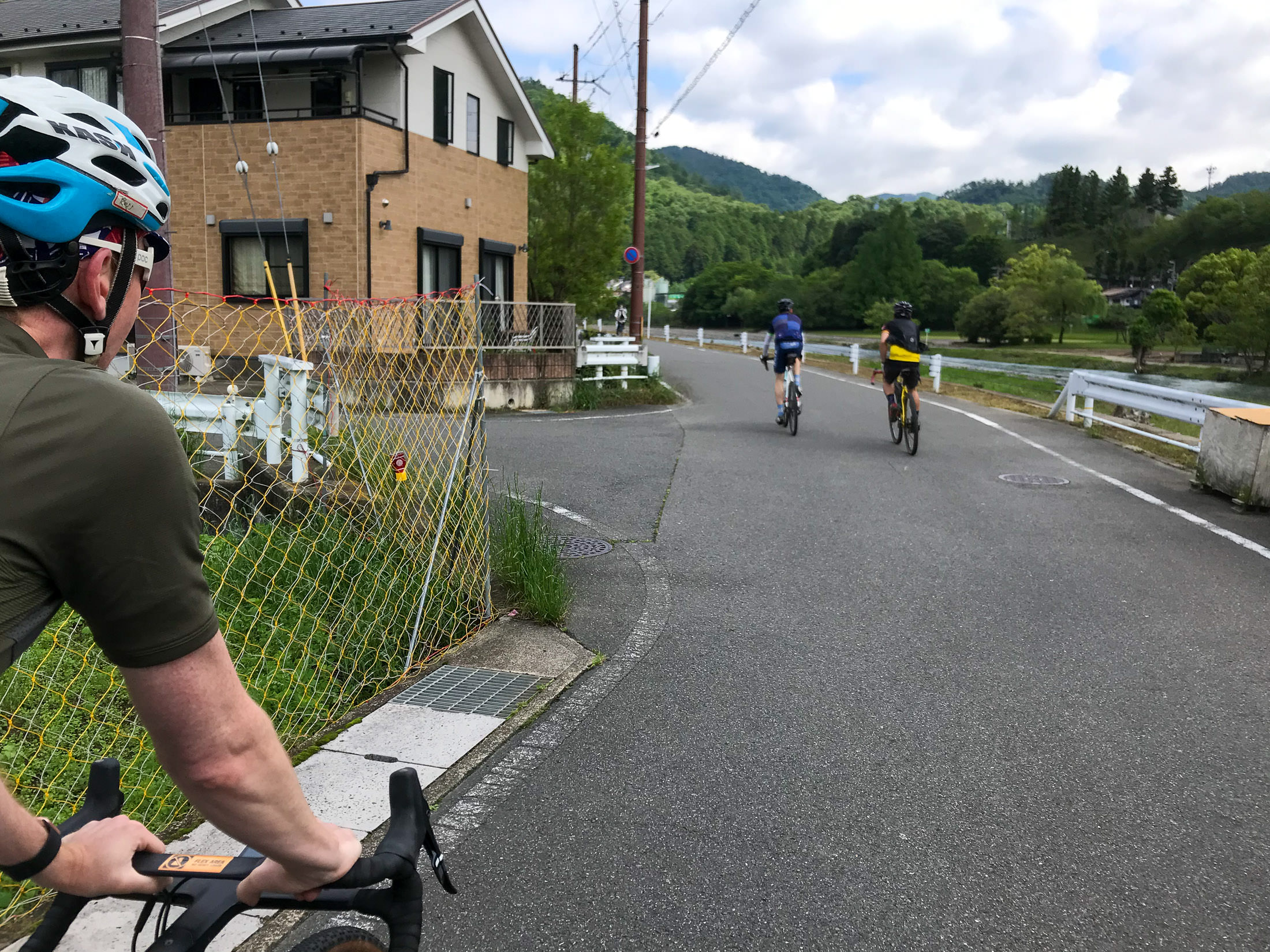
Heading Out
iPhone 7 Plus at an effective 28mm — 1/950 sec, f/1.8, ISO 20 — map & image data — nearby photos
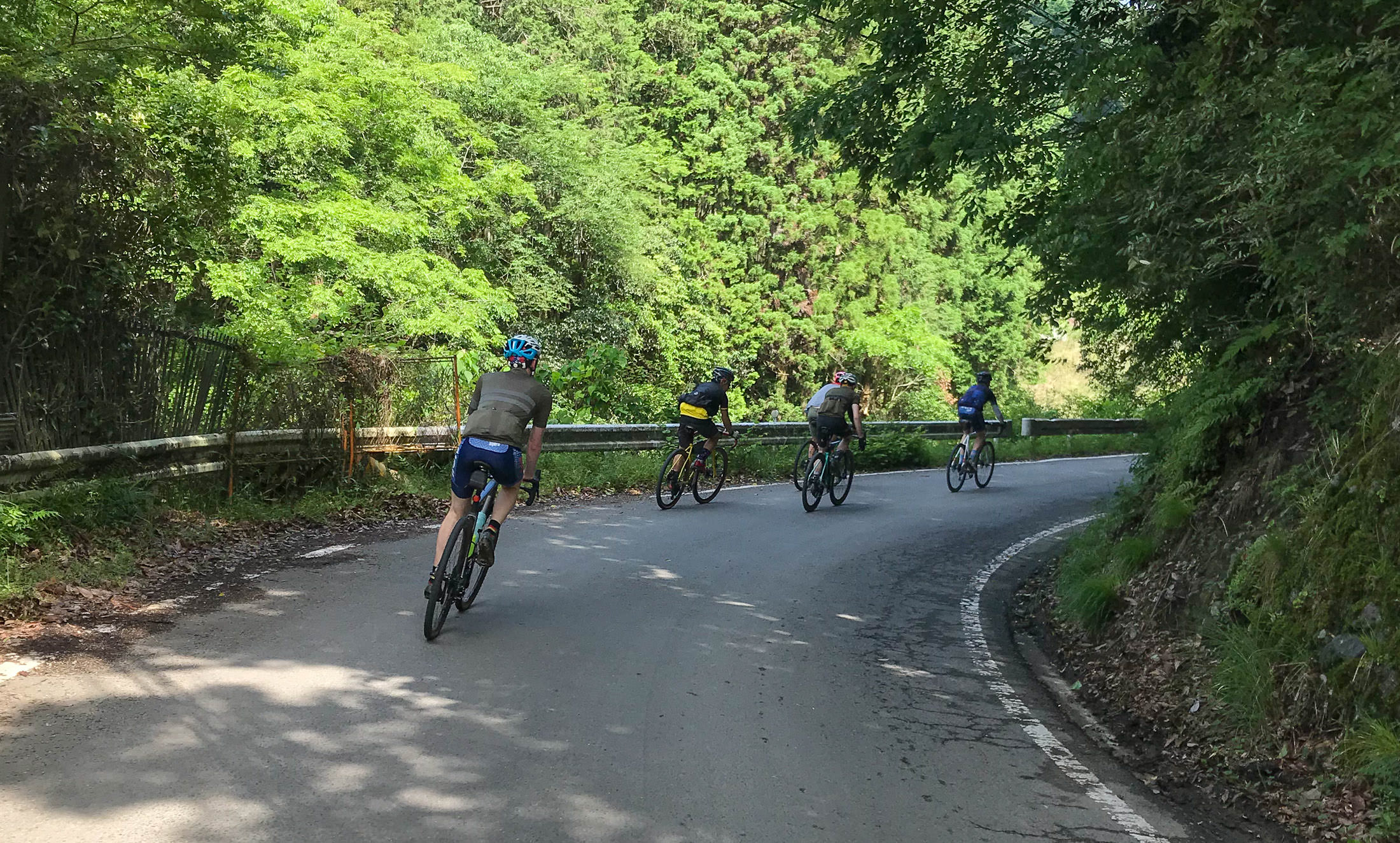
Into the Mountains
of northern Kyoto, toward Kumagahata
iPhone 7+ + iPhone 7 Plus front camera 2.87mm f/2.2 at an effective 32mm — 1/30 sec, f/2.2, ISO 40 — map & image data — nearby photos
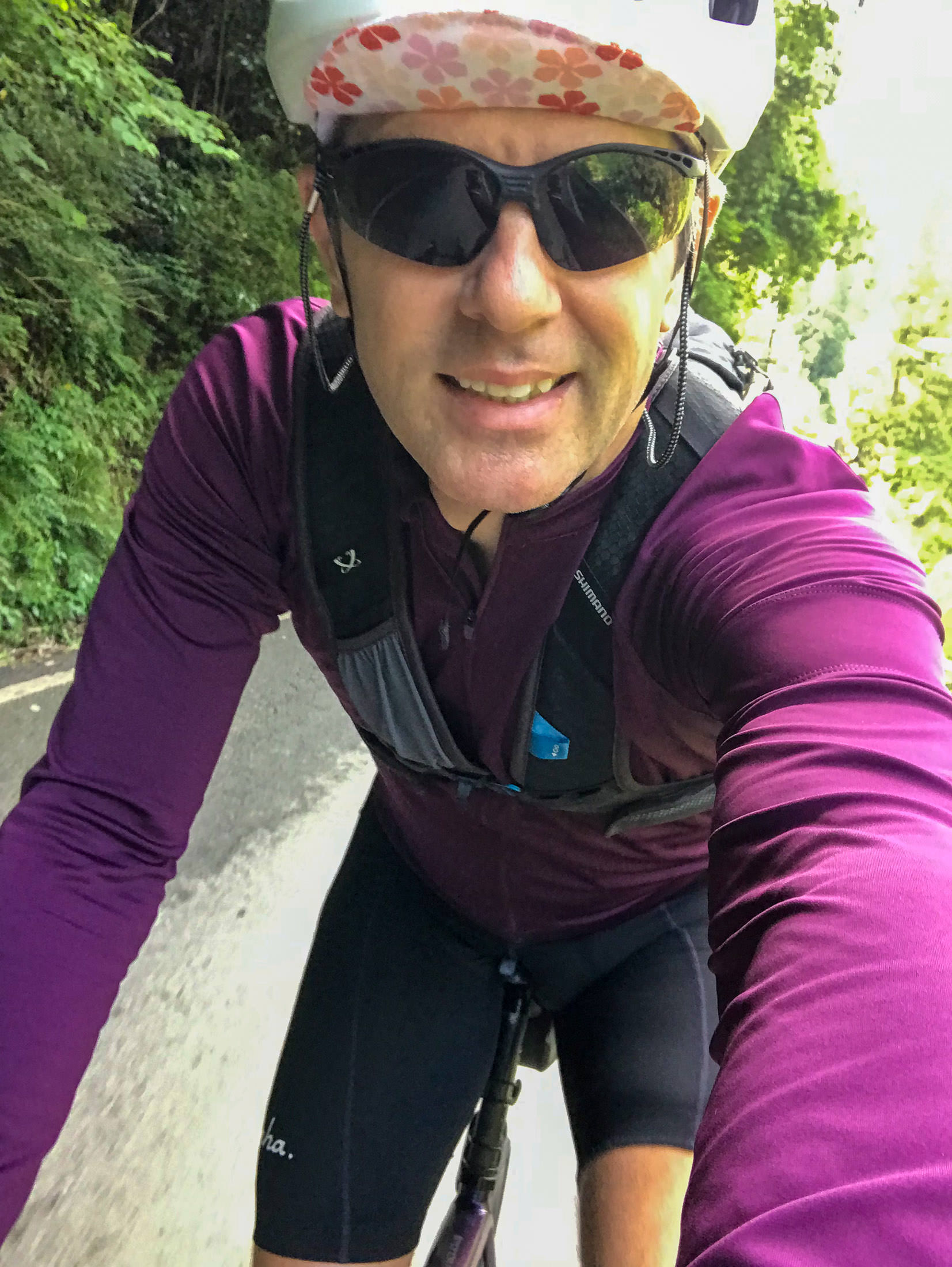
I'm Wearing a Backpack
with a book and a hammock
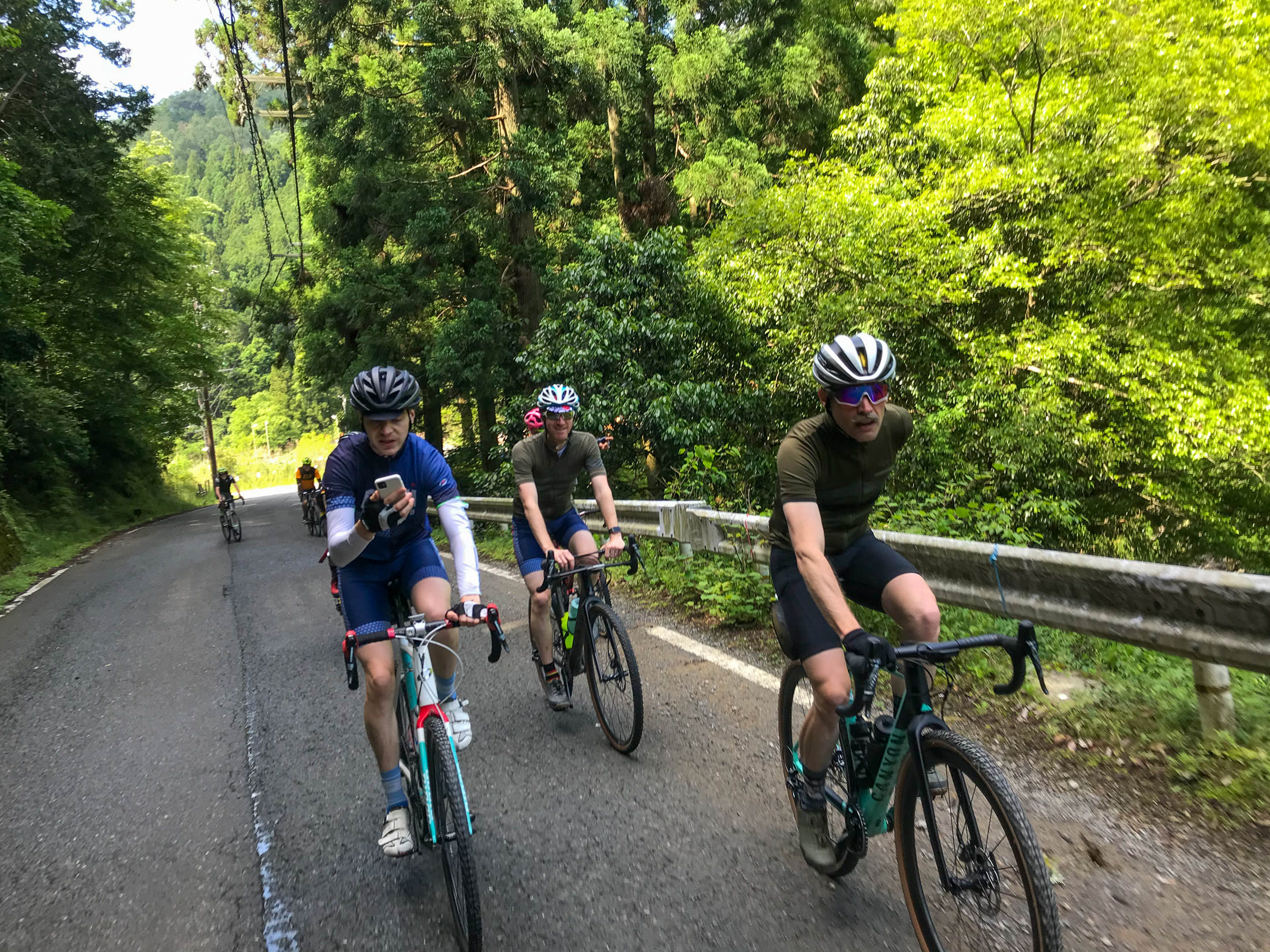
iPhone 7 Plus at an effective 28mm — 1/230 sec, f/1.8, ISO 20 — map & image data — nearby photos
Dude, Using a Phone while Riding??
(taken with my iPhone)
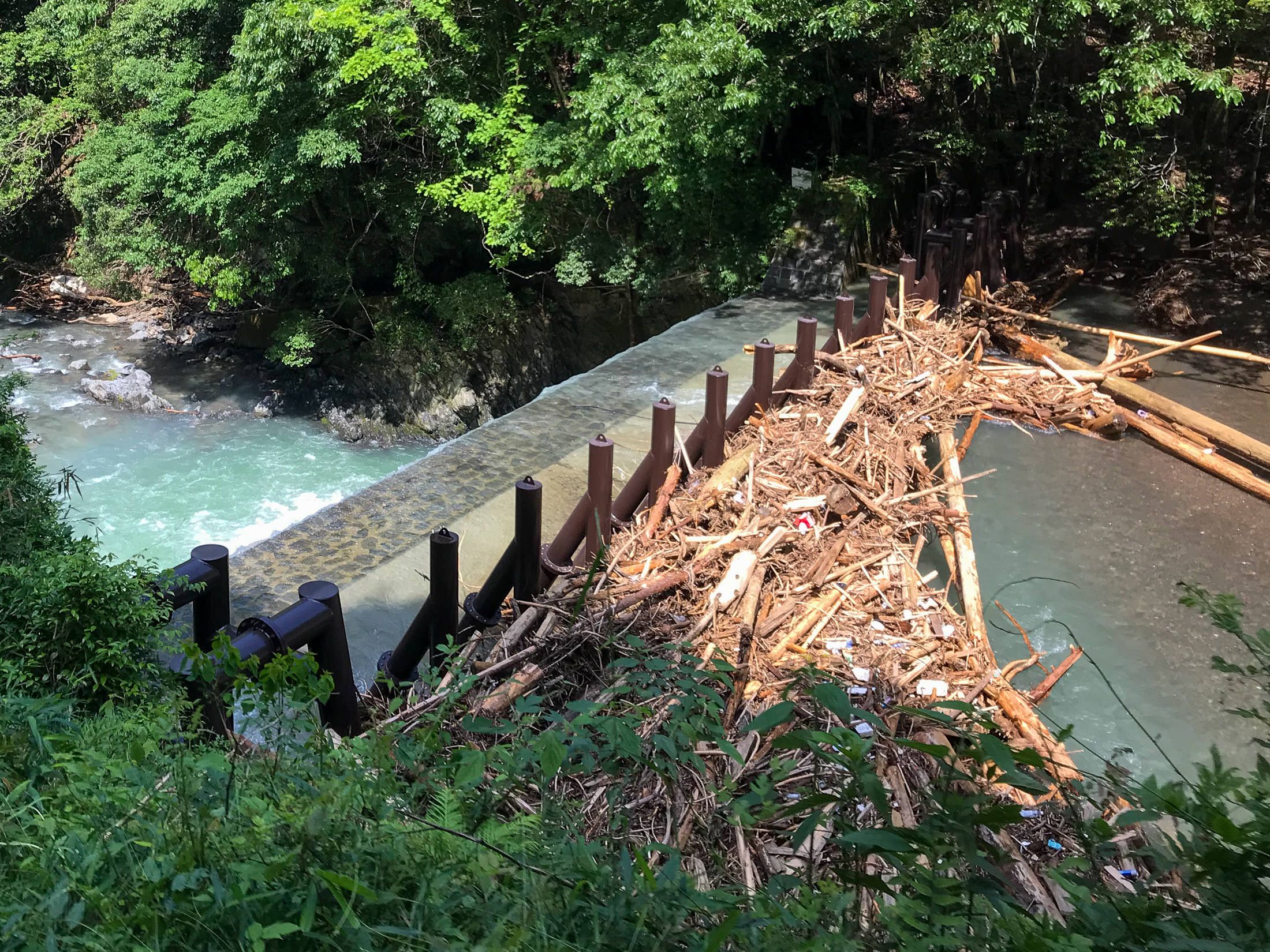
iPhone 7 Plus at an effective 28mm — 1/750 sec, f/1.8, ISO 20 — map & image data — nearby photos
Lots of Rain the Last Few Days
has filled this debris catcher above a small waterfall
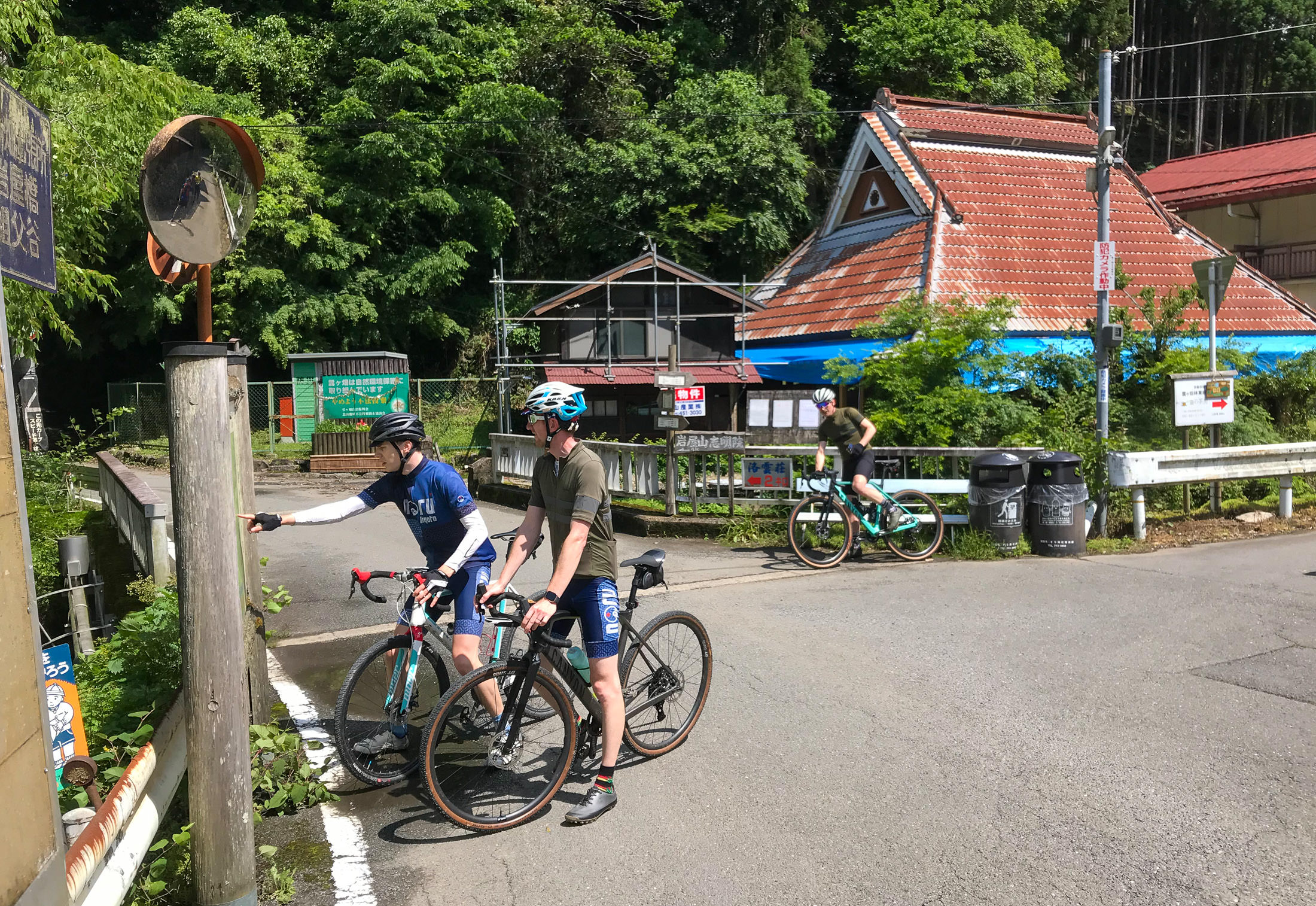
iPhone 7 Plus at an effective 28mm — 1/1500 sec, f/1.8, ISO 20 — map & image data — nearby photos
Checking Which Way to Go
They decided to head up a road that is part of my Kyoto “Tree of Pain” ride (a ride with more than 4,600m/15,000' of climb). On the Tree-of-Pain ride I don't take it very far, because that would make the tree look lopsided. The paved road continues on to a 3.5km climb at more than 11%, which I'd done once before, but only the one time because it requires a generous interpretation for both “paved” and “road”. The whole way is strewn with rocks and all manner of debris, and for some stretches there's not even a pretense of pavement.
But that's what they were going to do today.

iPhone 7 Plus at an effective 28mm — 1/1000 sec, f/1.8, ISO 20 — map & image data — nearby photos
But First, Water
I'd ridden near hear six dozen times, but didn't know this vending machine existed
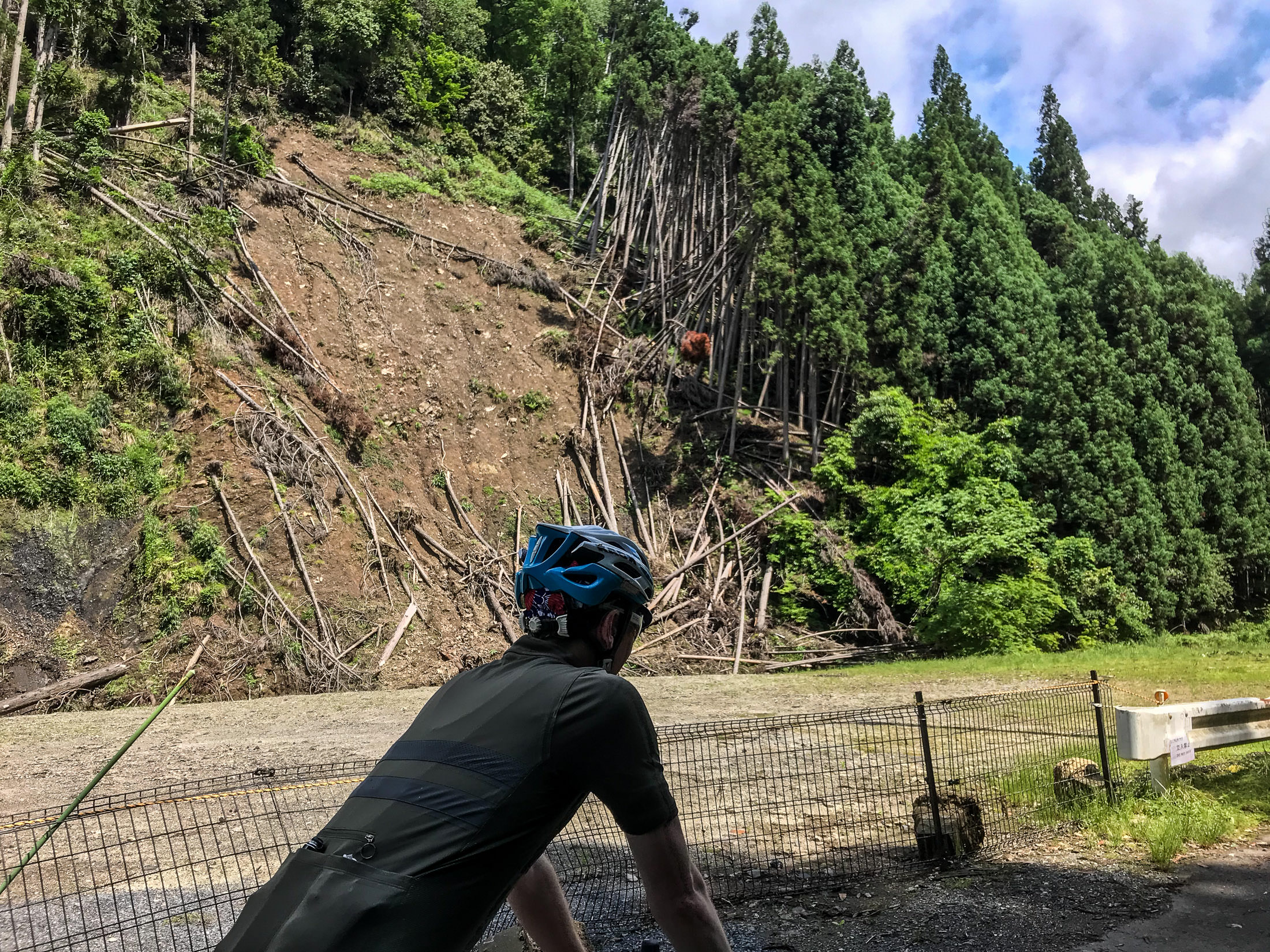
iPhone 7 Plus at an effective 28mm — 1/1150 sec, f/1.8, ISO 20 — map & image data — nearby photos
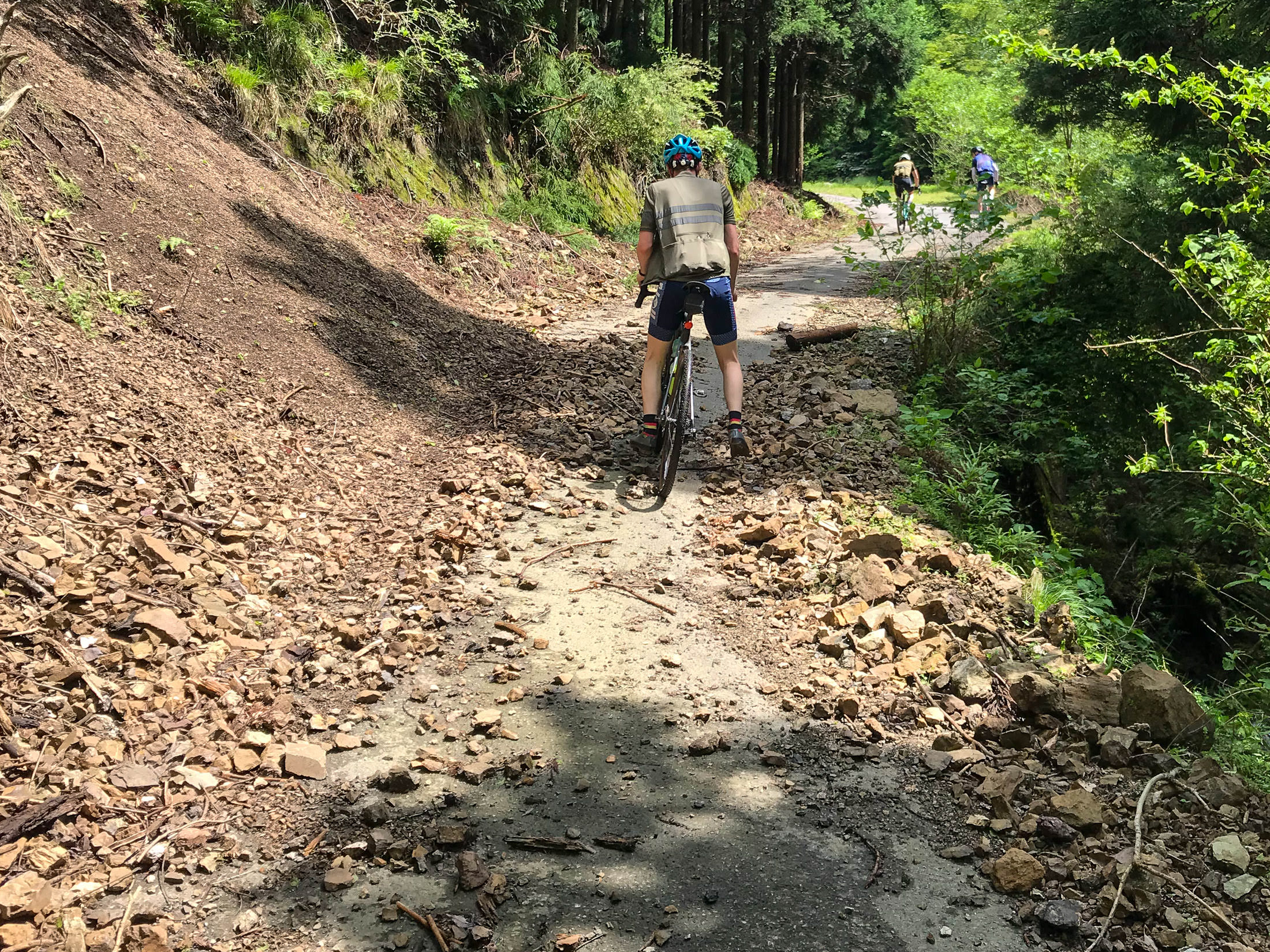
Landslide
probably from last year; they're common in these mountains
iPhone 7 Plus at an effective 28mm — 1/750 sec, f/1.8, ISO 20 — map & image data — nearby photos
Now on the Hard Climb
Harder more for the surface “quality” than the steepness, but both are hard
I figured that I'd bail some time during this climb — my hammock was calling, after all, and I hated gravel — but as we went, I somehow talked myself into doing the whole climb, even though the last ~600m is steep gravel. I guess I wanted to complete the segment. They'd continue on with their gravel play and I'd return down this horrible road back to civilization.

iPhone 7 Plus at an effective 28mm — 1/130 sec, f/1.8, ISO 20 — map & image data — nearby photos
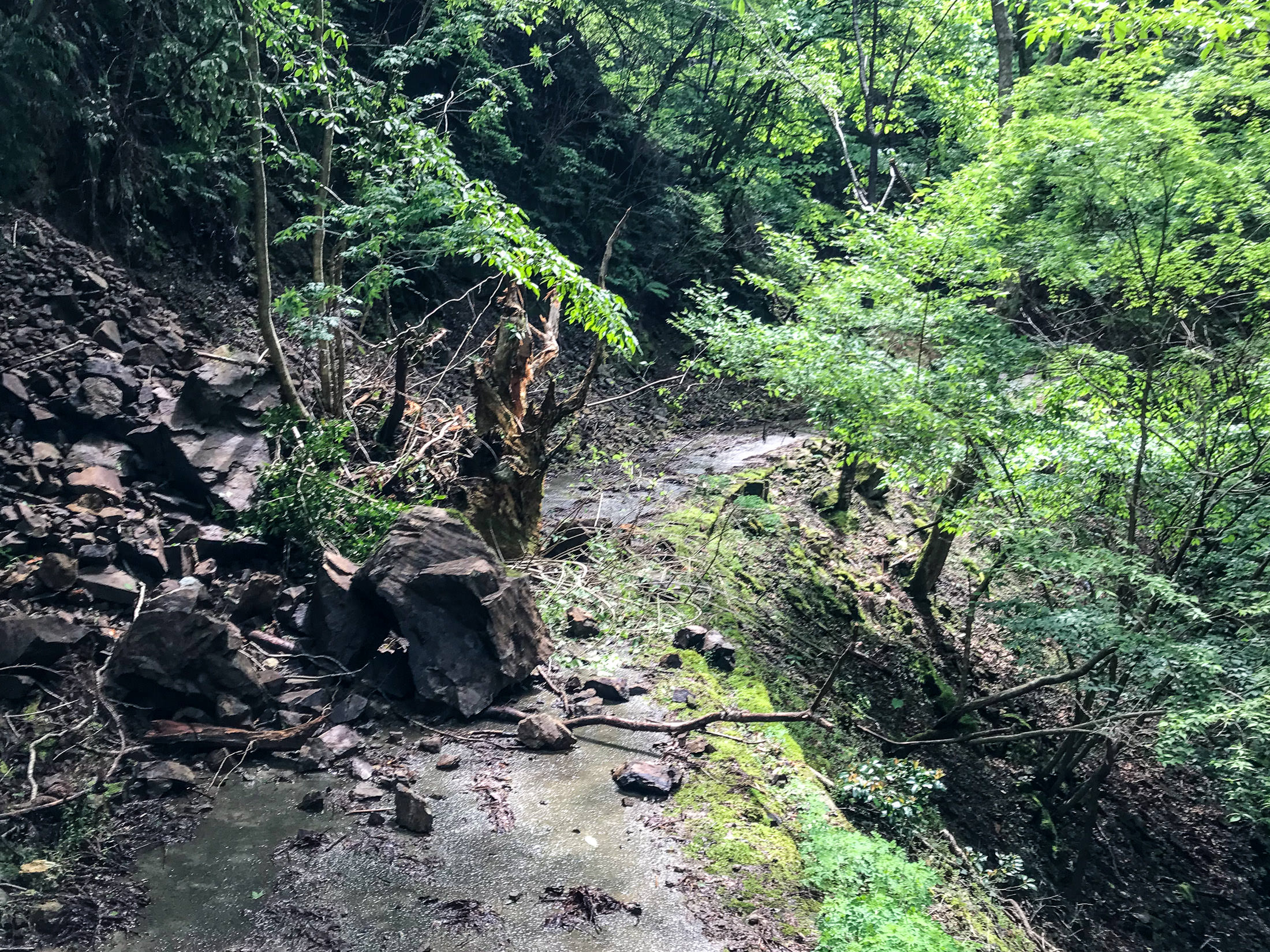
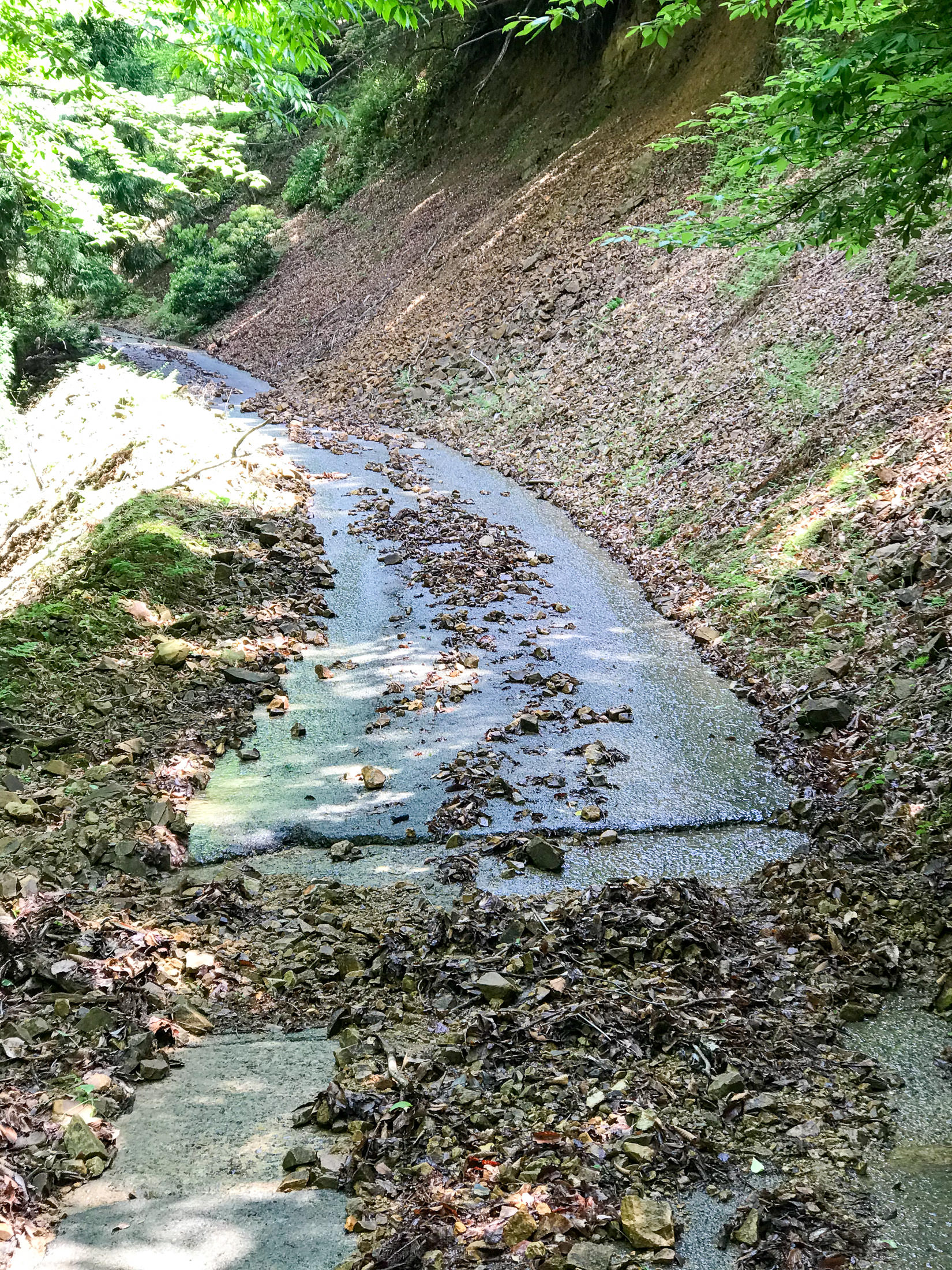
Mini Landslide
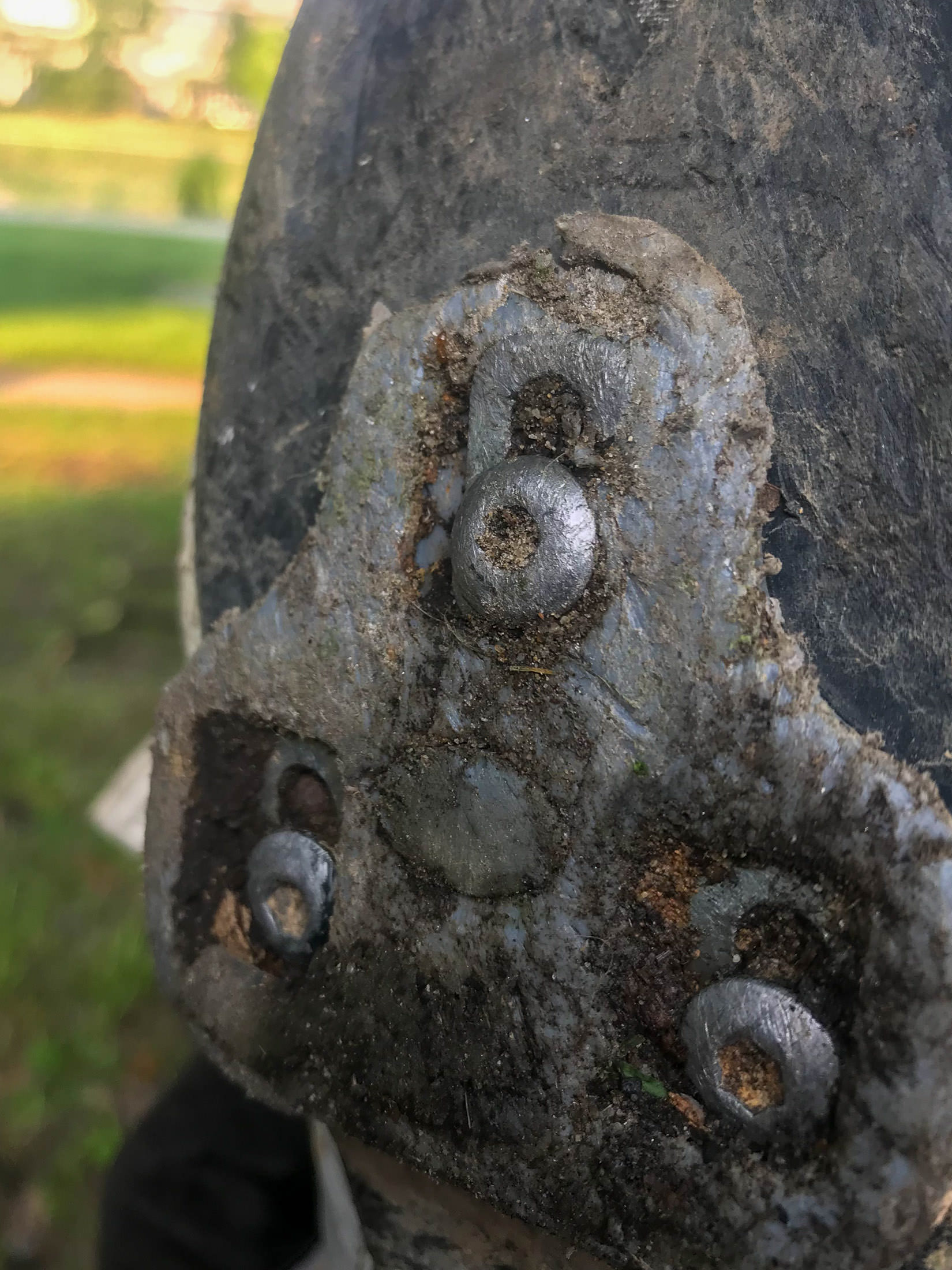
The road was even worse than I remembered. We had to walk some sections due to the sharp rocks, or mini landslides. It wasn't particularly fun, but it was nice to ride with friends. To make it worse, my rear derailleur was getting increasingly unsmooth and noisy, and eventually it got to the point where I couldn't move the pedals backwards. Adjusting the Di2 indexing didn't help, so I figured that I must have bent it slightly somehow. Sigh. I'd have to go to a shop after returning to the city. To make matters worse, the walking on the rocks broke one of my cleats (that locks my shoe into the pedals), so I couldn't put in power while pedaling without my foot slipping out. Double sigh.
At least I had my hammock to look forward to.
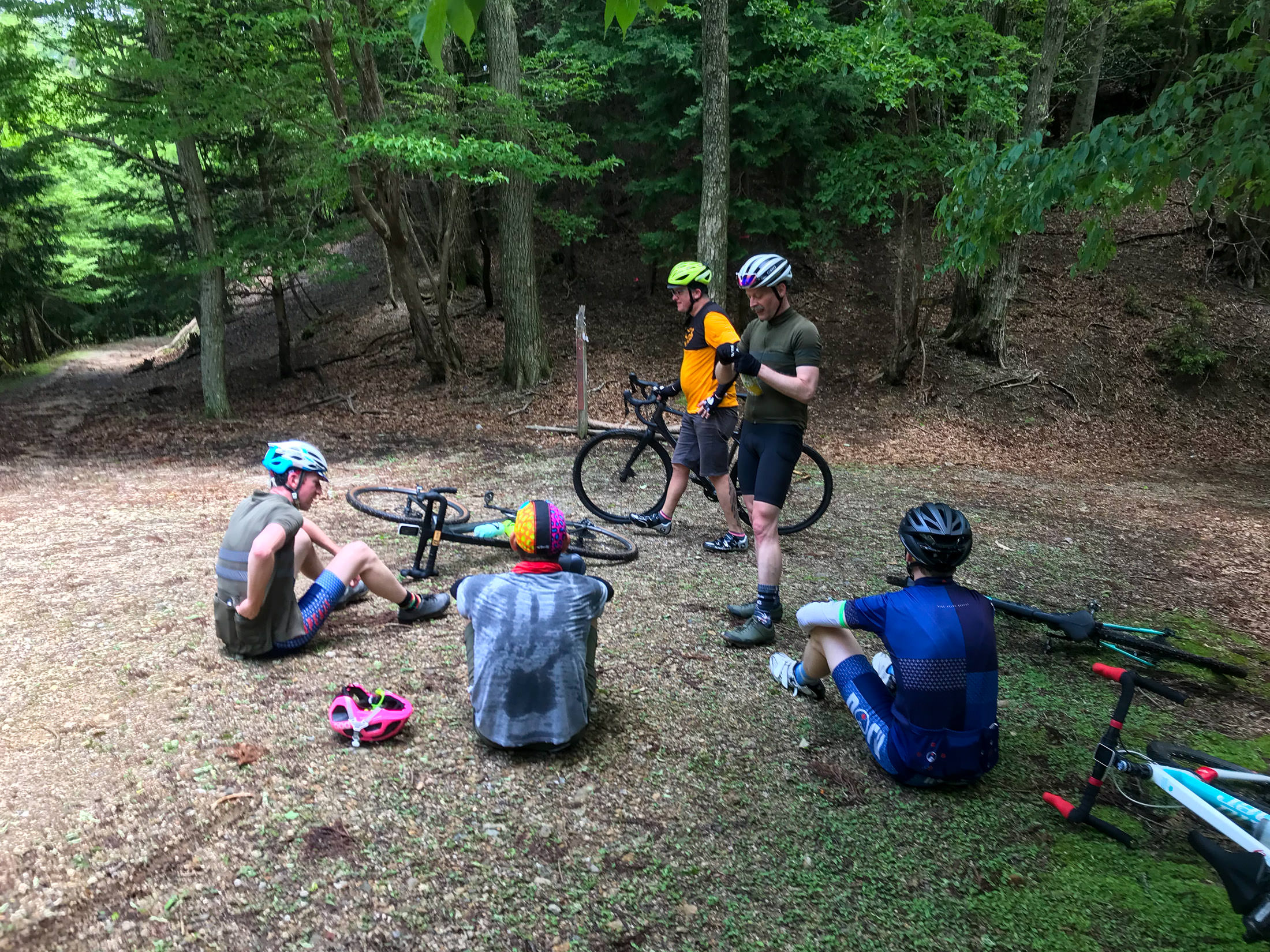
iPhone 7 Plus at an effective 28mm — 1/120 sec, f/1.8, ISO 25 — map & image data — nearby photos
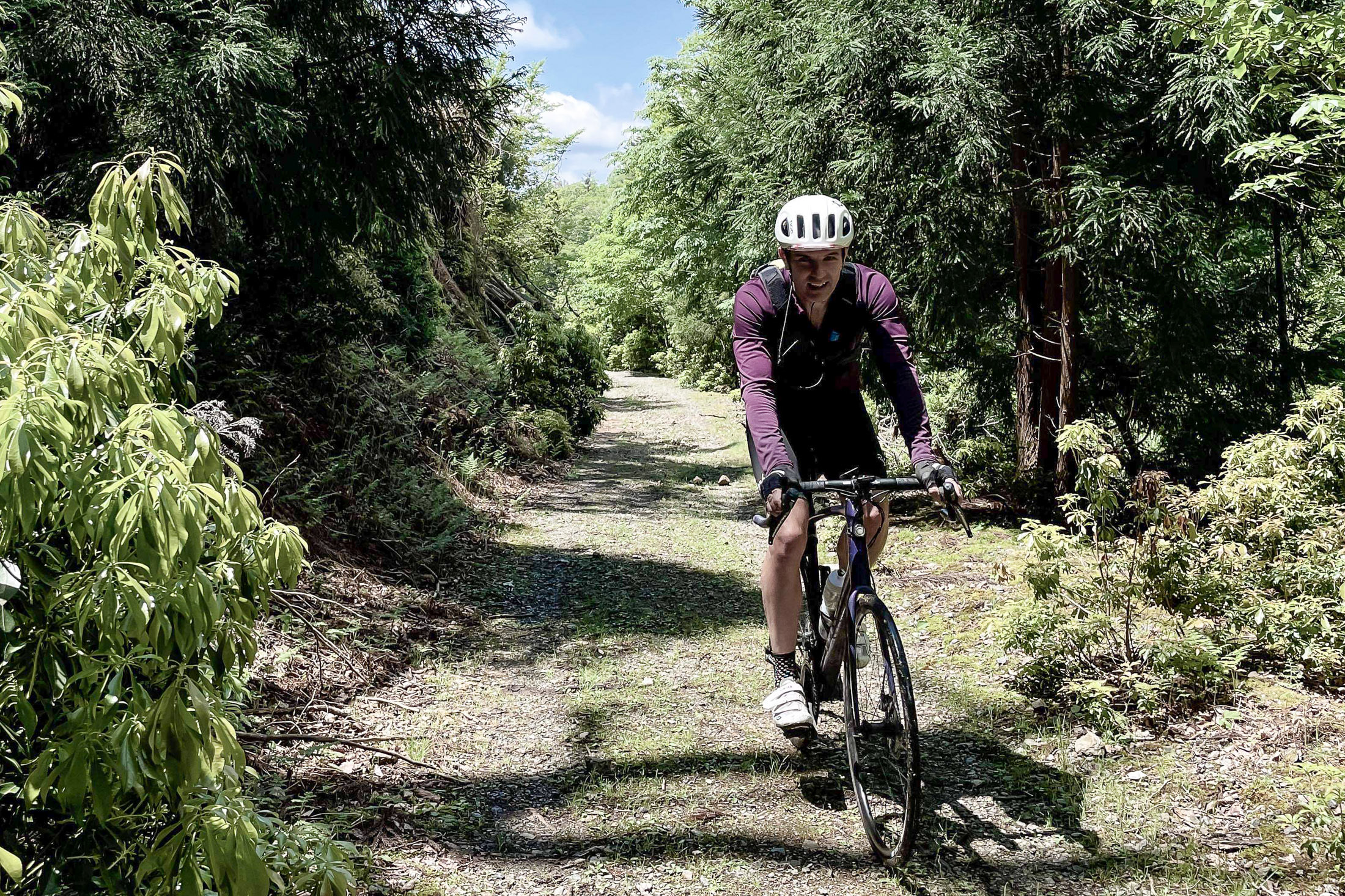
At the Top
At the top, I lamented about my derailleur situation. Antti came over to look at it and found that the bolt holding it to the frame was super loose. Doh! I'd never thought to check that, never having had it come loose in my cycling career. A few turns of a hex wrench and it was good as new. Thanks Antti!
The others spent some time discussing the relative pros and cons of continuing in each of the two directions that the gravel road split from there. It turned out, I was told, that if I went the one direction, it would have some steep gravel sections that I might have to walk, but it would lead fairly quickly to a proper paved road that I knew. The other direction, which they decided to go, would have been much harder on my road bike. I didn't want to descend on the long horrible road we'd just climbed, so I thought that a few minutes of gravel walking would be worth it to get to the paved road quickly. Other than my derailleur and cleat, it'd been a great day, so off I went on the short but unknown gravel section.
And there began my real troubles.
The gravel path went softly downhill for a while, then plummeted steeply down for a while further. "Well, I'm definitely not going to want to ride back up that, so I'm committed to this route, I guess."
But after about 800m, I came to an intersection and had to check the map. According to my map, which was clearly incomplete, the main “road” (rough gravel path) that I was on did not lead quickly to a paved road, but it was more in the general direction than the alternative (which was not on my map), so I continued straight.
A few hundred meters later, I came to another fork. This time the alternative was on my map, and though it didn't lead to the paved road on the map, it went in that direction. This must be the road, so I took it. Very steep, and there was increasingly junk car parts strewn along the side, so I felt that yeah, I'm getting close to the proper paved road. Until it ended in the thick, steep forest, 250m from the road:
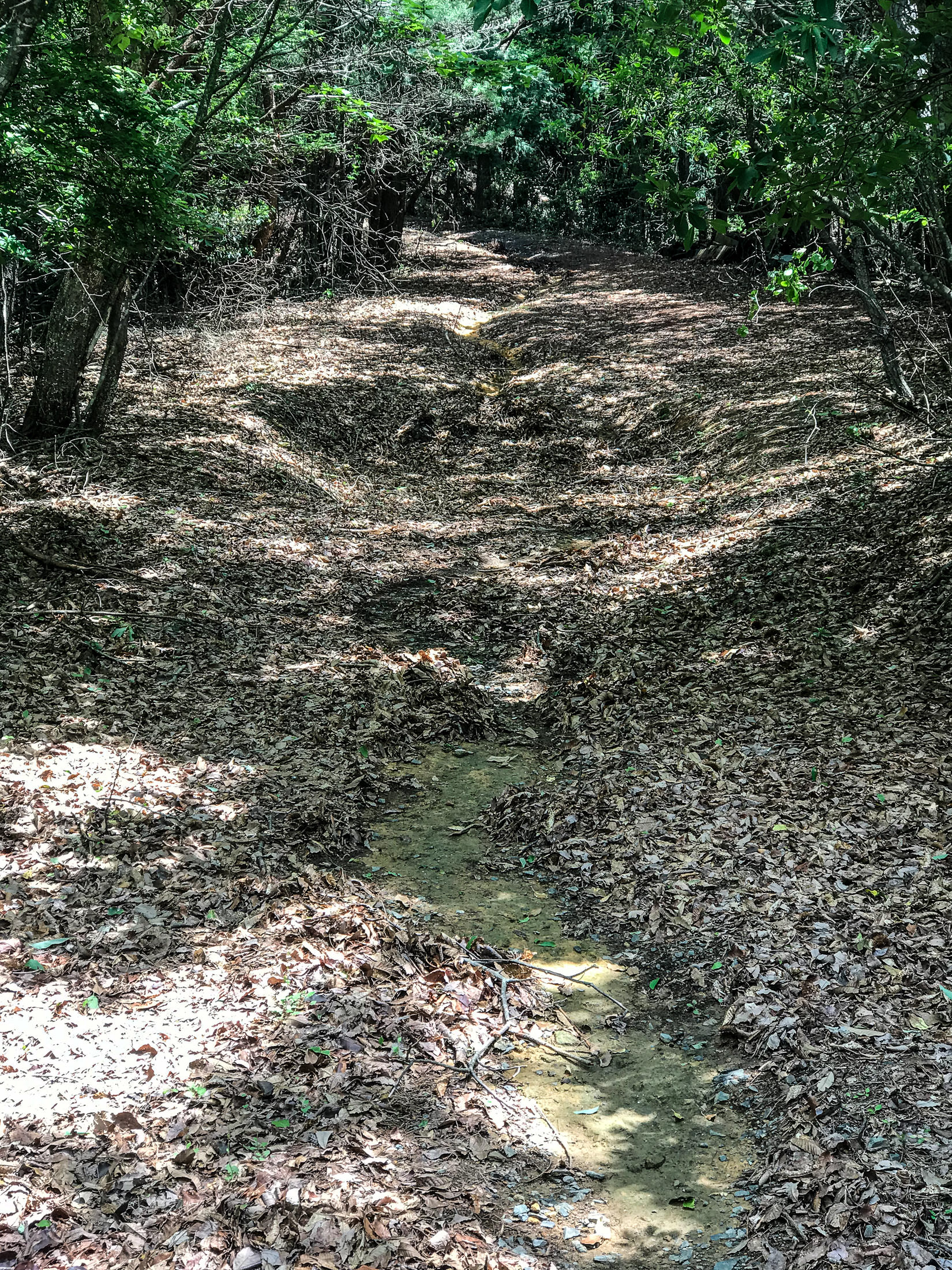
Sigh. I walked back up, pushing my bike. (Remember, I can't really ride up anything steep with my broken cleat.)

iPhone 7 Plus at an effective 28mm — 1/1900 sec, f/1.8, ISO 20 — map & image data — nearby photos
Well, Okay, This is Nice
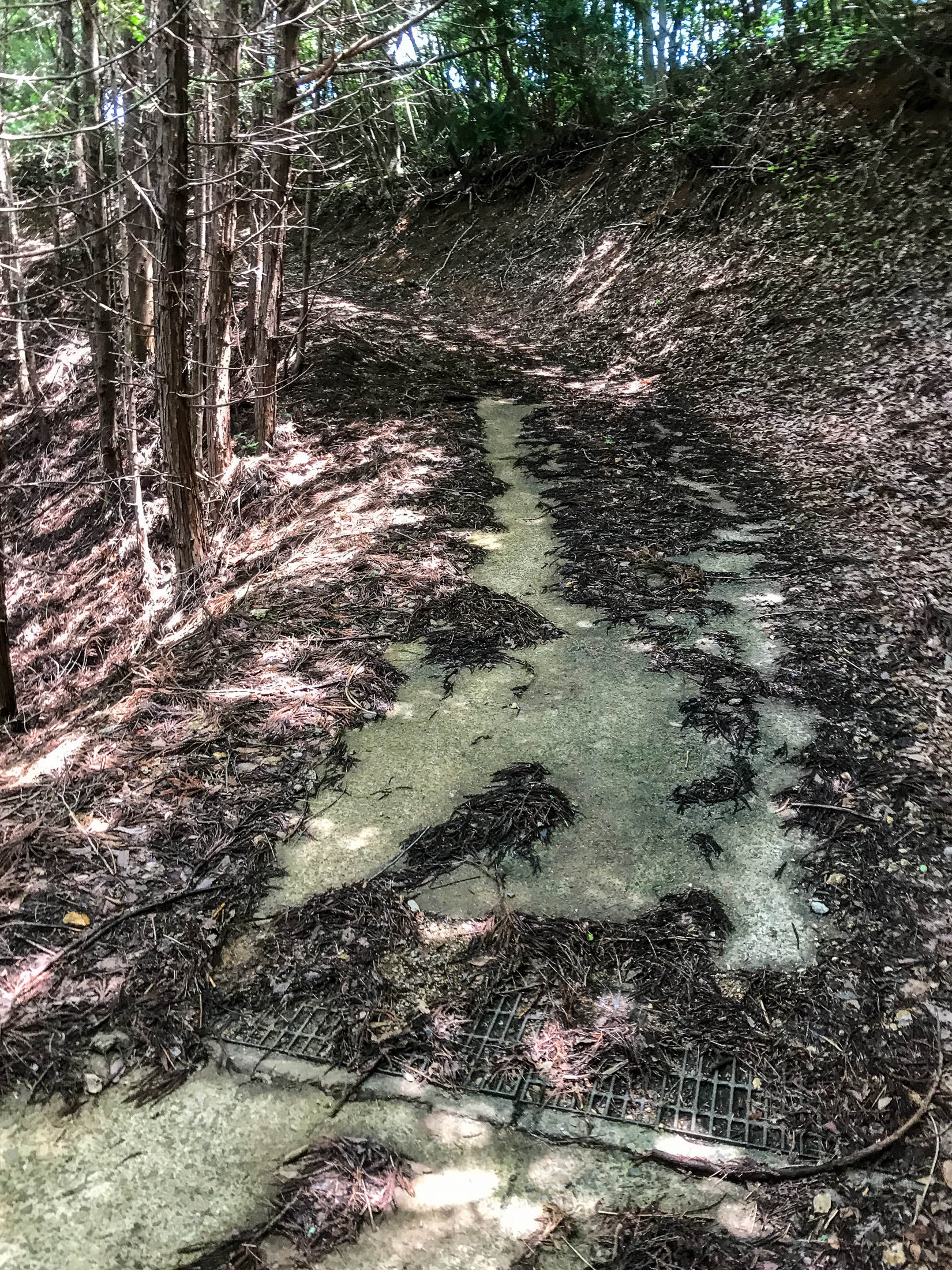
iPhone 7 Plus at an effective 28mm — 1/30 sec, f/1.8, ISO 32 — map & image data — nearby photos
Yeah, Paved Road!
Continuing down, the road suddenly became paved (and got even more steep). Yay, this must mean that I've almost reached a proper road!
Hope was shortlived, as the pavement quickly gave way to gravel again. Sigh.
I came to another fork, this time where the main path I'd been on suddenly started going steeply up, parallel with the nearest proper road. The offshoot went toward the proper road, so I took it, diving down into a ravine.
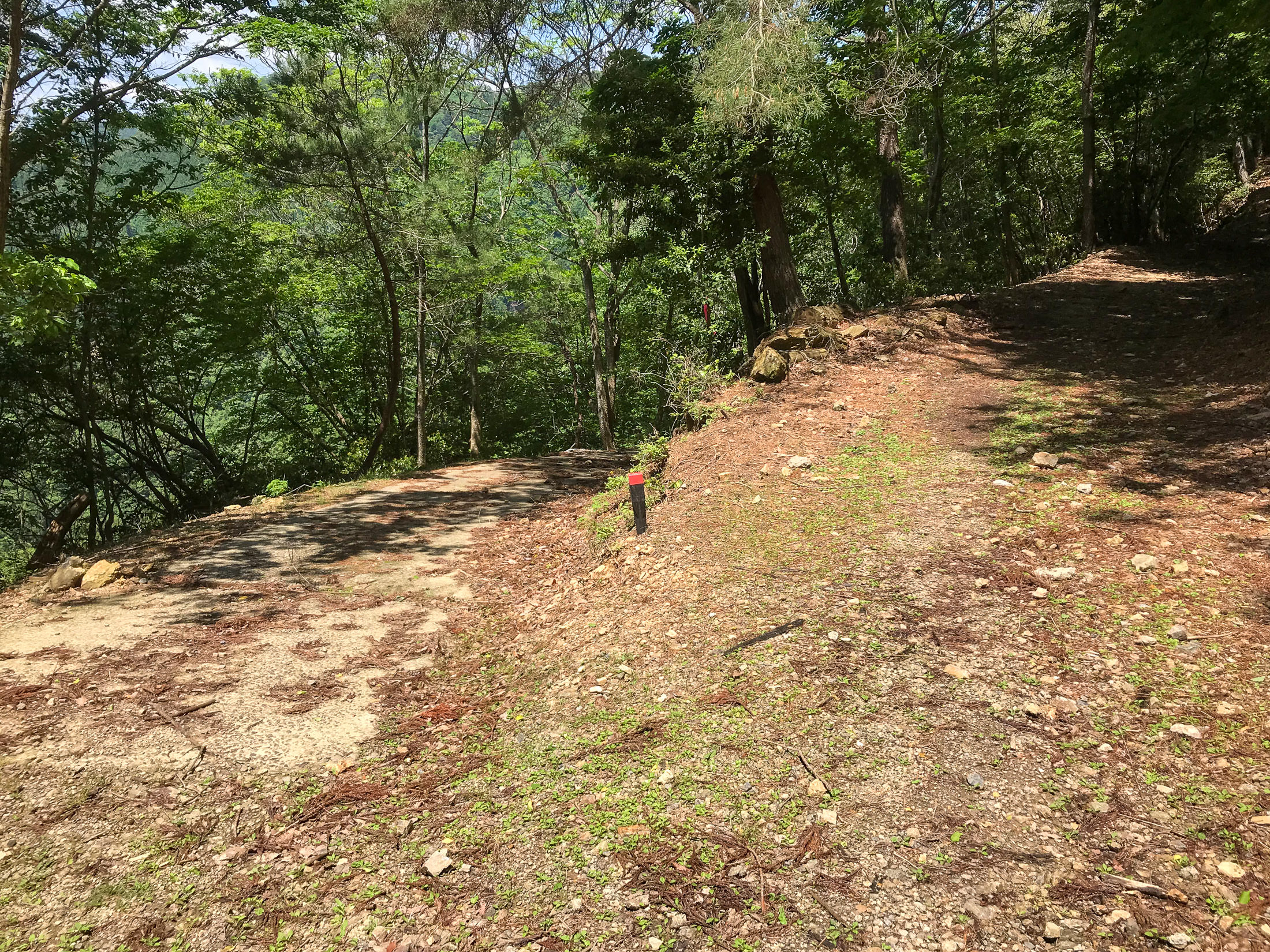
iPhone 7 Plus at an effective 28mm — 1/1250 sec, f/1.8, ISO 20 — map & image data — nearby photos
Fork
I'd come from the right.
Behind me the road continued up sharply.
I took the descent to the left.
Here I got within 200m of the proper road, but again the path just ended.
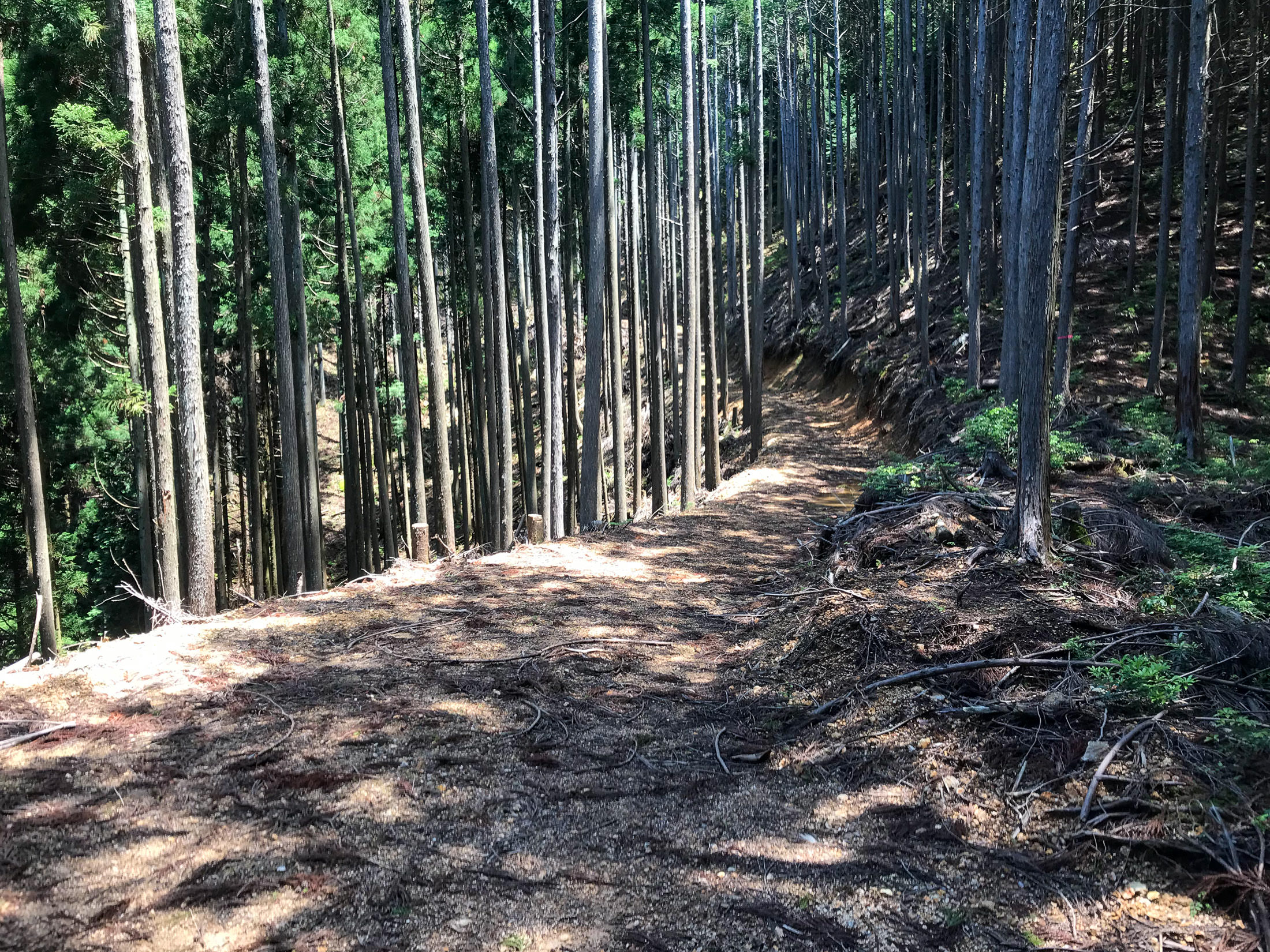
iPhone 7 Plus at an effective 28mm — 1/180 sec, f/1.8, ISO 20 — map & image data — nearby photos
Looking Back
from another dead-end
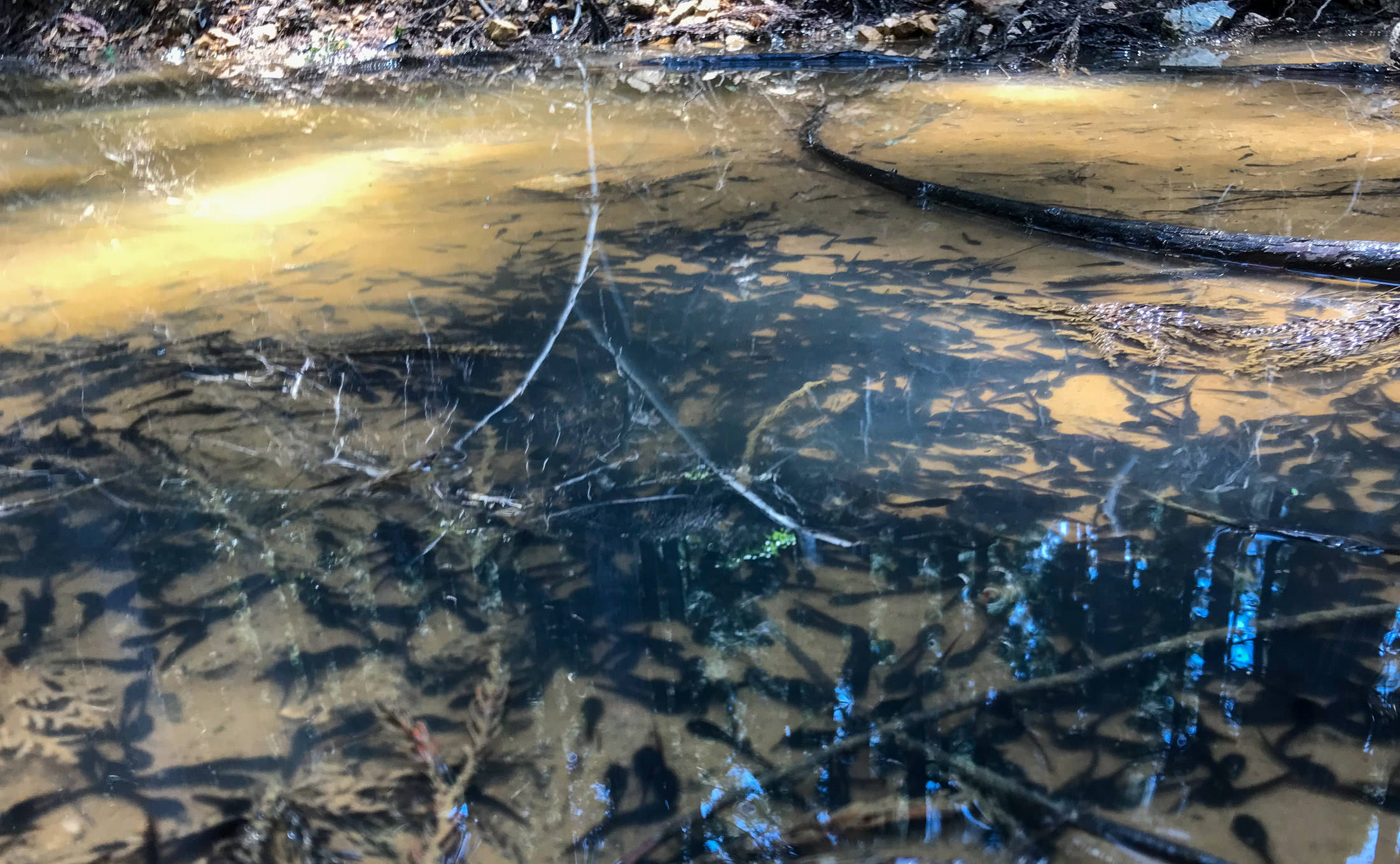
iPhone 7 Plus at an effective 28mm — 1/120 sec, f/1.8, ISO 32 — map & image data — nearby photos
A Thousand Tadpoles
in a puddle the size of two pool tables
This is getting tiresome. I started to walk back up, then I realized that I had lost one of my cleat covers, which I had been using to make walking on the rocks easier. So, the whole time I'm pushing my bike back up as I return toward the main path, I'm scanning the rocky ground for my lost cover.
I didn't find it, but I did eventually realize that I'd now lost the other one. Triple sigh.
I really didn't want to continue on the main path. By this time I realized that it wasn't going to connect to a proper road for several kilometers. I had hoped that it would all at least be downhill, but now I had this steep climb to look forward to. I couldn't ride such a steep road uphill with my broken cleat, and that's just as well because I was in no mood to do it. I pushed the bike for a long time.
Eventually it started downhill again, and the road was ostensibly paved (again, using the words “paved” and “road” generously), so I thought that finally my ordeal would be over soon. How quaint.
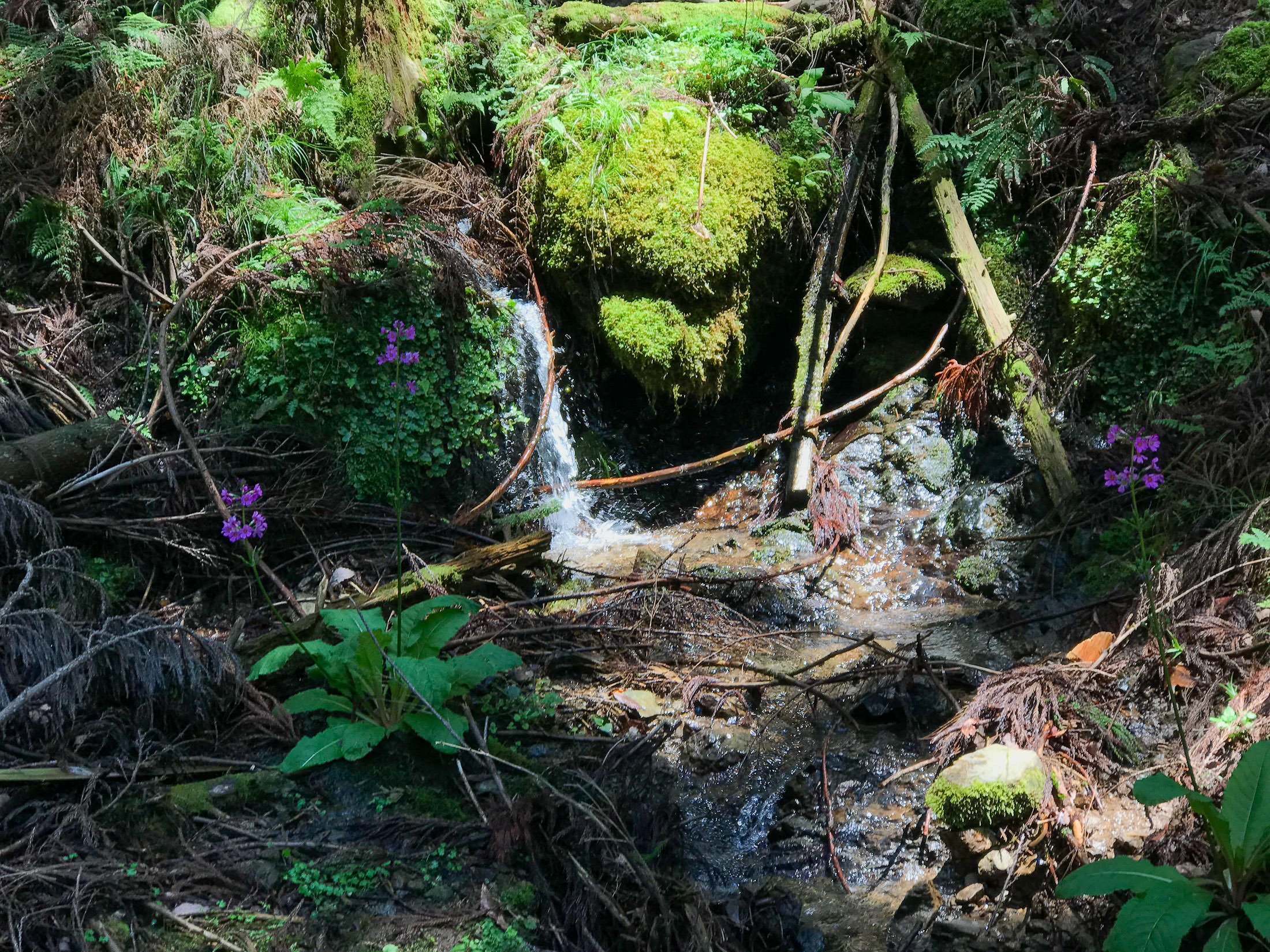
Small Roadside Waterfall
where I filled up on hopefully-tadpole-free water
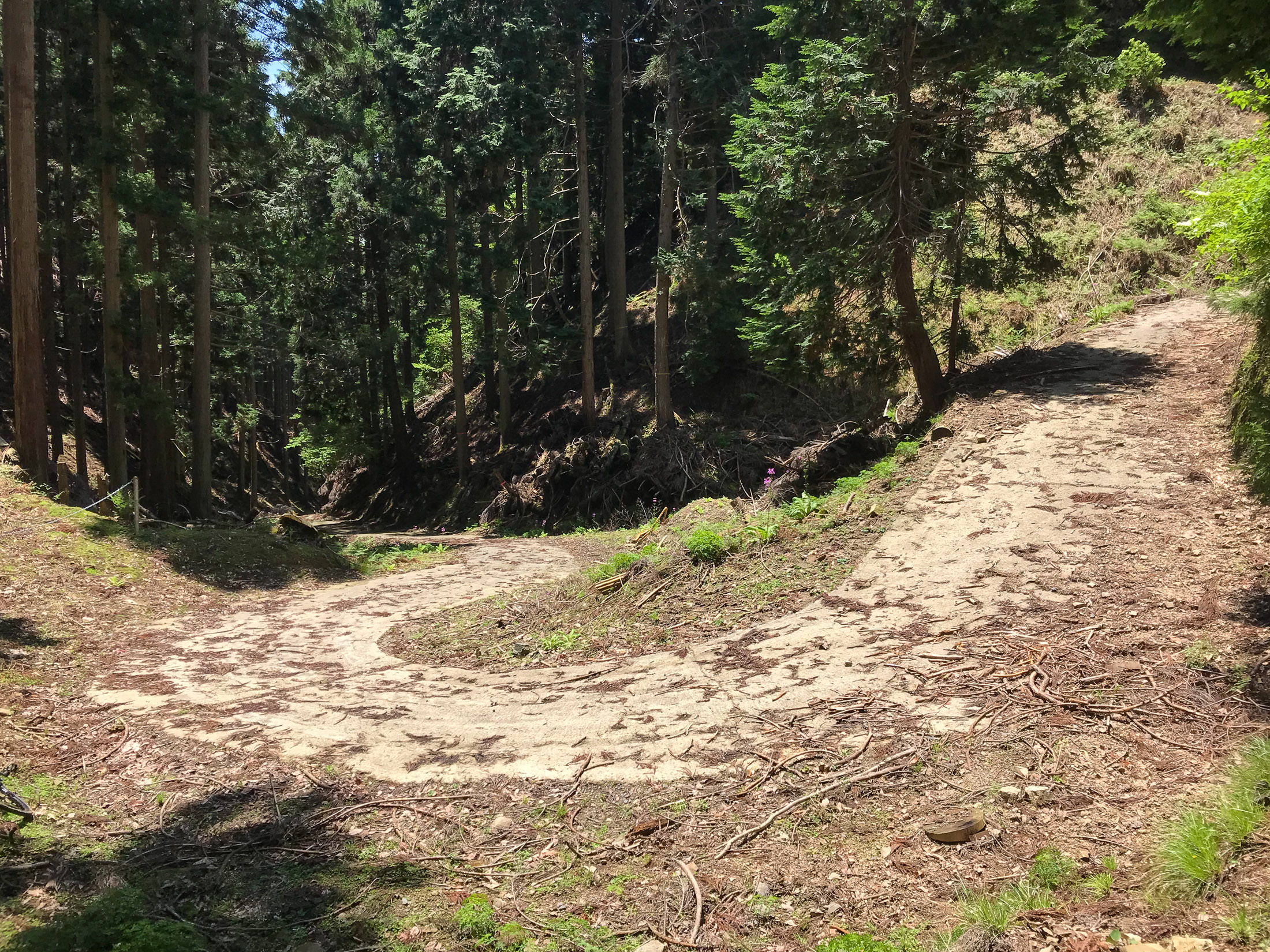
iPhone 7 Plus at an effective 28mm — 1/1250 sec, f/1.8, ISO 20 — map & image data — nearby photos
Rock-Strewn Road
at least nicely paved in this section
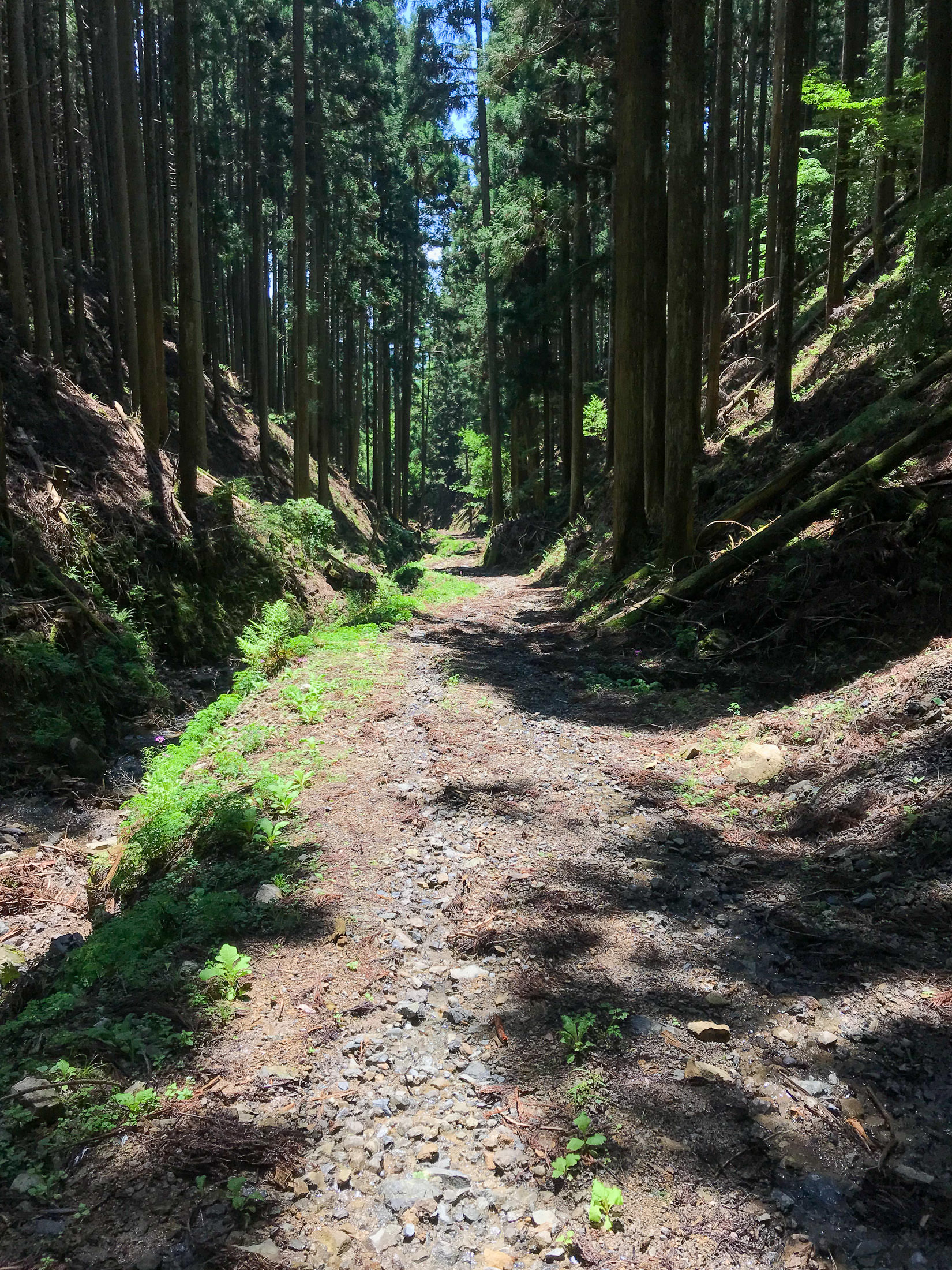
iPhone 7 Plus at an effective 28mm — 1/900 sec, f/1.8, ISO 20 — map & image data — nearby photos
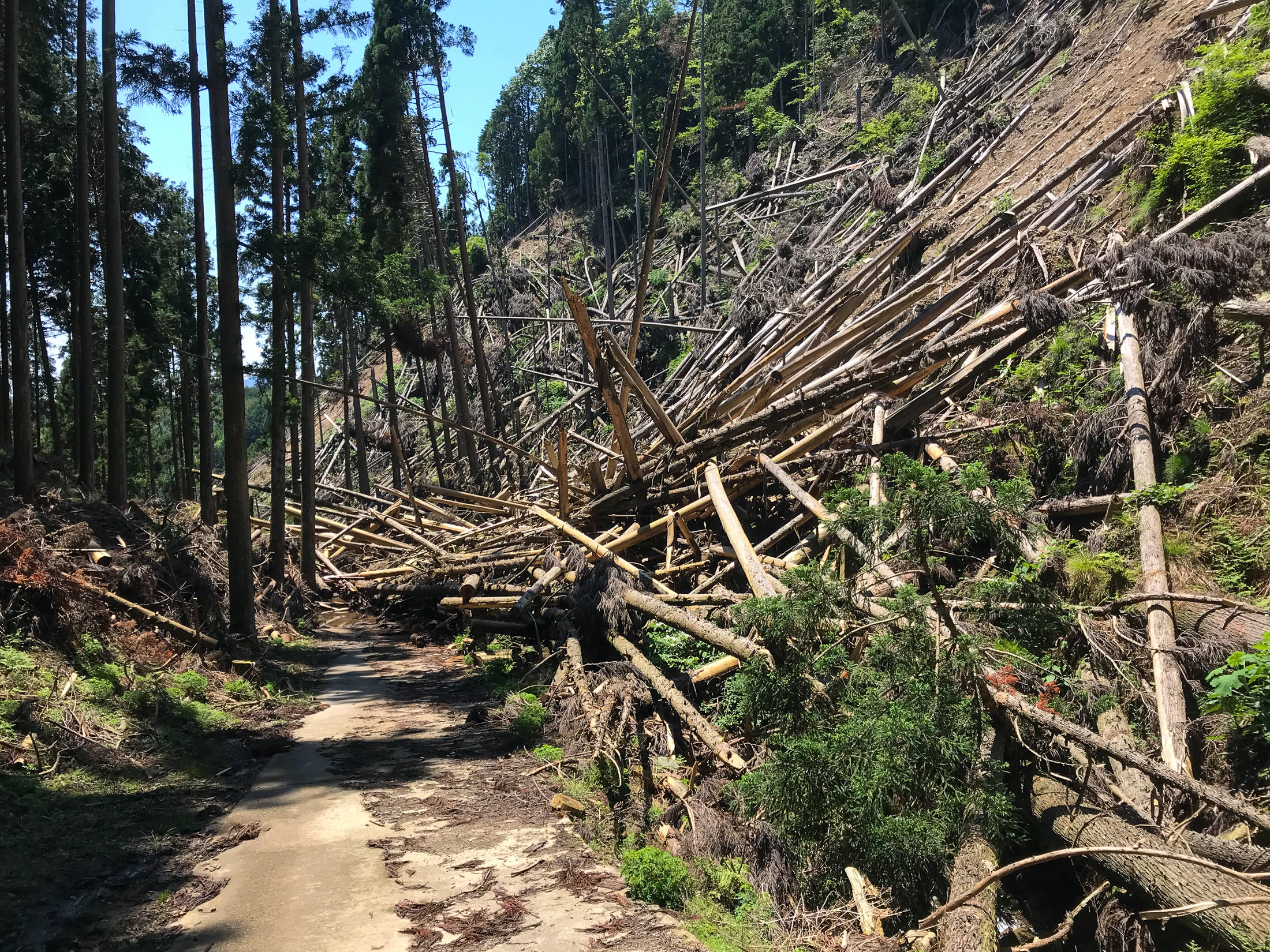
Now This is Getting Ridiculous
these are chunks of rock, not “gravel”
The road got somewhat nice and steeply downhill, so now I hoped it'd be a breeze to return to the proper road.....
iPhone 7 Plus at an effective 28mm — 1/1000 sec, f/1.8, ISO 20 — map & image data — nearby photos
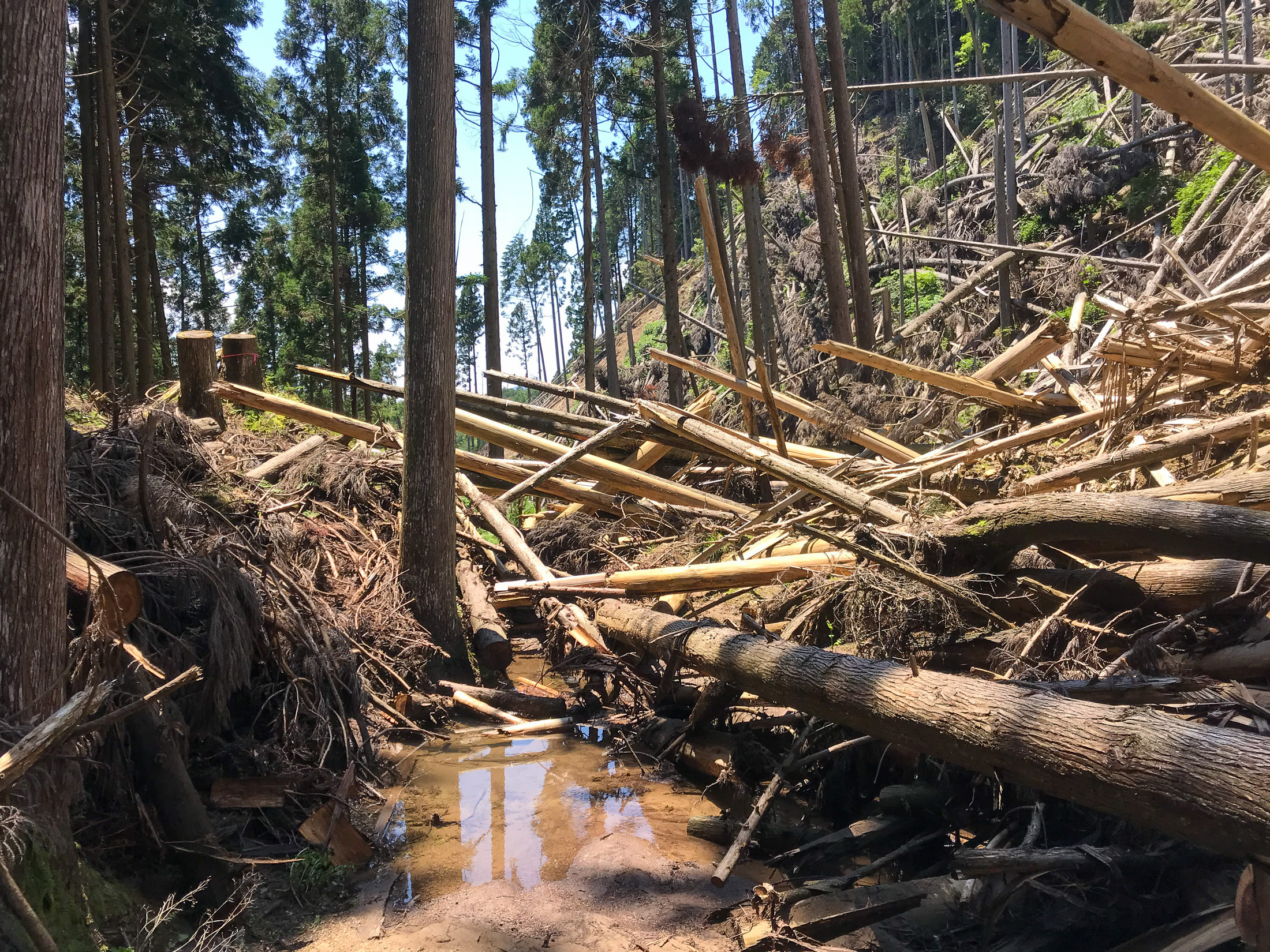
Aw, Fuck
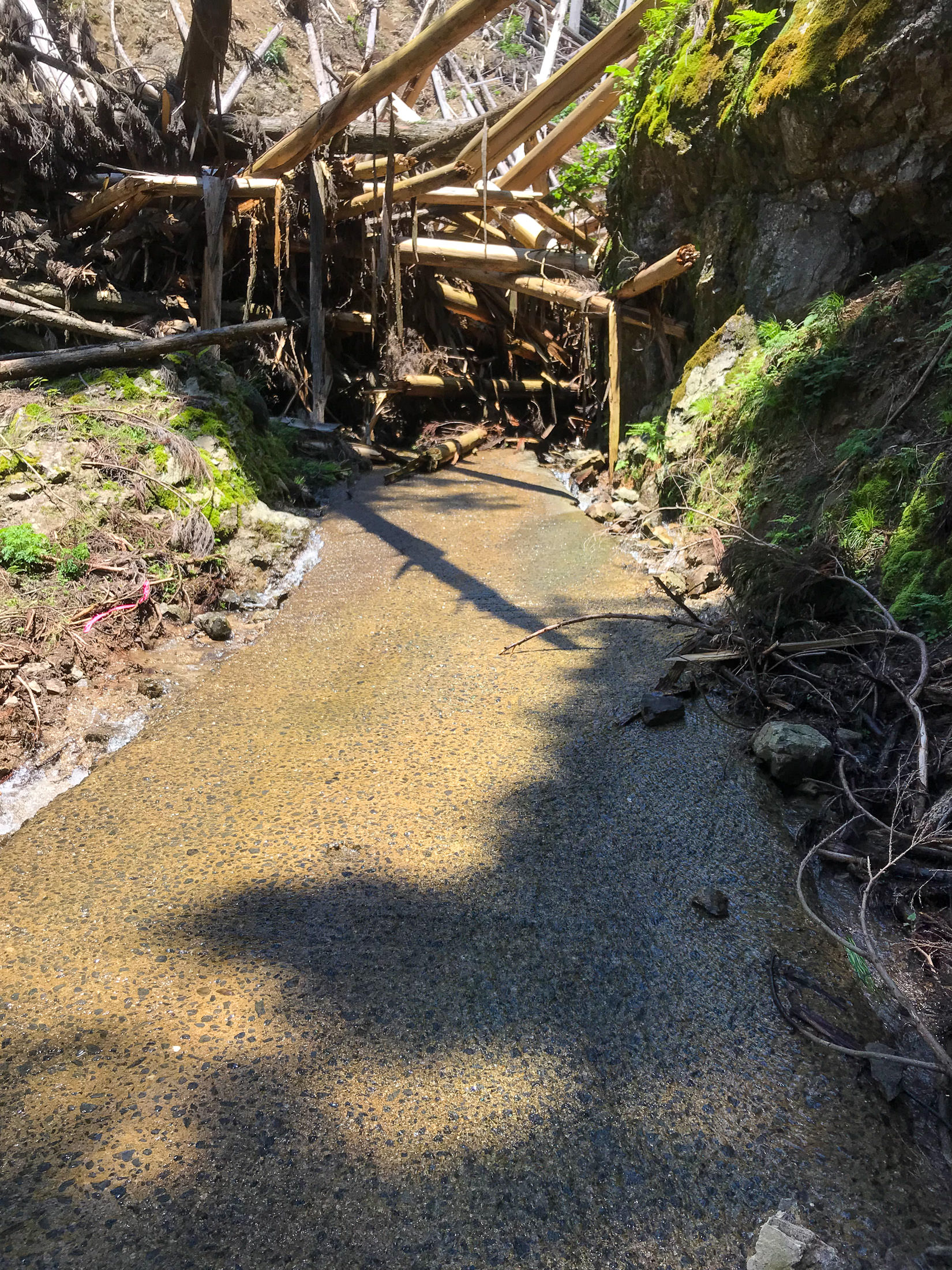
I came around a curve, and found that the road had disintegrated and was covered by a jumble of fallen trees due to a landslide. There was no freakin' way I was going to retrace my steps, so I very much wanted to get past it.
iPhone 7 Plus at an effective 28mm — 1/850 sec, f/1.8, ISO 20 — map & image data — nearby photos
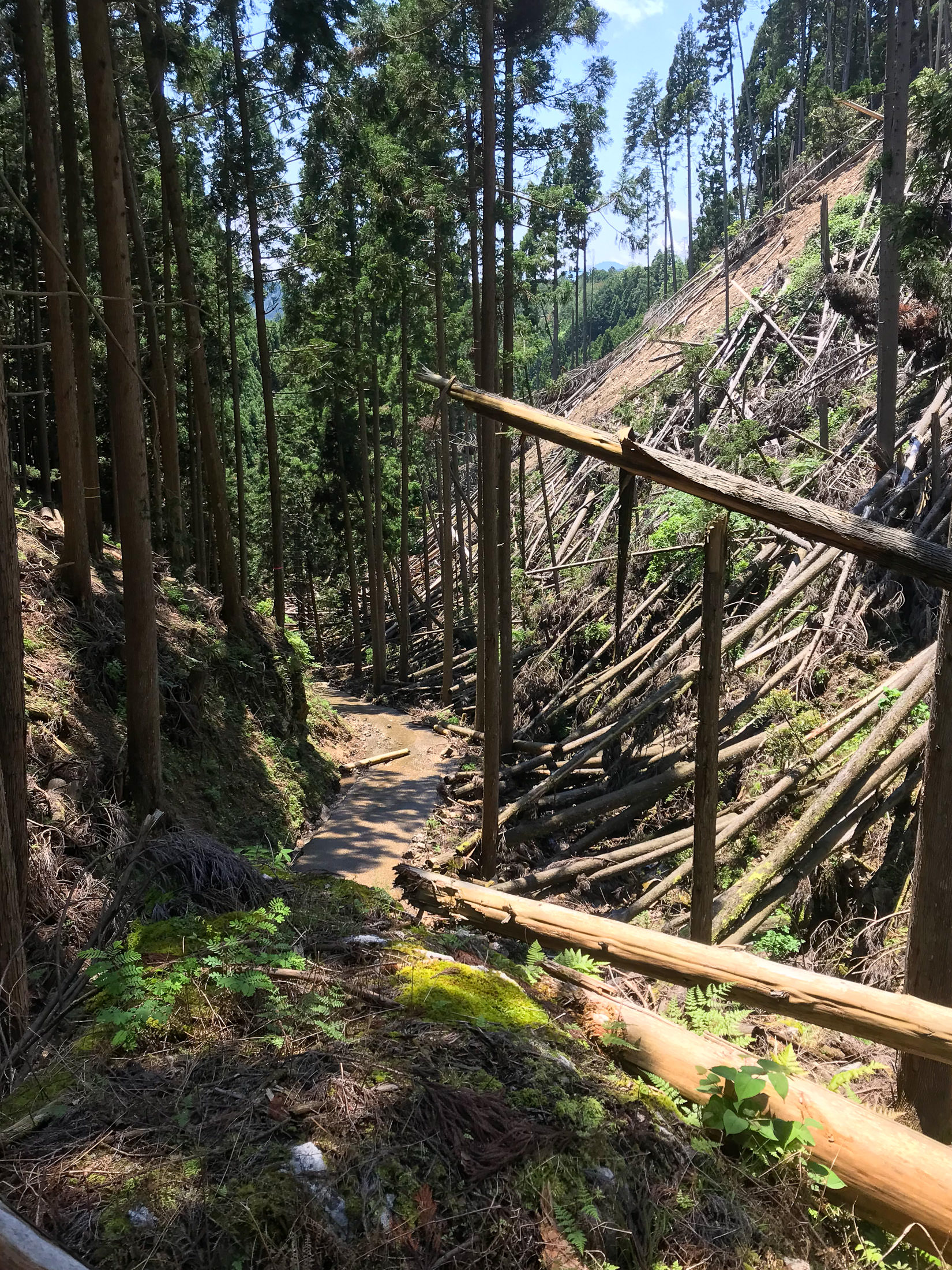
This is What I Have to Deal With
I have some experience climbing through/over this kind of jumbled piles of trees (see “Surveying Supertyphoon Jebi’s Damage North of Kyoto, Part 1” and Part 2), but for this I had to take a different tack.
I left the bike and walked back uphill far enough until I found a place where I could climb up the mountain on the non-slide side, and make my way across to just above the landslide. I could see from there that the road just beyond the logjam was clear, and that I could probably get back down to the road safely. Good enough.
iPhone 7 Plus at an effective 28mm — 1/640 sec, f/1.8, ISO 20 — map & image data — nearby photos
View from Above the Blockage
So, I returned to fetch the bike.
iPhone 7 Plus at an effective 28mm — 1/580 sec, f/1.8, ISO 20 — map & image data — nearby photos
No Way Around This
iPhone 7 Plus at an effective 28mm — 1/850 sec, f/1.8, ISO 20 — map & image data — nearby photos
Looking Back After Getting Past
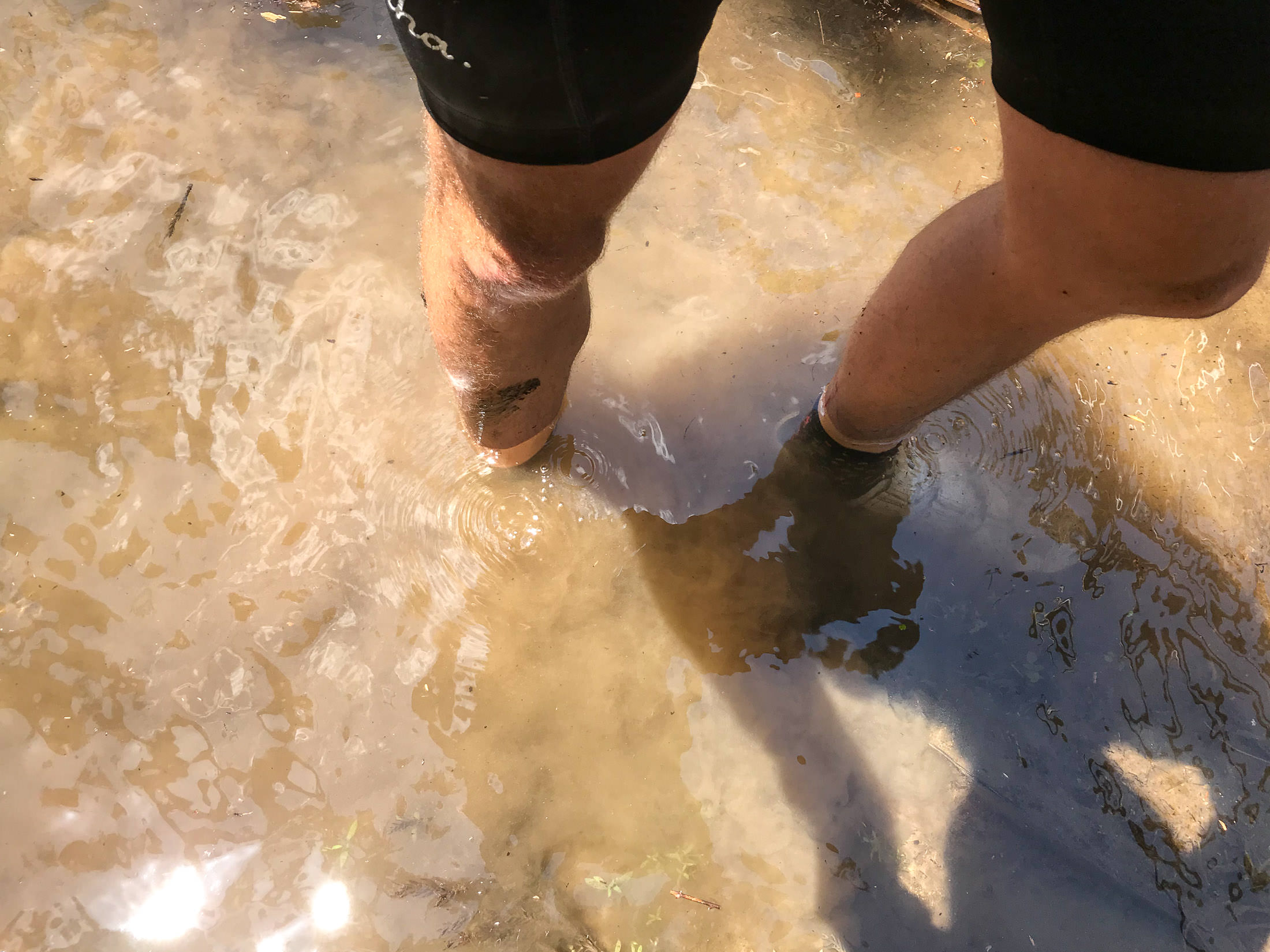
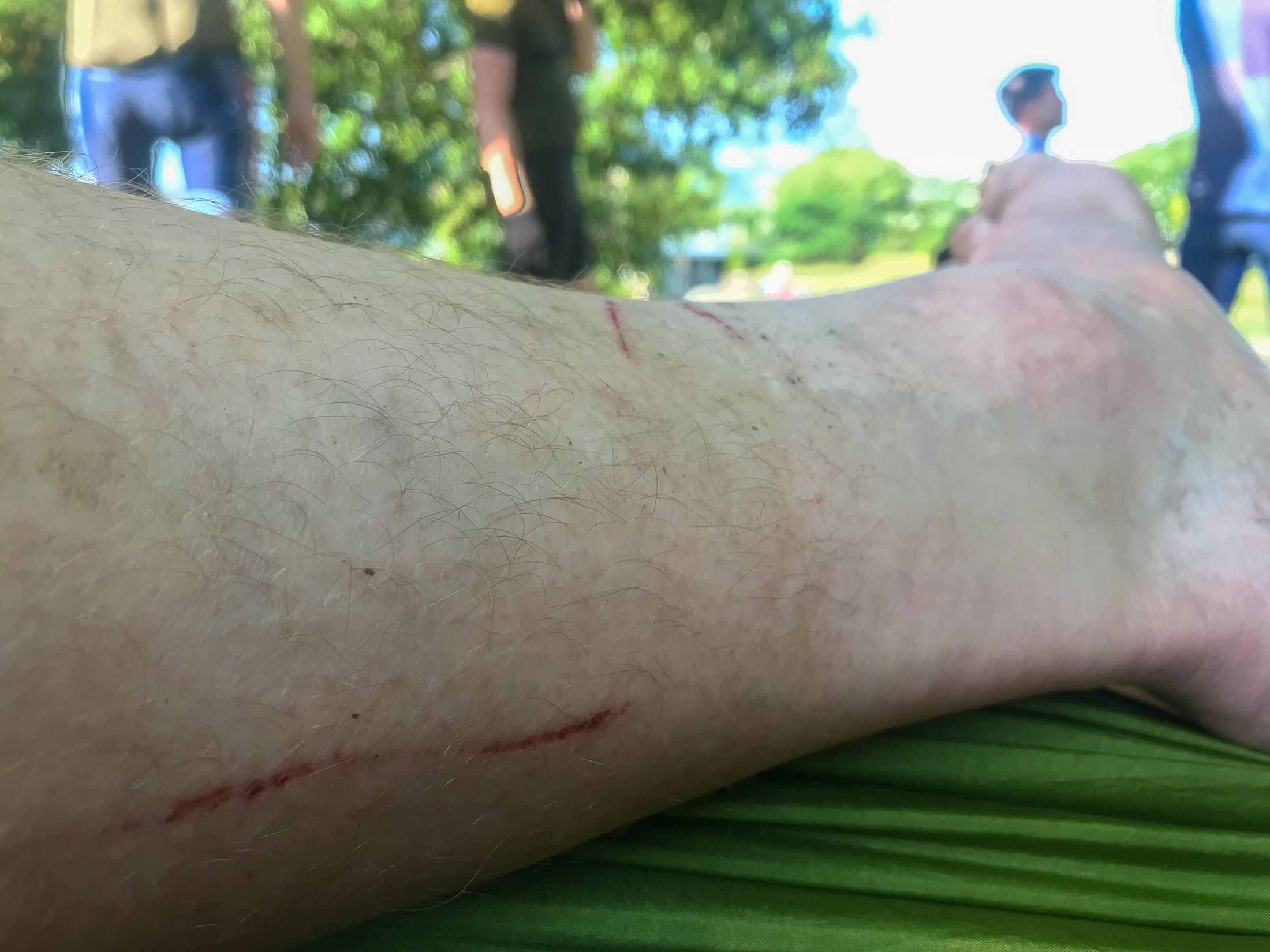
So, I was safely past. My shoes were waterlogged and my legs were covered in bloody scratches, but I had gathered no leaches and no broken bones, so I felt triumphant. (I see now that it took just 13 minutes for me to get past, but it felt at the time like it was an hours-long endeavor.)
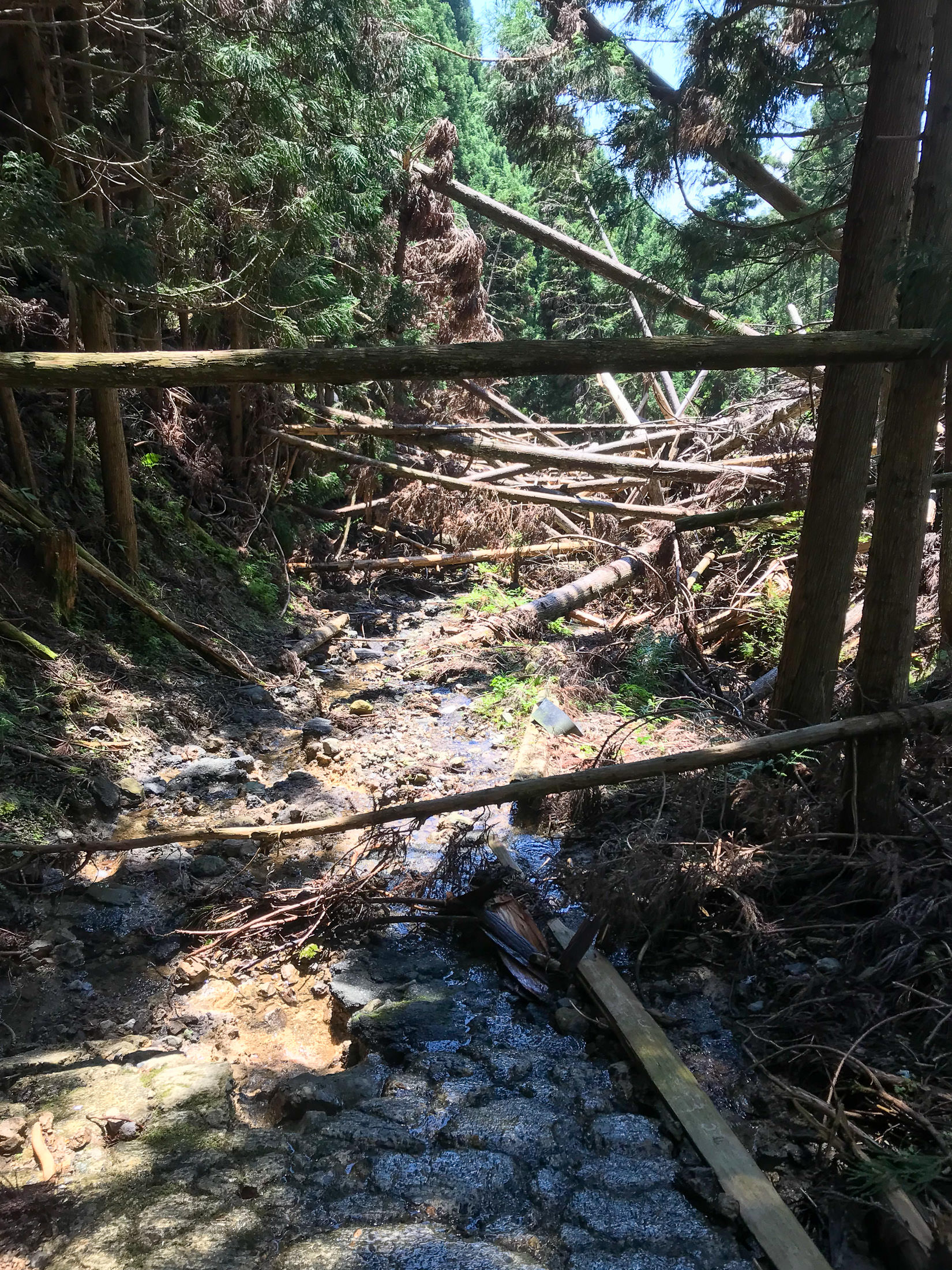
You'll notice how devoid of rocks the road is on the downstream side of the blockage, and that's because it was a stream. Water was rushing down the road, edge-to-edge, and that had cleaned away all the rocks. Yeah.
So, past this obstruction, I continue back to civilization!
Or not.
iPhone 7 Plus at an effective 28mm — 1/260 sec, f/1.8, ISO 20 — map & image data — nearby photos
Just Around the Next Bend
iPhone 7 Plus at an effective 28mm — 1/620 sec, f/1.8, ISO 20 — map & image data — nearby photos
Nope, This One Defeats Me
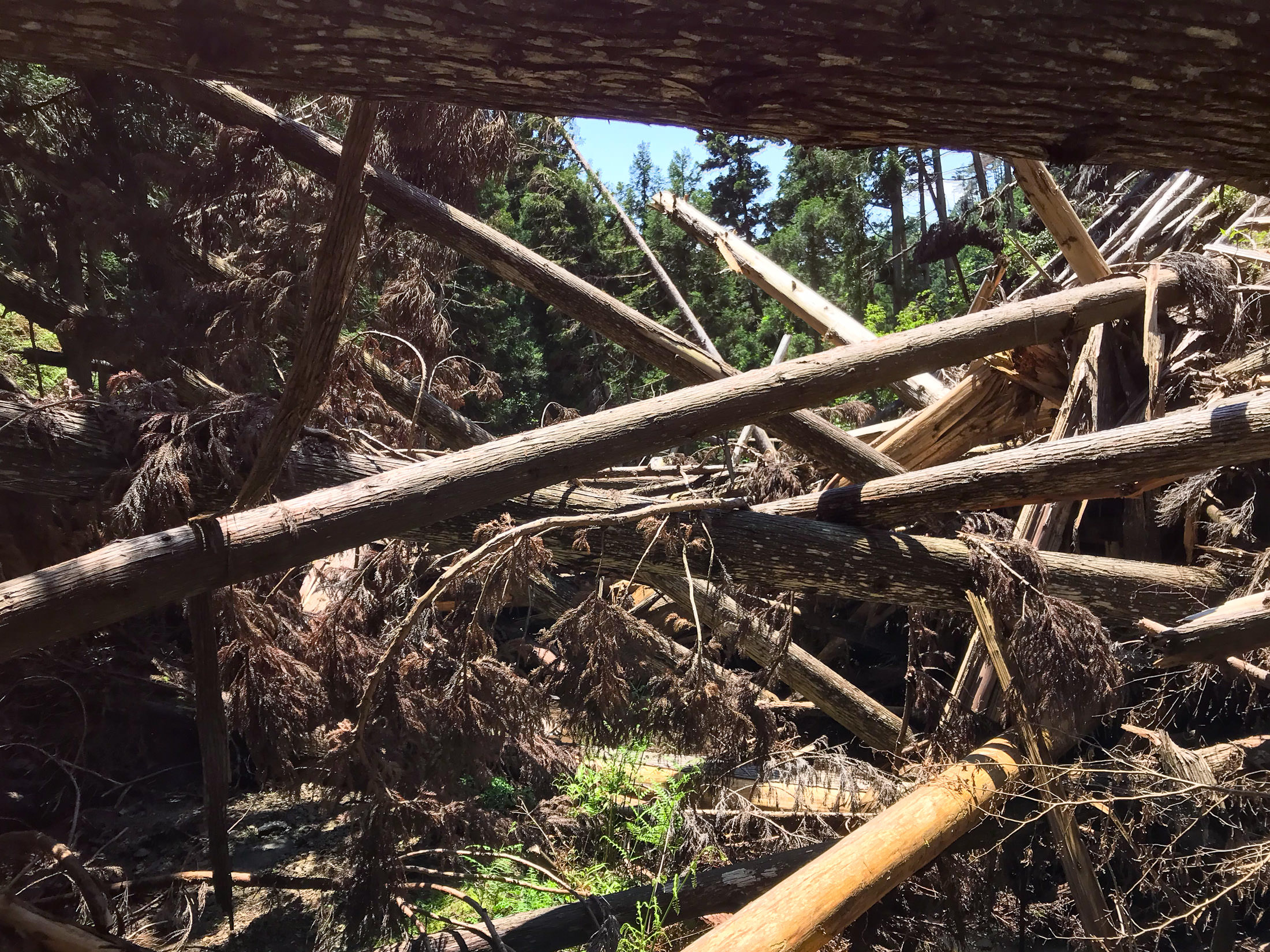
While risking my life trying to get around the previous jumble of trees, it was very much on my mind that the last thought that went through some people's mind right before they died was “Yeah, I can do this!”.
I still had a long way to go before reaching a proper road, and I didn't know how many more of these landslides there might be before then. I had climbed up into this second jumble to see whether I could find a way past, and I couldn't. But even if I did, I might not be able to get past the next one, and I might not be able to return. It was just too dangerous, so I bit the bullet and decided to retrace my path all the way back to where I'd left the others, then descend on that horrible road we'd ridden up.
Getting back around the first jumble of trees was even harder from this downhill side, and I still don't know how I was actually able to do it. The embankment that I had to scale was extremely steep without much to hold onto.
But I made it, and slowly walked back up the mountain.
The whole time I was descending the horrible road we'd ridden up, I just knew that I'd get a puncture, as the cherry on top of the day, but I didn't. I've been using Continental Gatorskin tires for about five years, and have not had a single puncture flat since. (Well, I've had three pinch flats, which were because I hadn't kept enough air pressure, and a few flats because the tube seams had just given way due to age or poor manufacturing; the tires have performed perfectly.)
Eventually I made it back into cellular range, and found a message from Antti saying that they were having beers by the river in the city, so I decided to forego the hammock and go directly there. I felt so stinky and disgusting that I thought about heading home to clean up first, but in the end I found them all chilling.
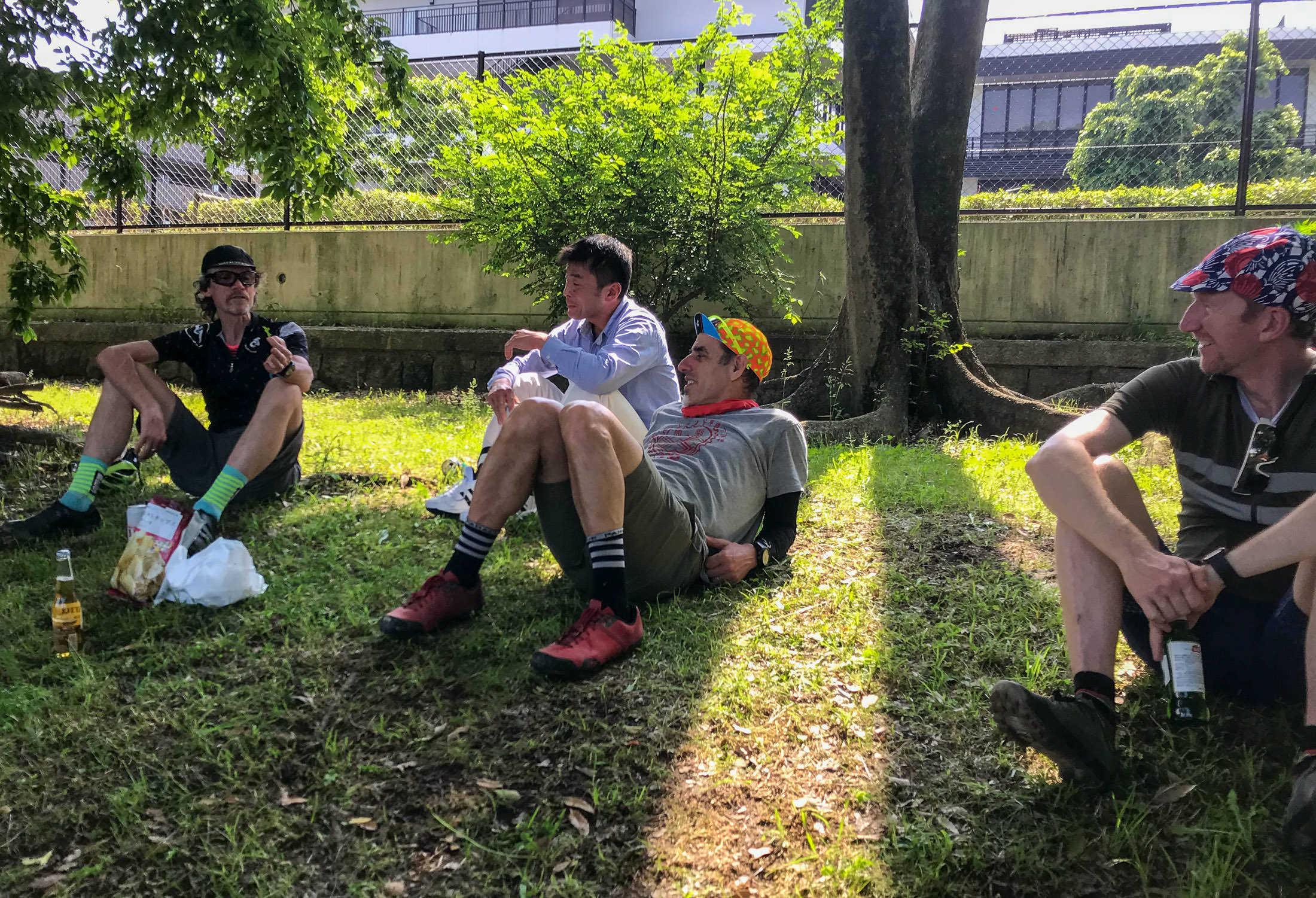


In the ensuing discussion, it turns out that I had been told to make a specific turn just ~200m from where I left them, but I hadn't heard that part, nor even seen that turnoff when I went by. (I did see it on the way walking back, and figured that that must be the way. I was very tempted to try it, because I really didn't want to descend the horrible road we'd all ridden up, but no, I wasn't going to take any more chances today, so I stuck with retracing my steps.)
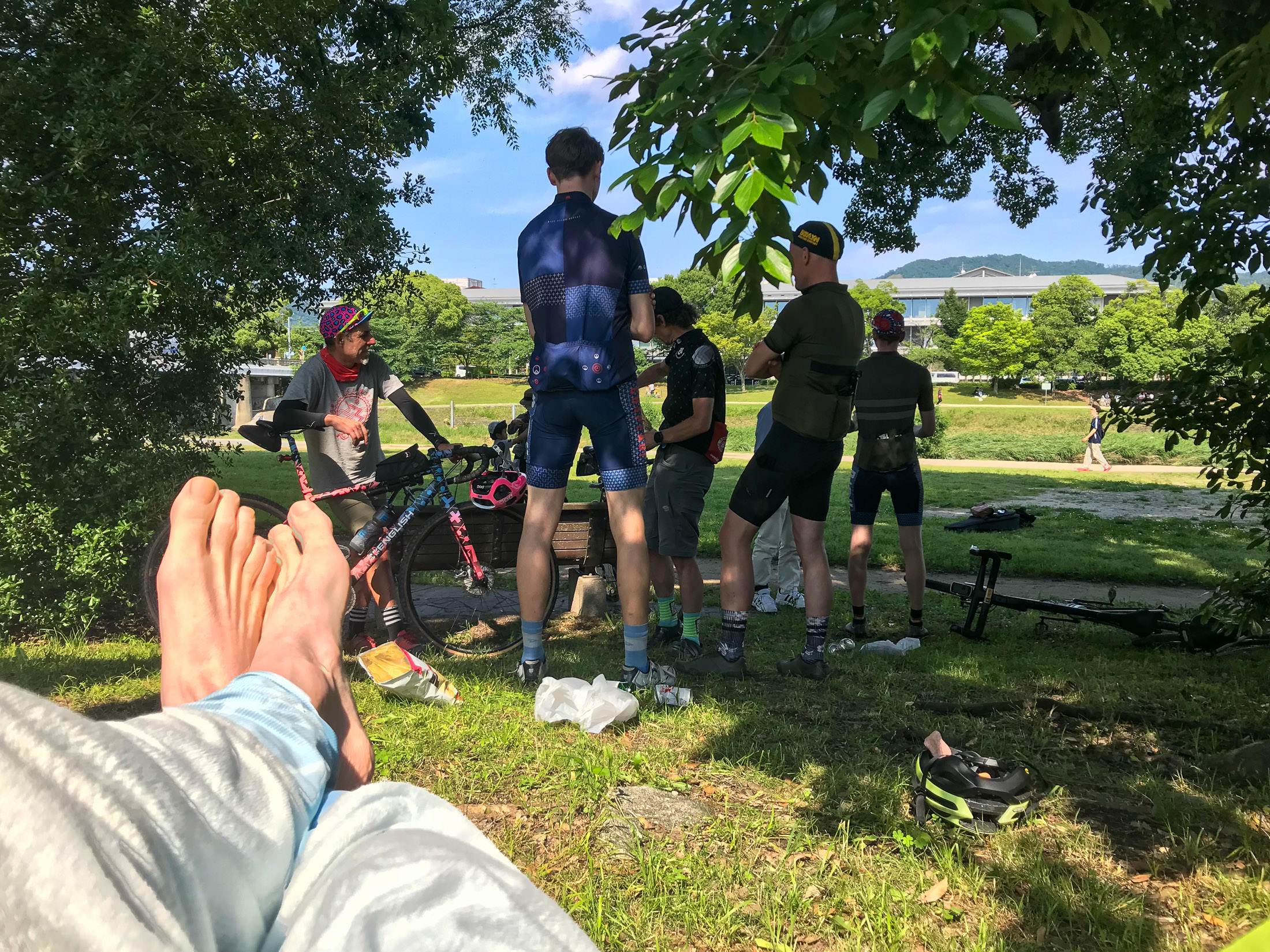
iPhone 7 Plus at an effective 28mm — 1/900 sec, f/1.8, ISO 20 — map & image data — nearby photos


Relaxing in the Hammock
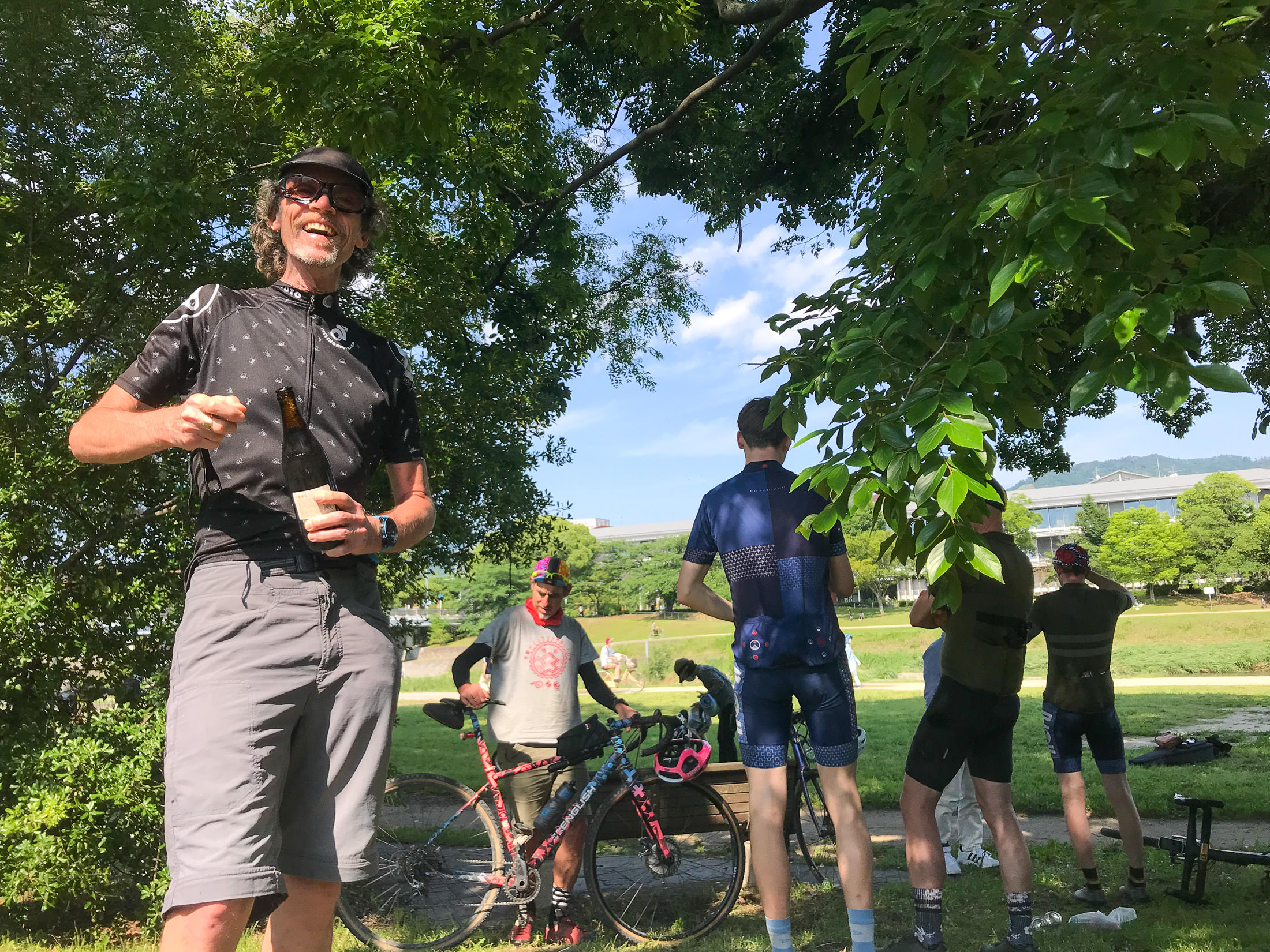
iPhone 7 Plus at an effective 28mm — 1/1150 sec, f/1.8, ISO 20 — map & image data — nearby photos


Saint Nigel Brings me a Beer
anyone who brings you a beer after such a day is a saint
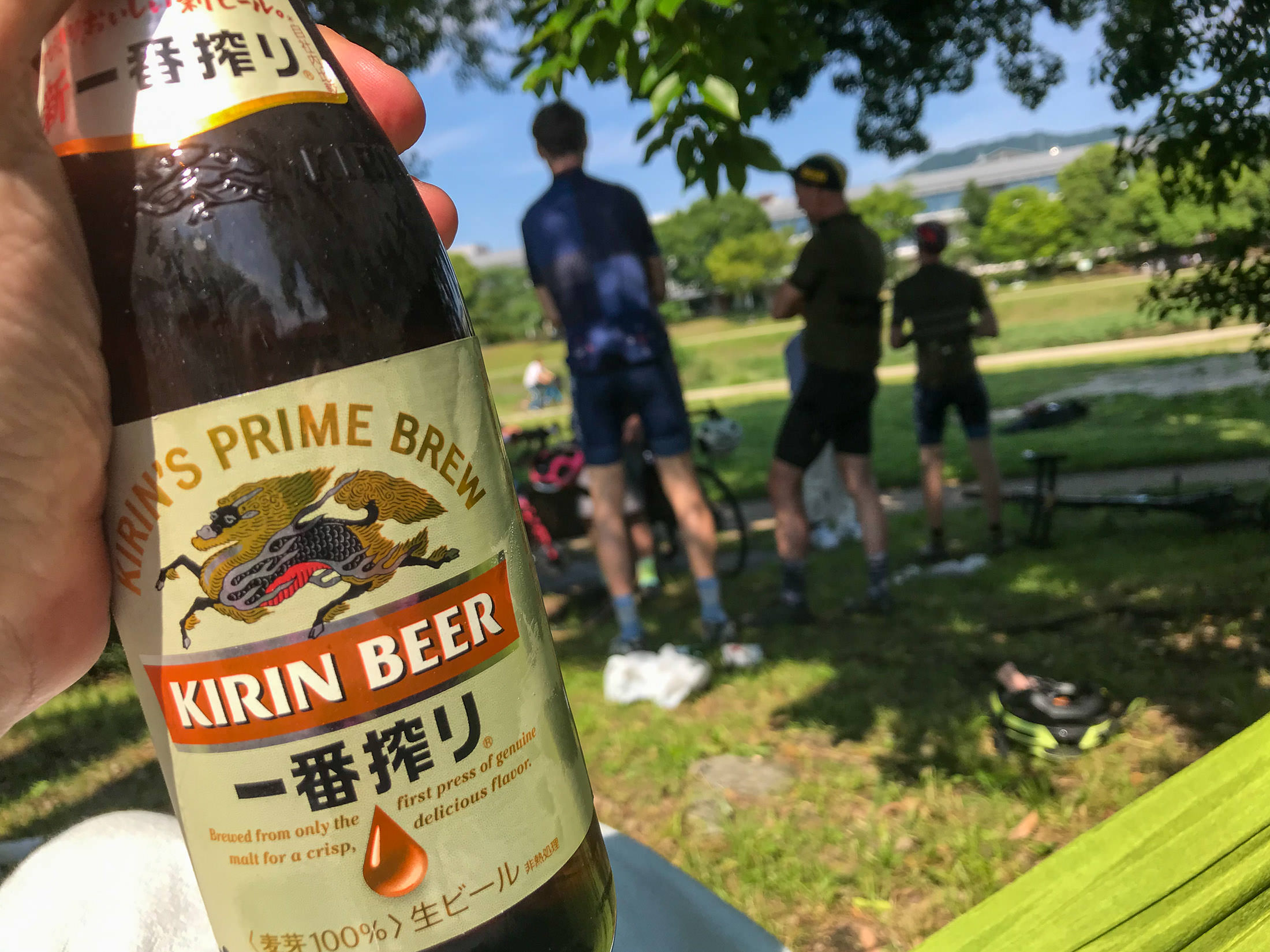
iPhone 7 Plus at an effective 28mm — 1/1400 sec, f/1.8, ISO 20 — map & image data — nearby photos


Delicious
map & image data — nearby photos


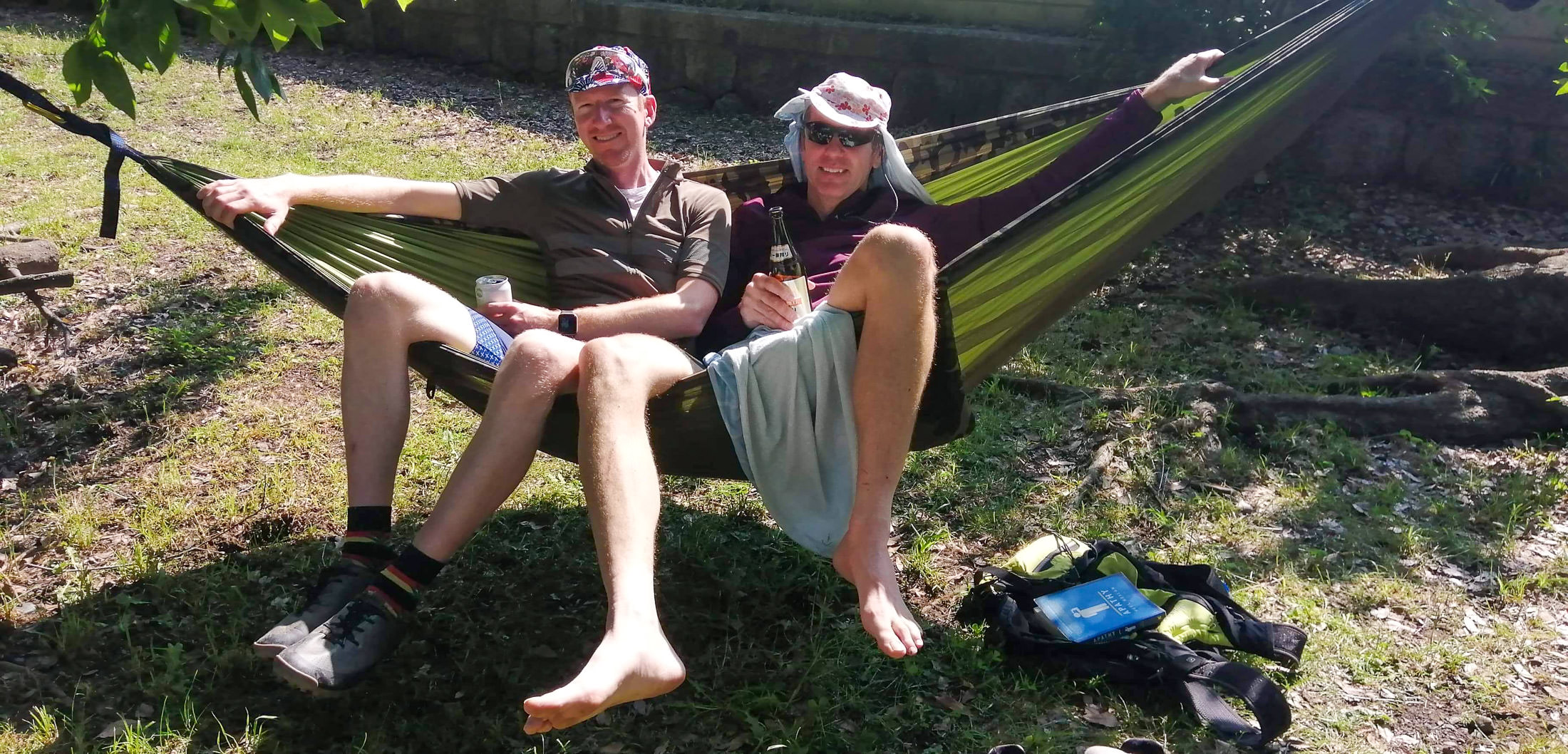
Ross Gives the Hammock a Try
and discovers the uncomfortable truth about how gravity shoves everything together toward the middle
photo by Nigel Randell

iPhone 7 Plus at an effective 28mm — 1/720 sec, f/1.8, ISO 20 — map & image data — nearby photos


Neil and Alwyn
giving the hammock a try
iPhone 7 Plus at an effective 28mm — 1/120 sec, f/1.8, ISO 25 — map & image data — nearby photos


Some of my Battle Scars
iPhone 7 Plus at an effective 28mm — 1/120 sec, f/1.8, ISO 25 — map & image data — nearby photos


My Poor Cleat
iPhone 7 Plus at an effective 28mm — 1/800 sec, f/1.8, ISO 20 — map & image data — nearby photos


Finally Enjoying my Book